

Find the Perfect High-Speed Connection for Your Remote Home With Our Breakdown of Top Satellite, 5G, and Fixed Wireless Options
Key Takeaways
- Starlink and 5G Home Internet have revolutionized rural connectivity, offering faster speeds and lower latency than traditional satellite.
- Data caps and contracts are common pitfalls in rural plans, so check the fine print for “unlimited” claims before signing up.
- Latency matters more than speed for activities like gaming and video calls, making the connection type just as important as the provider.
Living far from the city often means dealing with the frustration of the “digital divide,” where buffering movies and dropped video calls are a daily struggle, but the promise of modern 5G and Low Earth Orbit (LEO) satellite internet has dramatically changed the landscape in 2026. You no longer have to settle for restrictive dial-up speeds; today’s best rural internet providers offer highly reliable, high-speed options that keep you connected to remote work, school, and entertainment regardless of your zip code. We rigorously dug into the details to help you compare the top competitors — like Starlink for raw speed and low latency, T-Mobile 5G Home Internet for the best overall value, and CenturyLink for consistent DSL performance — so you can seamlessly match your budget and online habits to the perfect plan. Before getting your heart set on a specific package, we highly encourage you to utilize a localized search tool to verify internet options by zip code to ensure these providers actually service your specific address.
Top Rural Internet Providers at a Glance
Note: The speeds listed below are advertised maximums. Real-world speeds often vary based on location, network congestion, and weather conditions. Always verify actual performance estimates with neighbors or the provider directly.
| Provider | Best For | Starting Price | Download Speeds | Connection Type |
|---|---|---|---|---|
| Starlink | High speeds & low latency | $55 | 50 — 200 Mbps | LEO Satellite |
| T-Mobile | Best value 5G | $50 | 72 — 245 Mbps | 5G / Fixed Wireless |
| Verizon | Best mobile bundle | $50 | 85 — 300 Mbps | 5G / Fixed Wireless |
| Viasat | Widest availability | $99 | Up to 150 Mbps | GEO Satellite |
| HughesNet | Budget satellite | $75 | Up to 100 Mbps | GEO Satellite |
| CenturyLink | Best rural DSL | $55 | Up to 140 Mbps | DSL |
| UbiFi | Remote & RV users | $90 | Up to 200 Mbps | 4G / 5G Fixed Wireless |
Best Satellite Internet Providers for Rural Areas
You can explore more options for your specific area on our main internet setup hub.
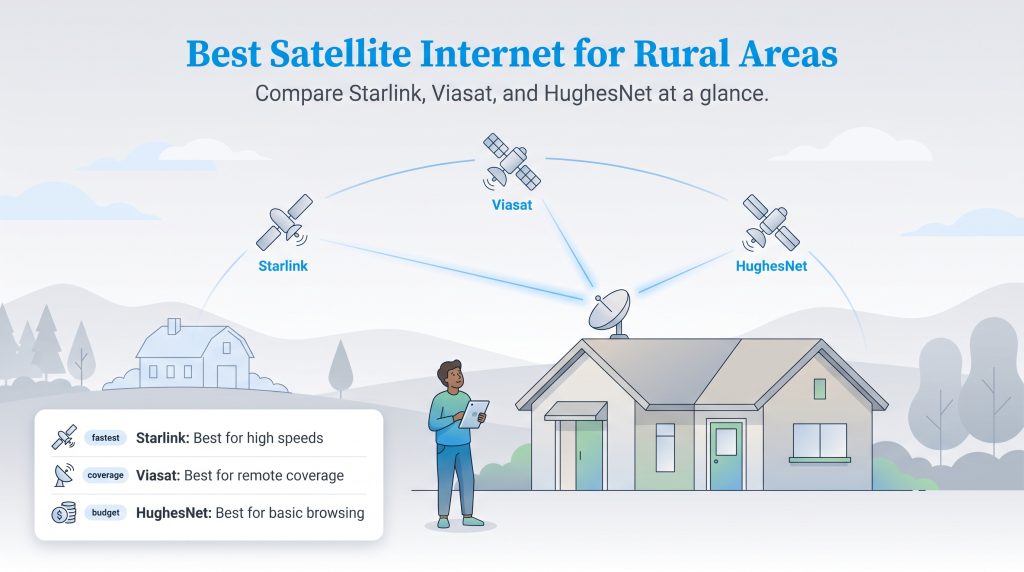
When searching for true off-grid internet options, satellite connectivity is typically the most reliable choice because it does not depend on ground-based infrastructure reaching your property line. The best satellite internet providers can beam a connection directly to your home as long as you have a clear, unobstructed view of the sky overhead.
Starlink
Starting Price: $55 per month
Advertised Speeds: 50 — 200 Mbps
Data Cap Policy: Unlimited
Starlink has arguably done more to normalize high-speed internet for rural areas than any other provider on the market today. Unlike traditional legacy services that rely on geostationary satellites orbiting 22,000 miles away from Earth, Starlink utilizes a massive, growing constellation of Low Earth Orbit (LEO) satellites sitting just a few hundred miles above the planet’s surface. This incredibly close proximity drastically reduces latency, making it the premier satellite option that truly supports real-time activities like video conferencing and fast-paced online gaming effectively.
In 2026, Starlink lowered its barrier to entry by introducing budget-friendly residential tiers starting around $55 per month for true unlimited satellite internet. While you will still pay a significant upfront cost for the required hardware kit, the monthly performance offers a level of reliability that feels incredibly similar to a standard city cable connection. You can quickly check if your specific address is eligible on the official Starlink availability map.

- 400 Mbps
- Satellite
- Unlimited
- $55.00/mo

- 150 Mbps
- Satellite
- 150-850 GB
- $39.99/mo
*Not all internet providers and speeds available in all areas.
Best 5G and Fixed Wireless Internet Providers
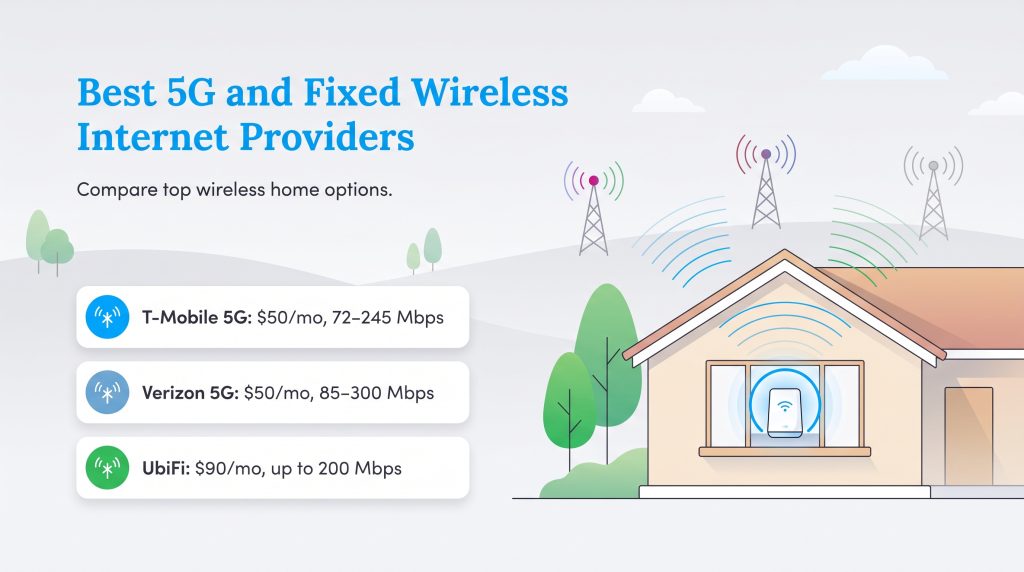
If you have a moderately strong cell phone signal at your house, you are likely a great candidate for wireless home internet. The top 5G home internet rural solutions utilize the exact same cellular towers that power your smartphone, delivering a Wi-Fi signal to a simple, plug-and-play gateway device sitting inside your living room.

- 300 Mbps
- 5G
- Unlimited
- $35.00/mo

- 498 Mbps
- 5G
- 1.2 TB
- $35.00/mo

- 300 Mbps
- 5G
- Unlimited
- $40.00/mo
*Not all internet providers and speeds available in all areas.
Best Rural DSL Internet Providers
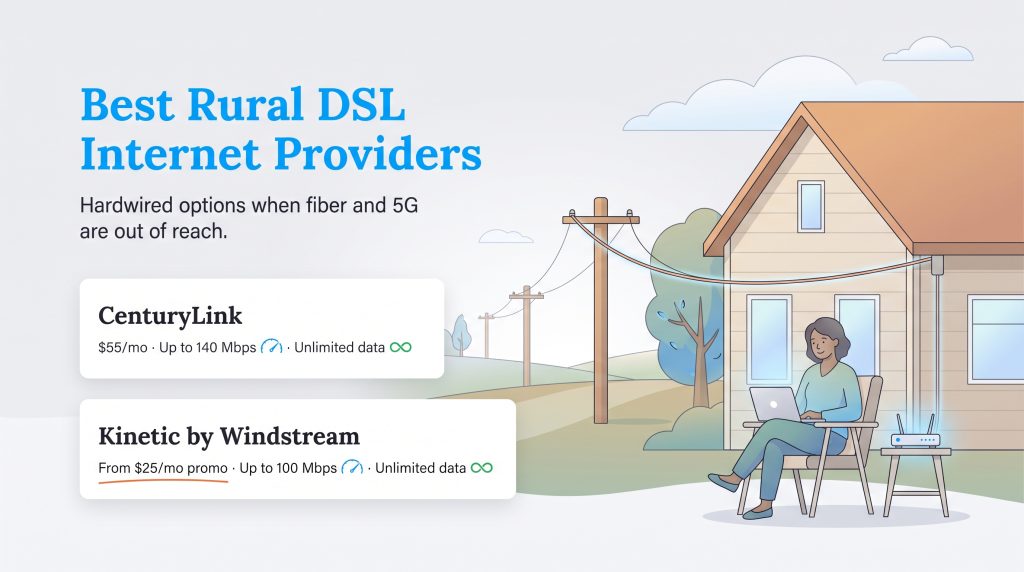
When cellular networks fail to penetrate deep valleys and satellite dishes are simply too expensive to justify, traditional Digital Subscriber Line (DSL) internet steps in to expertly fill the coverage gap. By running on the existing copper telephone lines already wired directly to your house, these providers offer steady, hardwired access that isn’t vulnerable to severe weather disruptions.
Understanding Your Rural Internet Options
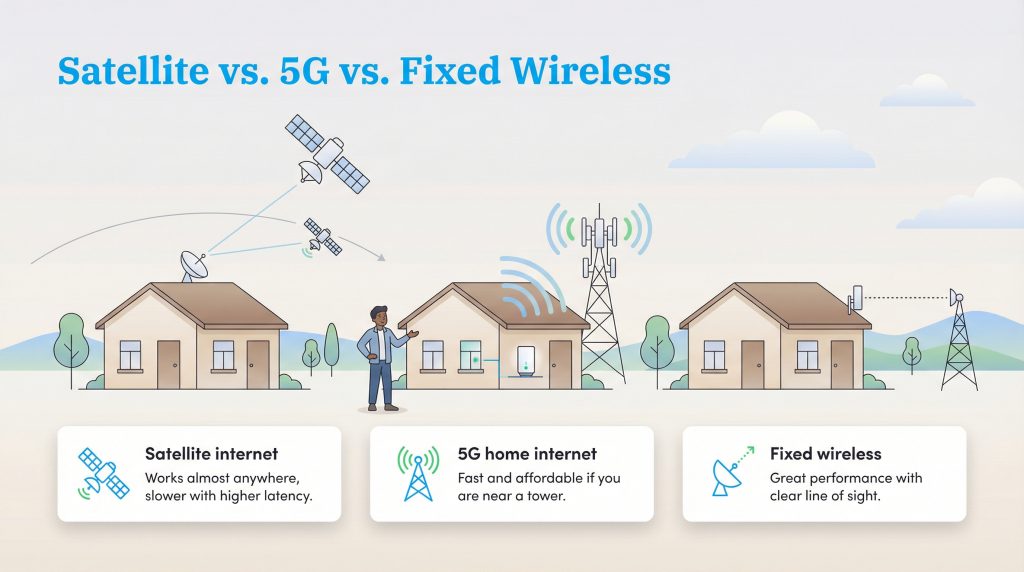
Rural internet jargon can feel a bit overwhelming if you are used to simply plugging a router into a wall in the city. To help you make the most informed and practical choice, here is a detailed breakdown of the primary technologies powering modern rural homes.
Satellite Internet is the ultimate fallback option because it actively works almost everywhere. The signal is beamed from a satellite orbiting in space directly to a receiver dish mounted on your property. However, the exact type of satellite drastically affects your experience. Legacy providers use GEO (Geostationary Earth Orbit) satellites located 22,000 miles away, causing noticeable latency (delay). Modern providers like Starlink use LEO (Low Earth Orbit) satellites located just 300 miles away, which dramatically lowers rural internet gaming latency and drastically improves real-time video calling.
5G Home Internet captures the exact same cellular network signals as your mobile smartphone. You simply place a sleek gateway device near a window to catch the signal and broadcast Wi-Fi throughout your house. It is incredibly convenient and affordable, but the radio waves can occasionally struggle to deeply penetrate dense tree canopies or homes built with heavy metal roofs.
Fixed Wireless is a dedicated point-to-point connection where a local internet service provider mounts an external receiver on your roof that points directly at their transmitting tower. While it absolutely requires a strict, unobstructed line of sight, fixed wireless is highly stable and frequently rivals standard city broadband speeds.
DSL Internet is an older technology that delivers hardwired internet access by transmitting digital data directly over the copper wires of a local telephone network. While it is slower than modern 5G networks, it provides a dedicated, consistent connection that is completely immune to the harsh weather disruptions that regularly plague satellite dishes.
Learn more about 5G Home Internet vs. Satellite Internet
How to Choose the Best Rural Internet for Your Home
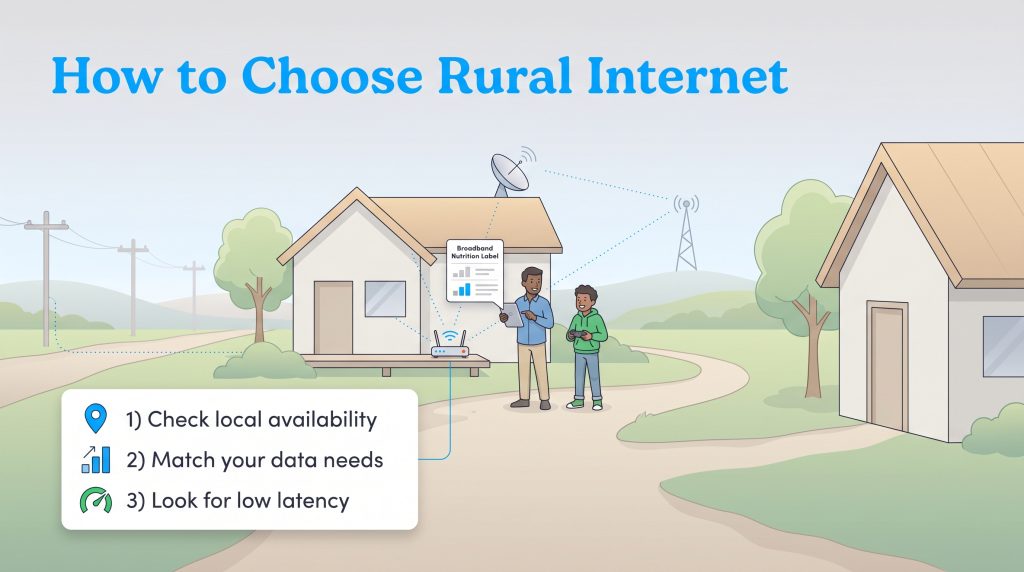
When shopping for cheap rural internet, you need to look far beyond the flashy marketing numbers advertising “Max Speed.” Rural connections have unique physical limitations that city dwellers rarely face. Instead of simply buying the most expensive overall package, use this step-by-step checklist to ensure you are selecting the right service for your family’s daily habits.
Step 1: Prioritize Local Availability
Rural internet coverage is far from universal. A 5G provider might offer blazing-fast speeds on one side of a valley, but absolutely zero signal on the other. Always check the FCC’s official broadband availability map or type your exact home address into a provider’s zip code lookup tool before getting attached to a specific plan. A phenomenal deal means nothing if the signal cannot physically reach your property line.
Step 2: Calculate Your Household Data Needs
Many legacy providers heavily advertise “unlimited rural internet,” but there is often a significant catch hidden in the fine print. Satellite plans frequently feature a “soft cap” where your connection is heavily throttled after using a set amount of data. Take a realistic look at how much internet data you need. Always thoroughly review the provider’s standard “Broadband Nutrition Label” — a straightforward disclosure required by the federal government — to verify exactly what you are paying for.
Step 3: Evaluate Latency for Your Lifestyle
If you heavily rely on your internet for video calls, remote work, or online gaming, raw download speed is not your most important metric — latency is. High latency creates a noticeable, frustrating delay that makes fast-paced online interaction essentially impossible. Starlink, fixed wireless, and 5G connections have significantly lower latency than older GEO satellite models, offering a smooth, real-time digital experience.
Optimizing Your Connection for a Greener Home
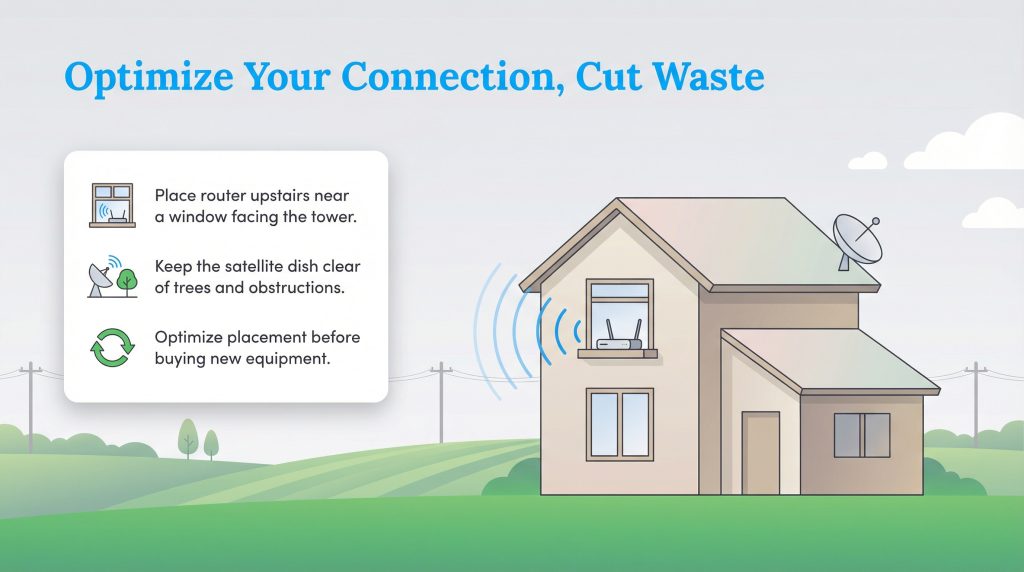
Getting the absolute most out of your rural connection isn’t just about maximizing speed; it is also about maximizing household energy efficiency. In deeply rural areas, attempting to artificially boost a frustratingly weak signal often leads homeowners to purchase expensive aftermarket routers or signal repeaters they do not actually need, creating unnecessary electronic waste. For more ways to cut waste and lower your utility footprint, see our sustainable living tips.
You can often dramatically improve your service simply by optimizing your initial gateway placement. For 5G and fixed wireless users, placing the router on the second floor near a window facing the nearest cell tower can quickly double your connection speeds without costing a single dime. For satellite users, explicitly ensure your dish is entirely free of physical obstructions like growing tree branches or severe roof overhangs. When a dish’s view is obstructed, your equipment is forcefully required to draw more power and work much harder to maintain a stable signal.
How We Evaluated the Best Rural Internet Providers
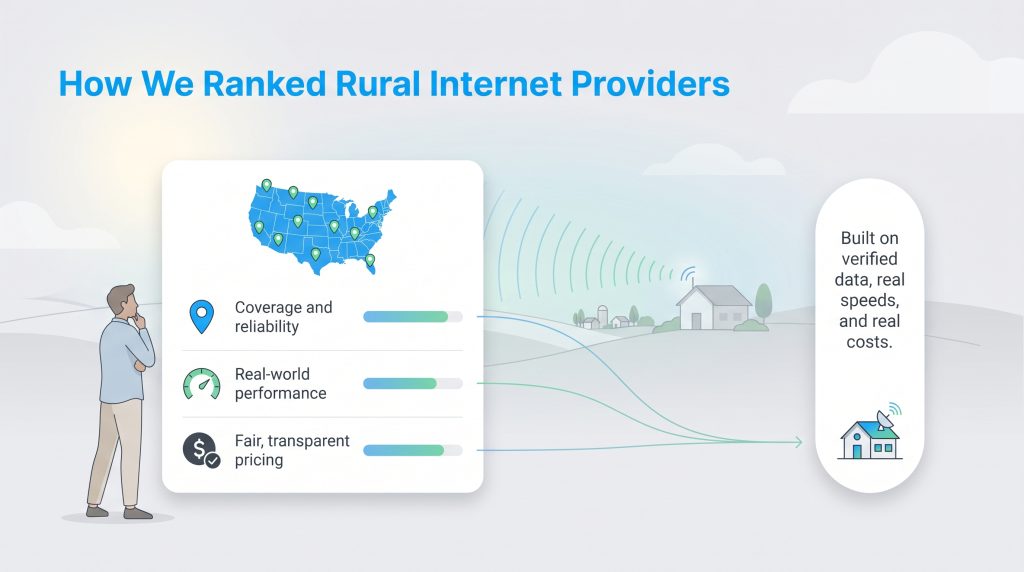
At UtilitiesForMyHome.com, we understand that a dropped connection in a rural home is far more than just a minor inconvenience — it is a severe barrier to remote work, education, and household safety. To expertly determine the absolute best rural internet providers of 2026, we developed a rigorous editorial methodology based entirely on tangible, real-world utility.
Our final rankings are fundamentally anchored on officially verified FCC coverage data, guaranteeing we only recommend providers with a proven, working geographic footprint. We cross-referenced advertised maximum speeds against independent, real-world performance tests to effectively filter out deceptive marketing claims. Furthermore, we heavily weighed the direct impact of hidden hardware costs, mandatory long-term contracts, and strict data cap limitations. Providers that consistently offered truly unlimited data and upfront, transparent pricing naturally scored significantly higher in our evaluations. By strictly prioritizing accessibility, pricing fairness, and latency performance, we ensure our recommendations actually serve the practical, everyday needs of modern off-grid households.
Securing the Best Rural Internet Connection
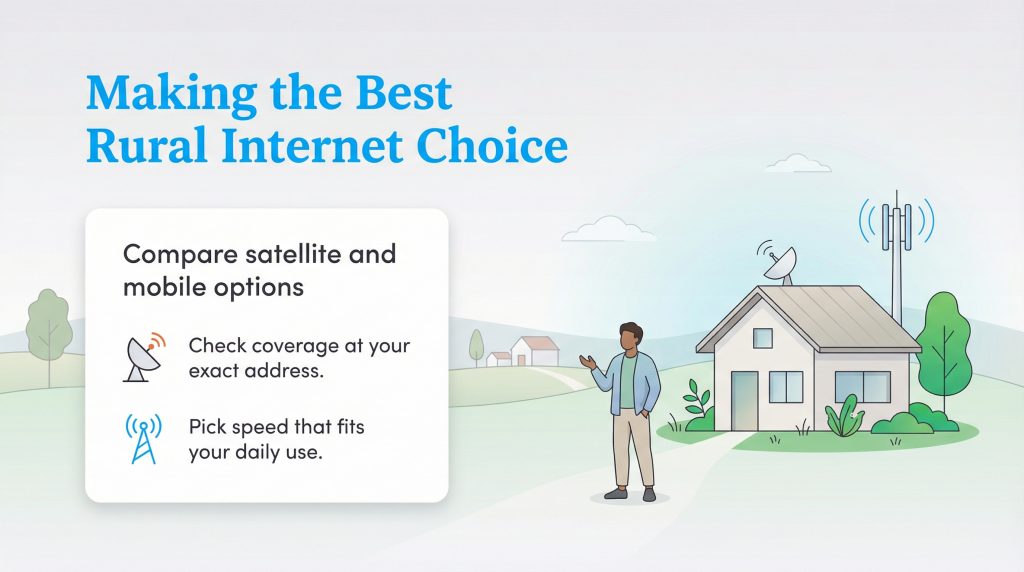
The landscape of rural connectivity has profoundly changed for the better. In 2026, you finally have genuine, highly robust competition between modern satellite giants and agile cellular networks, empowering you to confidently choose an internet plan that actually fits your budget and lifestyle. Overall, Starlink stands out as the ultimate top pick for high speeds and low latency, making it the superior choice for remote workers and large families. Conversely, T-Mobile 5G Home Internet earns the absolute top spot for overall budget value, offering fantastic 5G speeds at a highly affordable price without forcing you into restrictive annual contracts.
Take the time to thoroughly verify your local availability using an internet options by zip code tool or by directly visiting the provider’s official coverage map today. Once you have your connection sorted and scheduled, check out our detailed guide on how much internet speed you really need to guarantee you aren’t overpaying for unnecessary bandwidth. If you are still in the active process of setting up other home services, our moving utilities checklist can help keep you perfectly organized during the transition.
Frequently Asked Questions About Rural Internet
What is the most reliable internet for rural areas?
How can I get high-speed internet living in the country?
Is unlimited satellite internet really unlimited?
How do I find out which internet providers service my address?
Is satellite internet good for gaming?
Which rural internet option is most energy-efficient?
Will fiber internet ever come to my rural area?
About the Author

David has been an integral part of some of the biggest utility sites on the internet, including InMyArea.com, HighSpeedInternet.com, BroadbandNow.com, and U.S. News. He brings over 15 years of experience writing about, compiling and analyzing utility data.

LaLeesha has a Masters degree in English and enjoys writing whenever she has the chance. She is passionate about gardening, reducing her carbon footprint, and protecting the environment. She also recently served as President of the Board for City Sprouts (a community garden).