

Choosing Between Xfinity and Starlink Comes Down to Your Home’s Location, Budget, and Need for Speed
Key Takeaways
- Xfinity offers faster download speeds and lower latency for urban and suburban homes.
- Starlink provides reliable, high-speed coverage in rural areas where cable cannot reach.
- You should compare upfront equipment costs and long-term energy consumption before making your choice.

- 2 Gbps
- Cable & Fiber
- Unlimited
- $30.00/mo

- 400 Mbps
- Satellite
- Unlimited
- $55.00/mo
*Not all internet providers and speeds available in all areas.
Setting up utilities in a new home requires matching the right provider to your specific location, and comparing Xfinity vs. Starlink means choosing between traditional hardwired infrastructure and next-generation space technology. Xfinity delivers internet through an established cable and fiber network, providing ultra-low latency and blazing-fast download speeds for urban and suburban residents. In contrast, Starlink uses an advanced constellation of low-earth orbit satellites to beam reliable, high-speed internet to rural, remote, or off-grid properties where physical utility lines simply cannot reach. This guide breaks down real-world performance, transparent pricing, and daily reliability so you can select the perfect connection for your household.
Core Differences at a Glance
If you are pressed for time while planning your move, understanding the fundamental differences between these two providers can save you hours of research. While both services get you online, their delivery methods dramatically impact what you pay upfront and how fast your connection responds to daily tasks.
| Feature | Xfinity | Starlink |
|---|---|---|
| Median Download Speeds | 75 – 1,200+ Mbps | 50 – 220+ Mbps |
| Average Latency (Ping) | 15 – 30 ms | 30 – 50+ ms |
| Monthly Cost | $40 – $100+ (varies by promo) | $120 (flat rate) |
| Upfront Hardware Cost | $0 – $15/month (rental) | $599 (standard kit) |
| Data Caps | 1.2 TB (in most regional markets) | Unlimited |
Quick Fact: Xfinity generally offers better overall value if your home is already wired for cable, while Starlink shines as an essential lifeline for properties located miles outside of city limits.
Network Technology: Cable Vs Low-Earth Orbit Satellite
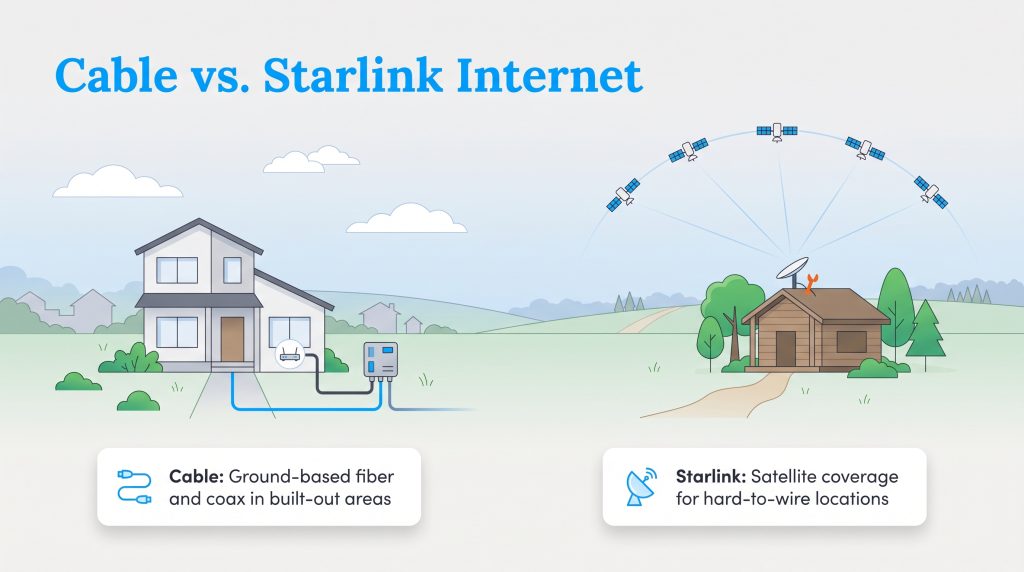
Once you confirm availability at your new address, comparing these providers comes down to evaluating grounded cables versus space-based internet. Xfinity delivers service through a hybrid fiber-coaxial network. The company uses high-speed fiber-optic cables to bring the connection into your local neighborhood, and traditional copper coaxial cables carry it directly into your home. It is a proven, physical system that handles massive amounts of data in densely populated areas.
Starlink takes a drastically different approach by connecting your home terminal to a massive network of low-earth orbit (LEO) satellites. When evaluating satellite internet vs. cable, the lack of physical wires gives Starlink a distinct advantage in remote regions where telecommunication companies refuse to run expensive underground lines.
Pro Tip: Traditional satellite internet was notoriously sluggish because older satellites orbited thousands of miles away. Starlink’s LEO technology operates much closer to Earth, drastically improving both daily speeds and overall responsiveness.
Speed and Latency Performance
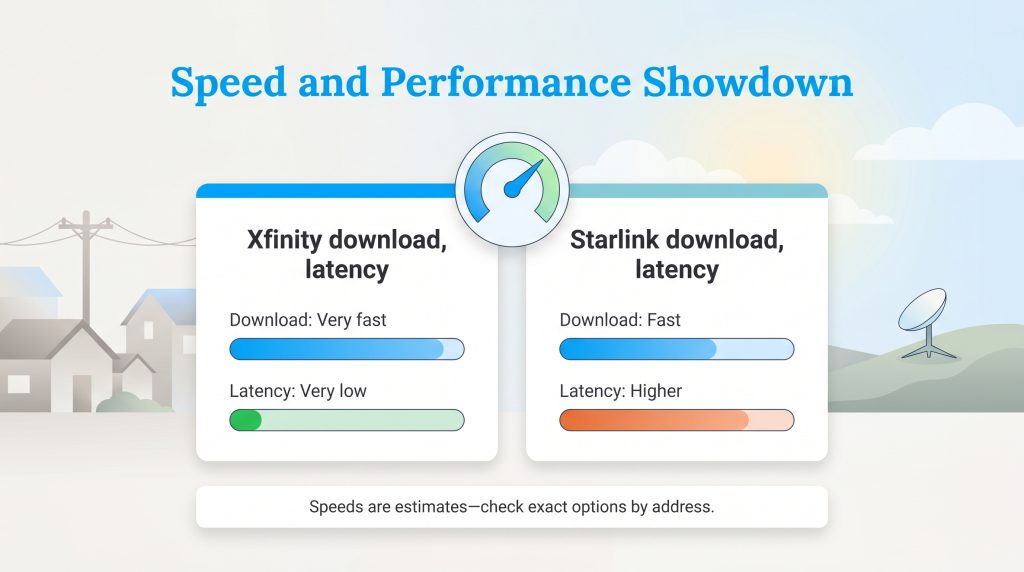
When comparing internet speeds for your home, you need to look beyond marketing claims and focus on real-world median performance. Both providers deliver enough bandwidth to handle typical household tasks, but their delivery methods create noticeable differences in peak speeds.
Download and Upload Speeds
Xfinity generally holds the edge when it comes to raw bandwidth, especially in neighborhoods wired for their gigabit-tier plans. Starlink thoroughly outclasses legacy rural options, but it cannot quite match the top-end capacity of a grounded fiber or cable connection.
- Xfinity median speeds: Download speeds generally range from 75 Mbps to 1,200 Mbps, while upload speeds hover between 10 Mbps and 35 Mbps.
- Starlink median speeds: Download speeds consistently hit between 50 Mbps and 220 Mbps, with upload speeds ranging from 5 Mbps to 20 Mbps.
Gaming and Streaming Reliability
The biggest performance differentiator between the two is latency, often called ping. Latency measures the milliseconds (ms) it takes for a packet of data to travel from your device to a server and back.
Because Xfinity relies on physical copper and fiber lines, its latency typically stays between 15 and 30 ms. This results in incredibly smooth gameplay, zero input lag, and uninterrupted 4K streaming. Starlink’s data must literally travel to space and back, resulting in average latency metrics between 30 and 50+ ms.
If you are wondering about Xfinity vs. Starlink for gaming, the verdict is clear. Xfinity is mandatory for competitive gamers playing fast-paced shooters or fighting games. Starlink is perfectly fine for casual gaming and streaming movies, but you will likely experience minor lag spikes during competitive multiplayer matches.
Pricing, Contracts, and Hidden Fees
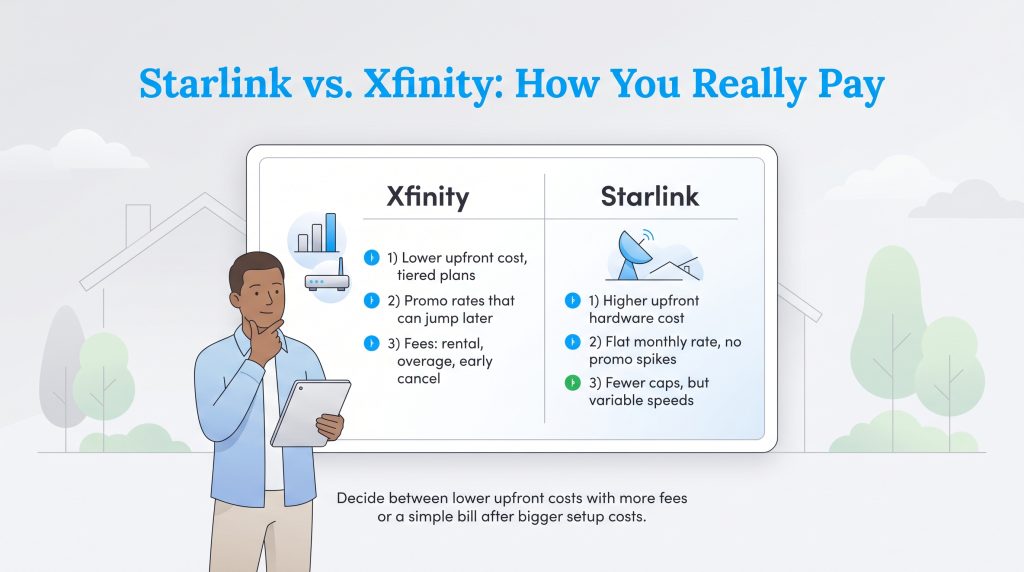
Budgeting for utilities in a new house requires looking past heavily advertised introductory rates to calculate your true long-term costs. Xfinity uses a tiered system with promotional rates, while Starlink embraces a straightforward, albeit expensive, flat-rate model.
Upfront Equipment Costs
Starlink requires a heavy initial investment. You must pay $599 upfront for the satellite dish and Wi-Fi router, plus any specialized roof-mounting brackets you might need. Once you buy the equipment, you own it completely.
Xfinity offers a much lower barrier to entry. You can rent their advanced gateway for around $15 per month, or you can completely avoid the fee by bringing your own compatible modem and router to the setup.
Data Caps and Overage Charges
For monthly service, Starlink’s standard residential tier costs a flat $120 per month with absolutely no hard data caps or overage charges. You can stream and download as much as you want, though speeds may slow slightly during peak network congestion.
Xfinity plans frequently start around $40 to $50 per month during the first 12 to 24 months, but these prices often spike once the promotional contract expires. Additionally, Xfinity enforces a 1.2 TB data cap in several regional markets. If your household streams constantly or downloads massive video game files, you might hit this cap and face an extra $10 charge for every additional 50 GB of data used.
Xfinity Plans and Pricing
| Plan Name | Price | Download Speeds | Connection Type | |
|---|---|---|---|---|
| NOW Internet | $30 /month | Up to 100 Mbps | Cable | Check Availability |
| 300 Mbps | $40 /month | Up to 300 Mbps | Cable | Check Availability |
| 300 Mbps w/ 5 year price lock | $45 /month | Up to 300 Mbps | Cable | Check Availability |
| 500 Mbps | $50 /month | Up to 500 Mbps | Cable | Check Availability |
| 500 Mbps w/ 5 year price lock | $60 /month | Up to 500 Mbps | Cable | Check Availability |
| 1000 Mbps | $60 /month | Up to 1000 Mbps | Cable | Check Availability |
| 1000 Mbps w/ 5 year price lock | $70 /month | Up to 1000 Mbps | Cable | Check Availability |
| 2000 Mbps | $90 /month | Up to 2 Gbps | Fiber | Check Availability |
| 2000 Mbps w/ 5 year price lock | $100 /month | Up to 2 Gbps | Fiber | Check Availability |
Starlink Plans and Pricing
| Plan Name | Price | Download Speeds | Connection Type | |
|---|---|---|---|---|
| Residential 100 Mbps | $55 /month | Up to 100 Mbps | Satellite | Check Availability |
| Residential 200 Mbps | $85 /month | Up to 200 Mbps | Satellite | Check Availability |
| Roam 100 GB | $55 /month | Up to 300 Mbps | Satellite | Check Availability |
| Roam Unlimiited | $175 /month | Up to 300 Mbps | Satellite | Check Availability |
| Roam 300 GB | $80 /month | Up to 300 Mbps | Satellite | Check Availability |
| Residential Max | $130 /month | Up to 400 Mbps | Satellite | Check Availability |
Availability and Coverage Areas
Finding out which service is actually available at your new address should be your very first step. Coverage maps look vastly different for traditional cable companies versus modern satellite networks.
- Xfinity availability: Best suited for urban and suburban neighborhoods. The service relies on existing ground infrastructure, meaning if the previous homeowner did not have cable, or if you live miles out of town, Xfinity will not be an option without paying exorbitant commercial line-extension fees.
- Starlink availability: Features massive global reach. As long as you have a clear, unobstructed view of the sky, you can connect to Starlink’s LEO satellites. This makes it an absolute game-changer for cabins, remote homesteads, and deep rural properties.
Weather Impact on Connection
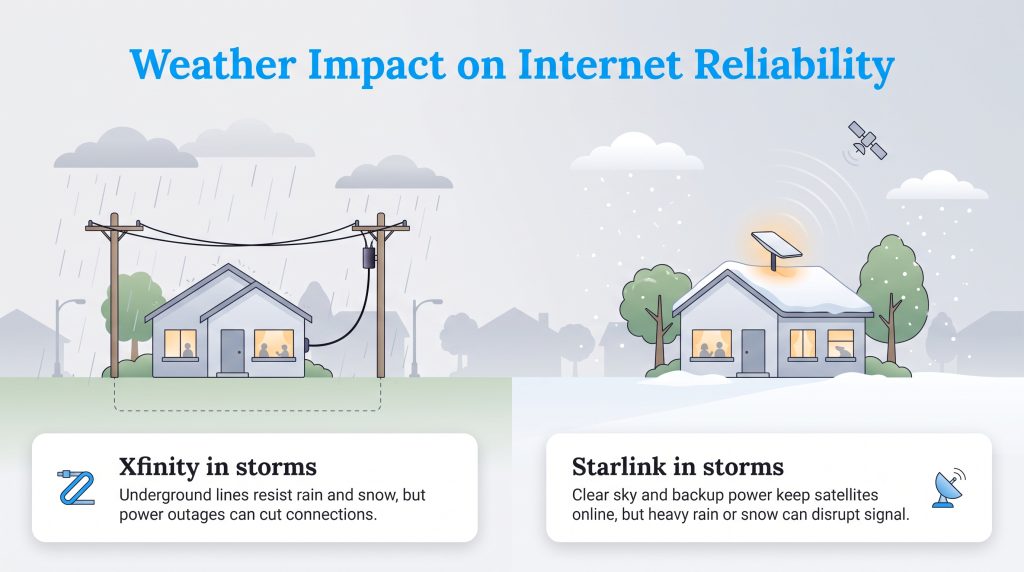
When assessing reliability, weather plays a massive role in daily performance. Because Starlink relies on signals traveling to space, it operates with strict line-of-sight requirements. Heavy rainstorms or dense snow accumulation can temporarily disrupt the radio signals traveling between your roof and orbit, resulting in a phenomenon known as rain fade.
To mitigate rain fade, you must ensure your Starlink dish is installed at the highest possible point on your property, entirely free from tree canopy interference. Starlink dishes also feature an automatic snow-melt function that heats the terminal to clear off winter ice.
Conversely, Xfinity relies on underground infrastructure and sturdy utility poles, making it largely immune to atmospheric interference. Rain and snow will not slow down a coaxial connection. However, heavy storms frequently knock out neighborhood power grids. If you have a backup generator, your Starlink dish will keep you online during a blackout, whereas Xfinity’s local distribution nodes might fail entirely.
Eco-Conscious Choice: Energy Consumption Compared
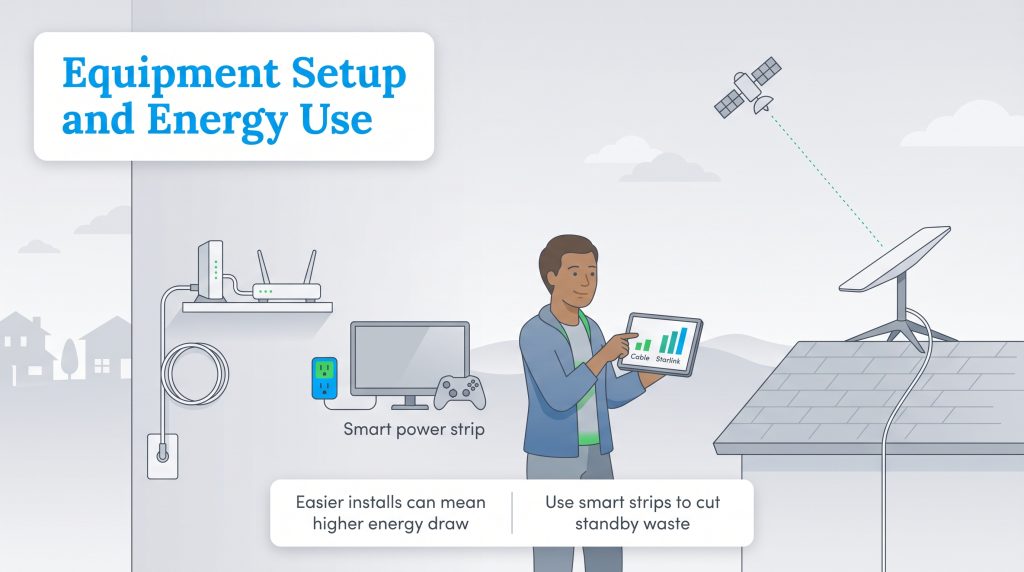
We encourage modern homeowners to consider the environmental impact and active wattage of running networking equipment around the clock. Because Starlink equipment must constantly track and communicate with fast-moving satellites overhead, it draws noticeably more power than a standard cable modem.
A typical Xfinity gateway draws roughly 10 to 15 watts of continuous power. In comparison, a standard Starlink dish generally consumes between 50 and 75 watts while active. During freezing weather, the automatic snow-melt feature can temporarily push Starlink’s power consumption well over 100 watts. While this difference may seem minor, it adds tangible energy usage over the course of a year.
Eco Edge: You can optimize your satellite setup directly through the Starlink smartphone app by scheduling sleep modes during the hours you are asleep. For indoor electronics, plug your routers into smart power strips to effortlessly cut phantom power usage.
To learn more about optimizing your footprint and finding verified ENERGY STAR certified network equipment, consider upgrading your home’s baseline energy efficiency during your move.
Installation Process
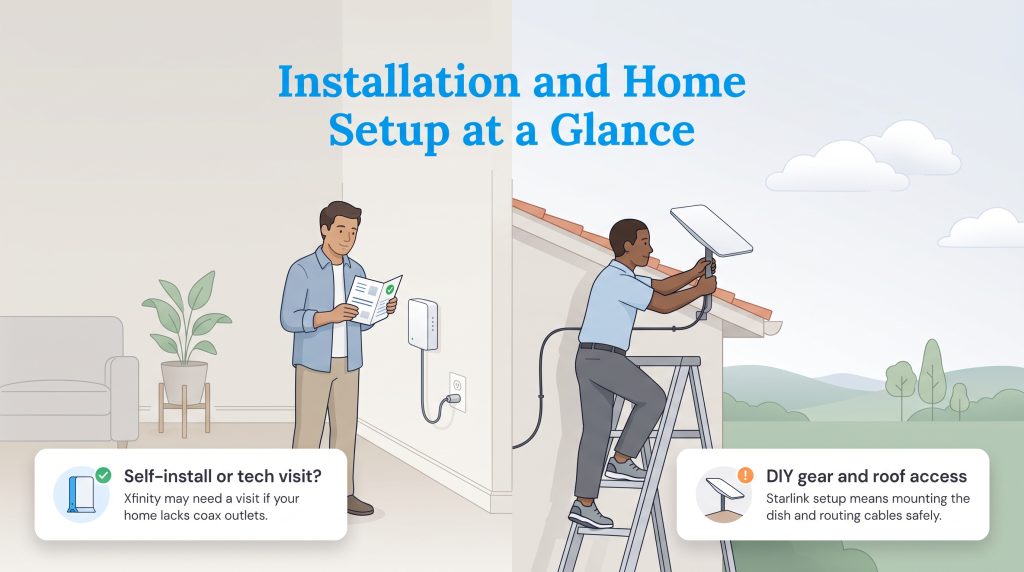
Getting your system online varies significantly between the two services. Xfinity offers a simple plug-and-play setup if your property is already wired by a previous occupant. You just order a self-install kit, plug the gateway into a coaxial wall outlet, and activate the service in a few minutes. If the home lacks the proper interior outlets, you will need to schedule a professional technician to run new lines.
Starlink is famously a do-it-yourself endeavor. The company ships a self-contained kit directly to your door, leaving you to handle the installation. You must find a clear patch of sky to securely mount the terminal and figure out how to route the proprietary cable through an exterior wall and into your home. While convenient for handy homeowners, safely mounting the hardware on a high, sloped roof can be dangerous. Many people ultimately hire local contractors to properly secure the dish and drill weather-sealed entry holes.
Choosing Your Home’s Ideal Utility Setup
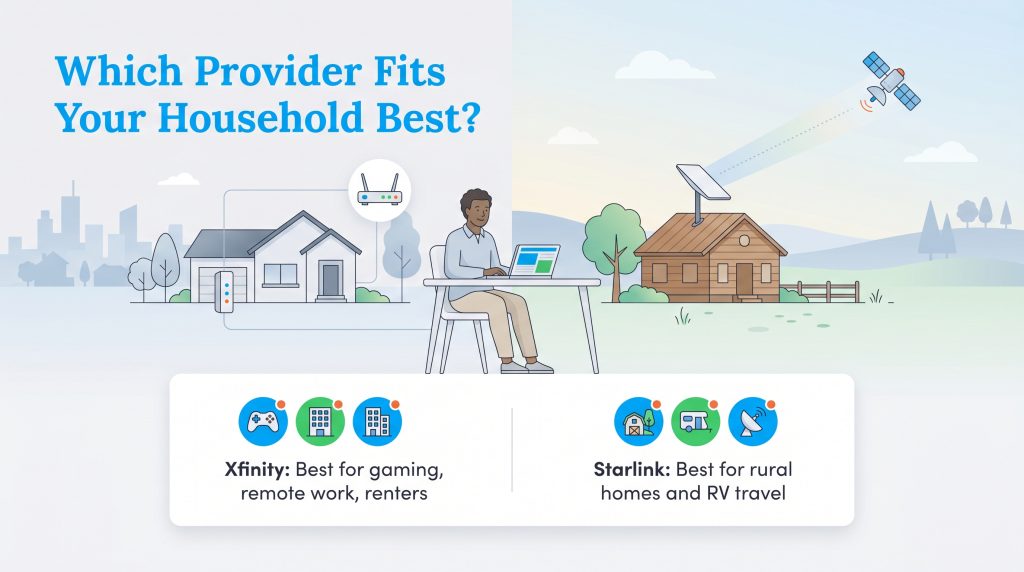
Determining the winner of Xfinity vs. Starlink ultimately hinges on your unique geography and daily digital demands. Here is a quick breakdown of who benefits most from each service:
- Best for rural homes: Starlink brilliantly bridges the gap for remote properties that lack grounded infrastructure.
- Best for competitive gaming: Xfinity provides the ultra-low latency needed for split-second online play.
- Best for remote work: Xfinity handles massive file uploads efficiently, but Starlink remains an excellent lifeline for rural remote workers.
- Best for budget renters: Xfinity offers a lower barrier to entry with cheaper upfront hardware costs and flexible speed tiers.
Securing the Best Internet Connection for Your New Home
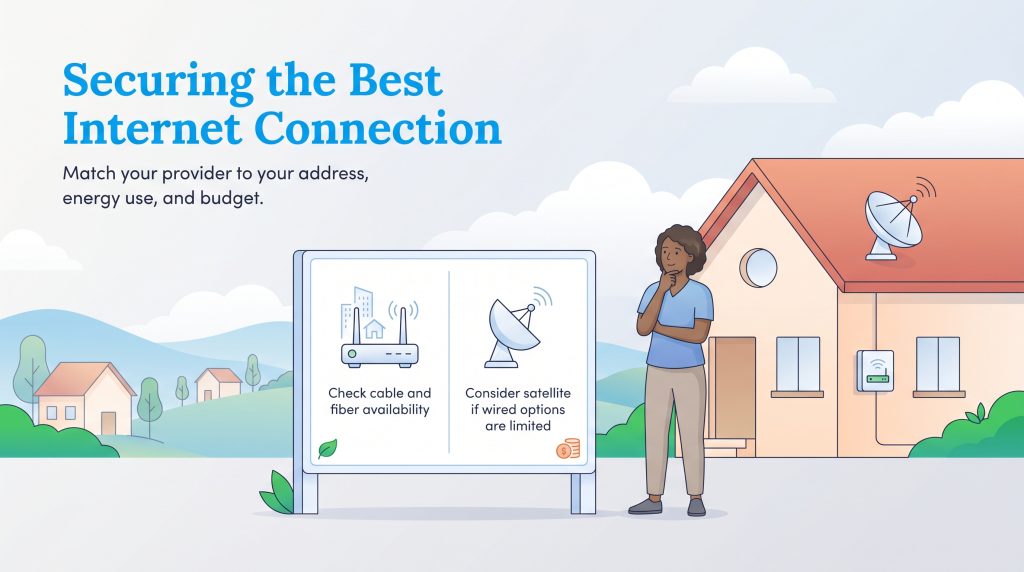
Moving your life to a completely different location brings enough logistical headaches, so setting up your broadband should not add to the stress. Taking the time to assess your equipment needs, survey your property for line-of-sight issues, and calculate true long-term costs ensures you plug into a connection that supports your lifestyle. Whether you prioritize the hardwired speed of fiber-optic cables or the off-grid resilience of a low-earth orbit satellite, matching the technology directly to your new environment is the key to creating a seamless smart home.
Frequently Asked Questions About Xfinity Vs Starlink
Is Starlink faster than Xfinity?
Can I play competitive online games on Starlink?
Does Starlink have a data cap like Xfinity?
Is it worth switching from Xfinity to Starlink?
Is Starlink better than Xfinity for rural homes?
How does extreme weather impact Starlink’s reliability compared to Xfinity?
Do either of these providers require long-term contracts?
About the Author

David has been an integral part of some of the biggest utility sites on the internet, including InMyArea.com, HighSpeedInternet.com, BroadbandNow.com, and U.S. News. He brings over 15 years of experience writing about, compiling and analyzing utility data.

LaLeesha has a Masters degree in English and enjoys writing whenever she has the chance. She is passionate about gardening, reducing her carbon footprint, and protecting the environment. She also recently served as President of the Board for City Sprouts (a community garden).