
Choosing Between Starlink and T-Mobile 5G Depends Entirely on Your Budget, Exact Location, and Whether You Need to Take Your Internet on the Road
Key Takeaways
- T-Mobile 5G Home Internet is significantly cheaper and easier to set up, but performance heavily relies on your proximity to a local cell tower.
- Starlink offers more reliable speeds in remote rural areas, though it requires a steep upfront equipment fee and a clear, unobstructed view of the sky.
- Latency matters for gamers and remote workers, making T-Mobile’s variable ping sometimes less stable than Starlink’s consistent low-earth orbit connection.
If you live out in the country or on the edge of the suburbs, you are probably exhausted by the sluggish speeds, restrictive data limits, and high prices of legacy satellite connections like Viasat or HughesNet. We know exactly how frustrating it is to wait minutes just for a basic webpage to load while paying a premium for outdated technology. That is why deciding between Starlink vs. T-Mobile Home Internet is a complete game-changer for your household. As two of the best rural internet options on the market, they provide modern speeds that leave traditional rural ISPs in the dust. This guide will help you figure out whether the steep upfront cost of Starlink equipment is truly worth the investment for unparalleled satellite performance, or if T-Mobile’s affordable, plug-and-play fixed wireless router is the smarter choice to bring your daily browsing into the modern era.

- 498 Mbps
- 5G
- 1.2 TB
- $35.00/mo

- 400 Mbps
- Satellite
- Unlimited
- $55.00/mo
*Not all internet providers and speeds available in all areas.
At a Glance: Head-to-Head Comparison
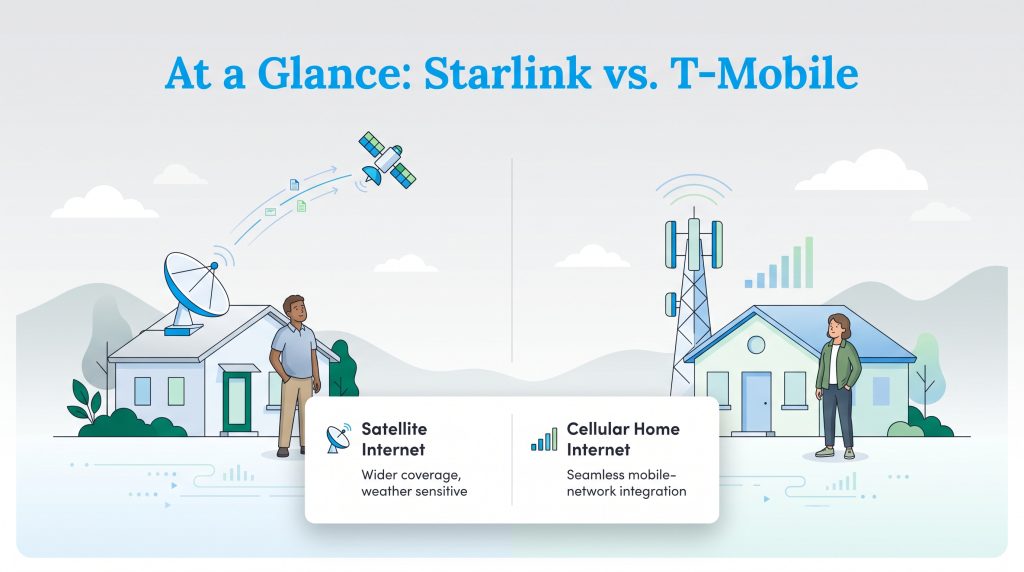
Before diving into the fine details of coverage maps and hardware fees, it helps to see how these two services stack up right out of the gate. Here is a quick breakdown of what you can expect when pitting the low-earth orbit satellite giant against the cellular network leader. T-Mobile 5G Home Internet boasts exceptionally simple pricing and no data limits, while Starlink delivers high-speed consistency beamed straight from space. Keep in mind that exact pricing, available speeds, and hardware costs can fluctuate based on regional promotions or the time of year.
| Provider | Monthly Price | Download Speed | Upload Speed | Equipment Cost | Average Latency |
|---|---|---|---|---|---|
| T-Mobile 5G Home Internet | $50 to $60 | 72 to 245 Mbps | 15 to 31 Mbps | $0 | 40 to 100+ ms |
| Starlink | $120 | 50 to 220 Mbps | 10 to 20 Mbps | $599 | 30 to 50 ms |
Both of these providers are typically sold as “unlimited” with no annual contracts, but your speeds may slow down during network congestion or under standard network management policies. This is still a massive upgrade for anyone used to the strict data limits and rigid commitments typical of legacy rural internet providers.
Pricing and Hidden Fees: Which Is Cheaper?
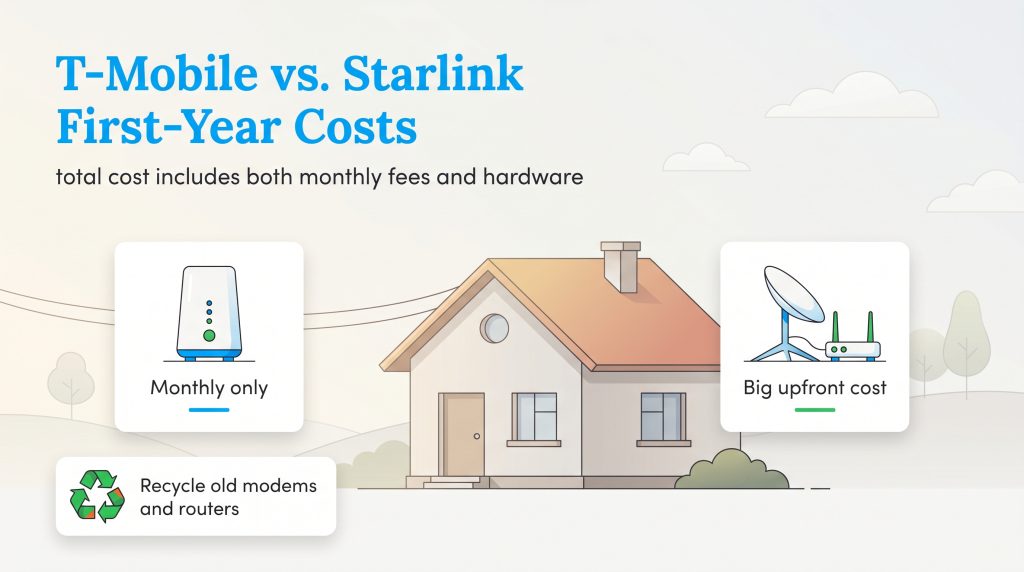
To truly figure out which provider is better for your wallet, you have to look closely at the total cost of ownership over your first year of service. When analyzing the Starlink equipment cost vs T-Mobile, the financial gap is substantial. T-Mobile keeps things incredibly simple with a flat monthly fee of around $50 to $60, and they lend you the 5G gateway router at absolutely no upfront cost. If you already have a qualifying voice plan with T-Mobile, you can often bundle your services to drop that monthly internet cost even lower.
Starlink, on the other hand, requires a serious financial commitment right off the bat. The standard monthly service sits at $120, and you also have to purchase the dish and router hardware outright for a hefty $599. Fortunately, there is no T-Mobile home internet data cap to worry about, and Starlink similarly offers unlimited standard data, meaning neither provider will sneak overage fees onto your monthly bill. Still, over a single year, T-Mobile will cost you roughly $600 total, while Starlink will set you back over $2,000.
T-Mobile Plans and Pricing
| Plan Name | Price | Download Speeds | Connection Type | |
|---|---|---|---|---|
| Home Internet Backup | $20 /month | Up to 318 Mbps | 5G | Check Availability |
| Rely Home Internet | $35 /month | Up to 354 Mbps | 5G | Check Availability |
| Amplified Home Internet | $45 /month | Up to 498 Mbps | 5G | Check Availability |
| All-In Home Internet | $55 /month | Up to 498 Mbps | 5G | Check Availability |
| Fiber 500 | $75 /month | Up to 500 Mbps | Fiber | Check Availability |
| Fiber 1 Gig | $85 /month | Up to 1000 Mbps | Fiber | Check Availability |
| Fiber 2 Gig | $80 /month | Up to 2 Gbps | Fiber | Check Availability |
Starlink Plans and Pricing
| Plan Name | Price | Download Speeds | Connection Type | |
|---|---|---|---|---|
| Residential 100 Mbps | $55 /month | Up to 100 Mbps | Satellite | Check Availability |
| Residential 200 Mbps | $85 /month | Up to 200 Mbps | Satellite | Check Availability |
| Roam 100 GB | $55 /month | Up to 300 Mbps | Satellite | Check Availability |
| Roam Unlimiited | $175 /month | Up to 300 Mbps | Satellite | Check Availability |
| Roam 300 GB | $80 /month | Up to 300 Mbps | Satellite | Check Availability |
| Residential Max | $130 /month | Up to 400 Mbps | Satellite | Check Availability |
Eco Edge: T-Mobile’s single gateway router is a great energy-saving option compared to Starlink equipment, which generally uses more power than a cellular gateway. This is especially true if the Starlink dish’s snow-melt or heater features are automatically enabled during freezing conditions.
Whenever you decide to upgrade your home network, you might be left with old modems and routers from your previous provider. We highly recommend responsibly recycling old electronics rather than throwing them in the trash, which safely keeps hazardous materials out of local landfills.
Speed and Latency: Satellite vs Fixed Wireless
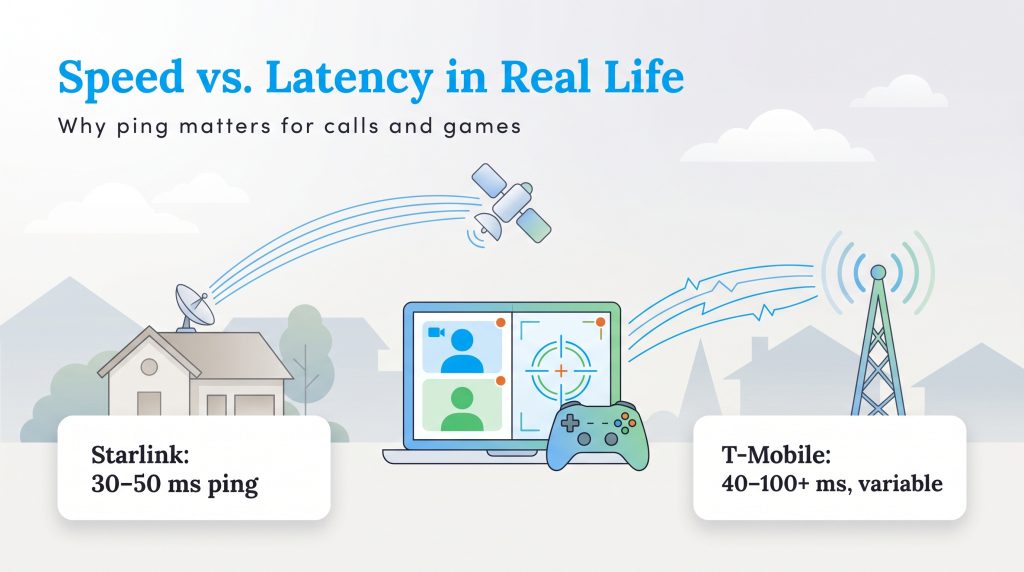
A fast download speed looks great on paper, but it only tells half the story of how your internet actually feels during daily use. Understanding the technological differences between Starlink satellite vs 5G fixed wireless reveals why your connection might feel snappy one minute and sluggish the next. Starlink beams data from a massive constellation of low-earth orbit (LEO) satellites moving rapidly above the planet. T-Mobile relies on ground-based 5G cellular towers that broadcast signals directly into your neighborhood.
When you evaluate T-Mobile 5G Home Internet vs Starlink speed, both provide enough bandwidth for standard households to stream 4K video, browse, and work from home. However, the most crucial difference between the two is real-world latency, commonly known as ping. Latency measures the time it takes for a data packet to travel from your device to the server and back.
- Starlink Speeds and Ping: Expect download speeds ranging from 50 to 220 Mbps. Because LEO satellites are closer to Earth than older satellite technology, Starlink typically delivers a snappy 30 to 50 milliseconds of ping.
- T-Mobile Speeds and Ping: Expect download speeds ranging from 72 to 245 Mbps. The T-Mobile home internet latency for gaming usually hovers between 40 and 100+ milliseconds.
T-Mobile’s variable ping can cause frustrating lag spikes just as you engage an opponent in a fast-paced online match. If you rely heavily on Zoom calls or competitive gaming, Starlink’s incredibly stable ping creates a near-seamless experience that a crowded cellular network often struggles to match.
Equipment and Setup Process
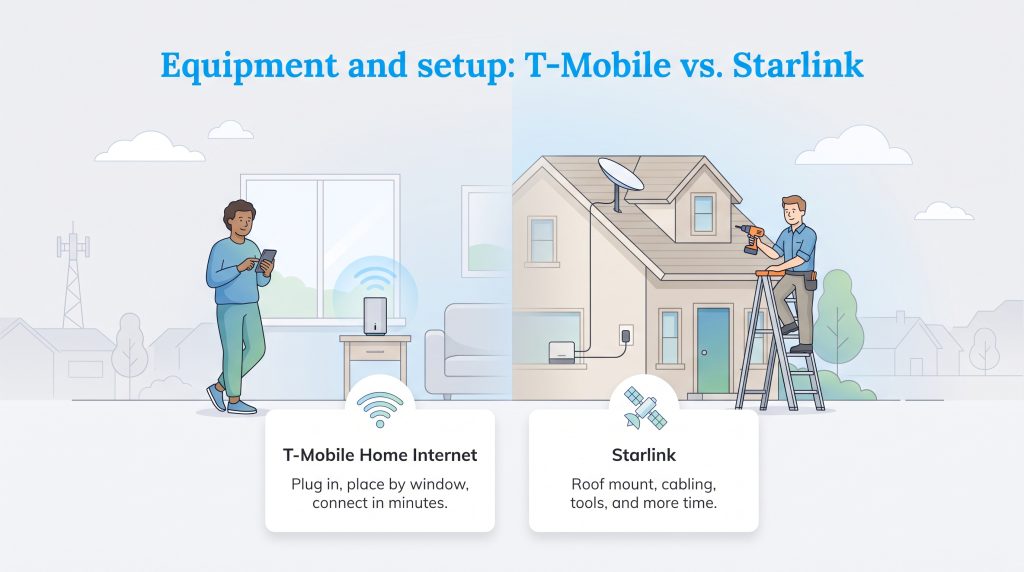
Getting your new internet up and running is where the user experience between these two companies drastically diverges. When setting up utilities in a new home, most folks prefer a painless, fast installation. T-Mobile completely wins the convenience battle here.
To get started with T-Mobile, you simply plug the sleek 5G gateway into a standard wall outlet. The integrated app guides you to place the device near a high window facing the nearest cell tower. We strongly suggest checking a T-Mobile home internet availability map prior to ordering so you know exactly which side of your home receives the strongest cellular coverage. Within ten minutes, your Wi-Fi network is usually live and ready to connect to your household devices.
Starlink requires a much more intensive setup process. Since the dish needs an entirely unobstructed view of the sky to track moving satellites, you cannot simply toss it on a table indoors. The ideal setup typically involves safely mounting the hardware to your roof, routing a long, specialized cable down the side of your home, and drilling a hole to bring that cable inside to the Wi-Fi router. While the Starlink app features an excellent augmented-reality tool to help you scan for tree branches that might block your signal, the physical installation often requires a ladder, a drill, and a weekend afternoon to do properly.
Reliability: Weather Disruptions and Tower Congestion
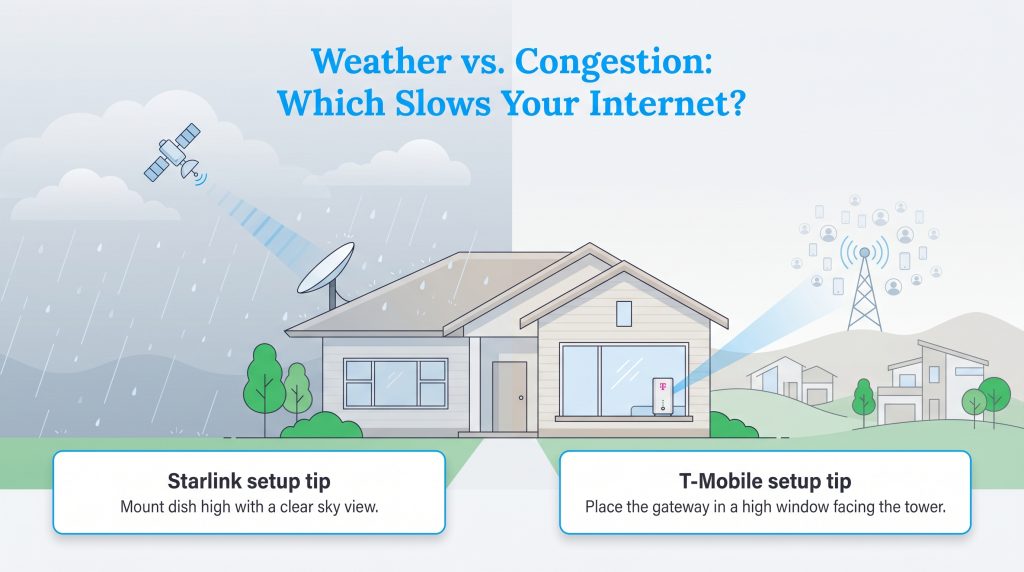
Every type of internet connection has a specific vulnerability, and choosing between these two alternatives means picking which occasional annoyance you can live with. Your physical environment and local neighborhood density play a massive role in whether your connection stays consistently strong.
Because it relies on signals beaming through the atmosphere, Starlink weather disruption is a known factor. During heavy thunderstorms or intense snow squalls, you may experience “rain fade,” a phenomenon where thick precipitation temporarily blocks the signal between your dish and the satellites in space. While standard rain rarely drops the connection entirely, severe cloud cover can definitely slow your speeds down for brief periods.
On the flip side, T-Mobile rarely suffers from weather disruptions, but it is heavily impacted by cellular tower congestion. During peak evening hours — usually between 7 p.m. and 10 p.m. — T-Mobile explicitly prioritizes its mobile phone customers over its home internet users. If your neighborhood cell tower gets swamped with traffic, your home Wi-Fi speeds are the first thing to be throttled down to ease the network strain.
Who Is T-Mobile Home Internet Best For?
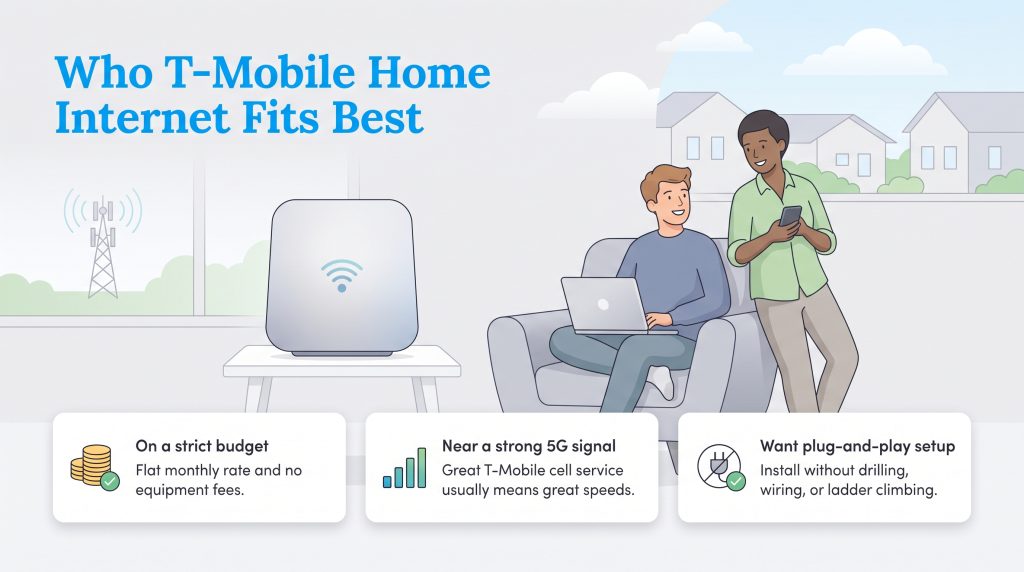
Declaring a single “best” internet provider is impossible because the right choice depends on your lifestyle. T-Mobile Home Internet is an absolutely fantastic solution for standard households looking to cut ties with expensive legacy ISPs without spending a fortune upfront. You should strongly consider choosing T-Mobile if you fall into any of these categories:
- You are on a strict budget: The lack of equipment fees and a flat monthly rate makes this the most affordable entry point for high-speed home internet.
- You live near a 5G cell tower: Proximity is everything. If you already get great T-Mobile cell service inside your home, the internet gateway will likely perform beautifully.
- You prefer an easy installation: If you are a renter or you simply do not want to climb a ladder to drill holes in your roof, the plug-and-play setup is unbeatable.
Who Is Starlink Best For?
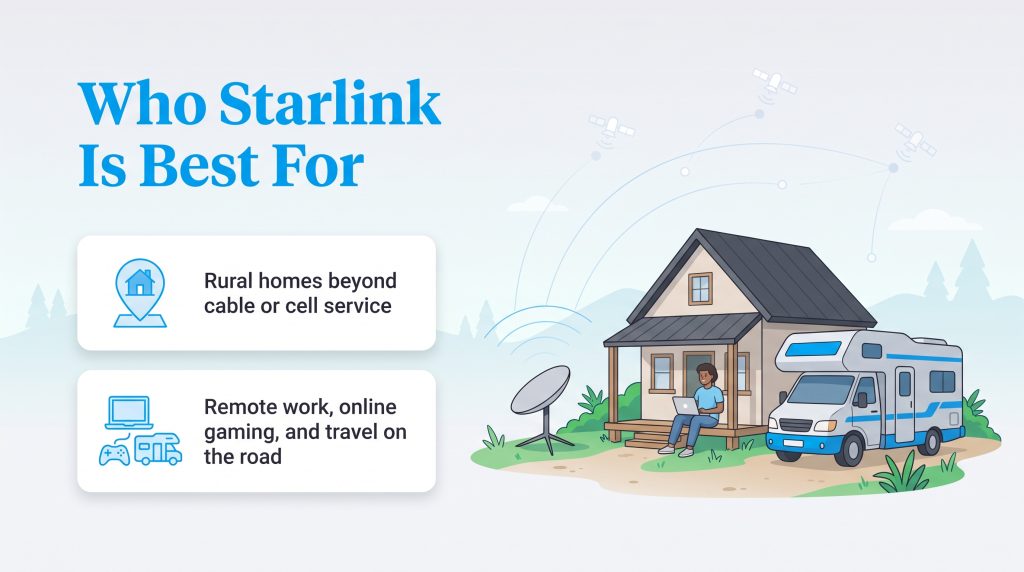
When examining Starlink vs T-Mobile Home Internet for rural areas, the satellite provider often takes the crown for sheer performance and reach. It is practically a necessity for anyone living past the edge of traditional utility infrastructure. You should lean toward ordering Starlink if your household meets these criteria:
- You live deep off-grid: If you have zero cell service and no physical broadband cables running down your road, Starlink is your saving grace for modern connectivity.
- You work remotely or game online: The consistent, low-latency connection is practically mandatory if you cannot afford to drop out of important video calls or lag out of gaming matches.
- You are an avid traveler: If you are debating Starlink RV vs T-Mobile internet, Starlink is the clear victor. T-Mobile geo-locks their router to a single address, whereas Starlink offers specific portable plans designed to keep you connected on the open road.
If you want to dive deeper into all the ways you can get connected and evaluate how much internet speed they actually need, try exploring all your home internet service options on our main hub.
Making the Right Connection for Your Home
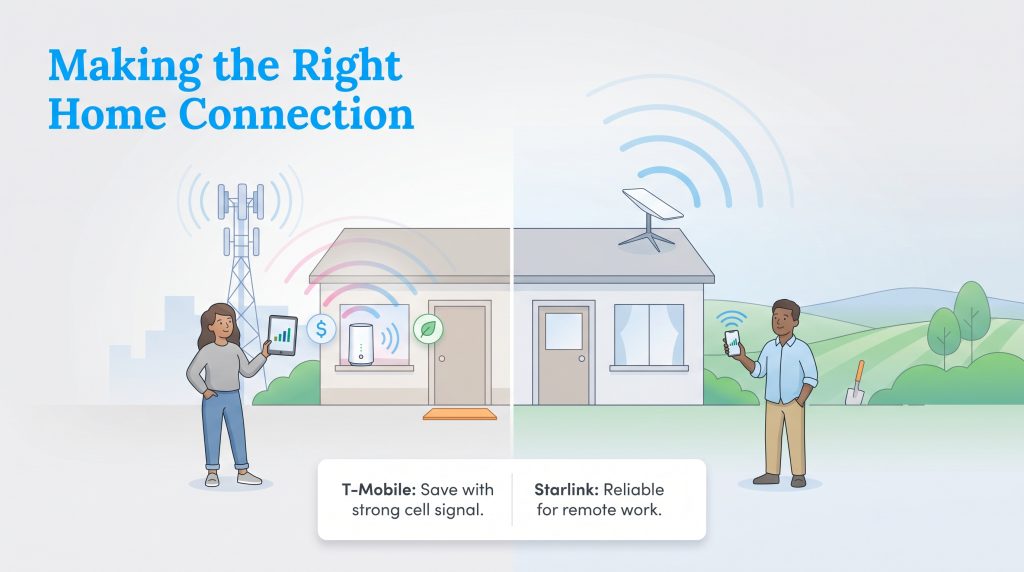
Finding the perfect internet provider ultimately comes down to acknowledging your budget limits, assessing your local cell reception, and deciding if an environmentally mindful choice aligns with your goals. Before falling in love with a specific plan, we highly recommend checking official broadband availability at your specific address using the FCC map.
If you have a decent cell signal and want to save cash with a lower-energy device, T-Mobile is an exceptional value that is hard to beat. However, if you live far past the reach of cell towers and need the baseline reliability to work from home without dropping calls, investing in Starlink is a decision you will not regret. Take a hard look at your daily internet habits, review your bank account, and choose the service that keeps your household running smoothly.
Frequently Asked Questions About Starlink and T-Mobile
Is T-Mobile 5G home internet faster than Starlink?
Can I switch from Starlink to T-Mobile?
Do either of these providers require an annual contract?
Will T-Mobile Home Internet work if I live in a dead zone?
Can I use T-Mobile Home Internet or Starlink while traveling in an RV?
Do Starlink or T-Mobile Home Internet have data caps?
Is Starlink better for online gaming than T-Mobile 5G?
About the Author

LaLeesha has a Masters degree in English and enjoys writing whenever she has the chance. She is passionate about gardening, reducing her carbon footprint, and protecting the environment. She also recently served as President of the Board for City Sprouts (a community garden).