

Understanding Your Household’s Digital Habits Is the Key to Choosing the Right Internet Plan and Avoiding Costly Overage Fees
Key Takeaways
- 4K video streaming is a major data hog, often using up to 7 GB per hour.
- Smart home security cameras use more data than you think because they constantly upload footage to the cloud.
- Most internet service providers have a data cap around 1.2 TB, which is sufficient for the average family but tight for heavy gamers.
Before you finish setting up utilities for a new home, you must understand data caps — the monthly limit placed on the digital information your household can download or upload. Figuring out exactly how much internet data do I need? is a crucial step to avoiding costly overages and reducing your home’s digital energy waste. By taking a quick inventory of your streaming, gaming, and remote work habits, you can identify your average internet data usage per month to accurately determine what is a good internet speed and data allowance for your lifestyle without throwing your hard-earned cash down the drain.
Internet Data vs. Internet Speed: What’s the Difference?
Understanding the fundamental difference between internet data vs internet speed is the first step to selecting the right home package. A Gigabyte (GB) is a standard unit used to measure digital data, while a Terabyte (TB) equals roughly 1,000 Gigabytes.
Most major telecommunications providers like Xfinity impose a standard home internet data limit of 1.2TB (or 1,228 GB), while providers like AT&T and Cox operate with similarly structured limits to ensure massive monthly capacity for your household. It helps to think of your internet connection like the physical plumbing running through your house:
- Internet Speed (Megabits per second, or Mbps): This acts like the water pressure or the width of your pipe. It determines exactly how fast the data flows into your home at any given second.
- Internet Data (GB/TB): This represents the total volume of water that actually pours out of the pipe to fill your monthly bucket.
You can have an incredibly wide pipe providing rapid speeds, but if your monthly bucket is small, it will overflow quickly. Once that invisible bucket overflows, your provider often hits you with frustrating financial penalties. It is also incredibly important to understand the difference between mobile data vs home internet data. Connecting your smartphone to your home wireless router saves your cellular plan from overage charges, but all of those online activities are actively draining your home Wi-Fi data cap instead.
How Much Data Does Streaming Use?
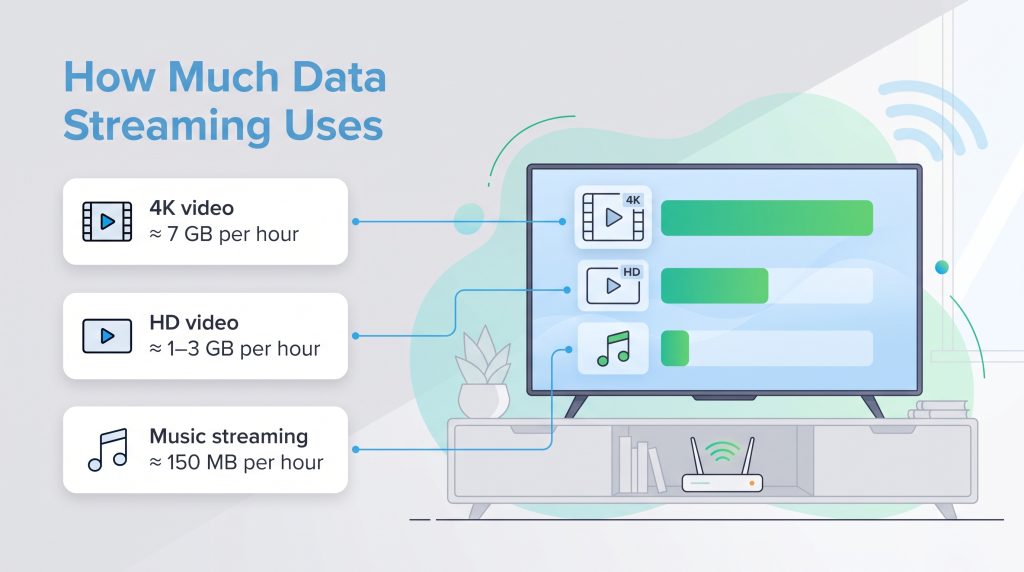
Video streaming is usually the biggest data user for almost every modern home. When users ask exactly how much data does streaming use, the answer depends heavily on the specific application and the resolution you choose. Watching a low-resolution clip on your phone barely makes a dent, but binge-watching a cinematic television series on an expansive smart TV devours bandwidth rapidly.
To give you a clear baseline, here is an exact breakdown of how much capacity popular platforms require for an hour of continuous use:
| App / Platform | Estimated Data Used Per Hour | Video/Audio Quality Level |
|---|---|---|
| Netflix | ~3 GB | Standard High Definition (HD) |
| Netflix | ~7 GB | 4K Ultra High Definition (UHD) |
| YouTube | ~1.5 GB | 1080p Full HD |
| Spotify | ~150 MB | High Quality Audio |
| TikTok | ~800 MB | Default Continuous Scrolling |
These streaming services dynamically adjust their quality behind the scenes depending on whether you are using Wi-Fi or cellular data. When you connect to your home’s fast, stable fiber connection, platforms like Disney+, Hulu, and Netflix will automatically default to the highest possible resolution available — often crisp 4K — burning through that 7 GB per hour immediately. Conversely, if you rely on a weak mobile cellular signal, those same apps compress the video heavily to conserve data, resulting in a grainier picture that uses a fraction of the bandwidth.
Data Usage for Gaming, Remote Work, and Smart Homes
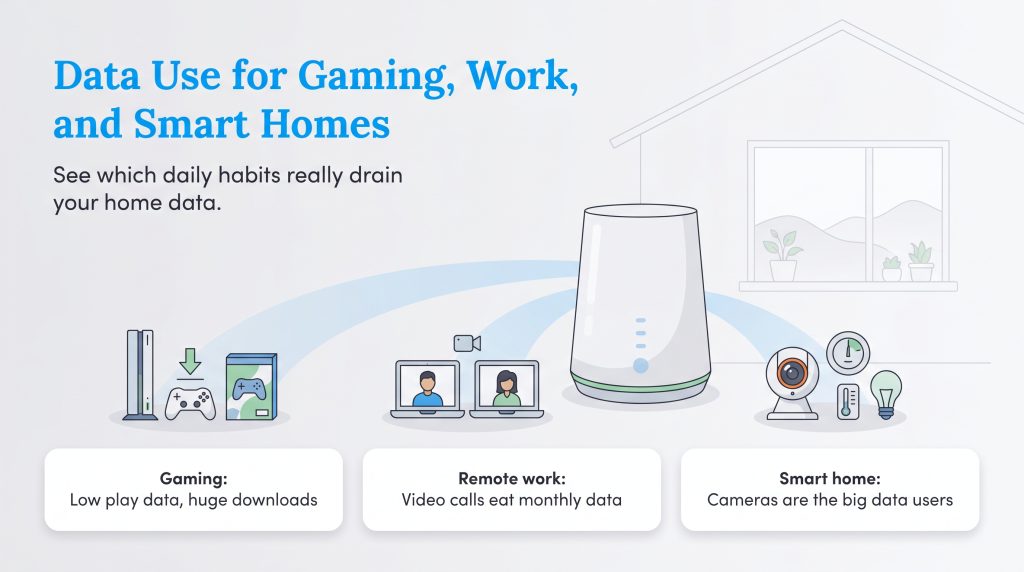
Beyond entertainment, calculating your monthly usage requires examining your household’s professional and recreational demands. Different online habits drain your monthly data bucket at drastically different rates. Here is how your daily tasks impact your home network.
Online Gaming and Downloading
There is a major misconception among parents and casual players about bandwidth. When answering how much data does gaming use, playing a competitive multiplayer game online actually takes very little capacity — usually just 50 MB to 100 MB per hour. The real data killer is downloading the actual games and installing their massive digital updates. While a fast download vs. upload speed helps these finish quickly, the data volume of popular AAA titles today routinely demands 50 GB to 100 GB per download.
Working from Home
If your household has two people working remotely, you need to treat your home office like a demanding small business. The core data usage for working from home comes down to video conferencing. A standard high-definition video call usually pulls about 1.5 GB per hour for Zoom or Microsoft Teams. If two people log several hours of video calls each day alongside large file transfers, this can easily add up to roughly 150 GB to 250 GB per month dedicated strictly to professional work.
Smart Home Devices
Many people worry about their smart bulbs, smart locks, or thermostats using up their bandwidth, but those helpful gadgets sip tiny amounts of data in the background. The real culprit in the smart home ecosystem is the security camera. A single camera recording in high-definition around the clock can easily upload dozens of gigabytes to the cloud every single month. To learn more about how smart devices impact your home’s overall efficiency, check out our guide to home electricity and energy management.
What Kind of Internet User Are You?
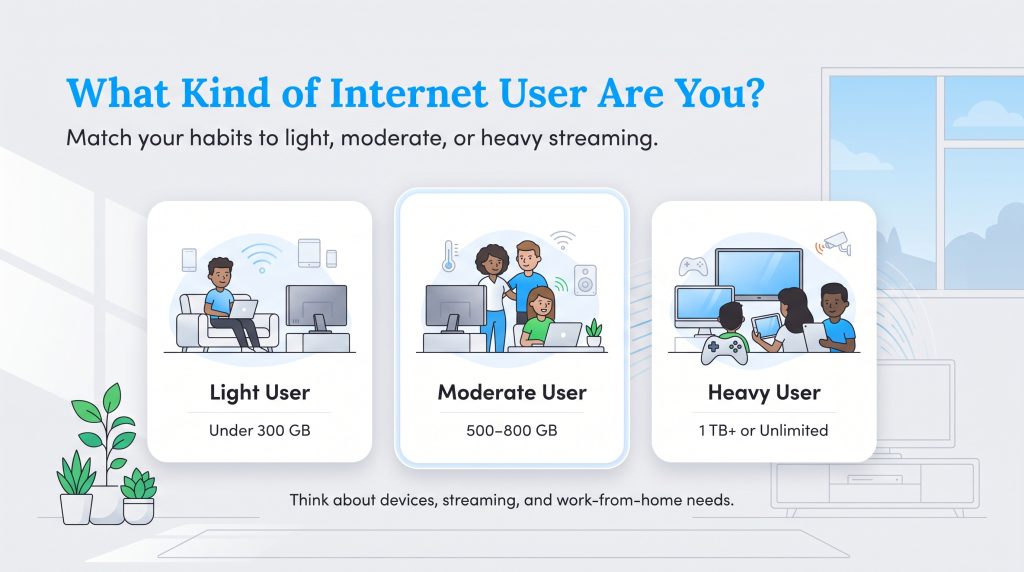
Before you run complex math, it helps to identify your family’s basic user profile. By understanding your daily behaviors, you can comfortably map yourself to a specific data threshold. Review the three distinct personas below to figure out which bucket best represents your lifestyle:
- The Light User (Under 300 GB): You use the internet primarily for basic web browsing, checking emails, reading the news, and casually scrolling social media. You might stream an hour of standard-definition television a night or listen to Spotify while cooking. This profile rarely crosses the 300 GB mark and easily thrives on a budget-friendly starter plan.
- The Moderate User (500 GB — 800 GB): This fits the vast majority of modern American families. Your household features multiple connected smartphones, a few smart home gadgets, and at least one remote worker logging onto daily Zoom calls. You likely stream several hours of HD television each evening and have kids doing digital schoolwork. Landing between 500 GB and 800 GB provides comfortable breathing room.
- The Heavy User (1 TB+ or Unlimited): You run a fully digitized, hyper-connected home. Multiple residents are streaming 4K video simultaneously on different screens, heavy gamers are downloading massive 100 GB game files on a weekly basis, and continuously recording 4K smart security cameras are running around the clock. Heavy users frequently push right up against standard data caps.
Calculating Your Household Data Usage
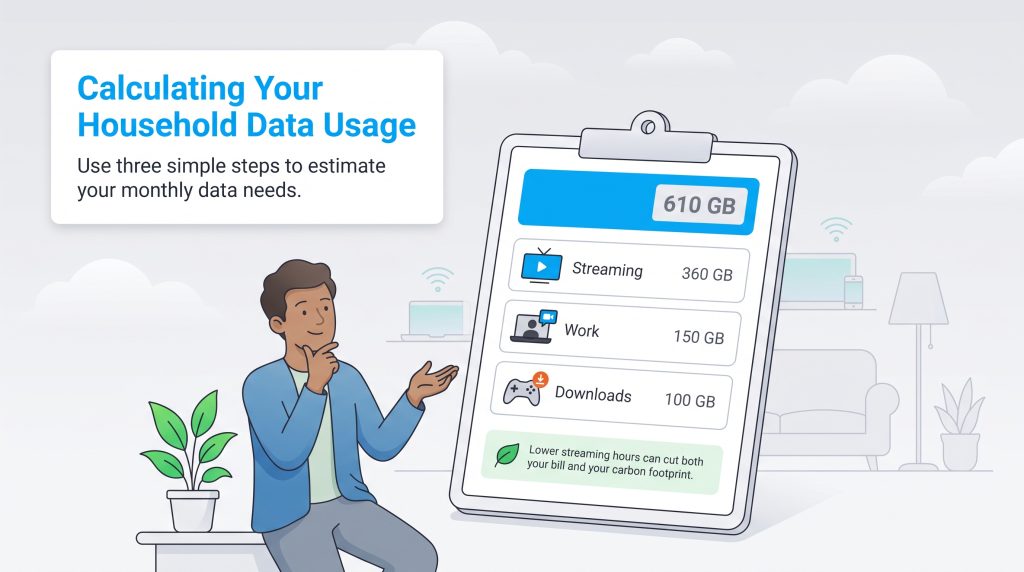
If you want a precise number rather than a general estimate, building your own home internet data usage calculator just takes a few minutes. Grab a notepad or open a digital document, and follow this simple three-step imperative guide to estimate your baseline monthly requirements.
- Step 1: Calculate Your Streaming Demand. Multiply your household’s total daily streaming hours by 3 GB (for standard HD video). Multiply that daily total by 30 to get your monthly streaming estimate.
- Step 2: Factor in Professional Productivity. Add 150 GB for every person in your home who works remotely on a full-time basis to account for video conferencing, file sharing, and cloud collaboration.
- Step 3: Account for Background Downloads and Gaming. Add a flat 100 GB buffer to cover monthly video game digital downloads, regular smartphone updates, and smart home background use (like standard security cameras).
Let’s look at a practical example calculation for a hypothetical family of four. If they stream roughly four hours of television daily (3 GB x 4 hours = 12 GB/day, or 360 GB/month), have one parent working remotely full-time (150 GB), and perform typical game downloads and smart home background tasks (100 GB), their final estimated calculation totals 610 GB per month. With this math, you know exactly where you stand against typical provider limitations.
Understanding the 1.2 TB Data Cap
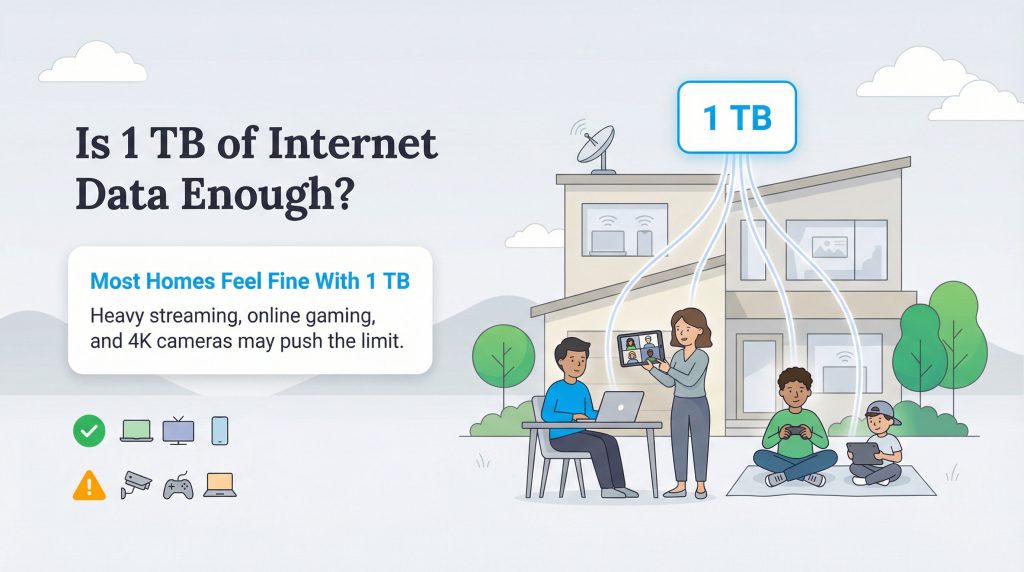
Many homeowners wonder, “is 1.2TB of internet data enough for my family?” When shopping for a new provider, you will inevitably see flashy sales pitches for unlimited plans designed to play on your fear of going over this very specific 1.2TB limitation. Before handing over that extra money, it is vital to understand exactly what happens if you stick with the standard cap.
For most internet providers, exceeding your monthly allowance triggers strict financial penalties. You will typically see an automatic $10 charge added to your bill for every additional 50 GB block of data you consume. Alternatively, some providers enforce data throttling — intentionally slowing your download speeds to a frustrating crawl until the next billing cycle begins. There are a few things to keep in mind regarding this limit:
- It affects download and upload totals: Sending massive files to a cloud server counts against your cap just as much as downloading a movie does.
- Mobile hotspot tethering avoids the home cap: You can circumvent this limit entirely by using your smartphone as a mobile hotspot. However, tethering a laptop to your phone drains your cellular plan instead, which often triggers immediate throttling from your mobile carrier once you hit a low threshold.
Should You Upgrade to an Unlimited Data Plan?
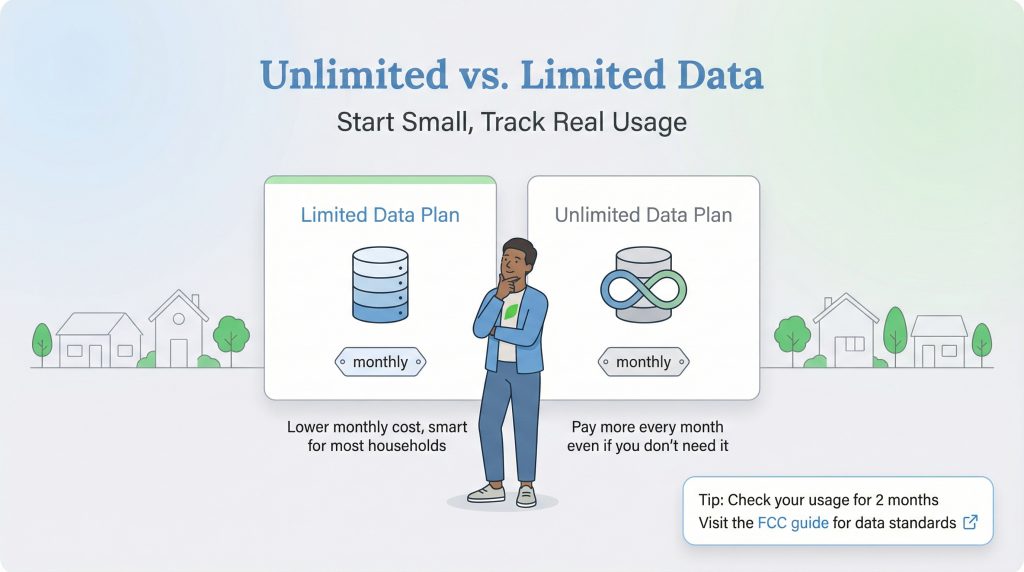
Deciding whether you need an unlimited internet data plan depends heavily on your household’s unique digital habits. These premium upgrades usually demand an extra $30 to $50 per month on top of your base bill. Here is a quick look at the pros and cons to help you make the most cost-effective decision for your family:
- Capped Data Pros: Significantly cheaper monthly bills; encourages eco-conscious internet habits.
- Capped Data Cons: Risk of sudden overage fees; requires occasional monitoring via an app.
- Unlimited Data Pros: Complete peace of mind; ideal for serious content creators and large families.
- Unlimited Data Cons: Expensive premium add-on cost; completely unnecessary for moderate households.
We strongly recommend an unlimited plan for heavy users who consistently stream 4K video across multiple screens or download large video games weekly. Standard households should stick to the cheaper capped plans. You can verify that broadband needs vary by household and review data transparency rules by visiting the FCC’s consumer guide to ensure your chosen provider operates fairly.
How to Check and Manage Your Current Data Usage
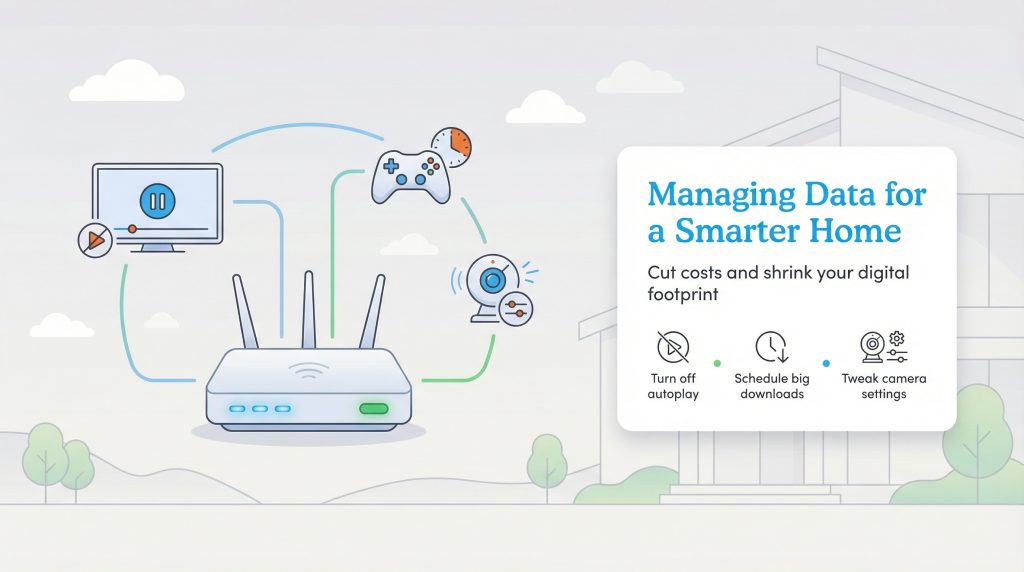
You shouldn’t wait for a penalty email from your internet provider to figure out how much bandwidth you consume. Knowing exactly how to check internet data usage is an essential skill for managing your monthly household utility budget. Here are the easiest ways to track your digital footprint right now:
- Log Into Your ISP Web Portal: Navigate to your internet service provider’s main website and log into your dashboard. Look for a tab labeled “Usage” or “My Data” to view a clear bar graph of your history.
- Use Your Router’s Companion Mobile App: If you use a modern mesh network system like Amazon Eero or Google Nest Wifi, open their dedicated mobile application. These sophisticated routers actively monitor the traffic passing through them and reveal which individual devices consume the most data.
- Download the ISP Mobile App: Almost all major providers offer a free smartphone app. Download it, sign in, and effortlessly view your current billing cycle’s data progress directly on the home screen.
- Check Your Smartphone Settings: Dive into your mobile phone’s built-in settings (available on both iOS and Android) to see which background applications are secretly draining your Wi-Fi connection while you sleep.
Knowing your usage isn’t just about figuring out how to save on internet costs; it is about running a more efficient home. Digital waste drives up energy consumption as data centers increase electricity demand to power the modern internet.
Implement these three environmentally mindful, actionable tips to reduce your digital drain immediately:
- Download Media Over Wi-Fi for Offline Viewing: Before heading out on a trip or starting your daily commute, download your favorite podcast episodes and movies directly to your device over your home network rather than streaming them on the go via a cellular tower.
- Adjust Default Streaming Quality from 4K Down to 1080p: Dive into the settings menus on apps like Netflix and YouTube to force the playback default to standard HD (1080p). It still looks incredibly sharp on most screens but acts as an excellent energy-saving option by significantly reducing bandwidth requirements.
- Turn Off Auto-Play on Streaming Services: Stop your television from automatically launching the next episode when you fall asleep on the couch or leave the room.
Choosing Your Ideal Internet Data Plan
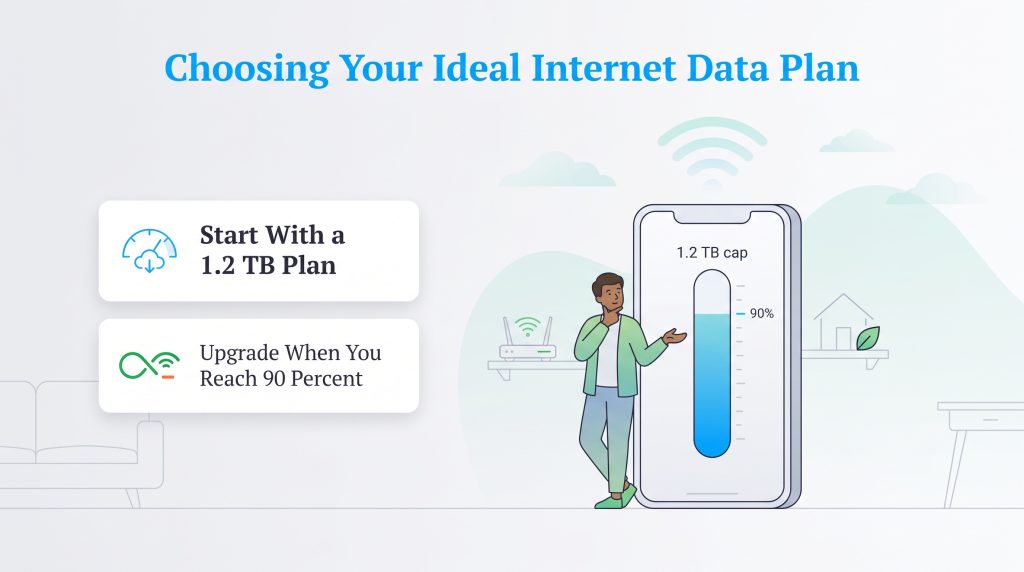
Ultimately, matching your internet plan directly to your actual usage prevents you from overpaying for unnecessary capacity. If you remain unsure about your household’s exact demands, we always recommend starting with a standard 1.2TB capped plan. Utilize your provider’s courtesy month to comfortably monitor your habits without the stress of immediate financial penalties.
Once you track your baseline over those first 30 days, simply review the numbers in your provider’s mobile app. If your household consistently hits 90% of your allowance, it is absolutely time to upgrade to an unlimited data plan for peace of mind. Otherwise, you can confidently stick with the standard tier, keeping more of your hard-earned money in your pocket while maintaining an environmentally mindful digital lifestyle.
Frequently Asked Questions About Internet Data Usage
Is 1.2TB of internet data enough for a month?
How much data does streaming Spotify or Apple Music use?
What happens if I exceed my data cap?
Does using my phone on Wi-Fi use my cellular mobile data?
How much data does working from home use?
Is an unlimited internet data plan worth the extra cost?
How many GB of internet do I need for gaming?
About the Author

David has been an integral part of some of the biggest utility sites on the internet, including InMyArea.com, HighSpeedInternet.com, BroadbandNow.com, and U.S. News. He brings over 15 years of experience writing about, compiling and analyzing utility data.

LaLeesha has a Masters degree in English and enjoys writing whenever she has the chance. She is passionate about gardening, reducing her carbon footprint, and protecting the environment. She also recently served as President of the Board for City Sprouts (a community garden).