

Strategies to Help You Stop Overpaying for Broadband, Negotiate Better Rates, and Optimize Your Home Network
Key Takeaways
- Audit your bill for hidden fees and unnecessary services so you can spot immediate savings and trim data overages.
- Buying your own modem and router can save you up to $180 per year in rental fees while drastically improving your network’s performance.
- Negotiating with your current provider using a prepared script is often the fastest way to lock in a promotional rate and lower your monthly expenses.
With the average monthly cost of U.S. home internet hovering between $75 and $90, figuring out how to save on internet is a top priority for any budget-conscious household. Almost everyone has felt the frustration of opening a utility bill to find a much higher total after a promotional discount quietly expired. Fortunately, you can save hundreds of dollars a year with a simple 15-minute audit of your statement and network setup. Learning how to lower your internet bill doesn’t mean sacrificing the speeds you need for remote work or streaming. By eliminating hidden internet junk fees, right-sizing your bandwidth, and taking charge of your hardware, you can easily reclaim your digital budget.
1. Audit Your Current Internet Usage and Speed Needs
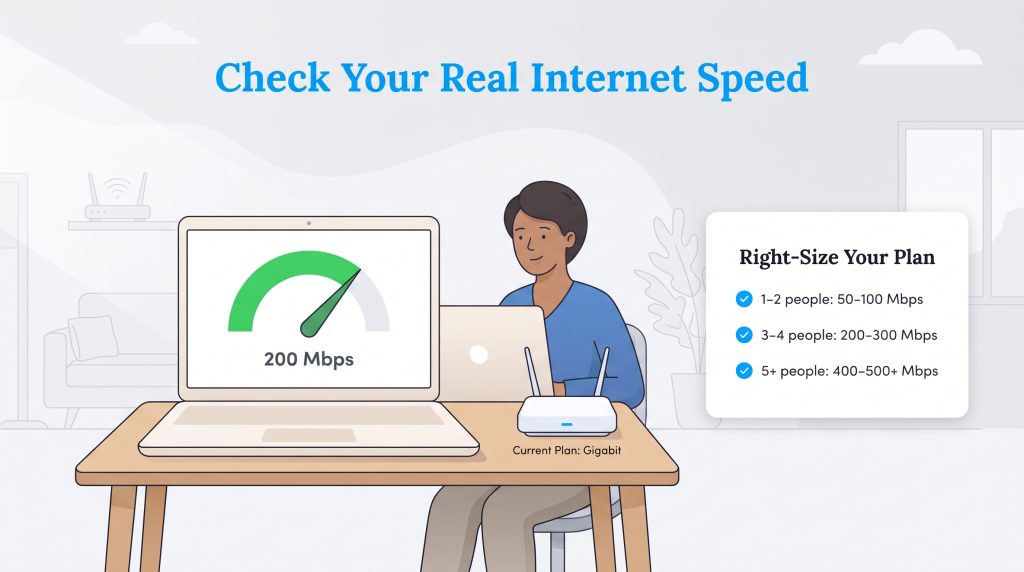
Millions of households overpay for ultra-fast “Gigabit” speeds (1,000 Mbps) simply because aggressive marketing makes it sound essential. Figuring out how much bandwidth you actually use is the best first step to stop overpaying. Most daily online activities sip data rather than gulping it. Run a free online speed test on your laptop or phone during peak evening hours to see what speeds you’re currently getting. If you’re paying for premium gigabit service but only use a fraction of that capacity, downgrade your plan immediately to slash $20 or $30 off your monthly bill.
For context, streaming 4K video generally requires about 25 Mbps, while an HD Zoom call needs roughly 5–10 Mbps. Basic web browsing takes barely 25 Mbps, whereas competitive multiplayer gaming or five people streaming simultaneously might push your needs into the 400+ Mbps range. Smart home devices like thermostats and doorbell cameras use minimal data. Check our comprehensive guide on what constitutes good internet speed to calculate your family’s exact bandwidth needs, or use the table below to right-size your plan.
| Household Size/Activity | Recommended Mbps | Ideal Plan Tier | Estimated Monthly Cost |
|---|---|---|---|
| 1–2 People (Web browsing, email, light streaming) | 50 – 100 Mbps | Basic | $30 – $50 |
| 3–4 People (Multiple 4K streams, remote work) | 200 – 300 Mbps | Standard | $50 – $70 |
| 5+ People (Heavy gaming, large file uploads) | 400 – 500+ Mbps | Premium / Gigabit | $80 – $120+ |
2. Buy Your Own Modem and Router (Or Switch to a Free-Equipment ISP)
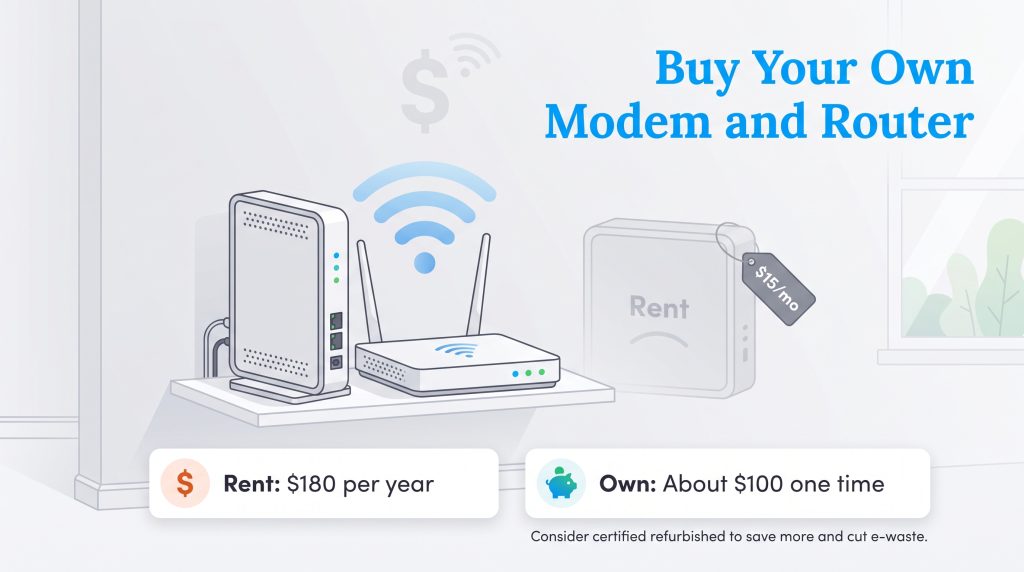
One of the easiest ways to avoid internet equipment rental fees is to stop leasing networking gear from your internet service provider (ISP). When weighing the buy vs rent modem and router decision, the math heavily favors owning your equipment. Several major cable providers charge between $10 and $15 per month for a basic gateway device. While using the box they hand you during installation seems convenient, you end up paying for that hardware over and over without ever owning it. Renting equipment at $15 a month drains $180 from your wallet every single year.
We strongly recommend buying your own hardware if your provider charges a monthly lease fee. You can purchase a reliable modem and router for a one-time cost of roughly $100, an investment that pays for itself in less than eight months. Beyond the annual savings, owning your gear often delivers faster speeds, wider Wi-Fi coverage, and stronger network security. Alternatively, you can switch to a fiber or 5G provider that includes a wireless gateway at no extra cost.
| Internet Provider | Monthly Equipment Fee | Annual Rental Cost | Equipment Policy |
|---|---|---|---|
| Xfinity | $15/mo | $180/yr | Charges for xFi Gateway; allows customer-owned modems. |
| Cox | $14/mo | $168/yr | Charges for Panoramic Wifi gateway; allows third-party hardware. |
| Optimum | $10 – $14/mo | $120 – $168/yr | Charges for gateway rental on standard cable tiers. |
| AT&T Fiber | $0/mo | $0/yr | Includes Wi-Fi gateway free with all fiber plans. |
| Verizon Fios | $0/mo | $0/yr | Includes router rental free with all current Fios plans. |
| T-Mobile 5G Home Internet | $0/mo | $0/yr | Includes 5G gateway device free with service. |
| Spectrum | $0 (Modem) / $7 (Router) | $0 – $84/yr | Provides free modem; charges $7/mo for optional Wi-Fi router. |
| Frontier Fiber | $0/mo | $0/yr | Includes Amazon eero Wi-Fi router free with fiber plans. |
To eliminate rental charges on your current plan, follow these four steps to return your leased equipment:
- Purchase compatible hardware: Ensure the modem you buy is approved for your specific ISP’s network (most providers publish a certified compatibility list online).
- Activate your new devices: Call your ISP’s support line or use their mobile app to register the new modem’s MAC address and bring your personal network online.
- Return the leased equipment: Take the old gateway and power cord to a physical retail store for your provider. Always ask for a printed receipt proving you returned the hardware.
- Verify your bill: Check your next monthly statement to confirm the rental fee has been officially removed from your account.
💡 Pro Tip: Buying a refurbished modem isn’t just cheaper — it keeps functional electronics out of landfills. Check the certified refurbished sections on manufacturer websites for hardware that performs like new but costs significantly less.
3. Scour Your Bill for Hidden Fees and Post-Promo Price Hikes
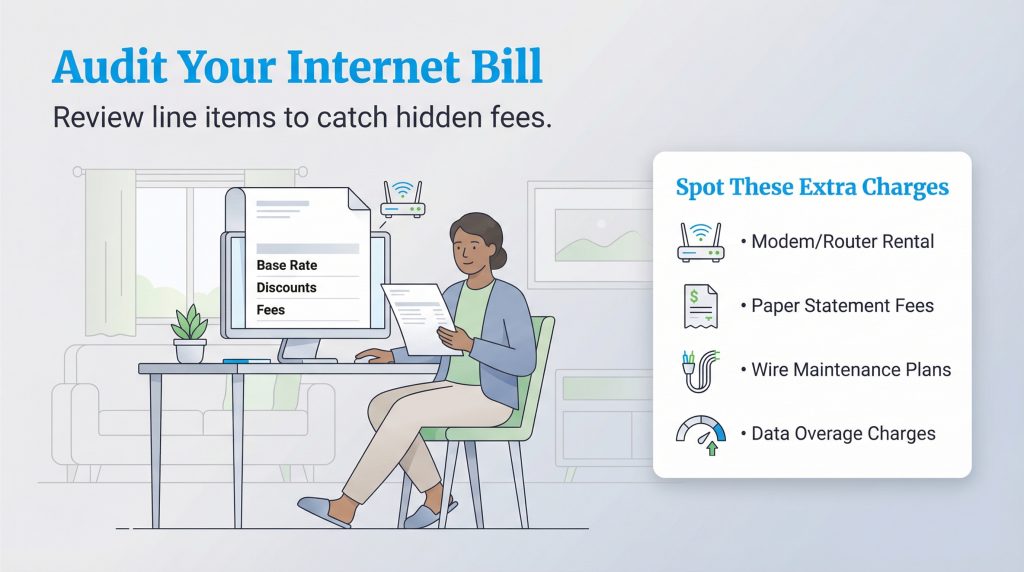
Before you can lower your monthly costs, you need to know exactly what your provider is charging you for. Many households put their utilities on autopay and ignore the monthly statements, allowing ISPs to slip in silent price increases unnoticed. Sit down with your last three billing statements for a thorough line-item review. When hunting down hidden internet junk fees, spotting where a new-customer promotional rate has quietly expired is often your biggest win.
Scan your most recent statement for provider-imposed surcharges that add zero value to your household. While government-mandated taxes like the Universal Service Fund aren’t negotiable, carrier-invented administrative fees and add-ons often can be waived or removed. Watch out for these specific ISP charges and call your provider to dispute or cancel them:
- Provider-Specific Junk Fees: Many regional and national ISPs pad their bills with official-sounding surcharges to offset their own operating costs. Watch out for Astound Broadband’s “Network Access and Maintenance Fee” ($12.97/month), Metronet’s mandatory “Tech Assure Fee” ($12.95/month), Optimum’s “Network Enhancement Fee” ($6.00/month), and CenturyLink or AT&T “Cost Recovery Charges” ($3.00 to $4.00/month). While some providers claim these are mandatory, retention agents can often offset them with a recurring account credit if you threaten to cancel.
- Data Overage Charges: Punitive fees applied if your household exceeds arbitrary data caps (often around 1.2 TB). Providers like Xfinity and Cox frequently charge $10 for every 50 GB you use over the limit, up to $100 per month. Dispute these by requesting a one-time courtesy waiver while you evaluate an unlimited data plan. If you aren’t sure how much internet data you need, these penalties can drain your budget quickly.
- Wire Maintenance Plans: Optional monthly insurance covering the coaxial or fiber wiring inside your walls (usually $5 to $10/month). Because interior wiring rarely fails, this add-on is almost always a waste of money and should be canceled immediately.
- Late Payment Penalties: Small fees ($5 to $15) for missing a billing cycle. You can usually get these reversed over the phone simply by asking politely and enrolling in autopay.
How Much Your Bill Jumps After Promotional Rates Expire
The biggest shock on any broadband statement is the post-promotional rate hike. Most ISPs lure in new customers with a discounted 12-month or 24-month introductory price, then automatically roll the account onto their standard “everyday” rate once that window closes. Always check the fine print on your monthly PDF statement (rather than the simplified app summary) to find the exact date your promotional discount expires so you can take action before the higher rate hits.
| Internet Provider | Average Post-Promo Price Jump | Typical Promo Duration |
|---|---|---|
| Mediacom | +$45/month | 12 Months |
| Spectrum | +$25 – $27/month | 12 Months |
| Xfinity | +$26/month | 12 – 24 Months |
| Cox | +$20/month | 12 – 24 Months |
| Optimum | +$15/month | 12 Months |
4. Compare Local ISP Offers Using FCC Broadband Labels
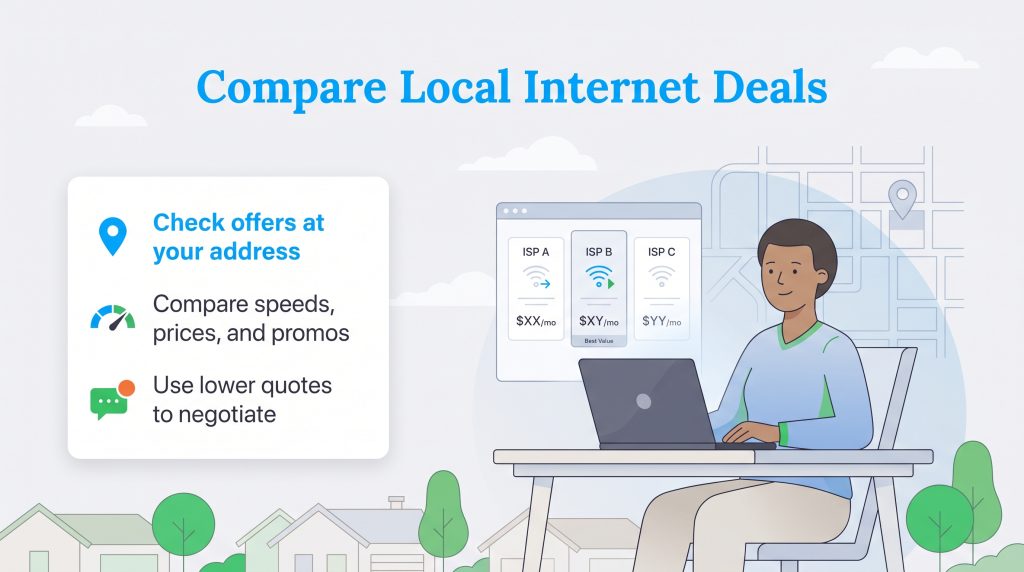
Knowing what competitors charge in your exact neighborhood is your strongest asset when preparing to switch providers or negotiate a lower bill. Broadband availability changes from one street to the next, meaning a flashy deal advertised on TV might not be wired to your home. Enter your address into a local zip code checker to see which companies service your street, and document their baseline speeds, sign-on bonuses, and introductory prices.
Shopping around is much easier thanks to federally mandated FCC broadband nutrition labels. The Federal Communications Commission now requires every internet provider to display a standardized “Broadband Consumer Label” on their checkout and plan comparison pages. Modeled after grocery nutrition facts, these disclosures force ISPs to reveal the true cost of service upfront instead of burying surcharges in fine print. Understanding how to read a Broadband Consumer Label makes it simple to spot hidden charges before you commit. Before switching providers, inspect these four exact lines on the FCC label:
- Introductory Rate Duration: Check whether the advertised promotional price lasts for 12 months or 24 months, or if the plan offers a permanent flat rate with no time limit.
- Standard Post-Promo Monthly Rate: Look directly beneath the introductory price to see the exact dollar amount your bill will jump to once the promotional period ends.
- Itemized Provider-Imposed Monthly Fees: Review the “Additional Charges & Terms” section to spot mandatory monthly equipment rental fees, network maintenance surcharges, and administrative cost-recovery fees.
- Early Termination Fees (ETFs): Confirm whether signing up locks you into a term contract and how much you will owe (often $100 to $240) if you cancel service before the contract ends.
5. Negotiate With Your Current Internet Provider
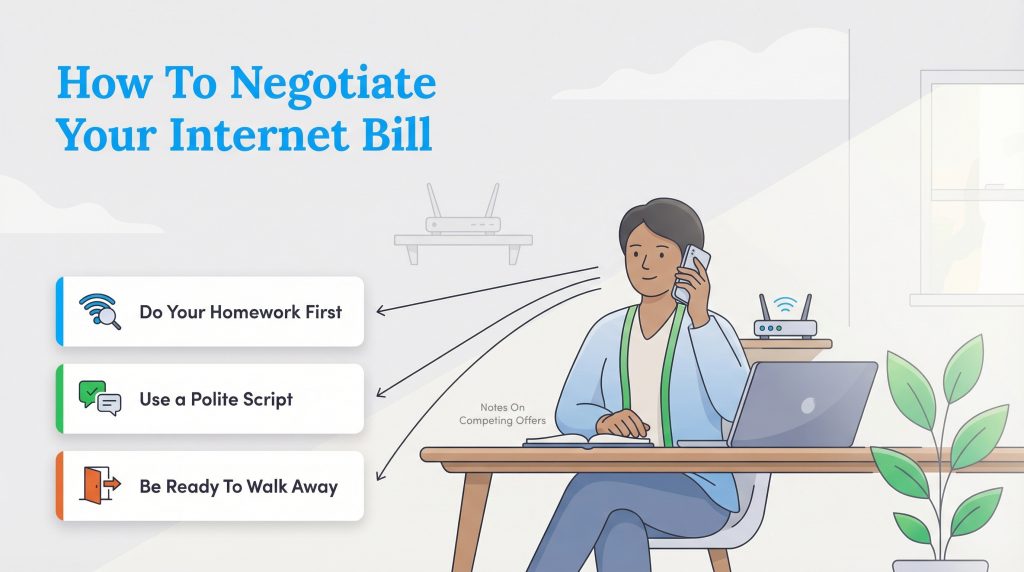
If you like your current connection reliability but hate the price tag, learning how to negotiate your internet bill is your best move. You don’t have to switch companies to get a lower rate. ISPs know it is much cheaper to keep an existing subscriber than to spend marketing dollars acquiring a new one. Consequently, they staff dedicated Customer Retention Departments (sometimes called “Account Solutions” or “Loyalty” teams) armed with unadvertised discounts to stop you from leaving.
Have your local competitor research and FCC label notes ready before picking up the phone. When you call your provider’s main support number, bypass the standard billing agents by saying “cancel service” at the automated voice prompt to route directly to the Customer Retention Department. Once connected, use this proven internet bill negotiation script to guide the call:
The Customer Retention Script:
Step 1 (State your intention): “Hi there. I’ve been a loyal customer for [Number] years, but my monthly bill has gone up significantly, and it no longer fits my household budget.”
Step 2 (Introduce the competitor): “I see that [Competitor Name] is currently offering [Speed] for $[Price]/month in my exact neighborhood.”
Step 3 (Make the demand): “I’d genuinely prefer to stay with you to avoid the hassle of swapping equipment, but I need you to match that competitor’s rate or apply a new promotional deal to my account today. If we can’t lower this rate, I will need to schedule a cancellation of my service.“
Sometimes the first representative you reach lacks the system permissions to authorize a deep discount. If they won’t budge, politely ask to schedule your service disconnection for two weeks in the future. Having a pending cancellation on your account almost always triggers automated retention emails or outbound calls offering their lowest possible rates. Alternatively, if you live with a spouse, partner, or roommate, you can bypass stubborn retention agents entirely by using the “Two-Player Household Trick” to unlock new-customer pricing:
- Schedule a same-day cancellation: Have the current account holder call the ISP and set a firm disconnection date for the end of the current billing cycle.
- Sign up under the second adult’s name: On the exact day service is scheduled to shut off, have your partner or roommate go online and order a brand-new internet plan at the same address using their own name, email, and Social Security number to claim the introductory promo rate.
- Activate with your existing hardware: If you own your modem and router, you can activate the new account online in minutes without waiting for a technician, experiencing virtually zero Wi-Fi downtime while resetting your promotional clock for another 12 to 24 months.
6. Consider Bundling Mobile or Unbundling Cable TV
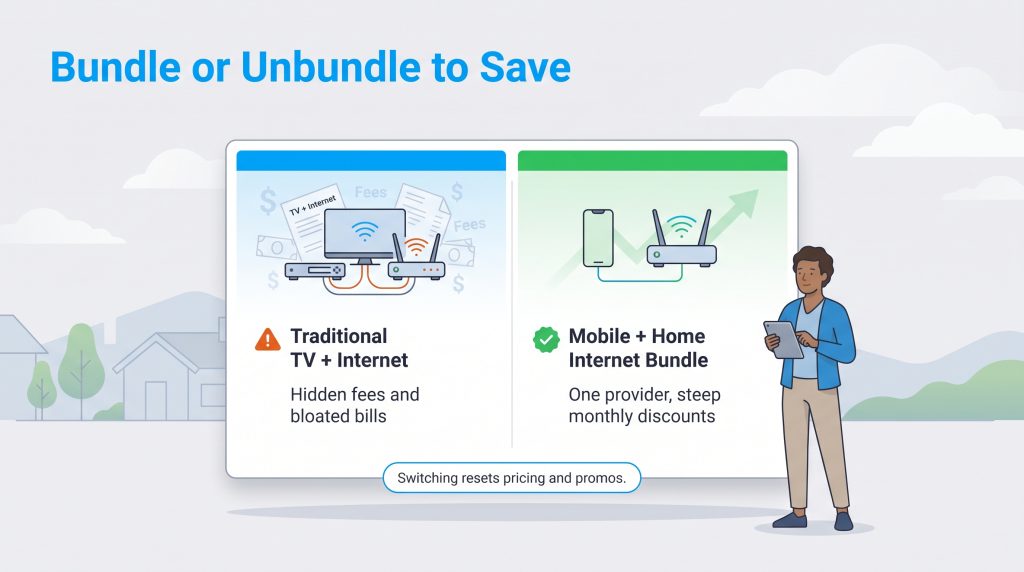
If negotiation falls short, take a close look at how you package your household services. For years, consumers bundled internet and cable television out of habit, resulting in bloated bills padded with regional sports surcharges and $25 broadcast TV fees. If your family mostly watches streaming services like Netflix, Hulu, or YouTube TV, drop your traditional cable TV package immediately and switch to standalone broadband.
While TV bundles are fading, combining your home internet with your cellular phone plan can unlock substantial savings. Major providers aggressively reward subscribers who consolidate their mobile and broadband accounts under one roof. For example, Verizon Mobile + Home Rewards knocks up to $20/month off your Fios or 5G Home Internet bill when paired with an unlimited wireless plan. Similarly, AT&T takes $20/month off when you combine AT&T Fiber with an eligible unlimited cell plan, while Spectrum One — one of the most popular Spectrum internet deals — bundles home Wi-Fi with a free Unlimited Mobile line for 12 months (saving roughly $20 to $30/month). Consolidating your phone and Wi-Fi is one of the easiest ways to slash your total telecom overhead.
📌 Quick Fact: Switching providers forces a pricing reset. Read our guide on how to choose an internet provider to thoroughly compare local options. New customers always get the absolute best promotional rates and locked-in pricing guarantees.
7. Switch to Flat-Rate 5G Home Internet
For decades, traditional cable companies held localized monopolies, leaving households with few alternatives when rates skyrocketed. Today, wireless broadband technology gives consumers real leverage. Exploring alternative connection types is one of the smartest ways to find budget-friendly plans that break the cycle of annual cable price hikes.
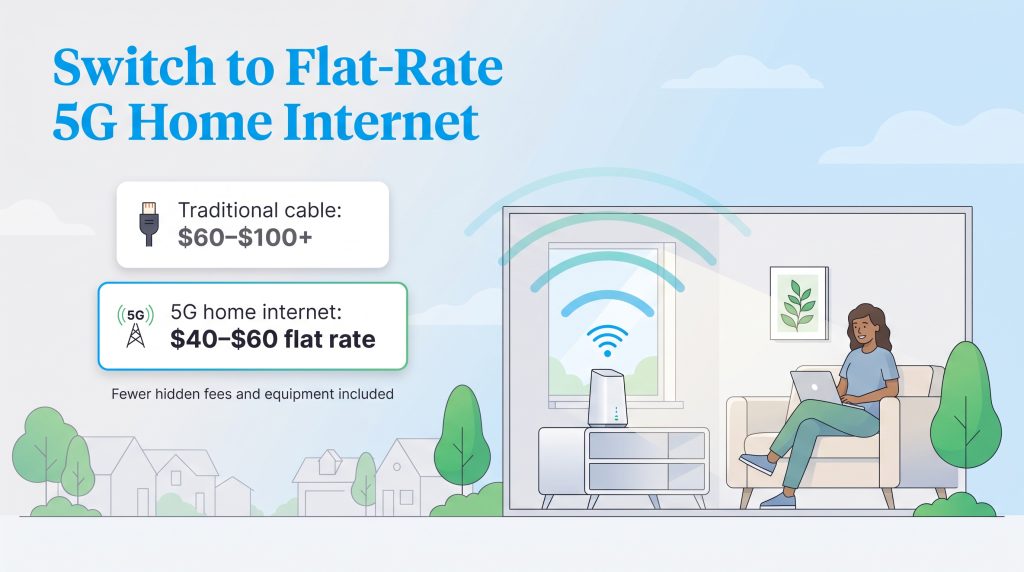
Fixed wireless 5G home internet uses mobile cell towers to beam broadband directly to a plug-and-play receiver in your living room. Carriers like T-Mobile, Verizon, and AT&T offer these plans with a transparent, simplified pricing structure. They typically charge a predictable flat monthly rate that includes taxes and fees, protecting you from surprise surcharges. Better yet, 5G providers include the Wi-Fi gateway for free and don’t enforce data caps. Switching to a fixed-rate 5G plan is an immediate, plug-and-play way to cut your bill without waiting for a cable technician, especially for households weighing cable vs. 5G home internet.
| Connection Type | Average Monthly Cost | Data Caps? | Best For |
|---|---|---|---|
| Traditional Cable | $60 – $100+ | Often (usually 1.2 TB) | Standard households needing reliable wired connections. |
| 5G Home Internet | $40 – $60 (Flat Rate) | Rarely | Renters, budget-conscious users, and those tired of hidden fees. |
| Fiber Optic | $50 – $80 | Rarely | Heavy uploaders, remote workers, and smart home enthusiasts. |
8. Explore No-Contract Prepaid Internet Plans
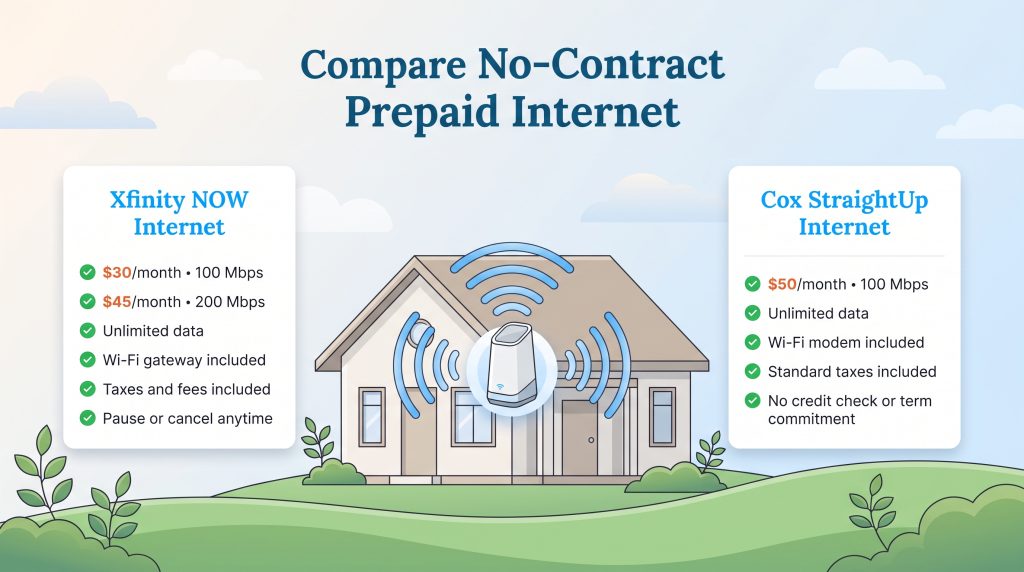
If you want to avoid credit checks, security deposits, annual contracts, and surprise post-promotional price hikes, prepaid home internet plans are an underrated secret weapon. Much like prepaid cell phone plans, prepaid broadband lets you pay upfront on a month-to-month basis for a flat, all-inclusive price. Because your rate is permanently fixed and includes unlimited data alongside a free gateway device, you never have to worry about data overage penalties or equipment rental fees sneaking onto your bill.
Two of the strongest options on the market come directly from major cable operators:
- Xfinity NOW Internet: Priced at a flat $30/month for 100 Mbps or $45/month for 200 Mbps, Xfinity NOW includes unlimited data, all taxes and fees, and a pre-configured Wi-Fi gateway at no extra cost. You can pause or cancel service anytime without penalty.
- Cox StraightUp Internet: Designed for straightforward budgeting, this plan costs a flat $50/month for 100 Mbps. The rate includes a Wi-Fi modem, unlimited data (no 1.25 TB cap), and all standard taxes, with zero credit checks or term commitments required.
9. Maximize Autopay, Paperless, and Affinity Discounts
One of the quickest ways to shave money off your internet bill takes less than two minutes inside your online account portal. Nearly every major ISP — including Xfinity, AT&T, Verizon, Spectrum, and T-Mobile — offers an automatic $5 to $10 monthly discount when you enroll in autopay and paperless billing. Over the course of a year, that simple toggle saves you $60 to $120 for doing nothing at all.
🌱 Eco Edge: Switch to paperless billing immediately. It often removes a monthly statement fee of $2–$5 and reduces paper waste, making it a simple win for your wallet and the environment.
However, there is a crucial catch you need to watch out for when setting up your payment method. Most major providers recently updated their billing policies to eliminate or halve the autopay discount if you pay with a credit card. To avoid processing fees, carriers like Xfinity, Verizon, and AT&T now require you to link a bank account (ACH) or debit card to unlock the full $10/month autopay credit. Always double-check your payment settings so you don’t accidentally leave half of your discount on the table, and ask if your household qualifies for demographic price breaks.
💸 Money-Saver: Many students, seniors, military veterans, and educators qualify for specific affinity discounts directly from the provider. Always ask the sales representative if your specific background qualifies you for an unadvertised price break.
10. Take Advantage of Low-Income Internet Subsidies
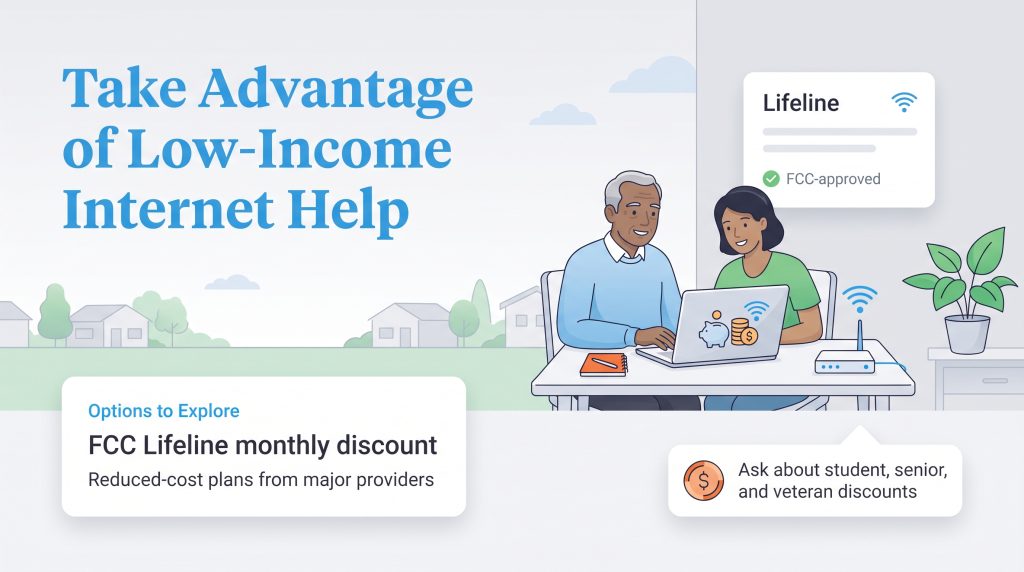
If your household is managing a tight budget, look into federal and provider-sponsored assistance programs. The federal Affordable Connectivity Program (ACP) officially ended in 2024, leaving millions of families searching for a reliable replacement. Fortunately, strong low-income internet programs remain available to bridge the digital divide and keep qualifying households connected at a fraction of standard rates.
The primary federal subsidy is the FCC Lifeline program. Lifeline provides a monthly discount of up to $9.25 (or up to $34.25 for households on qualifying Tribal lands) toward broadband or phone service. You can qualify if your household income is at or below 135% of the Federal Poverty Guidelines, or if someone in your household participates in federal assistance programs like SNAP, Medicaid, Federal Public Housing Assistance, WIC, or Supplemental Security Income (SSI). You can check your eligibility and apply online through the Universal Service Administrative Co. (USAC) National Verifier portal.
Beyond federal aid, major ISPs operate their own discounted broadband tiers for qualifying families, students, veterans, and seniors. These plans include free equipment and no contracts:
| Provider Program | Monthly Cost | Speeds | Key Eligibility |
|---|---|---|---|
| Xfinity Internet Essentials | $14.95/mo | 75 Mbps | SNAP, Medicaid, SSI, National School Lunch Program, Pell Grant, or Public Housing. |
| Access from AT&T | $30/mo | Up to 100 Mbps | SNAP, SSI (in CA), National School Lunch Program, or income at/below 200% of poverty guidelines. |
| Verizon Forward | Up to $30/mo discount (Plans from $20/mo) | 300 Mbps+ | Lifeline, SNAP, Medicaid, WIC, or Federal Pell Grant recipients. |
| Spectrum Internet Assist | $25/mo | 50 Mbps | National School Lunch Program, Community Eligibility Provision, or Seniors (65+) on SSI. |
11. Build Your Blueprint for a Cheaper Wi-Fi Bill
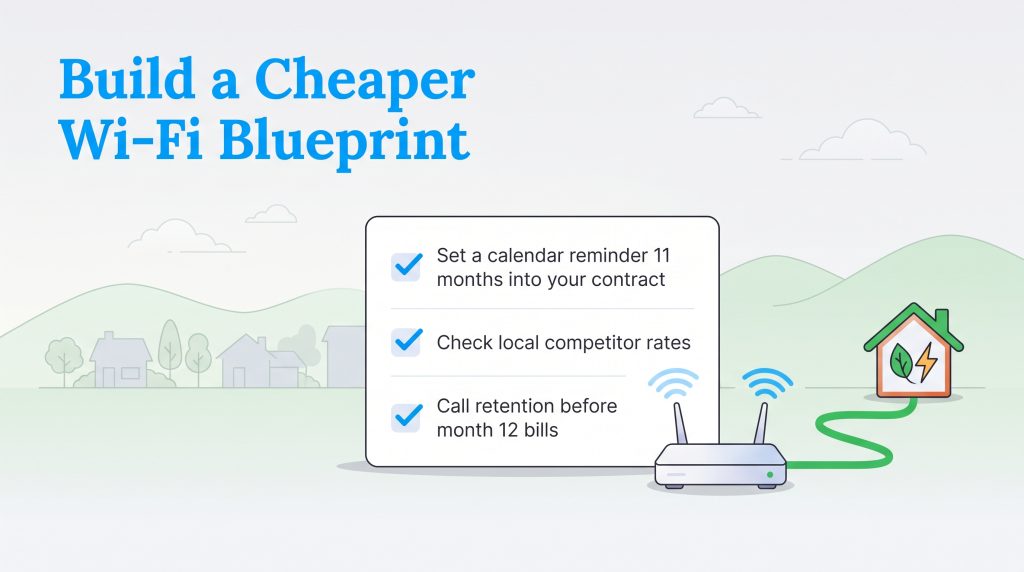
Keeping your internet costs low is a simple annual habit that pays massive dividends over time. By pairing your own networking gear with right-sized speeds and proactive negotiation, you ensure your household only pays for the bandwidth it actually uses — freeing up hundreds of dollars a year for home energy upgrades or your savings account. Follow this quick Annual Internet Checkup Checklist to keep rate hikes away for good:
- Set a calendar reminder 11 months into your contract: Alert yourself 30 days before your 12-month or 24-month promotional discount expires so you aren’t blindsided by a sudden $25+ bill jump.
- Check local competitor rates: Spend five minutes reviewing FCC Broadband Labels from rival fiber, cable, and 5G home internet providers at your address to see current new-customer offers.
- Call retention before month 12 bills: Dial your ISP’s retention department with competitor pricing in hand to lock in a fresh 12-month promotional rate before the higher price hits your statement.
Frequently Asked Questions About Saving on Internet
What is the best way to reduce my internet costs quickly?
Can I cancel my internet and sign up under my spouse’s or roommate’s name to get a lower rate?
Which internet providers do not charge monthly equipment or router rental fees?
How much does an internet bill typically increase after the 12-month promotional period ends?
How do I negotiate a lower internet bill?
What is the best Affordable Connectivity Program replacement?
How do I avoid internet data cap overages?
About the Author

LaLeesha has a Masters degree in English and enjoys writing whenever she has the chance. She is passionate about gardening, reducing her carbon footprint, and protecting the environment. She also recently served as President of the Board for City Sprouts (a community garden).

David has been an integral part of some of the biggest utility sites on the internet, including InMyArea.com, HighSpeedInternet.com, BroadbandNow.com, and U.S. News. He brings over 15 years of experience writing about, compiling and analyzing utility data.