
We Break Down the Speeds, Hardware, and Unique Pricing Model to Help You Determine if This Prepaid 5G Service Is the Smart Choice for Your Next Move
Key Takeaways
- Mint Mobile 5G Home Internet offers aggressive bulk pricing that can dramatically lower your monthly bills, provided you are willing to pay upfront.
- Real-world download speeds range between 133 and 415 Mbps, making it a highly capable option for standard household browsing and remote work.
- The service relies on the T-Mobile 5G home internet network, meaning availability and connection strength depend entirely on your proximity to the nearest cell tower.
Moving into a new home usually brings a mountain of unexpected bills, making Mint Mobile 5G Home Internet (affectionately known as “Minternet”) an incredibly tempting option with its $30 per month starting price. Operating entirely on the robust T-Mobile 5G network, this fixed wireless service promises to cut the cord on traditional cable companies by delivering high-speed Wi-Fi straight to your living room. While the monthly savings are undeniably fantastic, the service comes with a specific catch involving buying your data in bulk upfront and accepting the natural variability of a cellular connection. In our comprehensive Mint Mobile 5G Home Internet review, we will decode the unique bulk-pricing structure, explore real-world network capabilities, and directly compare the service to standard broadband so you can confidently decide if Minternet is genuinely worth it for your household.
Mint Mobile 5G Home Internet Review: Is “Minternet” Worth the Switch?
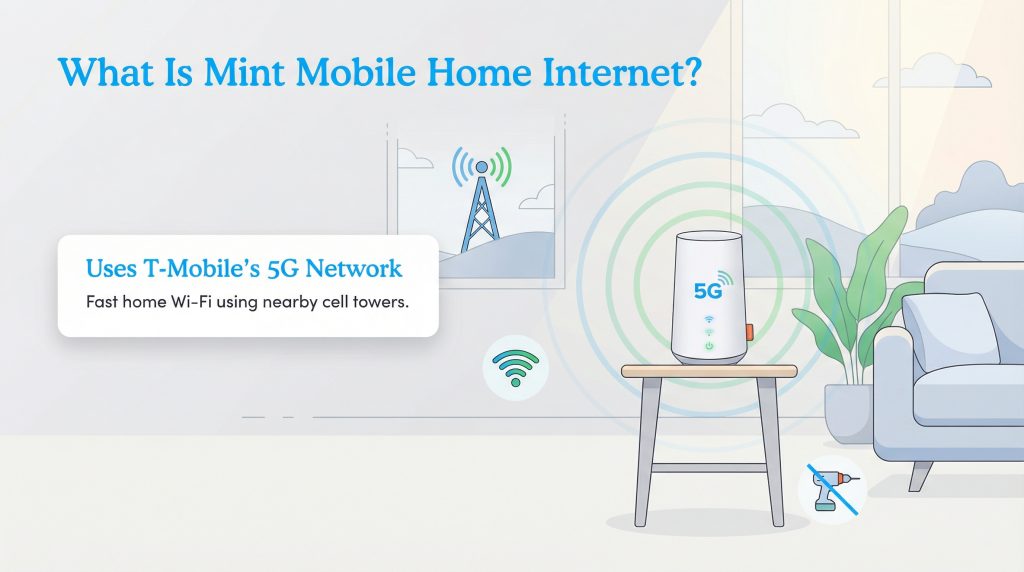
If you have seen the quirky commercials featuring Ryan Reynolds, you might be wondering how a prepaid cell phone carrier can suddenly offer home Wi-Fi. The answer lies in Fixed Wireless Access (FWA). Instead of relying on underground copper lines or fiber-optic cables that physically connect your home to the neighborhood grid, Mint grabs a cellular signal from nearby towers and converts it into a local Wi-Fi network. It is vital to understand that Mint does not own these cell towers. The entire Minternet ecosystem runs on the robust, nationwide T-Mobile 5G home internet network.
Because it operates as a Mobile Virtual Network Operator (MVNO) on T-Mobile’s existing infrastructure, the baseline connection experience skips the hassle of a traditional ISP. There is no need for a technician to drill holes in your walls or drag cables from the street. You receive a simple, standalone router that sits quietly on a shelf. You plug the equipment into a standard power outlet, establish your wireless network via a smartphone app, and your devices are officially online.
Pros, Cons, and Who This Provider Is Best For
Before diving into the fine print, let us look at a quick snapshot of what makes this cheap 5G home internet provider stand out — and where it falls short. Understanding these key advantages and drawbacks will help you determine if the service truly fits your household’s digital lifestyle.
- The Pros: Unbeatable $30 per month price lock for existing Mint Mobile phone customers. The 15-minute DIY setup process is virtually foolproof. It provides an eco-friendly alternative to traditional wired broadband by utilizing existing cell towers.
- The Cons: The strict 1TB soft data limit can easily throttle heavy streaming households. The annual prepayment requirement demands a large upfront chunk of cash. Built-in network routing (CGNAT) complicates setup for advanced corporate VPNs.
Plans, Pricing, and the Annual Prepay Requirement
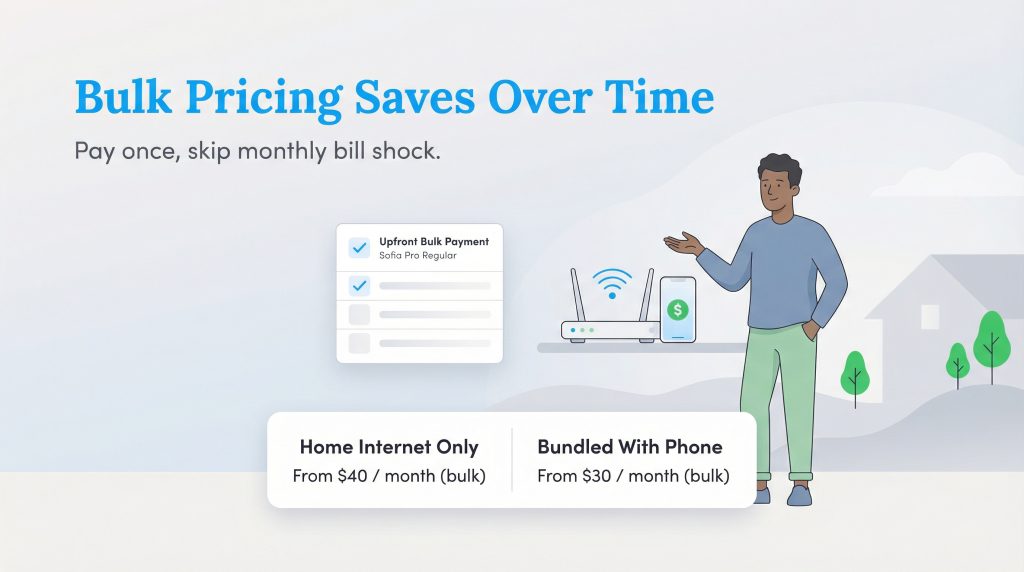
The most confusing part of this service for many new users is decoding the Mint Mobile home internet price structure. Unlike traditional internet service providers that send you a standard invoice every 30 days, Mint Mobile operates strictly on a prepaid bulk model. To secure the service, you must purchase several months of access at once. While this strategy successfully eliminates surprise monthly bills and confusing promotional expirations, it does mean you need a sizable lump sum of cash ready when you hit the checkout screen.
When you evaluate the overall value, the true savings rely entirely on bundle discounts. Existing Mint Mobile cell phone customers receive the best rates, paying an effective rate of $30 per month when they commit to the annual plan. If you are a non-customer simply looking for standalone internet, that rate bumps up to $40 per month. Crucially, after your initial 3-month trial ends, you are strictly required to prepay for a full 12 months to retain these lowest advertised rates. Here is exactly how the Mint Mobile bulk pricing model breaks down based on your upfront commitment.
| Prepayment Term | Mint Mobile Phone Customers | Non-Customers (Standalone) |
|---|---|---|
| 3 Months | $40/mo ($120 total upfront) | $50/mo ($150 total upfront) |
| 6 Months | $35/mo ($210 total upfront) | $45/mo ($270 total upfront) |
| 12 Months | $30/mo ($360 total upfront) | $40/mo ($480 total upfront) |
Note: Pricing examples above reflect standard rates at the time of writing and may be subject to promotional changes. Always confirm the latest rates directly on Mint Mobile’s site.
While writing a check for $360 upfront might feel intimidating initially, it completely wipes out your monthly internet bill for an entire calendar year. For budget-conscious movers aiming to streamline their long-term expenses, this predictability is a massive financial advantage.
Top Mint Mobile Home Internet Comparisons
Current Deals and Ways to Save
If you want to maximize your value when setting up your new home, taking advantage of introductory offers is essential. Mint frequently runs promotions designed to soften the blow of that upfront bulk payment.
| Promotion Type | How It Works |
|---|---|
| Bundle Discount | Save $10 per month by linking your internet to an active Mint Mobile cellular plan. |
| Introductory Trial | Lock in the lowest annual pricing tier for your first 3 months without committing to a full year upfront. |
Because Mint relies heavily on straightforward pricing, they rarely offer complex gift card rebates or streaming service freebies. What you see is exactly what you get — affordable, reliable internet without the smoke and mirrors.
Network Information: Speeds, Reliability, and Data Limits
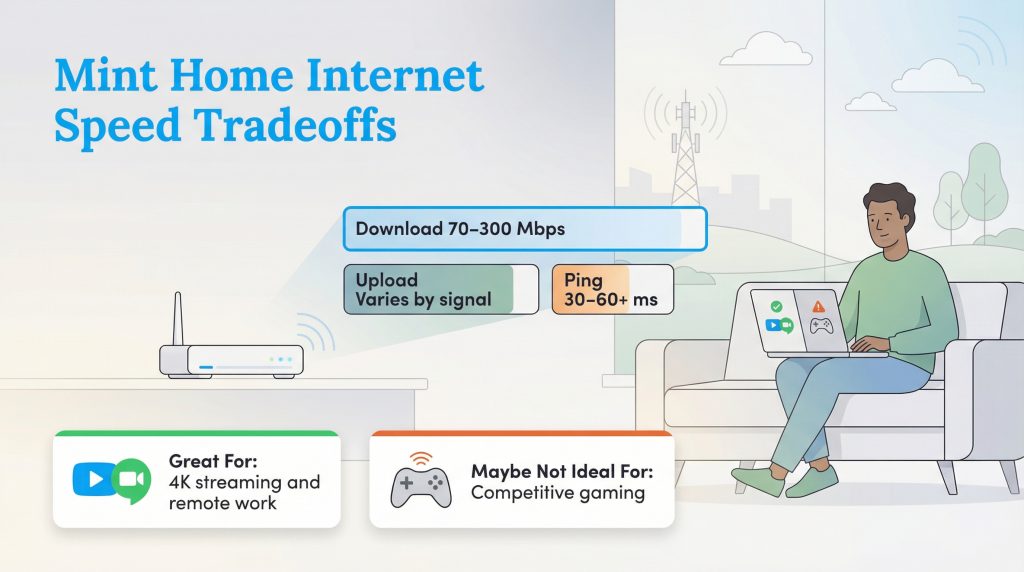
When analyzing your expected Mint Mobile 5G home internet speeds, you have to manage your expectations regarding how wireless technology actually functions. Because it operates as an MVNO on T-Mobile’s infrastructure, your specific data stream is naturally prioritized slightly below direct, postpaid T-Mobile customers during peak congestion times. However, if your neighborhood is cleared for service, the baseline performance is generally excellent.
Because the data signal physically travels through the air, it is naturally subject to interference from building materials and weather, but under normal conditions, users can expect download speeds ranging from 133 to 415 Mbps. Upload speeds tend to hover between 10 Mbps and 30 Mbps, heavily depending on your direct line of sight to the local tower. Learn more about how these speeds compare by exploring other 5G Home Internet options in your area.
One of the most critical caveats to understand before cutting the cord is the Mint Mobile home internet data cap. Unlike many traditional broadband connections that offer unlimited data without question, Mint imposes a 1.0 TB (1,000 GB) soft data cap limit on every billing cycle. For standard households, 1TB is a massive amount of data, comfortably covering daily Netflix streaming and remote work. If you exceed the 1TB mark, your connection will not be shut off, but you will experience severe data deprioritization, drastically slowing your speeds until your next cycle resets.
How Deprioritization Impacts Gamers
If you are wondering, “Is Mint Mobile home internet good for gaming?” the verdict heavily favors casual players. A relaxed console session will work beautifully. But competitive gamers will likely struggle due to latency (ping) fluctuations. Built-in network delays frequently hover between 30 ms and 70 ms, meaning you might experience frustrating lag spikes during fast-paced titles like Apex Legends or Call of Duty. Serious gamers should strongly consider a direct fiber or cable internet connection.
Coverage Area and Major Supported Cities
Mint Mobile home internet availability is vast, but it isn’t universal. Because it rides on the back of the nation’s largest 5G network, you will find exceptional coverage across most major metropolitan areas. Residents in cities like Los Angeles, Chicago, Dallas, New York City, and Atlanta typically enjoy strong, reliable signals.
However, having a strong Mint Mobile signal on your phone does not automatically guarantee your address is cleared for their home internet service. T-Mobile heavily restricts fixed wireless availability based on local tower capacity to ensure the network does not crash for mobile users. We strongly recommend visiting the official Mint Mobile website to input your exact home address into their dynamic coverage map before making any purchasing decisions.
Minternet Versus T-Mobile 5G Home Internet
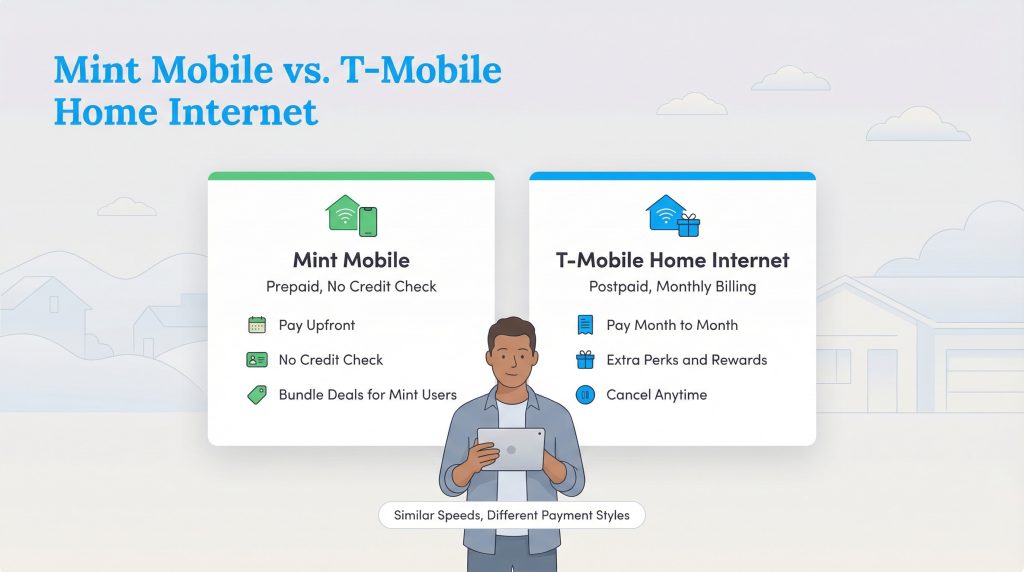
When comparing Mint Mobile vs T-Mobile home internet, you will quickly realize that the real-world performance is virtually identical because they broadcast from the exact same towers. Instead of competing on speed, this battle comes down entirely to your personal billing preferences and desire for month-to-month flexibility. We have broken down the core differences in the feature matrix below.
| Feature | Mint Mobile 5G Home Internet | T-Mobile 5G Home Internet |
|---|---|---|
| Monthly Price | $30 to $50 (Requires upfront bulk payment) | $50 to $60 (Billed monthly with AutoPay) |
| Data Caps | 1TB Soft Cap (Speeds heavily deprioritized after) | Unlimited Data (Subject to general network management) |
| Credit Check | No credit check required | Soft credit check required |
| Commitment | Requires a 3, 6, or 12-month prepayment lock-in | Month-to-month flexibility; cancel anytime |
T-Mobile operates as a traditional postpaid service. They bill you every month, but you are never locked into a long-term commitment and don’t have to part with a massive lump sum of cash upfront. Conversely, Mint Mobile embraces the prepaid model, meaning zero credit checks and zero surprise fees, making it highly accessible for young renters.
Router Setup and Managing the Mint Mobile App
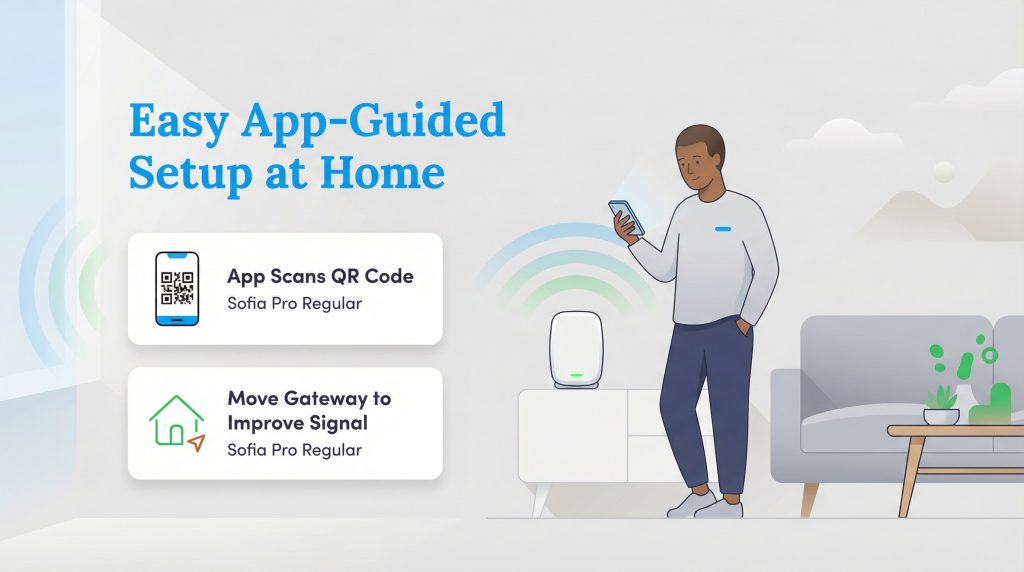
The Mint Mobile router setup is remarkably simple and purely plug-and-play. You just plug the Wi-Fi 6 unit into a wall outlet near a window (preferably on the highest floor of your home) and open the app. The centralized Mint Mobile app features everything you need to manage your household network without navigating a confusing browser-based admin portal.
Once paired, the app is your dedicated control center. You will use it specifically for core internet management tasks, such as viewing your monthly data usage to ensure you stay under the 1TB cap, checking your active connection status, and paying your upcoming bulk bills. It also includes intuitive troubleshooting prompts to help you optimize the physical placement of your gateway for the strongest possible cellular signal.
Fees, Guarantees, and Return Policies
One of the most intimidating aspects of switching internet providers is the hidden hardware costs, but Mint essentially eliminates that stress altogether. There are absolutely zero upfront equipment rental fees for the gateway, and no pricey technician installation fees are required. Standard shipping for the hardware is also typically free during promotional periods.
If you are nervous about committing to a prepaid service, Mint offers a strict 7-day money-back guarantee. This grace period allows you to safely test the signal strength inside your new residence. If the speeds do not meet your expectations, or if you hit unexpected dead zones, you can return the gateway within exactly seven days of activation for a full refund of your bulk payment.
What Customers Are Saying: Real Reviews and Ratings
To give you the most accurate picture, we analyzed user feedback from the r/mintmobile Reddit community, the Better Business Bureau, and local utility forums. The Minternet review consensus highlights a tale of two very different experiences. Casual streamers frequently praise the straightforward value, while highly technical remote workers run into frustrating roadblocks.
Top 3 Praised Features:
- Price Predictability: Users love paying once and forgetting about their internet bill for an entire year.
- Painless Setup: Movers frequently highlight how easy it is to plug in the router and get online without waiting days for a technician.
- Streaming Reliability: Most customers report flawless performance when watching standard Netflix or Hulu during the day.
Top 3 Common Complaints:
- VPN Compatibility: Due to Carrier-Grade NAT (CGNAT) configurations, technical users frequently struggle to connect to strict corporate zero-trust networks.
- Evening Slowdowns: Because mobile users take priority on the towers, home speeds often dip noticeably between 5:00 p.m. and 9:00 p.m.
- Customer Service Wait Times: Troubleshooting technical hardware issues over the phone can be a lengthy process.
Mint Mobile Sustainability and Green Initiatives
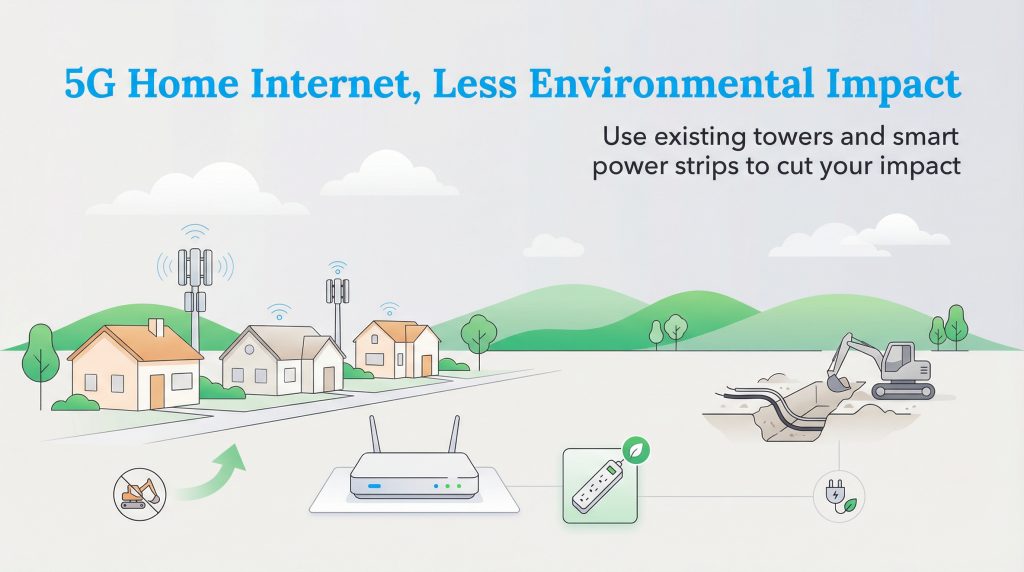
Fixed wireless is an incredibly environmentally mindful choice that aligns remarkably well with modern sustainable living goals. Traditional broadband infrastructure requires heavy construction machinery to trench roads and lay miles of intrusive cables. By utilizing preexisting cellular towers, Mint Mobile drastically reduces the need for disruptive new physical infrastructure in your community.
Furthermore, because Mint relies entirely on digital app-based management, they operate heavily on a paperless billing model, cutting down on unnecessary physical waste. They also benefit directly from T-Mobile’s broader corporate sustainability pledges, including their historic achievement of sourcing 100% renewable energy to power their nationwide network. If you are looking for an eco-conscious alternative to heavy-handed cable monopolies, this service is a fantastic fit.
Making the Final Call on Your Minternet Switch
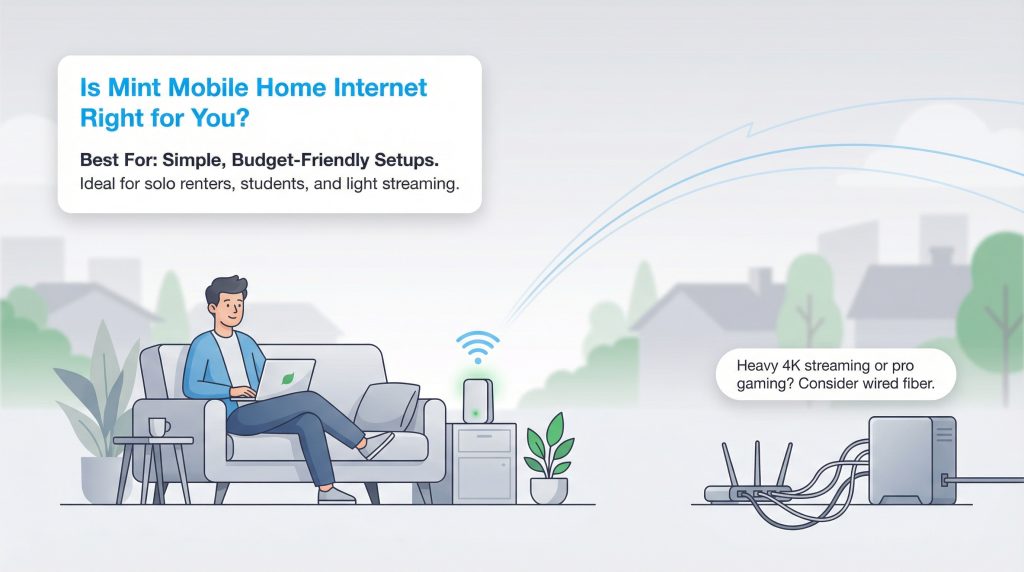
When weighing Minternet vs traditional cable, we believe the prepaid cellular route is an excellent choice for a very specific type of consumer. The upfront bulk pricing model offers unbeatable value, providing profound peace of mind by completely eliminating your internet bill for up to a full year. If you want to confidently slash your moving costs while drastically simplifying your utility setup, Mint delivers a highly compelling challenge to the legacy ISPs.
However, if your household features multiple family members attempting to stream 4K movies while someone games competitively, the 1TB data limit and wireless latency will likely cause daily friction. Here is our definitive recommendation on whether you should buy or skip this service:
- Buy it if: You are a budget-conscious renter, have a small household with moderate streaming habits, or are a current Mint Mobile phone plan customer aiming to maximize your bundle discounts.
- Skip it if: You are a heavy data user who routinely surpasses 1TB of monthly usage, a competitive gamer requiring ultra-low latency, or an advanced remote worker needing a static, public IP address.
Frequently Asked Questions About Minternet
Is Minternet the same as T-Mobile home internet?
No. While they share the exact same 5G network towers and deliver similar real-world speeds, they are completely different services. Mint Mobile requires an upfront bulk payment and includes a 1TB soft data limit, whereas T-Mobile bills monthly and does not have a strict, predetermined data cap.
How does Mint Mobile home internet compare to T-Mobile home internet?
Both providers rely on the same physical cell towers, meaning signal reliability is nearly identical. The core difference lies in how you pay. T-Mobile charges a slightly higher monthly fee with total month-to-month flexibility and no hard data limits. Mint Mobile offers significantly lower effective monthly rates but requires you to pay for your service upfront in 3-, 6-, or 12-month chunks and imposes a 1TB soft data cap.
Does Mint Mobile 5G home internet have a data cap?
Yes, there is a 1TB soft data cap attached to the service. This means you can comfortably use up to 1,000 GB of data per billing month at your maximum available 5G speeds. If your household manages to exceed this limit, your connection will not be fully disconnected, but your data will be heavily deprioritized, resulting in significantly slower speeds until your next billing cycle resets.
Can I use the Mint Mobile home internet router for online gaming?
While you can absolutely use it for casual, relaxed gaming sessions, it is not recommended for competitive online multiplayer games. Because fixed wireless internet inherently has higher latency (ping) than direct fiber or cable connections, you will likely experience frustrating lag spikes during fast-paced games.
How do I check Mint Mobile home internet availability in my area?
Because the service relies strictly on T-Mobile’s local 5G network capacity, it is not available universally. You must check your specific home address on Mint Mobile’s official website to verify your eligibility. Having a strong Mint Mobile phone signal on your driveway does not automatically guarantee your home address is cleared for the fixed wireless internet service.
How do I manage my Wi-Fi network settings with Mint Mobile?
All of your network management is handled directly through the standard Mint Mobile smartphone app. Unlike traditional internet providers that use a web browser portal, you will use the app to check connection status, monitor data usage, update your password, and view your overall gateway signal strength.
Can I get a refund if Mint Mobile home internet doesn’t work at my house?
Yes, Mint Mobile offers a strict 7-day money-back guarantee, allowing you to safely test the signal strength inside your new residence with minimal financial risk. We highly recommend testing the connection during the busy evening hours to ensure it holds up to neighborhood congestion before committing fully.
Can I move my Mint Mobile gateway to a different house?
In most scenarios, no. The home internet service is strictly geo-locked to your registered service address to ensure that the specific local cell tower doesn’t become overloaded with traffic. If you are moving to a new apartment or house, you must formally update your address with Mint customer service to verify capacity at your future location.
About the Author

David has been an integral part of some of the biggest utility sites on the internet, including InMyArea.com, HighSpeedInternet.com, BroadbandNow.com, and U.S. News. He brings over 15 years of experience writing about, compiling and analyzing utility data.