Discover How National Grid Handles Your Energy Delivery and Learn How to Navigate Your Electric and Gas Options
Key Takeaways
- National Grid provides essential energy delivery for millions across New York and Massachusetts.
- You have the power to choose your energy supplier in deregulated areas to find competitive rates.
- Reporting outages and paying bills is simple through the National Grid mobile app, online portal, or 24/7 hotline.
If you are moving to New York or Massachusetts, National Grid is likely your primary electric and gas provider, responsible for safely delivering energy to your new home. Navigating a new utility setup can feel overwhelming, but understanding how this major provider operates makes the process much simpler. National Grid handles the physical infrastructure — the poles, wires, and pipelines — while giving you the freedom to choose your own energy supplier in deregulated areas. Whether you need to start National Grid service, compare the National Grid Basic Service rate against competitive energy suppliers, or figure out the quickest way to track an outage, this guide covers everything you need to manage your household utilities efficiently.
National Grid Coverage Area
The National Grid coverage area spans extensive electric and natural gas territories across the Northeast, making it a household name for millions of residents. While the company operates under one primary brand, your specific utility portal, state rebates, and service options differ depending on which region you call home.
| Region | Service Type | Major Cities Served |
|---|---|---|
| Massachusetts | Electric & Natural Gas | Boston, Worcester, Lowell, Lynn, Quincy |
| Upstate New York | Electric & Natural Gas | Buffalo, Syracuse, Albany, Utica |
| Downstate NY / Metro & Long Island | Natural Gas Only | Brooklyn, Queens, Staten Island, Long Island |
Massachusetts Electric and Gas Territory
Massachusetts includes both electricity and natural gas service in major cities and towns such as Boston, Worcester, Lowell, Lynn, and Quincy (note that in Boston proper, National Grid primarily handles natural gas, while surrounding communities receive electric, gas, or both). When managing your account in Massachusetts, your online portal will directly integrate with state-specific programs like Mass Save for home energy assessments and rebates.
New York Operational Regions (Upstate vs. Downstate Gas)
New York is divided into multiple operational regions. The Metro area includes Brooklyn, Queens, and Staten Island, where National Grid strictly provides natural gas service. Long Island and the Rockaways also fall under National Grid’s gas operations. Upstate New York receives both electric and gas service, covering major cities such as Buffalo, Syracuse, Albany, and Utica. New York customers utilize a distinct regional portal that connects with NYSERDA incentive programs.
What Happened to National Grid in Rhode Island?
If you are moving to Providence or surrounding communities, you might remember seeing National Grid trucks in the area. However, National Grid sold its Narragansett Electric division to PPL Corporation, and the utility now operates independently as Rhode Island Energy.
National Grid’s service territory covers some of America’s oldest power grids, which the company is actively modernizing to better support renewable energy integration and storm resilience.
Plans and Pricing: National Grid Basic Service vs. Energy Suppliers
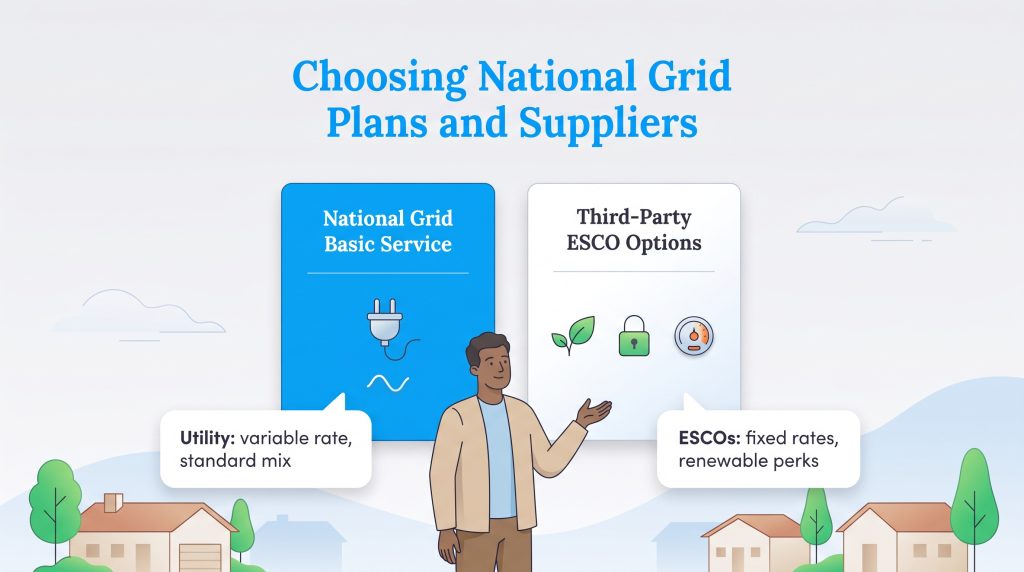
One of the most important choices you have as a National Grid customer is whether to stick with their default utility supply rate or explore an alternative retail electric supplier. Understanding how National Grid electric rates work alongside third-party Energy Service Companies (ESCOs) allows you to pick a plan that actually fits your household budget and environmental goals.
National Grid Basic Service Rates and Price to Compare
When you open a new utility account, you are automatically placed on National Grid’s default supply plan, known as Basic Service in Massachusetts and SC1 Standard Service in New York. National Grid passes the wholesale cost of electricity or natural gas directly to you without marking it up for profit, but those market rates can swing wildly with the seasons.
In Massachusetts, Basic Service offers both a Fixed Price option (which locks in your supply rate for a six-month winter or summer cycle) and a Variable Price option that changes monthly. Depending on whether you are in the winter or summer rate cycle, the residential National Grid Basic Service rate in Massachusetts typically averages between 15¢ and 20¢ per kWh for supply alone. In New York, default supply rates fluctuate every single month based on wholesale market conditions. When you combine supply and delivery charges in Upstate New York, total bundled residential rates average between 22¢ and 26¢ per kWh.
Before you shop around for an alternative supplier, check the Supply Services section of your monthly bill to find your Price to Compare. The National Grid Price to Compare is the exact cents-per-kWh (or cents-per-therm) baseline you need to beat when evaluating third-party offers on official state portals like Energy Switch Massachusetts.
| Feature | National Grid Basic Service | Third-Party ESCOs |
|---|---|---|
| Rate Structure | Variable or 6-month seasonal reset; changes based on market conditions | Often fixed; lets you lock in a specific rate for 12 to 36 months |
| Energy Source | Standard regional mix (largely natural gas and nuclear) | Options for 100% renewable energy from wind or solar |
| Cancellation Fees | None; you can leave default service at any time without penalty | May include early termination fees if you break a fixed contract |
| Value Perks | Basic utility service without frills | Often include smart thermostats, rewards, or home protection plans |
Comparing Retail Energy Suppliers (ESCOs) in NY and MA
If you want to lock in a multi-year fixed rate below your current Price to Compare or source 100% renewable power, here is a quick look at the top retail suppliers operating in National Grid territories:
Constellation Energy: Constellation Energy consistently ranks as one of the top choices in Massachusetts and New York for customers served by National Grid. The company earns high marks for clear pricing, strong renewable energy options, and reliable customer service. Constellation offers both fixed-rate and renewable plans that help customers lock in predictable costs while supporting clean power generation.
Direct Energy: Direct Energy remains a popular supplier across the Northeast because of its straightforward plans, competitive rates, and value-added perks such as energy tracking tools and home protection services. Customers appreciate the company’s consistent billing and responsive customer support.
Tomorrow Energy: Tomorrow Energy has built a loyal following among customers who want fully renewable energy. All of their electricity plans are sourced from 100% wind or solar power. That focus on sustainability, paired with a transparent and fixed-rate approach, makes them one of the best green suppliers available to National Grid customers.
CleanChoice Energy: CleanChoice Energy specializes in clean, regional renewable energy sourced primarily from wind and solar farms located in the eastern United States. Their plans emphasize traceable green energy, strong environmental accountability, and straightforward pricing.
Clearview Energy: Clearview Energy rounds out the top five because of its combination of competitive rates, customer-first billing practices, and flexible contract terms. The company offers both traditional and renewable plans that fit different household needs.
Not all providers are available in all areas. Make sure to search your ZIP code to find what’s available to you. Always check the contract length to avoid early termination fees, and confirm the renewable percentage if choosing an eco-conscious alternative matters to your household.
Learn More About Choosing A Provider
Why Choose National Grid Basic Service vs. a Third-Party Supplier?
If you live in National Grid’s service territory, you don’t have a choice regarding who delivers your power — National Grid owns the local grid and must handle your physical delivery. However, you do have a choice when it comes to who supplies the actual energy commodity. Deciding whether to stay with National Grid’s default supply or sign up with a third-party ESCO comes down to how hands-on you want to be with your utility bills.
Who Basic Service Is Best For
- Renters on Short-Term Leases: If you are only staying in an apartment for six to 12 months, sticking with National Grid Basic Service guarantees zero early termination fees when you move out.
- Low-Income Households on Assistance Programs: If you receive state utility discounts or heating grants, staying on default utility supply is usually required. State rules in New York and Massachusetts strictly limit or prohibit ESCO switching for assistance recipients to protect households from overpaying.
- Hands-Off Homeowners: Third-party contracts require you to track expiration dates so your plan doesn’t quietly roll over into a high month-to-month rate. If you prefer a “set it and forget it” utility setup without risking variable teaser-rate spikes, Basic Service is your safest bet.
When to Switch to a Competitive Supplier
- Budget-Conscious Homeowners Seeking Rate Stability: If you spot a 12-to-36-month fixed rate from a reputable supplier that sits below National Grid’s current Price to Compare, locking it in before winter heating hikes hit can save you serious money.
- Eco-Conscious Consumers: Because National Grid’s standard regional fuel mix relies heavily on natural gas, switching to a green retail supplier is one of the easiest ways to power your home with 100% wind or solar energy without installing rooftop panels.
Understanding Your National Grid Bill, Fees, and Guarantees
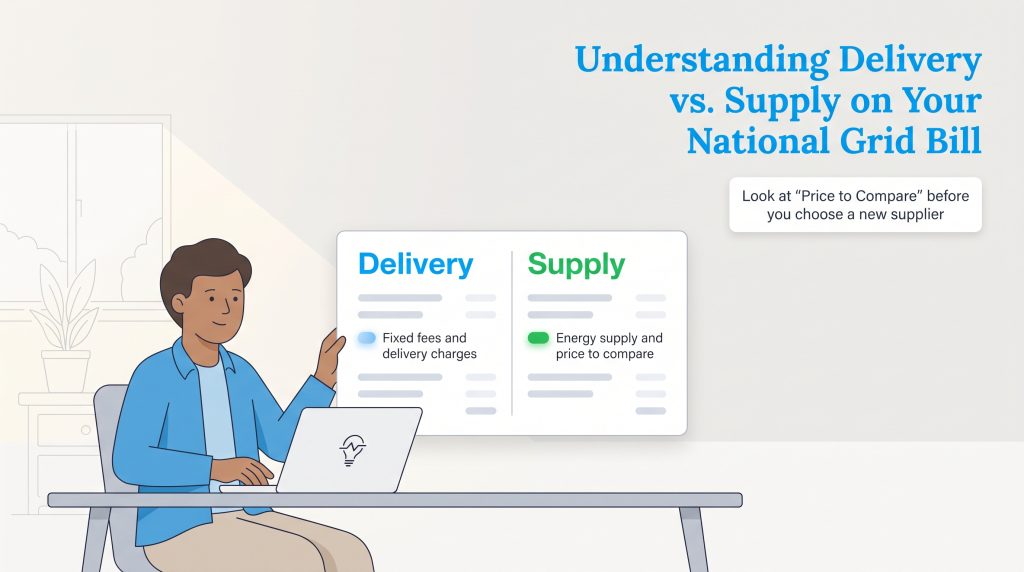
If you live in a deregulated energy market within New York or Massachusetts, your utility costs are split into two main buckets: delivery and supply. Learning how to read your statement — and knowing which account fees and consumer protections apply to your household — is the best way to keep your monthly expenses in check.
Delivery vs. Supply Charges Explained
National Grid will always act as your delivery utility, meaning they maintain the local infrastructure regardless of who supplies your energy. Here is a breakdown of the standard line items you will find on your monthly statement:
- Basic Service Charge: A fixed monthly fee covering administrative costs, meter maintenance, and billing services. You pay this regardless of how much energy you actually use.
- Delivery Charge: The cost for National Grid to transmit power over their poles, wires, and pipelines to your home. This fluctuates based on your usage but cannot be shopped around for a lower rate.
- Supply Charge: The actual cost of the electricity or natural gas commodity you consumed. If you haven’t switched providers, this reflects National Grid’s default rate. If you chose a third-party supplier, their negotiated rate appears here.
- Capacity Charge: A fee ensuring that power plants generate enough electricity to meet peak demand during extreme weather conditions.
- Merchant Function Charge: A fee associated with National Grid procuring the energy commodity on your behalf. This is removed if you switch to a third-party Energy Service Company (ESCO).
- Renewable Energy Credit Charge: A state-mandated fee that funds local green energy initiatives and renewable infrastructure investments.
When evaluating your National Grid electric rates, look at your “Price to Compare” listed under the supply section. This is the baseline number you use when shopping for a more competitive energy plan.
Service Fees, Security Deposits, and Payment Processing Costs
Beyond your per-kWh usage rates, it is important to understand the standard account charges, payment fees, and service guarantees baked into your utility agreement:
- Basic Service / Customer Charge: Every residential account pays a mandatory fixed monthly customer charge — typically ranging from $10 to $17+ depending on your state and rate class — just to stay connected to the grid, even if your usage is zero.
- Speedpay / Credit Card Processing Fees: Paying your bill online via a checking or savings bank account (ACH/Direct Debit) is completely free. However, if you pay by credit, debit, or prepaid card through Western Union Speedpay, you will be charged a small third-party convenience fee per transaction.
- Security Deposits: If a soft credit check triggers a security deposit requirement when you open your account, National Grid guarantees that your deposit will be refunded with interest after 12 consecutive months of on-time payments. You can also get this deposit waived upfront by enrolling in AutoPay or submitting a letter of good standing from a prior utility.
- Cancellation Fees: Residential customers pay $0 cancellation fees to leave National Grid Basic Service or close their account when moving (though large commercial accounts may face special recalculation rules).
- Service Guarantees & Medical Protections: National Grid maintains a strict Life-Sustaining Equipment (LSE) registry for households relying on electrically powered medical devices, providing priority power restoration and shutoff protections. Additionally, state-mandated Winter Moratorium rules in New York and Massachusetts guarantee that eligible households will not have their heating or electric service disconnected for non-payment during freezing winter months.
How to Start, Stop, or Transfer National Grid Service
Setting up your utilities shouldn’t be the most stressful part of moving. Whether you are buying your first home or shifting to a new rental property, knowing exactly how to start National Grid service ensures you will not spend your first night in the dark. Follow these three essential steps to seamlessly transition your energy service.
- Gather Identification and Documentation: Before you initiate the transfer, gather the necessary documents. You will need your Social Security Number (or passport/driver’s license if you do not have an SSN), the exact service address including any unit numbers, and your planned move-in date. Renters should also have their lease agreement handy, as the utility may occasionally ask for proof of residency to activate a meter.
- Give Advance Notice: Do not wait until moving day. Contact National Grid customer service or use the online portal at least one full week (seven to 10 days) prior to your move. This advance notice guarantees a technician has time to activate the connection if the physical meter was previously turned off. If you are transferring service to a new address within their territory, you can handle the stop-and-start orders simultaneously online.
- Handle Potential Security Deposits: When you open a new account, National Grid will run a soft credit check. Depending on your credit history or previous utility payment record, they may require a security deposit before activating service. You can often have this deposit waived by enrolling in automatic payments or providing a letter of good standing from your previous utility provider. If a deposit is required, it is typically refunded with interest after one year of on-time payments.

- Calculate Your Moving Costs
- Compare Moving Companies
- Get Multiple Quotes
- Move with Confidence
How to Report and Search for National Grid Power Outages
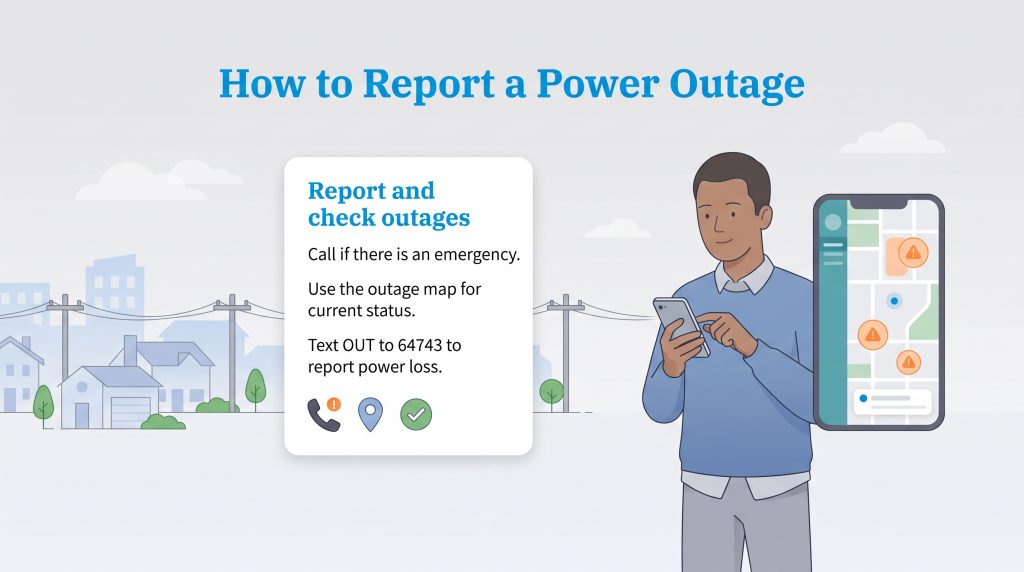
When a nor’easter knocks down tree limbs or an unexpected disruption hits your block, knowing exactly who to contact saves you valuable time. National Grid offers multiple channels for checking the status of outages and reporting emergencies directly from your smartphone or computer.
Emergency Customer Service Numbers
If you are experiencing an active hazard or power failure, bypass the online tools and call National Grid customer service immediately. Save these 24/7 emergency numbers in your phone so you are always prepared:
- Electric Outages (New York): 1-800-867-5222
- Electric Outages (Massachusetts): 1-800-465-1212
- Gas Leaks or Emergencies (All Regions): Leave the premises immediately and call 911 or 1-800-892-2345.
- Manhole or Underground Electrical Emergencies: 1-800-642-4272
Using the National Grid Outage Map and Text Alerts
If you want to track a current power disruption in your neighborhood, the interactive National Grid outage map is your best resource. Here is how to use the map and SMS tools to stay informed:
- Visit the Outage Central webpage or open the National Grid mobile app.
- Enter your ZIP code or log in to your account to view your specific street address.
- Click on the mapped outage icons to view the number of affected customers, the estimated time of restoration (ETR), and one of four real-time crew statuses: Assessing, Crew Dispatched, Repairing, or Pending Restoration.
- Use SMS Text Commands (64743): You can manage outage alerts via text message using short code 64743. Text REG (followed by your 10-digit account number) to enroll in automated notifications, text OUT to quickly report a power outage at your address, and text STAT at any time to check your current restoration status.
Even if you choose a separate supplier for your energy, National Grid continues to be responsible for delivery. They remain your primary point of contact for service restoration and safety hazards.
National Grid Mobile App and Bill Pay Options
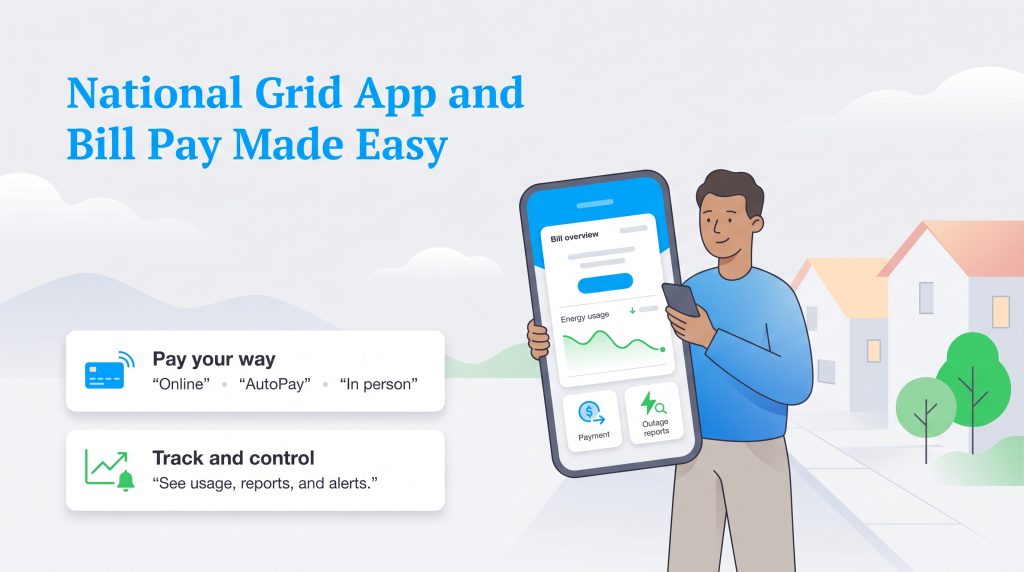
Managing your household utilities should not be a chore. Centralizing your account management through digital tools makes it simple to monitor your usage and handle your National Grid pay bill routine from anywhere. The company offers several payment methods to fit your schedule:
- Online Portal: Log in via a web browser to schedule free one-time bank transfers or pay by credit/debit card through Western Union Speedpay.
- AutoPay: Set up automatic monthly deductions from your checking or savings account so you never miss a due date or pay a late fee.
- Pay by Phone: Use the automated 24/7 phone payment system by calling the customer service number listed at the top of your statement.
- In-Person Payments: Visit authorized local payment centers or Western Union agent locations in your community.
- Budget Billing: Smooth out seasonal costs by paying a predictable, averaged amount each month, preventing winter or summer price spikes.
For ultimate convenience, download the National Grid mobile app, which earns high marks from users with a 4.8 rating on the iOS App Store and a 4.7 rating on Google Play. The app features fast biometric login (Face ID and fingerprint authentication), direct in-app bank account payment scheduling, Speedpay integration for credit and debit cards, real-time outage reporting, and quick enrollment for paperless billing.
Deals, Discounts, and Ways to Save on Your Bill
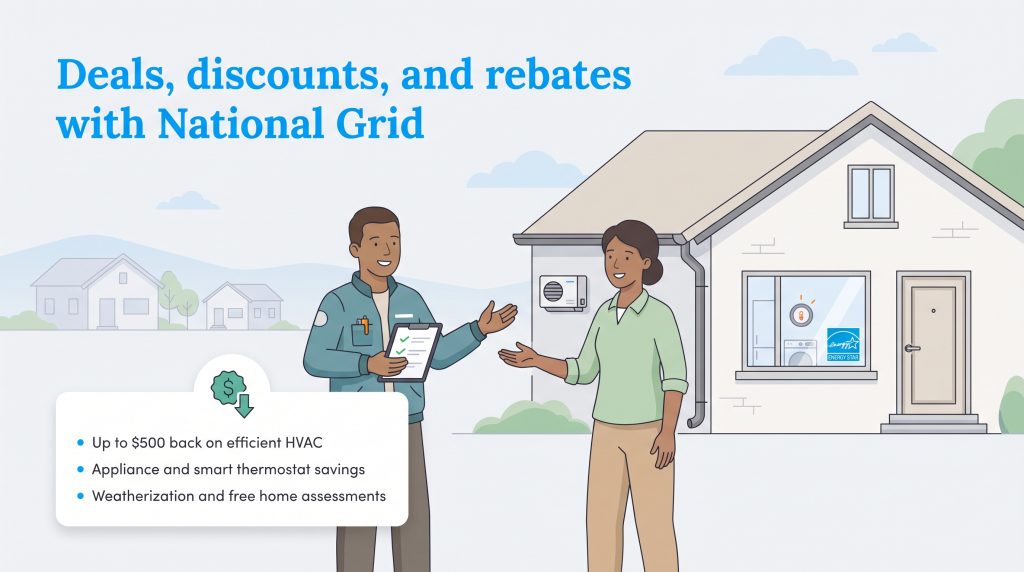
Beyond basic energy delivery, National Grid connects customers with state-backed programs designed to cut energy waste and lower monthly utility costs. Whether you want to upgrade old appliances or need help covering winter heating bills, taking advantage of National Grid energy efficiency rebates and assistance programs can put hundreds of dollars back in your pocket.
Mass Save and NYSERDA Energy Efficiency Rebates
If you live in Massachusetts, you can utilize the Mass Save program, while New York residents can access robust incentives through NYSERDA. Both initiatives collaborate closely with National Grid to offer significant savings for proactive homeowners:
- High-Efficiency HVAC Systems: Get up to $500 (or more for whole-home heat pumps) in rebates when upgrading to energy-efficient heating and cooling equipment.
- Appliance Rebates: Receive $50 to $150 back for purchasing ENERGY STAR certified appliances, such as clothes dryers, dehumidifiers, and room air conditioners.
- Smart Thermostats: Enjoy smart thermostat installation discounts and seasonal bill credits that help automate your climate control.
- Weatherization Assistance: Access free or heavily discounted home energy assessments, air sealing, and 75% to 100% off approved insulation upgrades.
To unlock these rebates, simply visit MassSave.com or the NYSERDA portal, enter your ZIP code, and schedule a free home energy assessment. A certified energy specialist will evaluate your home for drafts and insulation gaps — either virtually or in person — and outline every rebate you qualify for.
Income-Eligible Discounts and Financial Assistance Programs
If your household is struggling with high utility bills or qualifies for public benefits, National Grid offers several ongoing discount rates and payment tools:
- Energy Affordability Program (EAP) in New York: Provides automatic monthly bill credits for income-eligible New York customers who participate in qualifying programs like SNAP, Medicaid, SSI, or HEAP.
- Discount Rate (R-2) in Massachusetts: Gives qualifying low-income Massachusetts households a direct percentage discount (often 25% to 32%) off their total monthly National Grid bill.
- HEAP / LIHEAP Grants: The federally funded Home Energy Assistance Program provides direct grants to help low-income renters and homeowners pay for winter heating costs and emergency fuel deliveries.
- Budget Billing: Available to all residential customers, this free billing option spreads seasonal winter gas heating or summer AC spikes into 12 predictable monthly installments based on your historical usage.
Upgrading Service, Smart Meters, and Gas Conversion
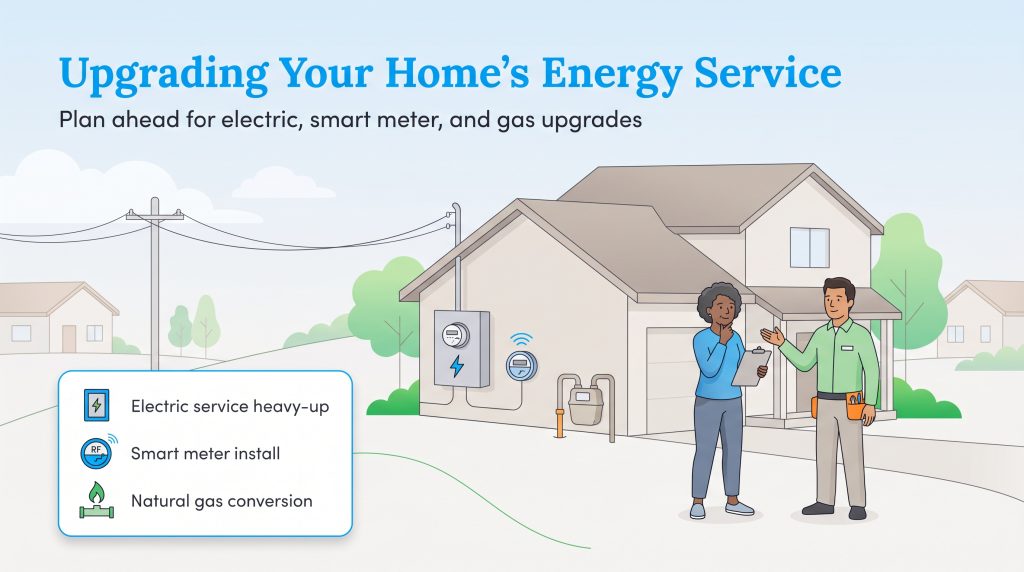
As homes modernize with electric vehicles, heat pumps, and advanced appliances, your baseline utility infrastructure might need a boost. National Grid handles all physical upgrades to your home’s connection to the larger grid.
Requesting an Electric Service Upgrade (Heavy-Up)
Older homes typically feature 100-amp electrical panels, which struggle to support modern, high-draw appliances like Level 2 EV chargers or whole-home electric heating. If you need to upgrade to 200-amp service, this process is known as a “heavy-up.” You must hire a licensed electrician to update your internal panel, but National Grid is required to upgrade the external service wires running from the street to your home. Your electrician will coordinate directly with National Grid’s engineering department to pull the necessary permits and schedule the temporary disconnect required to install the heavier wiring.
The National Grid Smart Meter Rollout
National Grid is actively replacing traditional analog meters with advanced metering infrastructure (AMI), commonly known as a National Grid smart meter. These modern devices use secure radio frequency mesh networks to transmit your energy usage data directly to the utility in real time. This eliminates the need for physical meter readers to visit your property and drastically reduces the chances of estimated billing. When your neighborhood is scheduled for an upgrade, National Grid will notify you via mail weeks in advance. The actual installation only takes about 15 minutes, causing a brief, temporary power interruption.
Initiating a Natural Gas Line Conversion
Many homeowners look to switch from costly oil heating to a cleaner natural gas system. A National Grid gas conversion requires coordinating with both the utility and an independent plumbing contractor. To start the process, call the dedicated National Grid conversion hotline at 1-877-MyNGrid. A representative will check if there is an existing gas main on your street. If approved, National Grid runs the physical service line from the street to your house and installs the gas meter. Your private contractor will then handle the internal piping and install your new gas furnace or boiler.
Sustainability and Renewable Energy Initiatives
National Grid has committed to building a fossil-free energy future in the United States by 2050 or sooner. The company’s vision includes eliminating fossil fuels from both its gas and electric systems while expanding renewable energy integration across the Northeast.
National Grid has connected more than three gigawatts of distributed renewable generation, primarily from solar projects, across its historic Northeast footprint. That is enough clean energy to power roughly six hundred thousand homes.
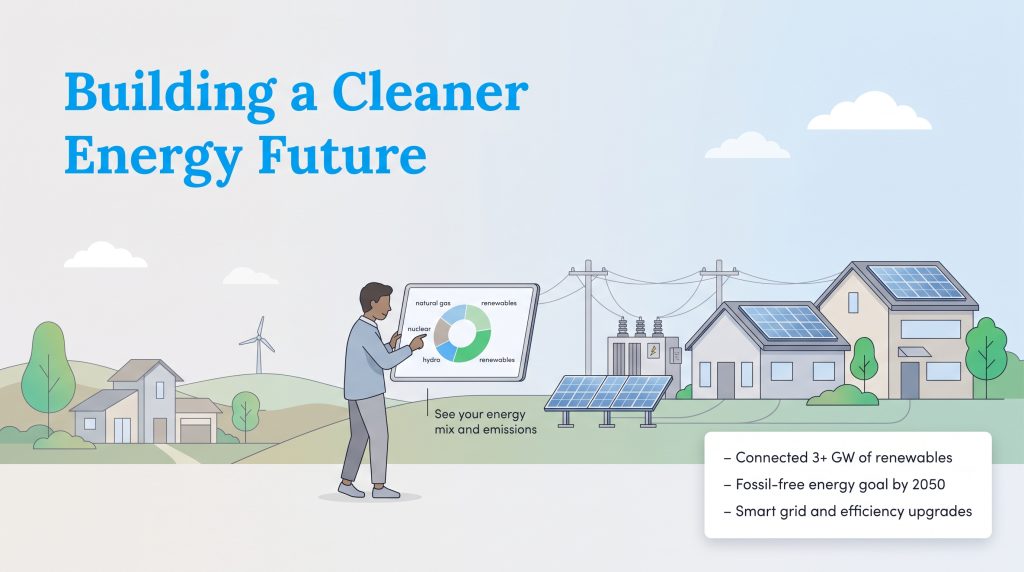
Although the company is rapidly increasing its renewable portfolio, the overall energy mix across the states it serves still reflects regional realities. According to the U.S. Energy Information Administration, most electricity in the Northeast currently comes from natural gas, with smaller shares from nuclear, hydro, and renewables such as wind and solar. For customers in National Grid’s service territory, the company provides “energy disclosure labels” that show the exact fuel mix and emissions associated with their electricity, empowering you to make an environmentally mindful choice.
Clean Energy Vision and Net Metering
National Grid USA is actively investing in modernizing its infrastructure and giving residents practical ways to support a cleaner energy future:
- Net Metering and Community Solar: Homeowners who install rooftop solar panels can send excess electricity back into the National Grid infrastructure in exchange for kWh bill credits. If you rent your home or have a shaded roof, you can subscribe to a local community solar farm and earn an automatic 5% to 10% credit on your monthly electric supply charges.
- Smart Grid Enhancements: Implementing advanced metering and grid automation technologies to manage dynamic renewable energy supply and demand.
- Energy Efficiency Programs: Allocating funds for residential weatherization and energy-saving options, especially for low-to-moderate-income households.
- Fossil Fuel Reduction: Committing to a fossil-fuel-free gas distribution network by 2050, focusing on renewable natural gas and green hydrogen integration.
If reducing your carbon footprint is a priority, consider pairing National Grid’s reliable delivery with a 100% green energy plan from a competitive retail supplier.
What People Are Saying: Customer Reviews and State Complaints
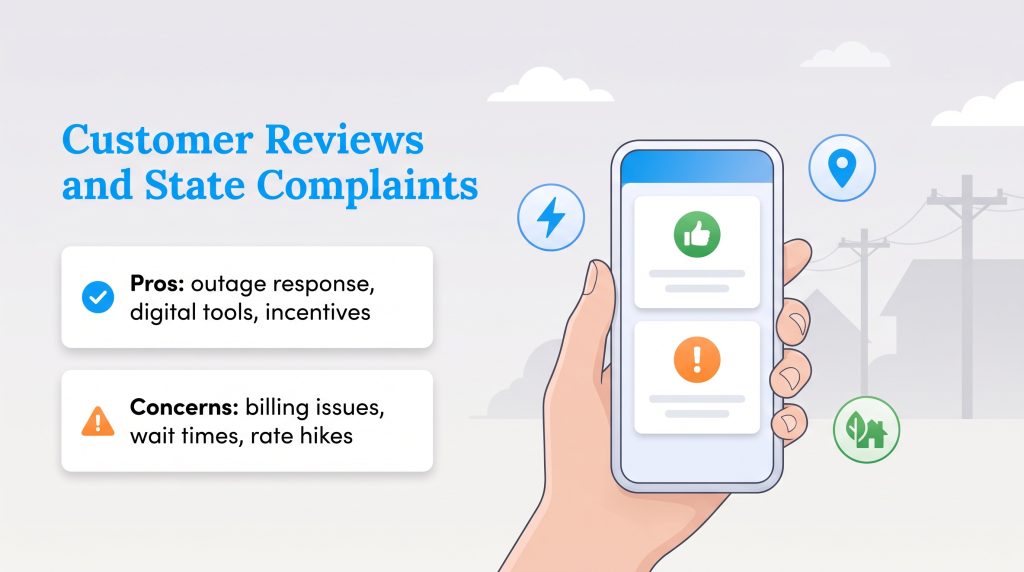
When evaluating any major utility company, it helps to look at how actual residents rate their day-to-day experience. Like most regional utility monopolies, National Grid is not BBB accredited and holds low star ratings on public complaint boards where frustrated customers go to vent about winter rate hikes. However, in broader industry benchmarks like Escalent’s Utility Trusted Brand & Customer Engagement study, National Grid has scored in the top 10 among eastern utilities for overall brand trust and reliability.
Positive Feedback and Storm Restoration Praise
- Outage Response: Many customers praise the speed, dedication, and communication of local line crews during brutal Northeast winter storms and nor’easters.
- Digital Tools: The National Grid mobile app and interactive outage map frequently receive high marks for accuracy, ease of use, and proactive text alerts.
- Energy Efficiency Programs: Homeowners consistently highlight the generous rebates and free home energy audits provided through Mass Save and NYSERDA partnerships.
Common Complaints, Estimated Billing, and Reddit Consensus
If you browse local Reddit communities like r/massachusetts or r/upstate_new_york, the consensus centers on winter heating bill shock — especially for renters and buyers moving into older, uninsulated Northeast homes with aging electric baseboard heaters or drafty windows. Experienced locals always remind newcomers to check page two of their statement to verify whether their bill is based on an “Actual” or “Estimated” meter reading.
If National Grid cannot access your physical meter (often because an older analog meter is behind a locked gate or inside a basement), they will estimate your monthly usage based on historical data. If that estimate is lower than your actual consumption, you might get hit with a massive “catch-up” bill months later once an actual reading takes place. Until your home receives a smart meter upgrade, you can avoid this headache by manually submitting your own meter reading through your online portal each month.
- Customer Service Wait Times: Reaching a live representative during peak moving seasons or immediately following a major storm can result in long hold times.
- Seasonal Supply Rate Swings: Widespread frustration with winter spikes in the default Basic Service rate, which prompts many savvy residents to lock in fixed rates with third-party suppliers before cold weather arrives.
Taking the Next Steps for Your Energy Setup
Setting up your home’s utilities is a crucial step in settling into your new residence. While you do not have a choice in using National Grid for your physical energy delivery, you have significant control over how you manage and pay for that energy. National Grid combines the reliability of a century-old infrastructure with a forward-looking plan for a clean energy future. By taking advantage of their highly-rated mobile app, utilizing state-sponsored energy efficiency rebates, and comparing third-party retail suppliers against your Price to Compare, you can tailor your energy experience to fit your exact budget and environmental goals. Combine National Grid’s reliable physical delivery with a carefully chosen energy plan, and you will secure the best balance of seamless service and long-term value.
Frequently Asked Questions About National Grid
Did National Grid leave Rhode Island?
What is the National Grid Price to Compare?
Does National Grid charge a fee to pay my bill online?
How do I read my National Grid smart meter?
Why is my National Grid bill so high this month?
Does National Grid offer budget billing?
What is the difference between National Grid and my energy supplier?
Is National Grid gas or electric?
How do I transfer my National Grid service to a new home?
What should I do if I smell gas in my National Grid service area?
About the Author

David has been an integral part of some of the biggest utility sites on the internet, including InMyArea.com, HighSpeedInternet.com, BroadbandNow.com, and U.S. News. He brings over 15 years of experience writing about, compiling and analyzing utility data.