
The Biggest Takeaway: Keep Your Current Internet Setup Active, Verify Changes Through Official Notices, and Compare Total Plan Costs Before Switching
Key Takeaways
- Your current Cox account and pricing stay locked in unless you choose to switch, so don’t cancel service or return equipment based on headlines alone.
- Transitioning customers can unlock major welcome perks, including one free year of Spectrum Mobile and over $125 per month in included streaming apps for eligible TV subscribers.
- Movers and apartment residents should verify provider availability by address, especially in neighborhoods where Cox and Spectrum branding overlap during the rollout.
Relocating to a new neighborhood or trying to manage household expenses is stressful enough without a provider change throwing a wrench into your plans. If you live in a former Cox territory, Spectrum’s acquisition of Cox (a $34.5 billion deal that officially closed on Aug. 20, 2026) might be creating some anxiety about unexpected rate hikes or sudden Wi-Fi outages. We know how frustrating it feels to navigate corporate shifts when you just want a reliable connection. This guide will walk you through the Cox to Spectrum transition, helping you claim new customer perks, understand equipment compatibility, and keep your home running smoothly while official updates roll out.
Key Details of Spectrum’s Acquisition of Cox
Charter Communications, the parent company of Spectrum, officially closed its transaction to acquire Cox Communications on Aug. 20, 2026. Valued at $34.5 billion in combined stock and $4 billion in cash — completed alongside the acquisition of Liberty Broadband — the Charter Cox merger creates the largest broadband provider in the United States. The combined network now serves roughly 37 million customers across 45 states. Whether you are setting up service in a new property or managing your home internet service for a family of four, understanding this transition boils down to knowing how the brand changes affect your daily service.
One of the most confusing parts of this deal is the corporate branding paradox. Within a year of the closing date, parent company Charter Communications will officially execute a Cox Communications corporate name change, adopting the historic Cox name under the leadership of CEO Chris Winfrey. However, on the residential side, Cox is now Spectrum. All consumer-facing internet, TV, and mobile services in former Cox territories will operate under the Spectrum brand, with access to Spectrum plans rolling out to former Cox neighborhoods starting in mid-September 2026.
To get the green light from regulators in February 2026 (from the FCC) and August 2026 (from the California Public Utilities Commission), the company agreed to strict consumer and workforce protections. These FCC Charter Cox merger conditions require the provider to bring 100% of Cox’s offshore customer service and sales jobs back to the United States within 18 months. The company also committed to establishing a $20-per-hour minimum starting wage with full benefits for Cox employees and investing billions of dollars into its Rural Construction Initiative to expand high-speed fiber broadband to underserved communities.
New Perks for Cox Customers: Free Mobile and Streaming Apps
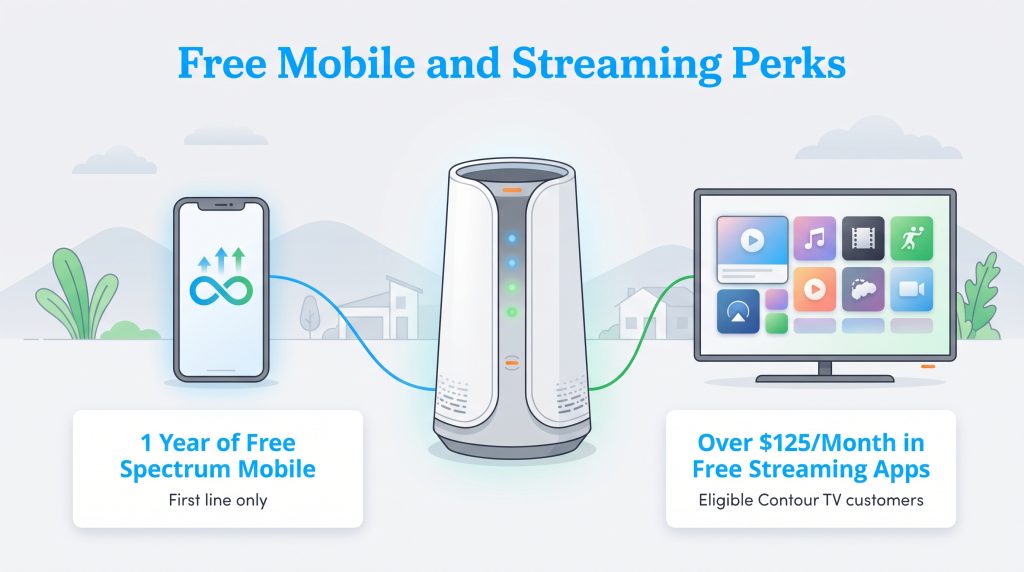
While telecom mergers often make consumers worry about rising bills, the immediate Spectrum acquiring Cox benefits actually deliver substantial savings if you know where to look. To welcome transitioning households into the fold, the company launched two major promotional perks for eligible residential accounts.
1 Year of Free Spectrum Mobile
If you are an eligible Cox internet customer, you can claim the Spectrum Mobile free year Cox welcome offer, which gives you 12 months of bill credits covering one Unlimited mobile line. It is an easy way to trim your monthly household expenses by consolidating your cell phone and home Wi-Fi bills under one roof. Before you jump in, make sure you understand the fine print attached to the promotion:
- First line only: The 12-month promotional bill credit applies strictly to the first mobile line added to your account.
- Bring or buy your own phone: Mobile devices are not included in the free line offer, and smartwatches or tablets do not qualify for the promotion.
- Data thresholds: On the standard Unlimited plan, your cellular speeds may be reduced after you use 30GB of cellular data and 5GB of mobile hotspot data in a single billing cycle.
Over $125/Month in Free Streaming Apps
Cord-cutters and live TV fans also get a major upgrade during the transition. Eligible Cox Contour TV customers gain no-extra-cost access to over $125 per month in retail value of popular streaming services integrated directly into their live TV plan. Instead of juggling a dozen separate credit card charges, eligible Contour TV streaming apps Spectrum includes at no added cost feature ad-supported tiers and live network feeds across major platforms:
- Entertainment and movies: HBO Max, Disney+, Hulu, Paramount+, Peacock, AMC+, and discovery+
- Live sports and news: ESPN Unlimited, FOX One, Tennis Channel, and Spectrum News
- Spanish-language and on-demand access: ViX and the Spectrum TV App
What Cox Customers Should Do Right Now
In most telecom transitions, companies work hard to avoid immediate service disruptions, and your exact billing, equipment, and support updates will arrive via official customer notices. Keep your current equipment and account active unless Cox or Spectrum tells you otherwise in writing. Your scheduled payments will continue processing normally, though it is smart to verify that your autopay settings transfer smoothly once the newly branded online billing portals go live.
If you have questions about your specific neighborhood rollout, want to claim your free year of mobile service, or need help troubleshooting an account issue, you do not have to guess who to call. You can reach the official residential transition support line directly at 800-234-3993, or use the contact tools inside your existing online account portal.
How Billing, Plans, and Contracts Change Under Spectrum
If you love your current setup, take a deep breath: your existing Cox plan and monthly rate remain locked in unless you actively choose to switch. You will not be forced onto a new pricing tier overnight. However, holding onto a legacy Cox plan indefinitely might actually cost you more money in the long run.
Historically, Cox relied on annual service contracts with early termination fees and enforced strict 1.25TB monthly data caps in most markets, charging hefty overage fees if your household streamed too much video or downloaded large files. Spectrum operates on a completely different model. Under Spectrum, residential plans feature no annual contracts, no data caps, and steep bundled savings when you pair home internet with mobile service. Before switching to a newly unlocked Spectrum plan, compare your total monthly cost — including router rental fees and promotional expiration dates — against what you pay today.
| Question | What to Check | Why It Matters |
|---|---|---|
| Will my bill change? | Current plan rate, promo end date, equipment fees | Your Cox rate stays locked unless you switch, but new bundles may lower your total cost. |
| How do Contract & Data Policies compare? | Cox legacy terms vs. Spectrum plan rules | Cox historically used annual contracts and data caps; Spectrum offers no contracts and unlimited data. |
| What are the Included Plan Perks? | Eligibility for mobile credits and streaming apps | Eligible households can unlock one free year of Spectrum Mobile and over $125/mo in streaming apps. |
| Do I need new equipment? | Official provider notice and TV receiver model | Returning equipment early causes issues, though older Mini Boxes cannot run new streaming apps. |
| Who installs service at my new home? | Address-level availability | Branding may overlap during the transition, especially after the mid-September 2026 plan rollout. |
💸 Money-Saver: Ask your provider to compare your current Cox plan against any available Spectrum or transition offers, including equipment fees, taxes, and the price after the promotional period ends.
Equipment Compatibility: Modems, Contour Receivers, and Mini Boxes
When it comes to the gear sitting in your living room, the rules depend on whether we are talking about Wi-Fi or television. Your existing Cox internet modem, router, or Panoramic Wifi gateway will continue working without interruption. Do not unplug or return your internet equipment unless you receive an official notice instructing you to swap it out, as returning gear unprompted can trigger billing errors or knock your household offline.
Legacy television hardware, however, comes with strict technical limitations. If your entertainment center uses a Cox Mini Box (DTA), a Wall-Mounted DTA, or an older Contour 1 receiver, that hardware does not support the new Spectrum streaming app integration. Your basic cable channels will still play, but if you want to access the newly included apps like Disney+, HBO Max, and Peacock directly through your television interface, you will need to request a Cox Mini Box upgrade Spectrum supports or swap your Contour 1 unit for a modern, app-compatible receiver.
🌱 Eco Edge: You can reduce your home’s energy use by turning off unused Wi-Fi extenders or upgrading to a single, more efficient gateway instead of running multiple outdated devices. If you decide to purchase your own router instead of renting, choosing ENERGY STAR-certified small network equipment is an environmentally mindful choice that draws less standby power.
What Movers and Apartment Residents Need to Know
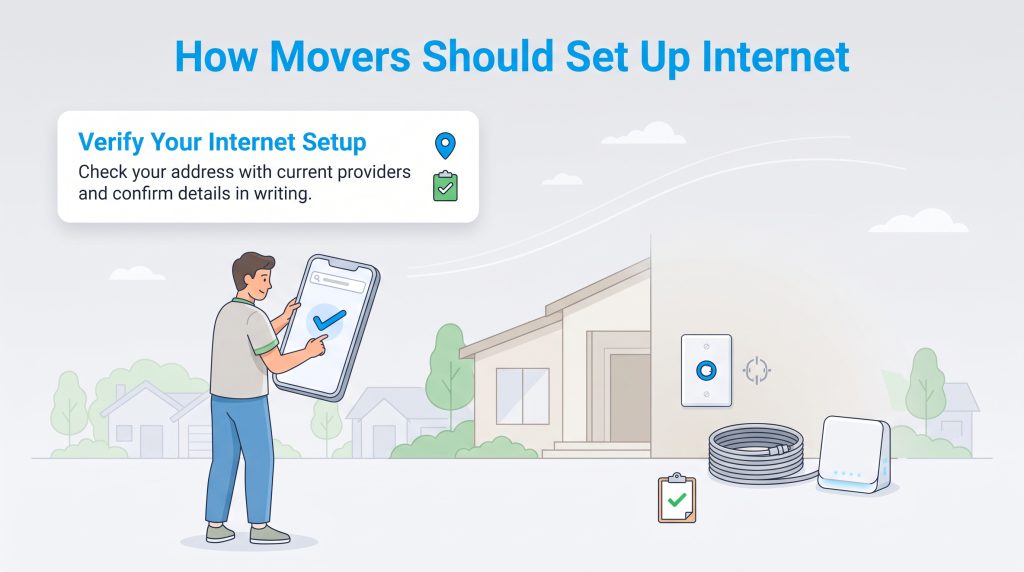
Setting up internet after Spectrum Cox merger updates requires a little extra attention to detail when you are packing boxes. If your new house was previously wired for Cox, you will likely spot old Cox-branded wall plates or coaxial cables in the living room. When coordinating your utility transfers, check your new street address through the official provider portal or call 800-234-3993 to see which plans are live on your block.
To verify service availability seamlessly, type your new address directly into the residential portal or consult a guide on choosing an internet provider to confirm your best local options. Because the physical fiber and coaxial lines in the ground remain intact, self-install kits and technician visits work just as smoothly as before. Always document your installation dates and confirm your quoted monthly price — including any promotional credits — in writing before finalizing your order.
Cox Communities (Bulk & MDU Properties)
If you live in an apartment complex, student housing building, or homeowners association managed under a Cox Communities bulk agreement, your transition is designed to be completely hands-off. Apartment and HOA residents moving over to Spectrum will not experience service disruptions, signal changes, or sudden losses in their channel lineups. Furthermore, property managers and HOA boards retain their existing account support structures, meaning your building’s pre-installed Wi-Fi or bulk cable package will keep humming along without requiring a building-wide rewiring project.
How to Protect Yourself From Transition Scams and Billing Errors
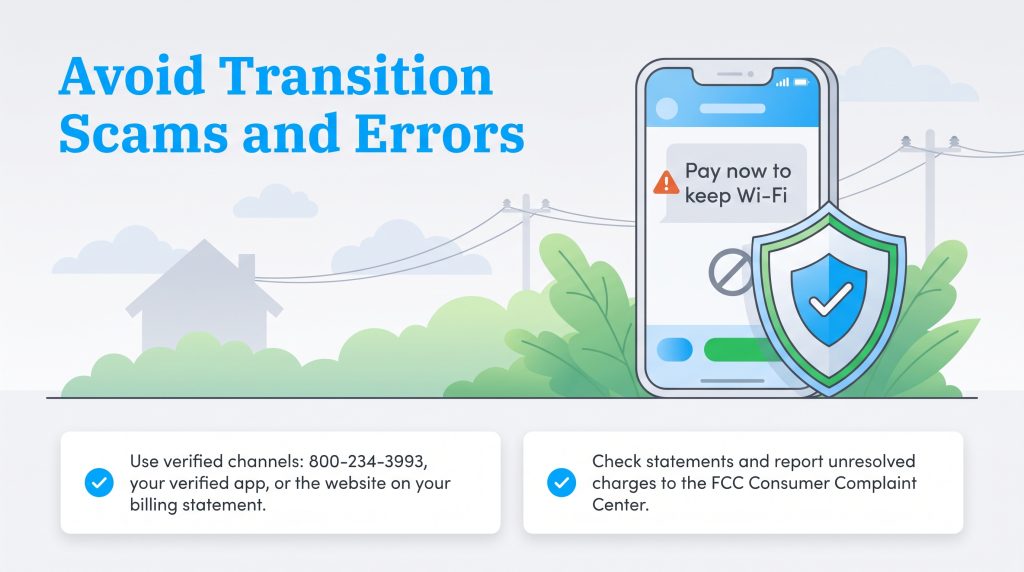
Whenever two massive telecom brands combine, opportunistic scammers try to take advantage of customer confusion. Bad actors often send fake text messages or phishing emails claiming your Wi-Fi will be shut off immediately unless you pay a “merger migration fee” or provide a credit card number to order a mandatory new modem. Remember that neither Cox nor Spectrum will ever demand immediate payment over the phone to keep your existing connection active during the transition.
To protect your household budget, only use the official transition phone number (800-234-3993), your verified mobile app, or the web address printed on your monthly billing statement. Keep an eye on your bank statements during the first few months after switching plans to verify that promotional bill credits apply accurately. If you ever run into an unresolved billing dispute or unauthorized charge during the database migration, you can file a report through the FCC Consumer Complaint Center to get an official review of your account.
Navigating Your Home Internet Transition
Handling a major utility merger doesn’t have to end with a headache or a higher bill. Because your current Cox plan and rate stay locked in until you decide to make a move, you are completely in the driver’s seat. Take a few minutes this month to pull up your latest statement, check your current internet speed tier and data usage, and compare those numbers against the newly unlocked Spectrum plans that rolled out in mid-September 2026. By trading data caps for unlimited data, upgrading outdated TV mini boxes, and claiming your free year of Spectrum Mobile, you can turn a corporate transition into a serious win for your household budget.
Frequently Asked Questions About Spectrum’s Acquisition of Cox
Did Spectrum buy Cox recently?
What benefits do Cox customers get from Spectrum’s acquisition of Cox?
Why is Charter changing its corporate name to Cox Communications if Cox is becoming Spectrum?
Will my Cox Mini Box or Contour 1 receiver work with the new Spectrum streaming apps?
What happens to my service if I live in a Cox Communities apartment or HOA?
How do I contact customer service or avoid scams during the Cox to Spectrum transition?
About the Author

David has been an integral part of some of the biggest utility sites on the internet, including InMyArea.com, HighSpeedInternet.com, BroadbandNow.com, and U.S. News. He brings over 15 years of experience writing about, compiling and analyzing utility data.