
Choosing the Right Internet Provider Starts With Availability, Speed Needs, Fees, and the Connection Type That Best Supports Your Home
Key Takeaways
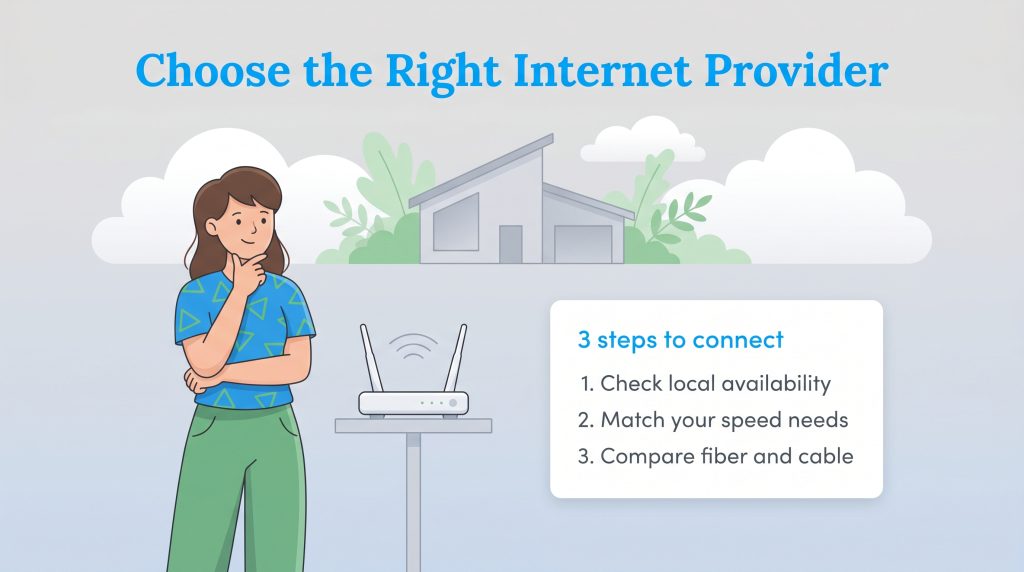
- Check your local availability first to narrow down the actual options available at your specific address.
- Match your speed to your real usage, including streaming, remote work, gaming, and cloud-connected security cameras.
- Compare fiber and cable connections to find an energy-efficient network that fits your monthly budget.
Moving into a new space brings a mountain of utility decisions, but getting your Wi-Fi up and running does not have to be a headache. If you are wondering how to choose an internet provider, the process is surprisingly simple once you follow a logical framework. We created this comprehensive guide to help you cut through the technical jargon and lock in a fast, sustainable, and highly reliable connection. By evaluating your speed needs, understanding connection types, and comparing hardware options, you can secure an internet plan that keeps your entire household seamlessly connected from day one.
Step 1: Check Internet Availability in Your Area
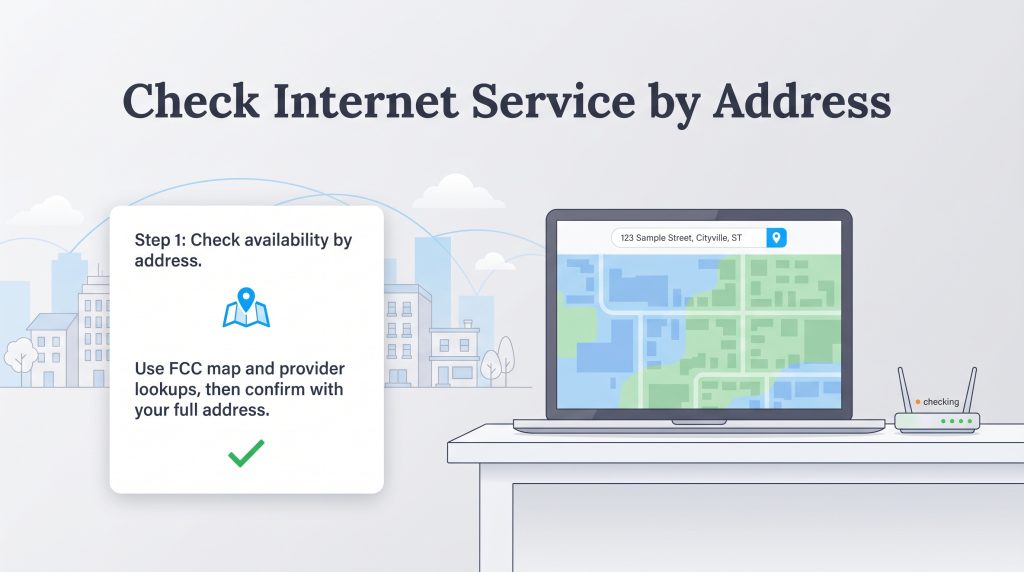
Internet infrastructure is highly localized, meaning the network choices your neighbor across town enjoys might be completely different from what you can access. Even if major telecommunications companies advertise heavily in your city, they might not run active lines to your specific street, subdivision, or apartment complex. If you want to compare internet plans in my area — a common search for new homeowners — you will quickly realize that identifying the best internet service providers requires looking at exact property boundaries rather than general zip codes.
Before you fall in love with a specific data plan or sign a lease, you should follow three actionable steps to verify service boundaries and secure a connection:
- Search the national database: The most accurate, unbiased way to verify service is to search the FCC National Broadband Map. This federally mandated tool allows you to plug in your exact street address to see a comprehensive list of fixed broadband and wireless providers capable of delivering service to your door.
- Use an aggregate zip code tool: Cross-reference the federal data using an independent zip code search. Once you verify who legally operates in your neighborhood, you can confidently explore local internet providers to compare the best active promotional offers and sign-up bonuses.
- Confirm directly with the property manager: Treat availability tools as a starting point rather than the absolute final answer. Always visit the specific internet provider’s website and plug in your exact unit number. If you rent, proactively ask your landlord which companies are actively wired into the building, as some properties hold exclusive bulk agreements that limit your choices.
Step 2: Determine Your Household’s Speed Requirements
If you find yourself wondering what internet speed do I need, start by evaluating how your household actively consumes data in accordance with FCC broadband speed recommendations. When browsing plans, you will notice speeds measured in Megabits per second (Mbps) and Gigabits per second (Gbps). Simply put, Mbps dictates how quickly data downloads to your personal devices, while a Gigabit represents one thousand megabits of transfer power.
Modern, eco-conscious homes heavily rely on constant background data to operate efficiently. However, basic smart plugs, automated thermostats, and motion sensors use very little bandwidth on their own. The most significant bandwidth demands consistently come from 4K streaming, large software updates, and needing high-speed internet for remote work. Overpaying for a massive Gigabit plan just to check your emails and scroll through social media wastes your money. Conversely, under-subscribing will leave your home network struggling to function when multiple family members log on at once.
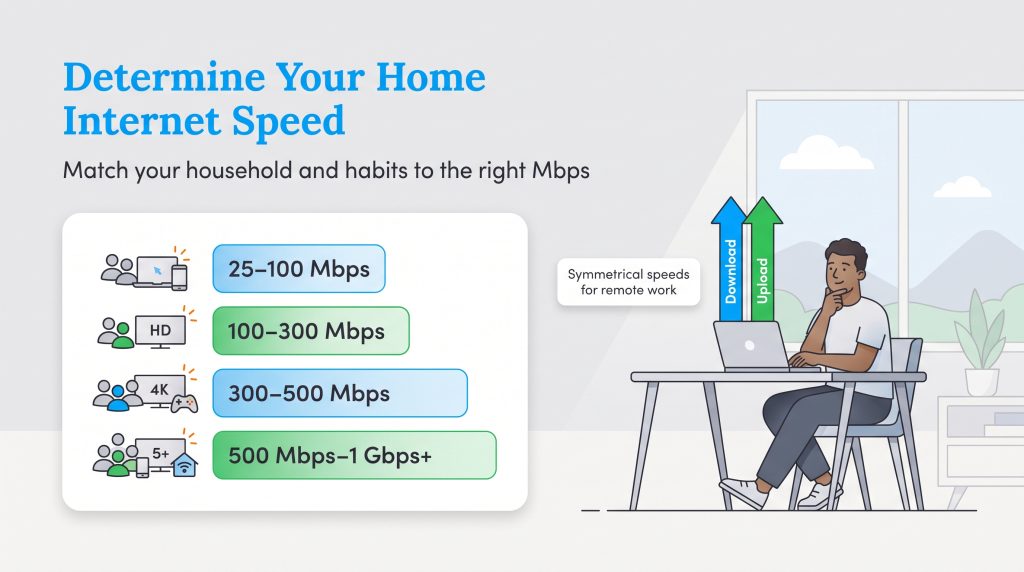
Match your household size and typical daily habits to the most appropriate speed tier below:
- 25 to 100 Mbps (Best for one to two people): Ideal for basic web browsing, checking email, standard music streaming, and operating a handful of smart home plugs.
- 100 to 300 Mbps (Best for two to three people): Excellent for consistent high-definition streaming, daily remote work tasks, video conferencing, and managing a standard smart home security system.
- 300 to 500 Mbps (Best for three to four people): Perfect for running simultaneous 4K streams across different rooms, competitive online gaming, and operating multiple smart security cameras without buffering.
- 500 Mbps to 1 Gbps+ (Best for five or more people): Necessary for frequent large software downloads, heavy simultaneous streaming, and managing elaborate, cloud-connected smart home environments that require massive bandwidth.
Download vs. Upload Speeds Explained
Most internet shoppers only look at the download speed — the rate at which you pull data from the internet to your device. However, your upload speed is equally critical if you regularly work from home, upload large video files, back up data to cloud storage, or run security cameras that constantly broadcast footage. Without a robust upload speed, your video calls will lag and freeze, regardless of how fast your download speed is.
This is where symmetrical upload and download speeds change the game. Symmetrical speeds mean your network uploads data just as fast as it downloads it. For example, you might experience a 500 Mbps download paired directly with a 500 Mbps upload. If you depend on your network for heavy two-way communication, securing a symmetrical connection is one of the smartest utility decisions you can make.
Step 3: Compare Connection Types
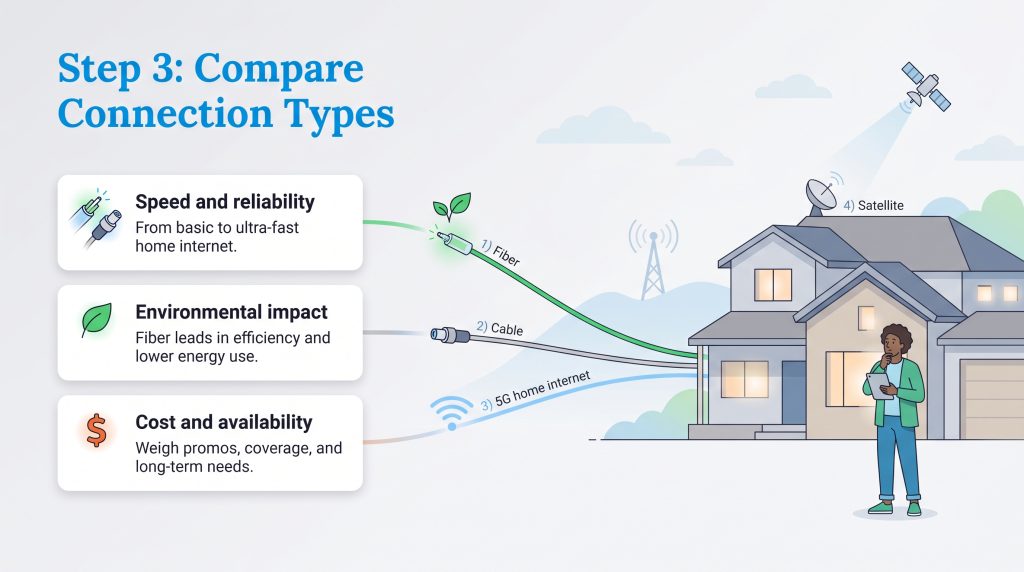
Once you verify local options and assess your household’s speed requirements, evaluating the physical connection type running to your home is your next major decision. Understanding the nuances of Fiber vs cable internet represents the most common debate, but newer technologies like 5G and modern satellite arrays are rapidly changing the landscape. Each technology carries distinct environmental footprints, latency limitations, and price points.
Fiber Optic
Fiber-optic internet transmits data using incredibly fast pulses of light through flexible glass strands. Beyond its raw speed capabilities, fiber stands out when you are searching for sustainable internet providers. It operates as a highly energy-efficient connection type because it moves massive amounts of data with virtually zero signal loss compared to aging copper networks. Pairing a sustainable fiber connection with an eco-conscious smart home ecosystem can significantly lower your monthly electric bill over time.
Cable
Cable internet utilizes the same coaxial copper wiring that delivers traditional television services to your home. While it does not offer the symmetrical upload speeds of fiber, it is vastly more available across the country and provides excellent download speeds for the average family. Cable providers frequently offer aggressive promotional pricing, making options like Spectrum internet deals highly attractive for budget-conscious homeowners who want reliability without paying a premium.
5G Home Internet and Fixed Wireless
Instead of relying on buried wires, 5G home internet captures a cellular signal from a nearby tower and converts it into Wi-Fi for your house. This plug-and-play technology is incredibly convenient for renters or individuals living in historic homes who cannot drill holes for new cables. While latency can occasionally fluctuate based on tower congestion, 5G offers a seamless, equipment-light setup that requires zero technician visits.
DSL and Satellite
Digital Subscriber Line (DSL) internet runs through older telephone wiring, offering basic speeds that struggle to support modern 4K streaming or smart home ecosystems. Satellite internet beams data to a dish on your roof from orbit, making it a lifeline for rural properties completely cut off from municipal grids. Both options suffer from higher latency — meaning a noticeable delay during video calls or gaming — but remain essential for homes positioned outside standard broadband coverage zones.
Review the comprehensive comparison table below to weigh the average speeds and reliability of each connection type:
| Connection Type | Average Speeds | Reliability & Latency | Best For |
|---|---|---|---|
| Fiber Optic | 300 Mbps to 5 Gbps+ (Symmetrical) | Exceptional reliability. Extremely low latency prevents lagging. | Heavy users, large families, remote workers, and eco-conscious homes. |
| Cable | 100 Mbps to 1.2 Gbps (Asymmetrical) | High reliability. Moderate latency, but speeds can slow during peak hours. | Standard households and shoppers seeking strong promotional discounts. |
| 5G Home Internet | 75 Mbps to 300 Mbps (Variable) | Moderate reliability. Latency fluctuates based on distance to the cell tower. | Renters, small households, and users wanting a simple plug-and-play setup. |
| Satellite | 25 Mbps to 200 Mbps | Prone to weather disruptions. High latency due to data traveling to space. | Rural properties and remote off-grid homes lacking wired infrastructure. |
Step 4: Evaluate Pricing, Contracts, and Hidden Fees
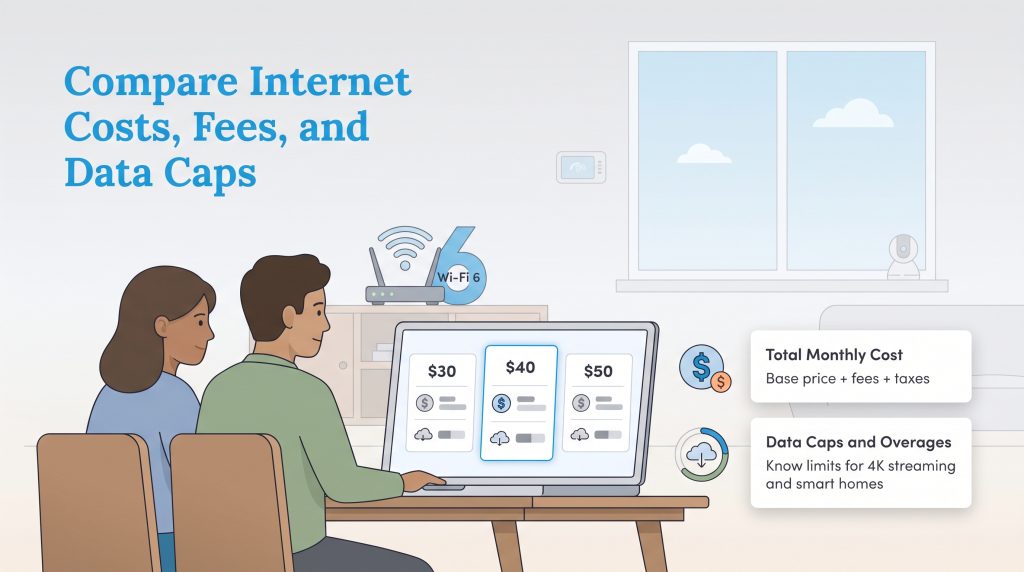
Budgeting for a new house requires knowing exactly how much you should pay for internet each month without unexpected surprises hitting your inbox. Thanks to recent federal regulations, ISPs are now required to display a standardized “Broadband Consumer Label” — which looks remarkably similar to a food nutrition label — designed to help you decode pricing tiers before you sign up. Whenever possible, look for internet providers without contracts to maintain your flexibility in case you need to relocate or find a better rate.
When reviewing these labels, watch out for these hidden internet fees that inflate your final bill:
- Data Overage Charges: Many providers enforce internet data caps, setting a strict limit on your monthly usage (often 1.2 TB). If you exceed this cap, you may face charges of $10 for every 50 GB of extra data. Finding unlimited data internet plans is essential if you want to avoid these punitive charges.
- Installation Fees: Getting a technician to wire your home can cost anywhere from $50 to $100 upfront. Always ask the provider if they can waive the installation fee or offer a free self-installation kit to lower your initial costs.
- Promo Rate Expirations: Providers love advertising an enticing $40 per month teaser rate. However, that discount usually vanishes after the first 12 months. Always instruct the sales representative to explicitly state the “second-year price” so you can accurately budget for the long term.
Learning how to switch internet providers seamlessly involves timing your installation appropriately and confirming your final costs. Never cancel your old service until the new provider is fully installed and broadcasting a signal. This guarantees zero downtime for your critical smart home devices and security systems.
Even the most affordable plan loses its value if the network frequently drops. Before locking yourself into a new service agreement or purchasing expensive hardware, take the time to evaluate the provider’s reputation for reliability. Check independent satisfaction indices, read localized neighborhood reviews, and identify red flags regarding technician dispatch times to ensure your chosen company actually supports its customers.
Step 5: Decide Whether to Buy or Rent Equipment
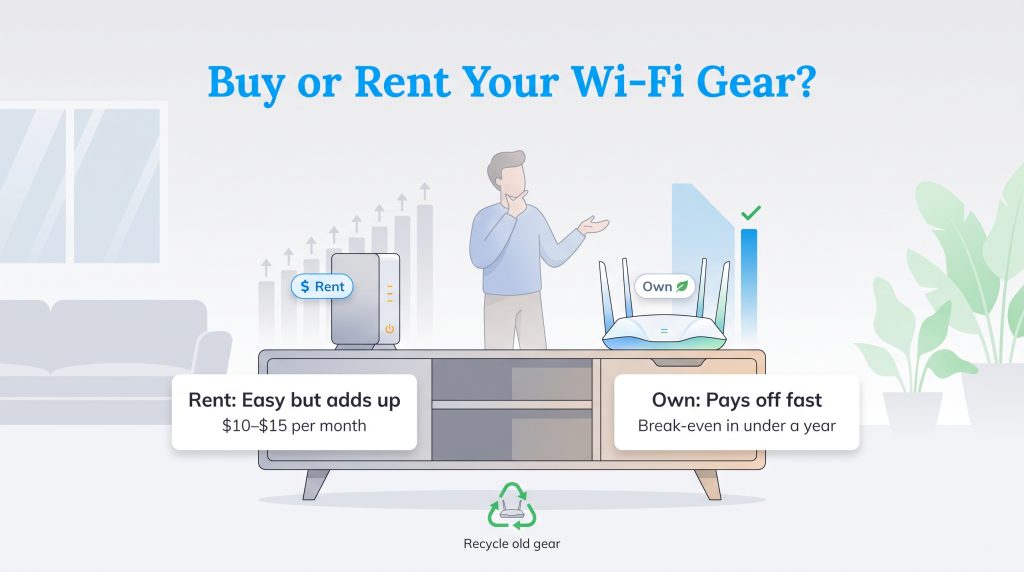
Choosing an internet plan is only half the battle; how you broadcast that connection throughout your home is equally important. Your internet service provider will almost always offer to rent you a standard gateway, which functions as both a modem and a Wi-Fi router. While renting equipment is convenient because the ISP handles all technical troubleshooting and hardware replacements, it is rarely the most cost-effective solution.
When weighing the pros and cons of buying vs renting a modem, a simple cost-benefit analysis reveals how quickly purchasing your own equipment pays off. Most internet providers charge between $10 and $15 a month to lease their gateway, which equals up to $180 in rental fees over the course of a single year. If you opt to purchase your own high-quality, eco-efficient Wi-Fi 6 router for around $150, the device essentially pays for itself in less than 10 months. After crossing that break-even point, you save more than $100 annually, keeping that cash safely in your pocket.
Beyond the impressive cost savings, buying your own router gives you total control over your network’s security features, guest network settings, and parental controls. If you live in a larger home with multiple floors, purchasing a dedicated Wi-Fi 6 mesh network system ensures you eliminate dead zones far more effectively than a standard rental unit ever could. However, you must always verify router compatibility with your chosen ISP before purchasing by searching for their “approved equipment list” online.
Step 6: Optimize for an Energy-Efficient Setup
Setting up your home network is a perfect opportunity to establish eco-conscious habits that reduce your carbon footprint and slightly lower your monthly utility bills. Wi-Fi routers and modems are notorious for generating “phantom power drain.” Because these devices remain plugged in and constantly search for signals 24 hours a day, they consume continuous electricity even when you are fast asleep and not actively using the internet.
You can easily minimize this energy waste by following a straightforward, sustainable networking strategy. Start by purchasing networking equipment that bears the ENERGY STAR certification label. These certified routers and modems are engineered with advanced power management features, allowing them to use up to 20% less energy than standard models without sacrificing speed or range. Every watt saved contributes to a more environmentally mindful home.
Next, integrate a programmable smart plug into your networking setup. By connecting your router to a smart plug, you can effortlessly schedule automated downtime during hours when your household is guaranteed to be offline. For instance, programming the router to power down from 1 a.m. to 6 a.m. stops phantom power drain in its tracks while you sleep. Keep in mind, however, that you should only employ this scheduling tactic if your home security cameras or smart alarms do not require a continuous internet connection to function overnight.
Getting Ready for Your Internet Installation
Establishing a robust Wi-Fi network lays the digital foundation for your entire household. Taking the time to research your local options carefully guarantees a buffer-free movie night while simultaneously supporting a highly connected, energy-saving smart home ecosystem. Whether you opt for a lightning-fast fiber connection or a practical cable plan tailored to your exact budget, knowing what speeds and hardware you need keeps you in total control.
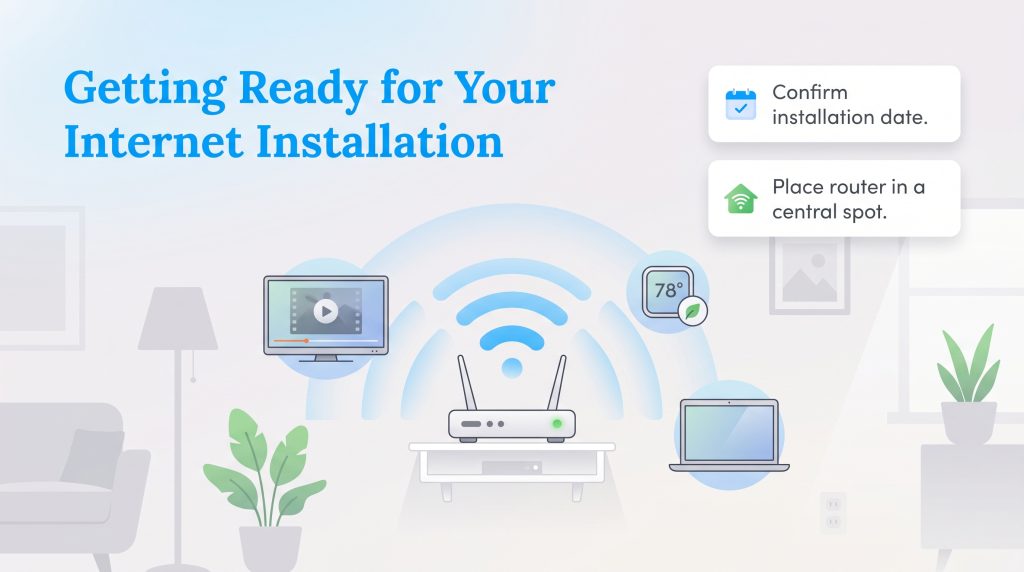
Once your internet installation is scheduled, you can move on to the rest of your utility setup with one less headache. Confirm your activation date, securely save your new account details, and make sure your energy-efficient router is placed in a central, elevated location. Settle in, power up your smart devices, and enjoy the seamless connectivity of your new home.
Frequently Asked Questions About Choosing an Internet Provider
How do I find out which internet providers are in my area?
Is fiber internet always better than cable?
Can I negotiate my internet bill with a new provider?
What is a good internet speed for working from home?
What is a good internet speed for a smart home?
What happens if I exceed my internet data cap?
Is it better to rent or buy my internet equipment?
About the Author

LaLeesha has a Masters degree in English and enjoys writing whenever she has the chance. She is passionate about gardening, reducing her carbon footprint, and protecting the environment. She also recently served as President of the Board for City Sprouts (a community garden).