

Master the Art of Reading Your Natural Gas Meter to Track Usage, Spot Billing Errors, and Take Control of Your Energy Costs
Key Takeaways
- Read dial meters from left to right, remembering that the pointers alternate between moving clockwise and counter-clockwise.
- Always record the lower number if a pointer is situated between two digits, unless the pointer is between 9 and 0, in which case it counts as 9.
- Calculate your approximate bill by converting your meter’s measurement (usually CCF) into Therms and multiplying by your provider’s rate.
Most of us only glance at our gas meters when clearing away cobwebs, but learning how to decipher those numbers is a homeowner superpower that transforms a mysterious metal box into a precise financial tool. Whether you are setting up utilities in a new home or just looking to lower your monthly expenses, we will show you how to monitor your energy consumption across the three main meter types: analog dial meters with clock-like faces, digital meters with simple electronic screens, and modern smart meters that wirelessly transmit data. By the time you finish this guide, you will know how to confidently calculate your costs, troubleshoot physical hardware problems, and track the real-world impact of your energy-saving habits to ensure you only pay for the fuel your household actually uses.
Why You Should Read Your Own Gas Meter
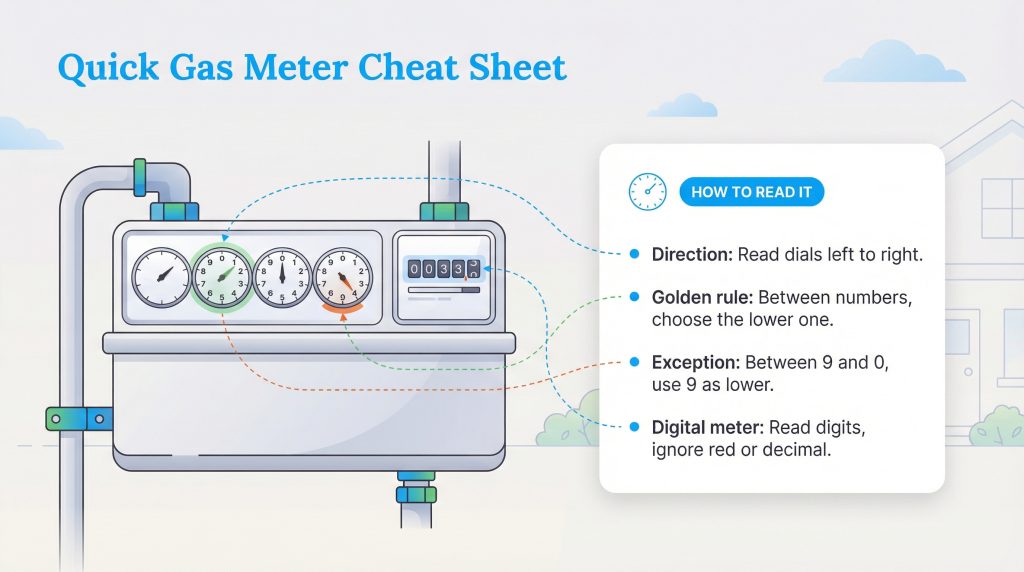
Taking a few minutes each month to decipher your natural gas meter gives you direct control over your household budget. When utility companies cannot safely access your property due to severe weather, locked gates, or aggressive pets, they rely on historical averages to estimate your usage. This frequently leads to frustrating billing discrepancies that require you to aggressively reconcile your account later.
Finding your equipment is the first step toward avoiding these estimates. If you are unsure where to look, start by checking your home’s outdoor side walls near the street, tucked under covered porches, or inside basements and utility rooms if you live in a cold-weather climate. Once you locate the device, you can bypass the guesswork, track your real-time consumption, and verify that your utility provider is billing you strictly for actual usage.
How to Read an Analog Gas Meter (Dial Meters)
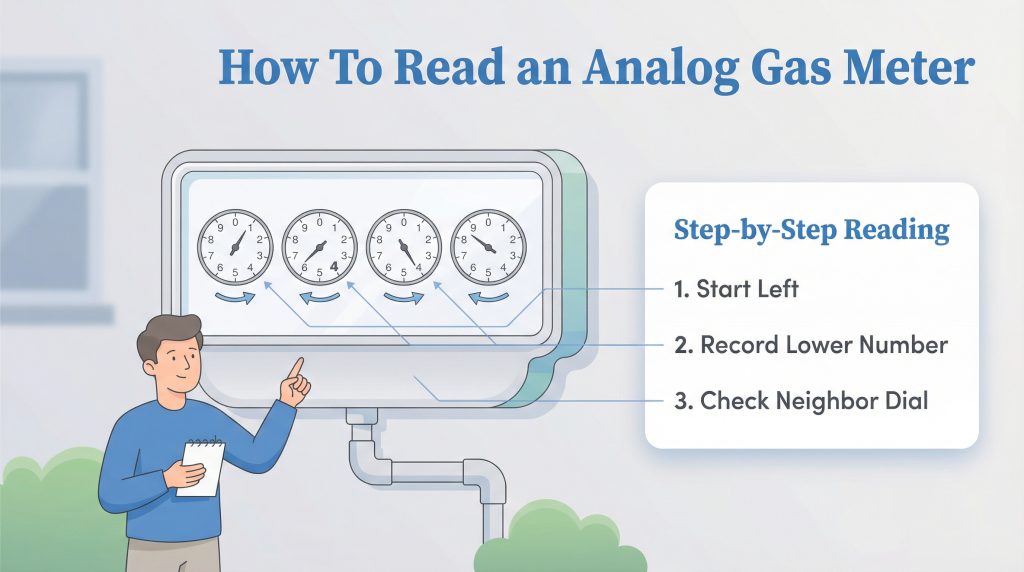
Analog meters are the most common style found on older homes, and they are also the primary source of manual reading errors. The confusion usually stems from the fact that the internal gears require the pointers to alternate directions. To keep things simple, use this quick cheat sheet for the spin rule:
- Dial 1 (far left): Spins clockwise
- Dial 2: Spins counter-clockwise
- Dial 3: Spins clockwise
- Dial 4: Spins counter-clockwise
- Dial 5 (if applicable): Spins clockwise
Reading a 4-Dial Gas Meter
When you read a 4 dial gas meter, always record the numbers from left to right. Focus strictly on the digit each hand has most recently passed. For example, if your four dials point sequentially to 5, 2, 8, and 4 from left to right, your reading is simply 5284.
To master how to read analog gas meter dials, remember one golden rule: always pick the lower number if the pointer rests perfectly between two digits (e.g., if it sits between 4 and 5, write down 4). The only exception occurs when the pointer sits between 9 and 0. In this scenario, treat the 0 as a 10 and record the 9.
Reading a 5-Dial Gas Meter
If your home requires higher energy capacity, you might need to read a 5 dial gas meter instead. The process remains exactly the same, but you have one extra alternating dial to record. Continue reading strictly from left to right while applying the lower-number rule. Be aware that some 5-dial units include a smaller, separate dial used exclusively by technicians to detect leaks. If a dial is explicitly labeled “Half Foot” or “Testing,” completely ignore it when recording your monthly usage.
How to Read a Digital Gas Meter
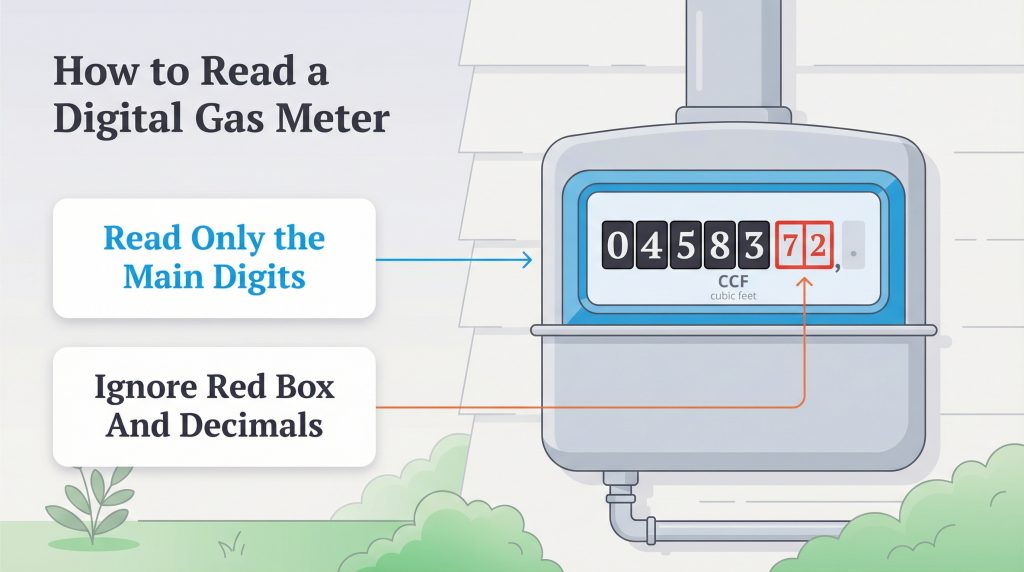
If you have a newer natural gas meter, you likely have an electronic display. Capturing a digital gas meter reading is incredibly simple because the interface functions exactly like the mileage odometer in your vehicle. Follow this straightforward process to get your numbers:
- Read from left to right: Write down the main black digits exactly as they appear on the screen.
- Ignore red numbers: If you see any digits enclosed in a red box or highlighted in a different color, do not record them.
- Ignore decimals: Explicitly ignore any numbers following a decimal point.
These ignored digits represent tiny fractions of a unit and are completely irrelevant when your provider calculates your monthly billing statement.
How to Read a Smart Gas Meter
Smart gas meters represent the latest upgrade in home utility technology. By utilizing wireless communication networks, these advanced units automatically send your usage data directly to your provider. While checking a smart gas meter display usually involves glancing at an indoor In-Home Display (IHD), you can also pull the numbers manually from the outdoor box if needed.
If you want to pull the numbers directly from the outdoor unit manually, navigate the interface using these steps:
- Wake up the screen: Press the designated action button (often labeled “9”, “A”, or a small arrow) to activate the digital display from sleep mode.
- Navigate to the index: Press the button repeatedly to cycle through the menu options until the screen displays “Volume” or “Meter Index.”
- Record the sequence: Read the displayed digits strictly from left to right.
- Skip the extras: Ignore any leading zeros at the beginning of the sequence (e.g., if the screen reads 00456, you only record 456). Just like standard digital setups, ignore fractions or decimals.
How to Calculate Gas Usage and Cost (CCF to Therms)
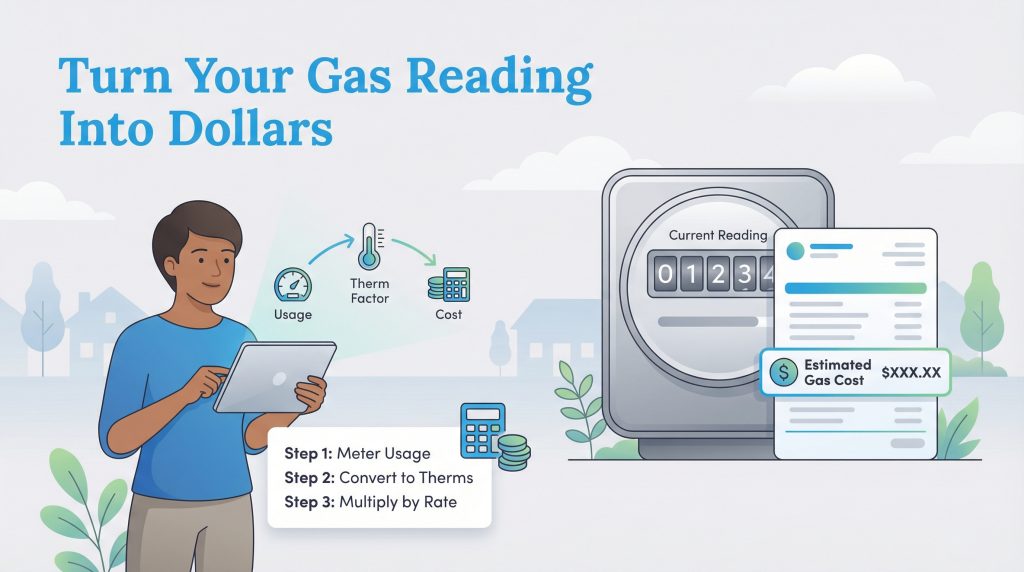
Now that you have your current numbers, you need to calculate gas bill from meter data by determining your consumption for the billing cycle. The raw number on your display represents the total volume of gas that has passed through the device since it was installed, much like a vehicle’s lifetime odometer.
Use this straightforward formula to calculate your exact monthly consumption:
Current Reading – Previous Reading = Total CCF Used
If you do not have your previous reading handy, check your most recent utility bill to find your starting baseline. Once you know your CCF gas reading, you can convert that physical volume into the heat energy (therms) your provider actually bills you for. Utility companies multiply your CCF by a “Therm Factor” (often around 1.03) to accurately convert CCF into therms. To estimate your supply charge, multiply your total therms by your current rate per therm.
Keep in mind this final figure covers the cost of the gas itself but excludes fixed service charges, taxes, and delivery fees. For a deeper dive into the line items on your statement, check out our guide on understanding your gas bill. If the final number is higher than expected, you might want to explore how to save on your gas bill or see if flat rate natural gas plans fit your budget better.
Troubleshooting Common Gas Meter Issues
Capturing an accurate reading is usually quick and painless, but outdoor equipment faces constant exposure to the elements. If you run into physical visibility problems at the meter box, try these simple troubleshooting fixes to get back on track:
- Foggy Glass: Condensation can build up inside the casing during extreme temperature shifts; lightly tap the glass with your knuckles to shake the moisture loose.
- Debris-Covered Dials: Dust, pollen, and mud often obscure delicate analog faces; use a dry, soft-bristled brush to clear the debris without scratching the plastic cover.
- Blank Digital Screens: Smart meters enter a power-saving sleep mode to conserve battery life; press the primary action button to wake the screen up, and if it remains unresponsive, call your provider to report a dead battery.
Submitting Your Meter Reading to Your Utility
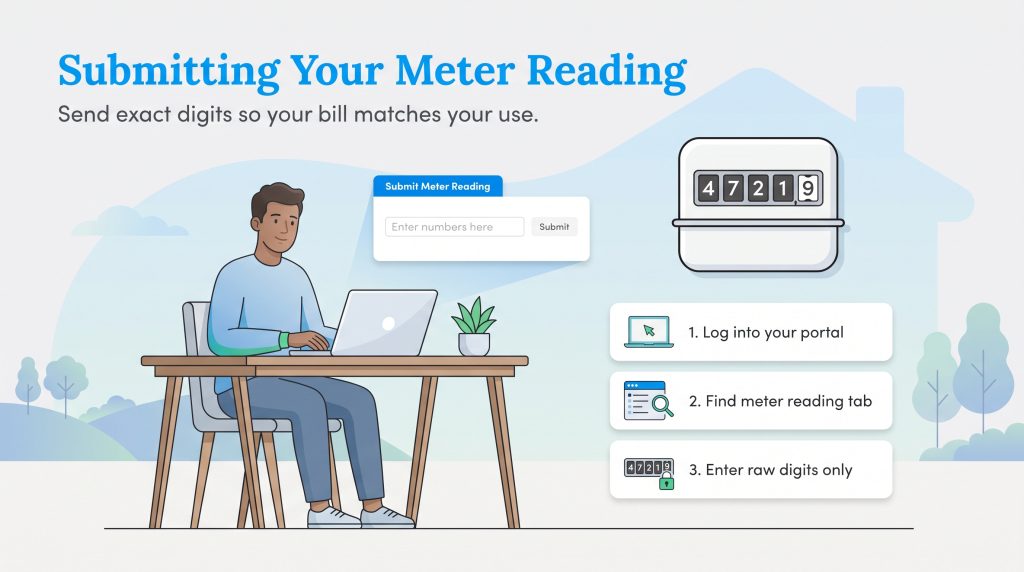
Once you secure your numbers, you must send them to your provider to ensure an accurate billing cycle. Learning how to submit gas meter reading data yourself completely prevents the company from estimating your monthly usage and overcharging your account.
- Log into your utility portal: Access your online customer account dashboard or call the automated service number listed on your most recent paper statement.
- Locate the submit option: Navigate to the “Submit Meter Reading,” “Usage,” or “Billing” tab within the primary menu.
- Enter your exact raw digits: Type in the sequential numbers you recorded from your display, being incredibly careful to exclude any decimals, leading zeros, or red digits.
Gas Meter Safety and Maintenance Checks
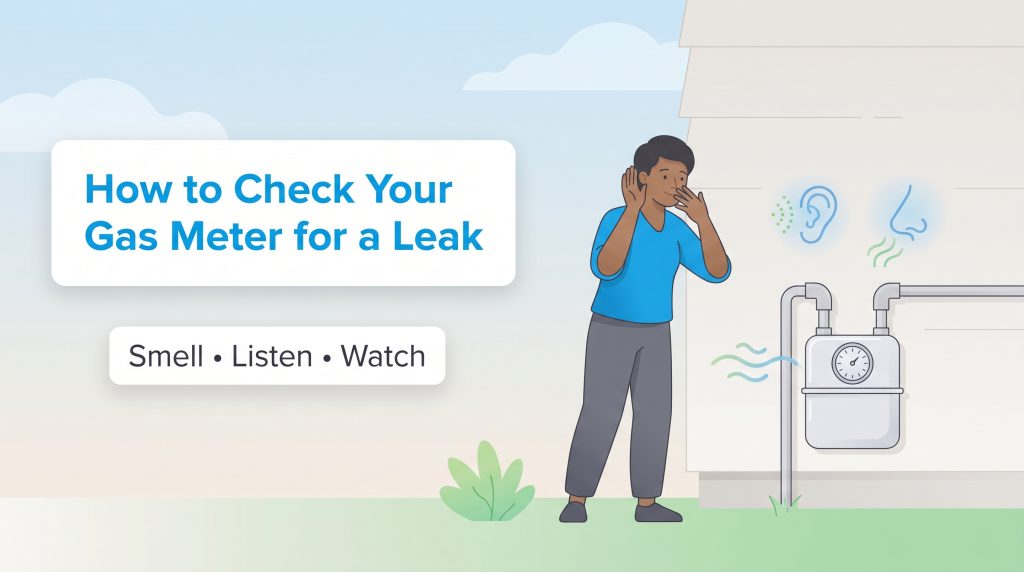
While you are outside recording your monthly usage, it is the perfect opportunity to perform a quick visual and auditory safety inspection. Regular maintenance checks prevent catastrophic property damage and protect your family from severe hazards.
Look out for these gas leak symptoms during your routine inspection:
- Smell: Natural gas is naturally odorless, but utility companies add a harmless chemical called mercaptan that strongly smells like rotten eggs or sulfur.
- Sound: Listen closely for a faint hissing, whistling, or roaring sound coming from near the meter or the attached piping.
- Sight: If you have turned off all gas appliances inside your home, but the dials on your analog meter are still rapidly spinning, you likely have an active leak in your system.
If you suspect a leak, stop what you are doing immediately, evacuate the area, and call your utility provider’s emergency line or 911. Do not attempt to shut off the gas valve yourself unless explicitly instructed by an emergency dispatcher.
Maximizing Your Home’s Energy Efficiency
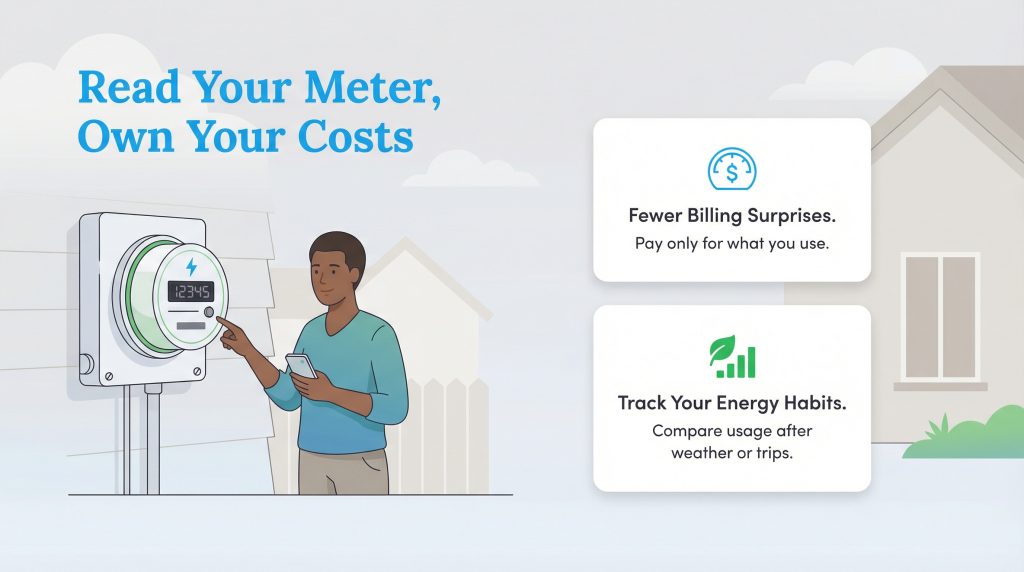
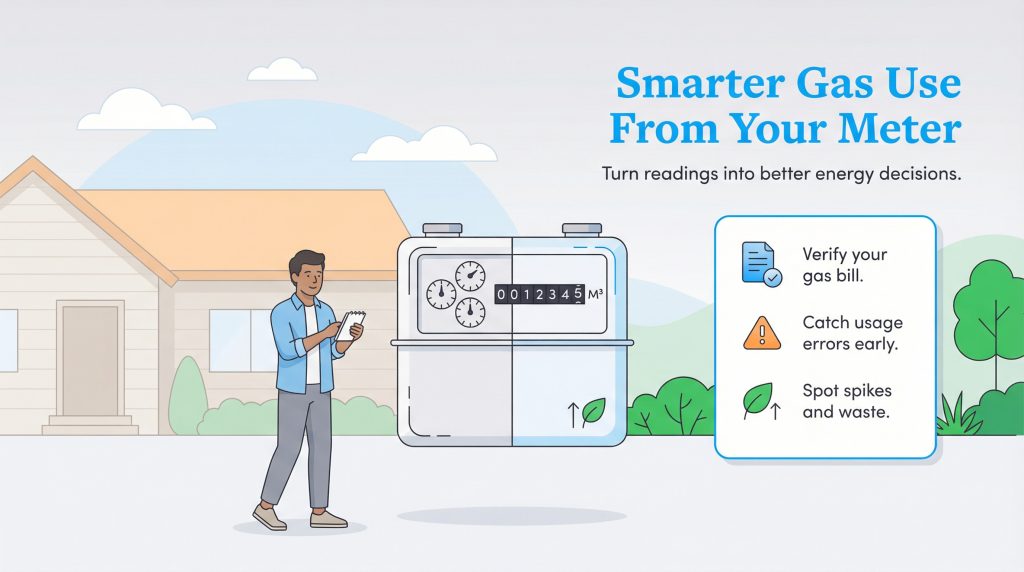
Now that you know how to navigate the various display types and run the mathematical calculations, you can confidently track your home’s natural gas consumption. Taking this proactive step empowers you to verify your bills, catch equipment errors early, and make environmentally mindful choices regarding your property’s overall efficiency.
Use your meter’s direct feedback to implement these simple, cost-saving habits:
- Lower your water heater temperature to 120 degrees Fahrenheit to reduce standby energy loss.
- Seal leaky windows and doors with weatherstripping to keep your furnace from overworking during the winter.
- Upgrade to a programmable or smart thermostat to automate your home’s heating schedule efficiently.
- Schedule annual HVAC maintenance to ensure your system burns fuel optimally without unnecessary waste.
Consistently monitoring your usage turns abstract energy concepts into tangible financial savings, finally giving you complete control over your household utility budget.
Frequently Asked Questions About Reading Gas Meters
What happens if I misread my gas meter?
Do I still need to submit readings if I have a smart gas meter?
Why does the far right dial spin faster than the others?
How do you read a gas meter with 4 dials?
Why is my gas bill higher than my meter reading?
Can I submit my own gas meter reading?
About the Author

LaLeesha has a Masters degree in English and enjoys writing whenever she has the chance. She is passionate about gardening, reducing her carbon footprint, and protecting the environment. She also recently served as President of the Board for City Sprouts (a community garden).

David has been an integral part of some of the biggest utility sites on the internet, including InMyArea.com, HighSpeedInternet.com, BroadbandNow.com, and U.S. News. He brings over 15 years of experience writing about, compiling and analyzing utility data.