
Finding the right internet speed depends on your actual household activities, not just the biggest number a provider tries to sell you
Key Takeaways
- A baseline of 100 Mbps download and 20 Mbps upload is generally considered a good, reliable internet speed for an average household.
- Matching your internet plan to your lifestyle prevents you from overpaying for unnecessary bandwidth, like expensive Gigabit plans you might not use.
- Multiple smart home devices rely on shared upload capacity, making router placement and plan sizing critical for an eco-conscious household.
Moving into a new place brings a mountain of utility decisions, and figuring out exactly what internet speed you need is often the most confusing of the bunch. Internet service providers love to push lightning-fast, premium-priced packages, but securing a reliable connection doesn’t mean you have to sign up for their priciest tier. Whether you are running a remote office, streaming your favorite shows in 4K, or simply keeping a few smart thermostats online, understanding how bandwidth actually works puts the power back in your hands. By looking past the marketing jargon and evaluating your actual daily usage, you can lock in a Wi-Fi plan that keeps your household running smoothly while keeping your monthly bills firmly in check.
The Short Answer: How Much Internet Speed Do I Need?
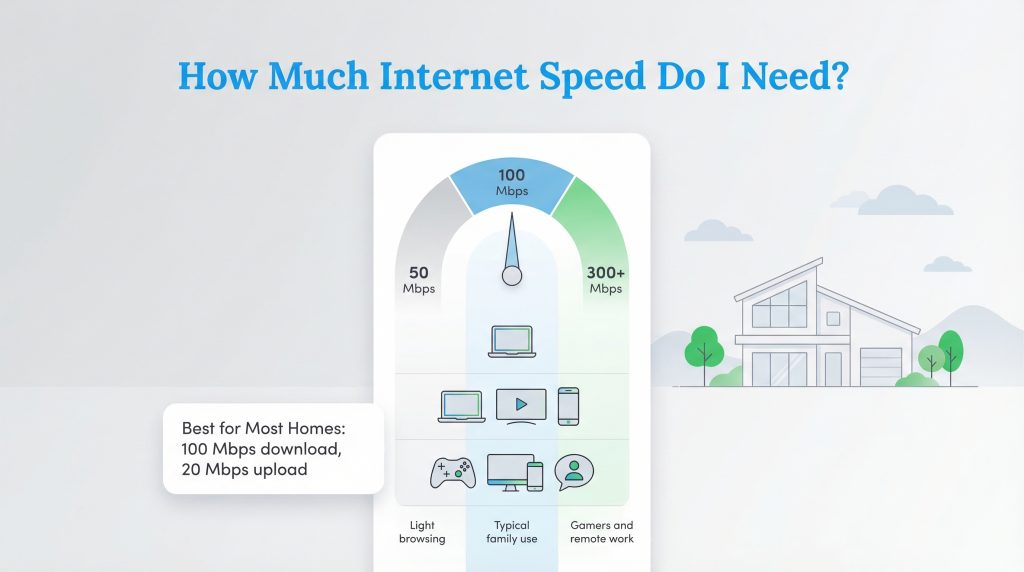
When you ask yourself how much internet speed do I need, the straightforward answer is that 100 Mbps download and 20 Mbps upload is ideal for most standard households. This baseline easily supports a family of three or four engaging in standard web browsing, checking email, and streaming a couple of high-definition shows simultaneously. What is a good internet speed ultimately comes down to keeping your daily digital routine smooth without paying for excessive capacity. If you live alone or only use the web casually, you can often get away with 50 Mbps. Conversely, a house full of heavy gamers and remote workers might want to step up to 300 Mbps or more. The goal is to buy just enough data to handle your busiest times of the day without a hiccup.
The Federal Communications Commission recently updated its benchmark, raising the national standard for basic broadband to at least 100 Mbps download and 20 Mbps upload to better reflect modern digital needs.
Decoding the Jargon: Upload vs. Download Speeds
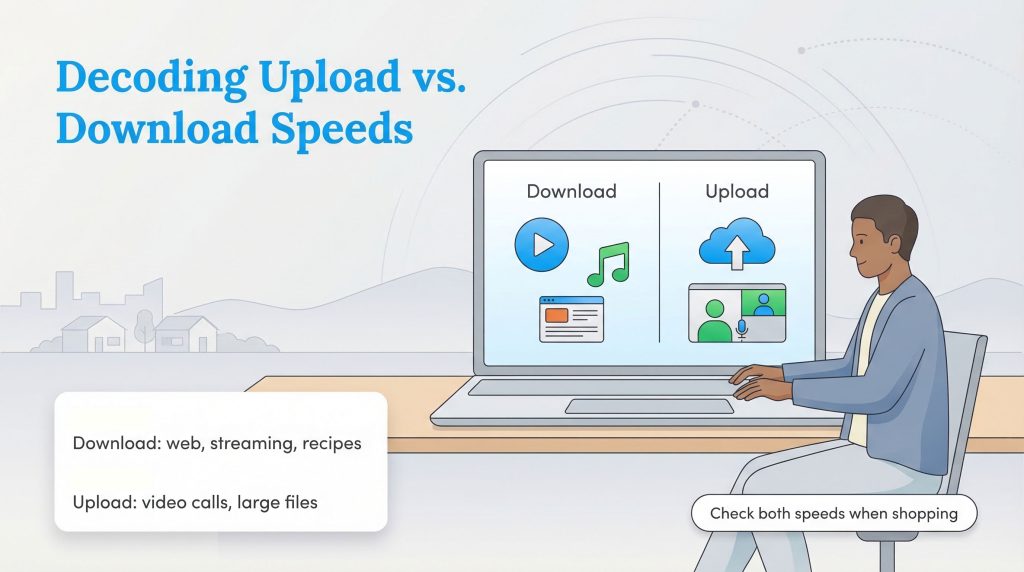
Internet service providers throw a lot of acronyms around, making it tough to figure out what you are actually buying. Megabits per second, or Mbps, is the standard measurement for how much data moves across your connection every second. Gigabits per second, or Gbps, equals 1,000 Mbps and represents the ultra-fast tiers. To understand what is a good upload and download speed, you have to separate how data travels. Download speed dictates how fast information travels from the web to your device. You rely on this when pulling up a recipe, downloading a movie, or streaming music. Upload speed handles the opposite journey, pushing data from your computer out to the internet. You use upload bandwidth when attaching a large presentation to a shared work drive or speaking on a video call. While 100 Mbps provides plenty of downloading power for most routine activities, you will want a robust upload speed if you constantly send huge files or host virtual meetings. When you start comparing different home internet services, checking both of these numbers ensures your new connection won’t bottleneck your productivity.
When Faster Internet Won’t Fix Slow Wi-Fi
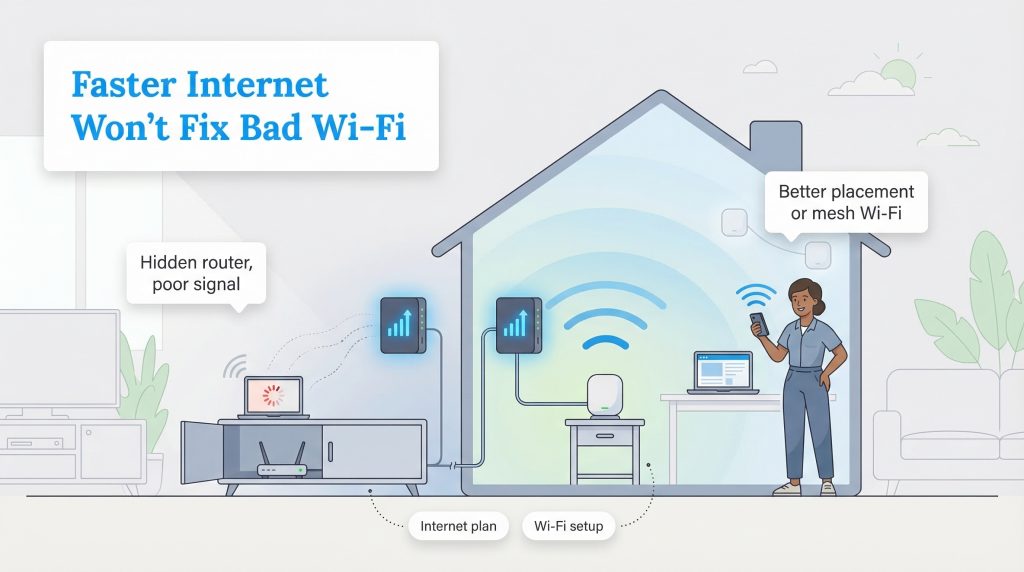
Many people confuse their internet plan with their wireless network, assuming that paying for a higher speed tier will automatically cure their buffering woes. However, upgrading your internet package will not solve your connectivity issues if your home equipment is the actual bottleneck. Your internet speed dictates the total data capacity entering your house, but your Wi-Fi speed determines how efficiently your router broadcasts that signal to your devices. If your router is hidden inside a media console, blocked by thick brick walls, or simply several years out of date, even a premium fiber connection will feel sluggish. Before paying your provider for a faster plan, evaluate your hardware. Upgrading to a modern mesh Wi-Fi system or moving your router to a central, unobstructed location often resolves dead zones and slow loading times without permanently increasing your monthly utility bill.
Matching Your Wi-Fi Speed to Your Household Lifestyle
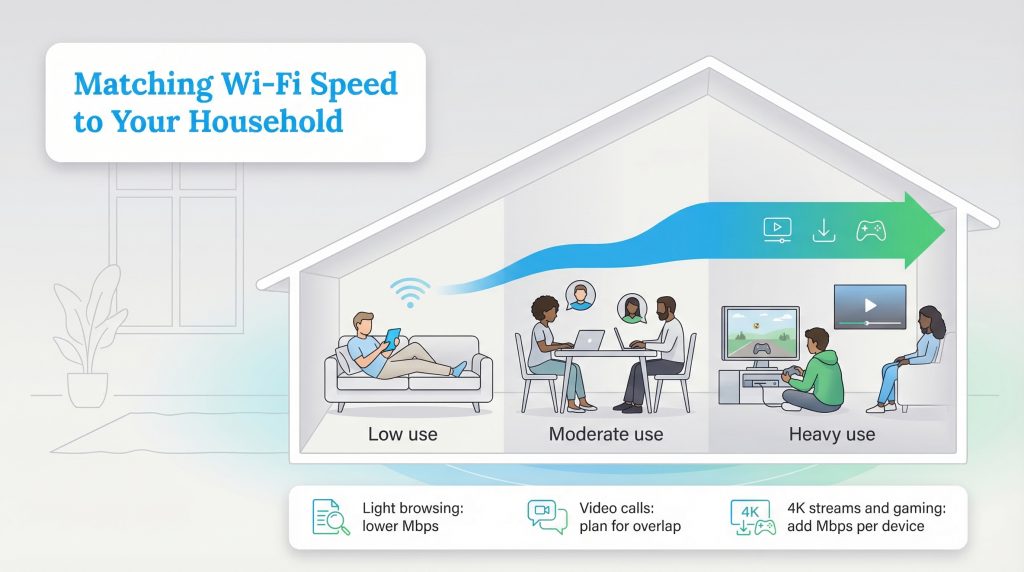
Securing a good wifi speed for home use requires a realistic look at your family’s daily habits. A single person casually scrolling social media has vastly different data requirements than a family of five simultaneously hosting virtual meetings and watching movies. Bandwidth is shared across your entire network, meaning your speed needs compound with every active device. Your ideal internet speed for working from home, for example, heavily depends on video conferencing. Zoom and Microsoft Teams run smoothly on just 5 to 10 Mbps, but if your partner is also on a video call in the next room while your kids download large files, that baseline speed gets eaten up quickly.
The same logic applies to entertainment. Finding the right internet speed for gaming involves looking at both download speeds for large game files and latency, the brief delay before your data transfers, for responsive multiplayer action. Meanwhile, the mbps needed for streaming 4k video requires careful planning.
Major platforms like Netflix officially recommend 15 Mbps for a single Ultra HD stream, though experts generally advise budgeting 25 Mbps per screen to ensure a safe buffer. If three people want to watch different ultra-high-definition shows on a Friday night, you immediately need 75 Mbps just for television alone. We always recommend tallying up your peak usage times. Think about the busiest hour in your household, usually right after work or school, and add up the recommended Mbps for every activity happening at once. This simple math prevents frustrating lags and guarantees enough capacity for everyone to enjoy their digital downtime without interruption.
| Household Size & Activity Level | Recommended Download Speed | Recommended Upload Speed |
|---|---|---|
| 1–2 People (Light browsing, single HD stream) | 50–100 Mbps | 10–20 Mbps |
| 3–4 People (Mixed use, remote work, multiple streams) | 100–300 Mbps | 20–50 Mbps |
| 5+ People (Heavy gaming, 4K streaming, smart home devices) | 500+ Mbps | 50+ Mbps |
The Hidden Bandwidth Drain of a Connected Smart Home
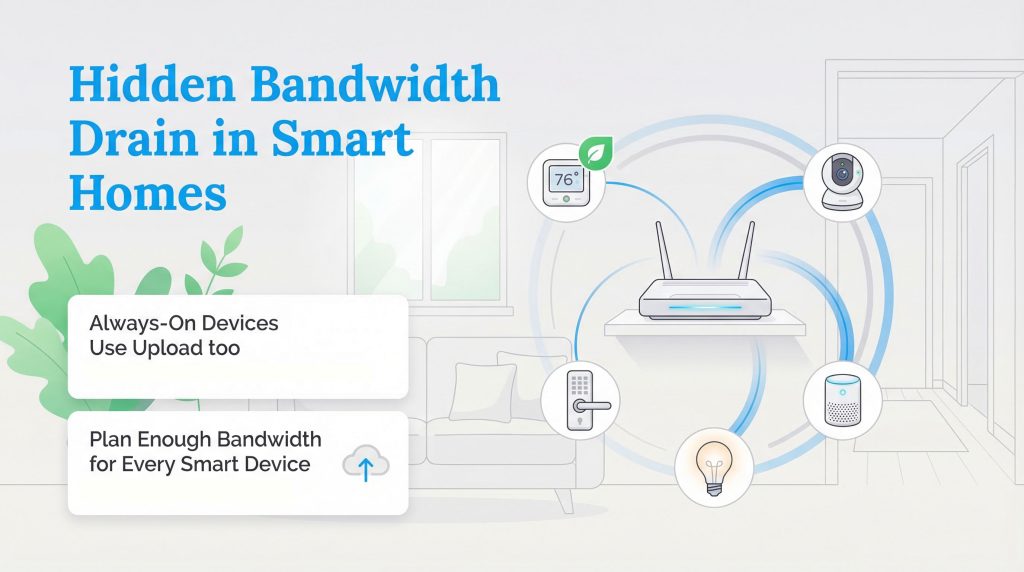
Modern conveniences offer incredible control over our living spaces, but they also introduce a hidden strain on our routers. When calculating a good internet speed for smart home setups, many people forget that security cameras, smart locks, and connected appliances constantly communicate with the cloud. Even when you are not actively using them, these gadgets draw background data to install firmware updates, upload video clips, and maintain their connection to your mobile apps.
A single smart doorbell might only pull a small amount of data during a live view, but a network of multiple cameras, a dozen smart bulbs, and a voice assistant can quickly bog down an entry-level internet plan’s upload capacity. We love the benefits of eco-conscious automation, but your router has to be ready to support it. Installing an ENERGY STAR-certified smart thermostat is a fantastic, environmentally mindful choice that significantly lowers your monthly electric bill by optimizing your heating and cooling schedules. However, to maximize those efficiency benefits, the thermostat requires a reliable Wi-Fi foundation to pull local weather data and adjust temperatures based on your real-time location. If you plan on outfitting your new place with the latest energy-efficient smart home products, factoring in sufficient upload bandwidth ensures these devices can do their jobs seamlessly without slowing down your personal laptops and phones.
Gigabit vs. Standard Plans: Stop Overpaying for Bandwidth
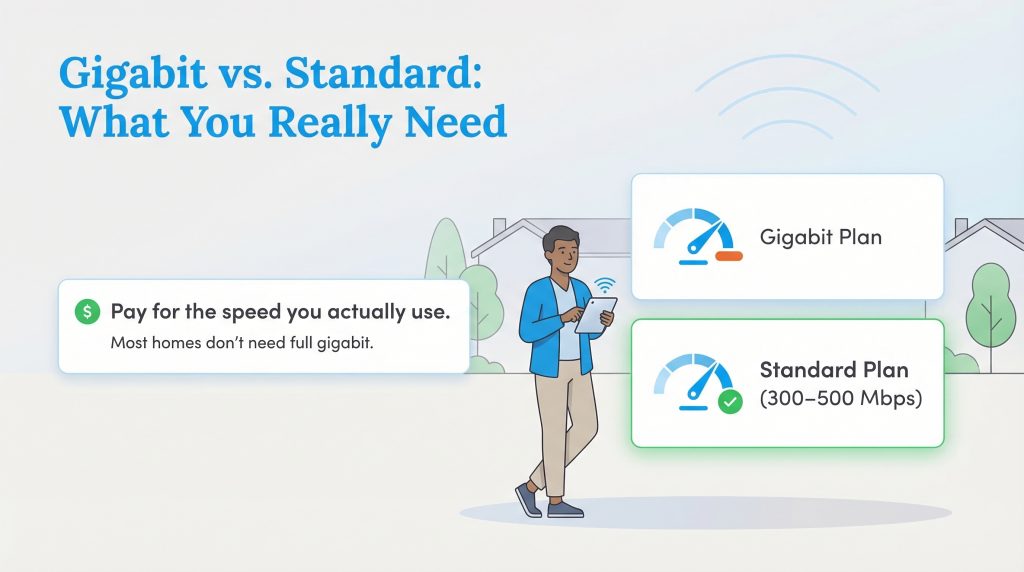
Internet providers are notorious for aggressively pushing their ultra-fast Gigabit packages during the sign-up process. While a 1,000 Mbps connection sounds incredibly impressive, the reality is that the vast majority of households simply do not need that much capacity. When you compare gigabit vs 500 mbps plans, the difference in daily performance is often completely unnoticeable for standard activities, yet the price gap can be massive. You could easily end up spending hundreds of extra dollars a year on bandwidth you never actually tap into. Unless your household frequently downloads large files or your provider enforces strict data caps that push you toward a premium tier to avoid overage fees, a standard plan is usually best. Finding the right internet speed should feel just like lowering your monthly utility costs, it is all about paying only for exactly what you consume. A robust 300 to 500 Mbps plan offers more than enough headroom for a bustling family of heavy streamers and remote workers. Before letting a salesperson talk you into the highest available tier, start with a mid-range package. You can always upgrade later if you experience buffering, but starting small keeps more cash in your wallet right from move-in day.
Making the Right Choice for Your Household Connection
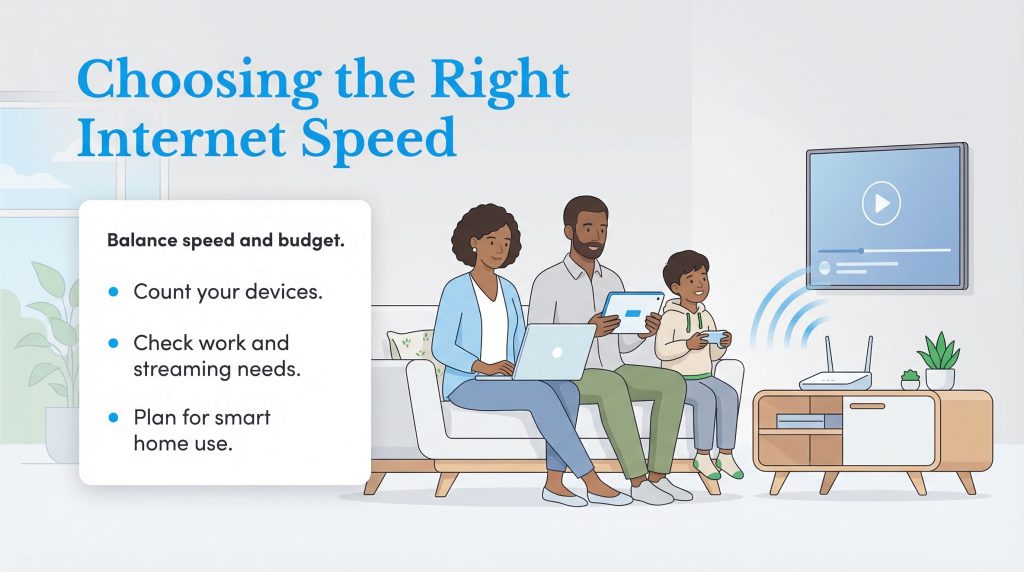
Settling into a new home is stressful enough without worrying about dropped video calls or buffering movies. We know that navigating the world of megabits and bandwidth can feel overwhelming, but making the right choice simply comes down to understanding your family’s unique digital habits. A good internet speed is ultimately the one that easily supports your busiest evening hours without forcing you to overpay for a large data pipe you will never fill. Take a moment to count your devices, consider your remote work needs, and factor in your smart home additions. Armed with that knowledge, you can confidently set up a home network that keeps your entire household happily connected and your monthly budget comfortably balanced.
Frequently Asked Questions About Internet Speeds
What is considered a good internet speed for a typical home?
Is 100 Mbps fast enough for working from home?
How much internet speed do I need to stream 4K video?
Does a smart TV slow down the Wi-Fi for other devices?
Is an internet speed calculator accurate for predicting my needs?
About the Author

David has been an integral part of some of the biggest utility sites on the internet, including InMyArea.com, HighSpeedInternet.com, BroadbandNow.com, and U.S. News. He brings over 15 years of experience writing about, compiling and analyzing utility data.