
Choosing Between Spectrum and EarthLink Comes Down to Local Availability, Long-Term Pricing, and How Your New Home Connects to the Web

- 7 Gbps
- Cable & Fiber
- Unlimited
- $30.00/mo

- 5 Gbps
- Fiber, Cable, 5G, & Satellite
- Varies
- $39.95/mo
*Not all internet providers and speeds available in all areas.
Key Takeaways
- Spectrum offers widely available cable internet with highly predictable post-promotional pricing, making it a reliable and accessible choice for most new homeowners.
- EarthLink operates as a network reseller, meaning your ultimate speeds, monthly pricing, and connection type depend entirely on the partner infrastructure available at your specific address.
- Always check the second-year costs using your exact new address before locking into a contract, as promotional rates from both providers will eventually expire and impact your long-term household budget.
Unpacking boxes and coordinating movers is stressful enough without agonizing over your home Wi-Fi connection. If you are comparing Spectrum vs EarthLink for your new home, the decision largely comes down to one core difference: Spectrum operates its own massive, proprietary hybrid fiber-coaxial network, whereas EarthLink leases third-party lines to deliver its service. Since a stable network is the backbone of everything from remote work setups to winding down with your favorite streaming shows, picking the right service is a major priority. We can help you cut through the marketing noise, understand how these different network structures impact your daily life, and pick the provider that actually fits your new address.
At a Glance: Spectrum vs EarthLink
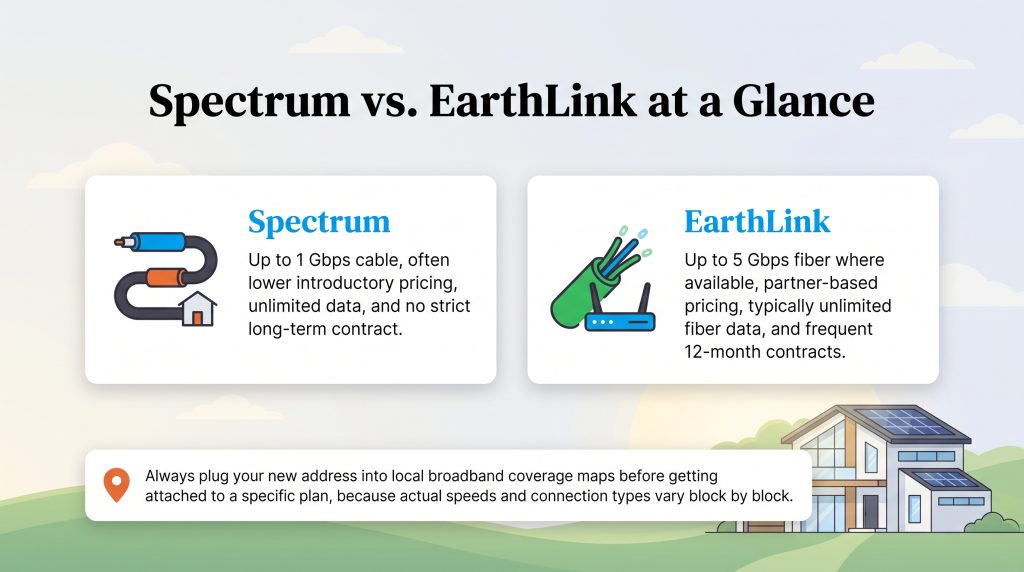
Before diving into the complex technical details, it helps to see how these two providers stack up side-by-side. While both companies offer fast connections capable of supporting a modern smart home, their pricing structures, underlying technologies, and contractual requirements vary significantly. This quick overview highlights the fundamental differences to help you gauge which service might align best with your household budget and data needs.
| Feature | Spectrum | EarthLink |
|---|---|---|
| Starting Price | Often lower introductory rates on baseline plans | Varies significantly based on the local partner network |
| Maximum Download Speed | Up to 1 Gbps on top-tier cable plans | Up to 5 Gbps on top-tier fiber plans (where available) |
| Data Caps | Unlimited data on residential plans | Typically unlimited data on fiber residential plans |
| Connection Type | Hybrid Fiber-Coaxial (Cable) | Leased Fiber or DSL |
| Contract Requirements | No strict long-term contracts required | 12-month contracts are frequently required |
💡 Pro Tip: Always plug your new address into local broadband coverage maps before getting attached to a specific plan, because actual speeds and connection types vary block by block.
Network Types Explained: Cable vs Leased Fiber and DSL
Internet speed means absolutely nothing if the underlying technology cannot reliably reach your living room. Before locking into a long-term agreement when evaluating home internet service providers, you need to understand exactly how these two brands physically deliver a signal to your house. When comparing these two internet giants, the fundamental difference lies in who actually owns the wires running down your street.
- Spectrum’s Hybrid Fiber-Coaxial (HFC) Network: Spectrum relies on a massive proprietary cable network. This means they utilize fiber-optic cables for the main community lines stretching across town, then switch to traditional coaxial copper cables for the final stretch right to your modem. It is incredibly consistent, widely available across the country, and easily capable of handling heavy downloading.
- EarthLink’s Leased Fiber and DSL Lines: EarthLink primarily acts as a network reseller. Instead of digging trenches and laying their own cables, they lease excess bandwidth on infrastructure owned by other telecommunications providers. In newly developed areas, this means you might tap into lightning-fast fiber-optic lines. In older, rural neighborhoods, EarthLink might only be able to provide service over slower, aging copper DSL phone lines.
From a sustainability perspective, pure fiber internet is a highly energy-saving option. Because fiber-optic cables transmit data via rapid pulses of light rather than electrical currents, they require less active cooling equipment and consume significantly less electricity over long distances compared to traditional copper networks. If you want an environmentally mindful choice, an EarthLink fiber plan is a fantastic way to reduce your home network’s overall energy footprint.
Speed and Performance Comparison
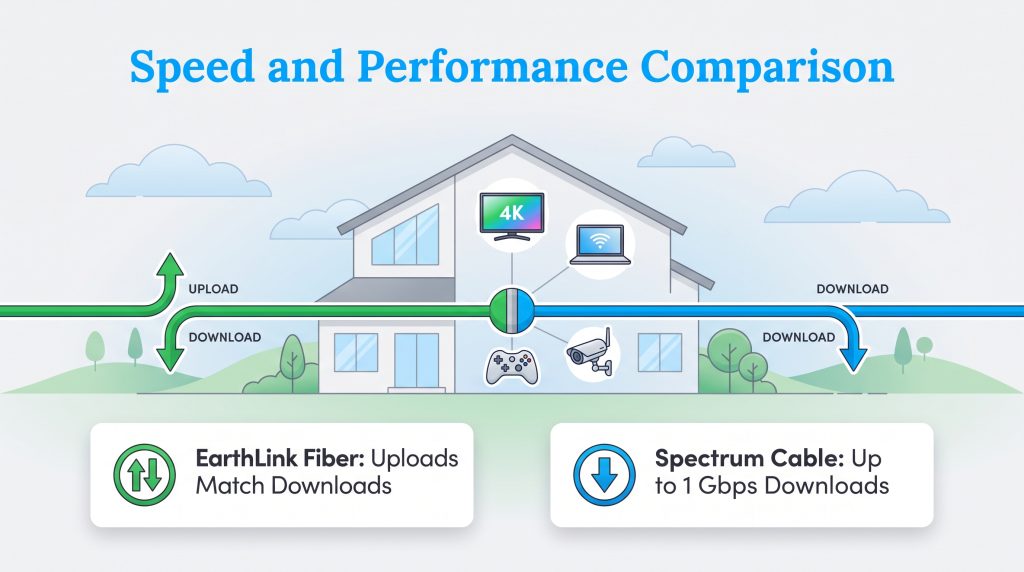
Assessing EarthLink vs Spectrum speeds means looking closely at what your busy household actually does online on a daily basis. Do you run a dozen smart home devices, stream 4K movies in multiple rooms, or have kids constantly playing online multiplayer games?
Spectrum offers baseline packages that start strong and scale up to 1 Gbps download speeds. This robust cable technology easily handles heavy daily usage and meets the federal recommendations for household broadband speeds. However, when we look specifically at EarthLink fiber vs Spectrum cable, EarthLink’s fiber packages unlock symmetrical speeds — meaning your upload speeds match your extremely fast download speeds. This is crucial for remote workers uploading massive video files, backing up cloud servers, or competitive gamers needing minimal latency.
On the flip side, if you are looking at EarthLink DSL vs Spectrum cable in older neighborhoods without fiber infrastructure, Spectrum wins by a landslide. EarthLink’s older DSL connections simply cannot keep pace with modern cable broadband, often struggling to support simultaneous high-definition streams.
To help you visualize what you actually need to support a modern, connected home, keep these minimum baseline targets in mind when shopping for a plan:
- 100 Mbps for basic household use, including web browsing, light streaming, and checking email across a few devices.
- 200 Mbps for remote work and video conferencing, especially if two or more people are working from home simultaneously.
- 25 Mbps per 4K stream, meaning if four people watch ultra-high-definition television at once, you need at least 100 Mbps dedicated just to video traffic.
- 10 Mbps minimum upload speed to ensure smooth, glitch-free video calls and reliable smart security camera uploads.
Pricing, Contracts, and Hidden Fees
Pricing out home internet often feels like solving a riddle. When looking closely at Spectrum vs EarthLink pricing, introductory rates rarely tell the full story. Both companies lure new movers in with flashy promotional prices that eventually vanish after your first year, which can dramatically alter your long-term utility budget.
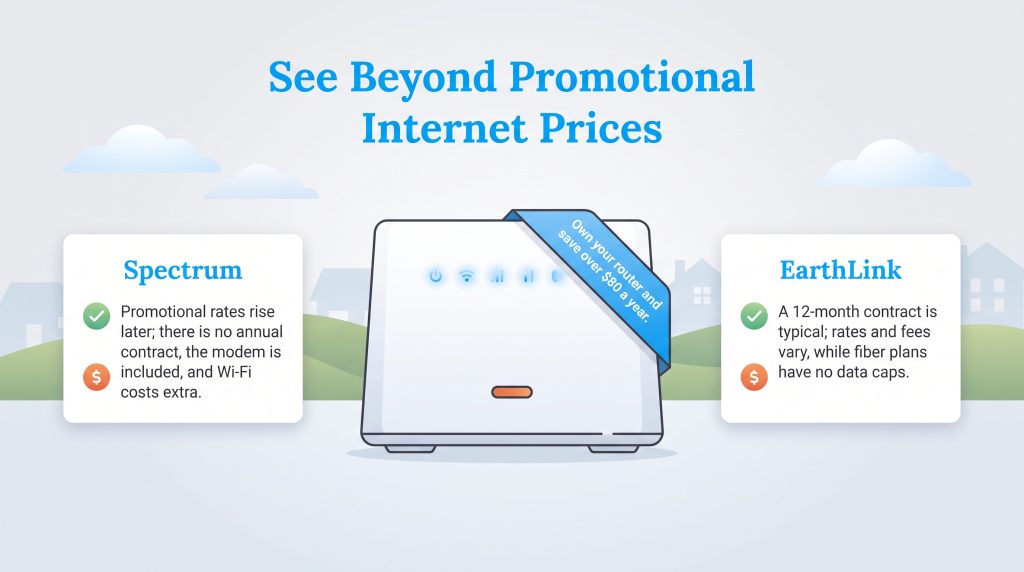
Spectrum’s pricing structure is widely known for its simplicity and transparency. You pay a promotional rate for the first 12 to 24 months, and then the plan transitions to a standard post-promotion rate. Their base plans typically include the modem for free, though they do charge an extra monthly equipment rental fee if you want to use their provided Wi-Fi router. Crucially, Spectrum does not force residential customers into strict, multi-year contracts, giving you the flexibility to leave without facing steep early termination fees.
EarthLink pricing is slightly more complex. Because they act as a reseller, their starting costs, standard rates, and installation fees fluctuate drastically depending on which partner network supplies your physical connection. EarthLink also typically requires a 12-month contract on most plans, meaning you will face financial penalties if you decide to cancel early. However, for households that consume massive amounts of data, EarthLink’s lack of hidden data caps on fiber plans can balance the scales and prevent surprise overage charges at the end of the month.
| Plan Name | Price | Download Speeds | Connection Type | |
|---|---|---|---|---|
| Spectrum Internet 100 | $30 /month | Up to 100 Mbps | Cable | Check Availability |
| Spectrum Internet 500 | $40 /month | Up to 500 Mbps | Cable | Check Availability |
| Spectrum Internet 1 Gig | $60 /month | Up to 1000 Mbps | Cable | Check Availability |
| Spectrum Internet 2 Gig | $80 /month | Up to 2 Gbps | Cable | Check Availability |
| Spectrum Internet 7 Gig fiber internet | $140 /month | Up to 7 Gbps | Fiber | Check Availability |
💸 Money-Saver: Skip the endless monthly rental charges by purchasing your own networking equipment to keep your power draw minimal and save over $80 a year. You can verify local availability to see which routers will work at your home using tools like the FCC Broadband Map.
Availability and Coverage Areas
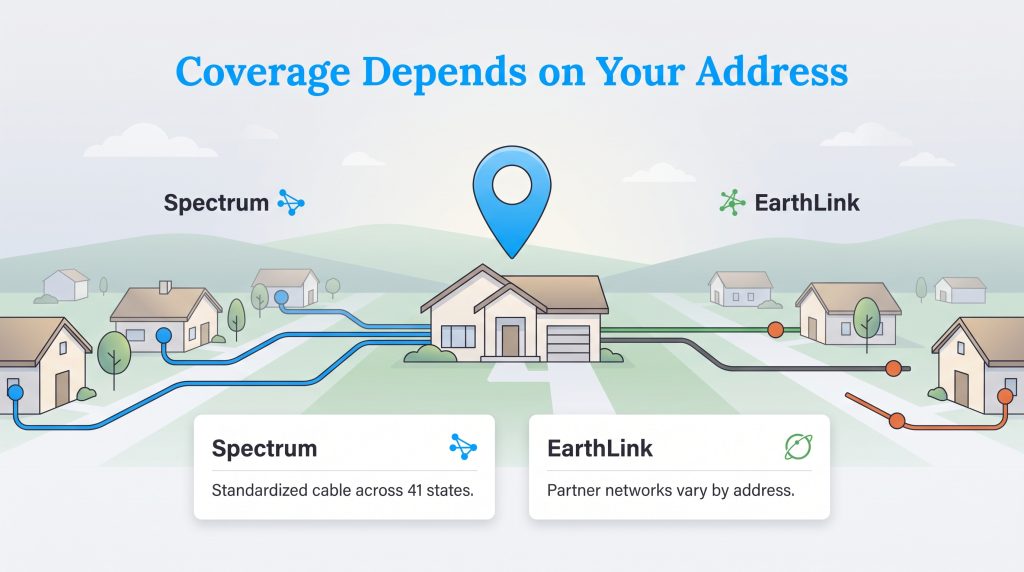
Even the fastest internet plan is useless if it does not service your specific neighborhood. When viewing a Spectrum vs EarthLink coverage map, you will quickly notice two completely different operational strategies that dictate whether you can actually order service for your new house.
Spectrum operates across 41 states, covering tens of millions of homes with a highly standardized cable footprint. If Spectrum advertises in your city, there is a very high probability they can activate service at your exact address. Their unified network makes transferring service during a local move incredibly simple.
EarthLink technically offers service in all 50 states, but the physical type of service available is highly fragmented. Because they lease lines from multiple different carriers, the availability of high-speed fiber depends entirely on whether a partner company has already laid the groundwork in your specific subdivision. One street might qualify for hyper-fast fiber, while a house just two blocks away is restricted to a sluggish DSL connection. You must plug your specific new address into a local broadband database to see which actual cables physically connect to your property before making a final decision.
Customer Service and Reliability
Moving into a new home is stressful enough without fighting a robotic phone menu when your internet goes down. Building a reliable home network requires an ISP that actively supports its users during outages, dispatch delays, and unexpected disruptions.
When analyzing real-world EarthLink internet reviews vs Spectrum, user sentiment reveals a sharp divide in how these companies handle technical support. EarthLink is frequently praised for its dedicated, highly rated telephone support staff, which offers a more personalized touch than massive corporate call centers. However, because EarthLink uses partner networks, they do not own the physical dispatch trucks. If a tree branch takes down a line outside your home, EarthLink has to request a repair technician from the third-party partner company. This extra layer of communication can occasionally delay physical repairs.
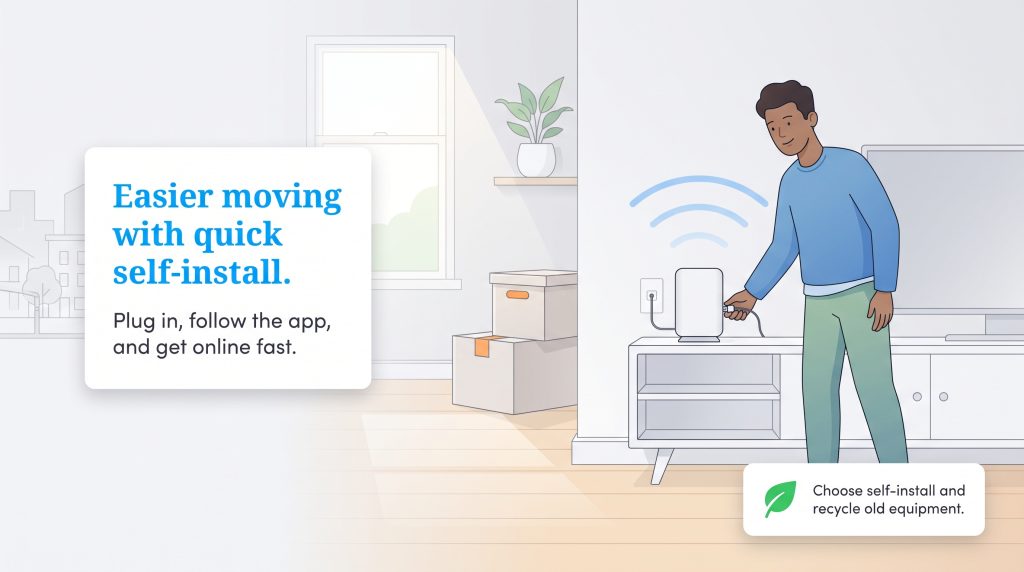
Spectrum, by contrast, utilizes an entirely in-house customer service and dispatch fleet. While their phone support wait times can spike during regional outages, having direct control over their technicians means they can generally deploy repair crews faster to restore your connection. Additionally, when coordinating your move and setting up new utilities, Spectrum’s active coaxial network in many neighborhoods allows for a quick self-installation kit sent in the mail, completely bypassing the need for a technician visit.
🌱 Eco Edge: Opt for a self-installation kit and paperless billing whenever possible to reduce vehicle emissions from technician dispatch trucks and cut down on physical mail waste. Place your router in a central, elevated spot before adding Wi-Fi extenders. A better router location can improve coverage without adding extra plug-in devices that draw power all day. Once you unpack, remember to responsibly recycle your old electronic waste rather than throwing your outdated modems in the trash.
Getting Your Home Network Ready for Move-In Day
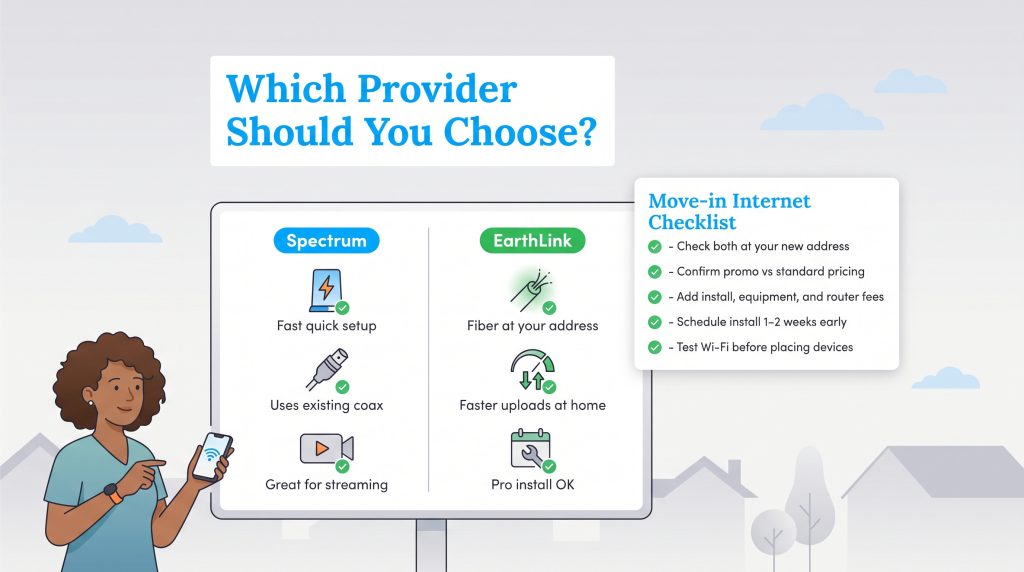
To make your final decision easier, here is a simple framework to help you choose the best provider based on your specific household needs. Setting up utilities in a fresh space gives you the perfect opportunity to audit and upgrade your home network.
Choose Spectrum If
- You need internet installed quickly without waiting on a technician.
- Your home already has active coaxial wiring in the walls.
- You mostly stream movies, browse the web, and use basic video calls.
- You want to avoid signing a strict 12-month contract.
Choose EarthLink If
- EarthLink fiber is specifically available at your exact address.
- Upload speed heavily matters for remote work, competitive gaming, or cloud backups.
- You are perfectly willing to schedule professional installation with a third-party partner.
- You prefer dealing with highly rated, personalized phone support.
If you find yourself asking, “Is EarthLink better than Spectrum?” the final answer relies entirely on your ZIP code. Spectrum remains the safest, most widely available bet for homeowners who want straightforward cable internet without the hassle of a complex installation. They deliver consistent download speeds that effortlessly support a standard modern household. On the other hand, you might want to switch from Spectrum to EarthLink if you require top-tier fiber upload speeds for massive cloud backups or home servers — provided your specific address falls within their leased fiber network map.
Before you start unpacking, take five minutes to verify which actual cables run into your new house. Planning your internet strategy ahead of moving day ensures you stay connected, productive, and entertained the moment you walk through your new front door.
Frequently Asked Questions About Spectrum vs EarthLink
Does EarthLink use Spectrum’s lines?
Are there data caps with Spectrum or EarthLink?
Is EarthLink fiber faster than Spectrum internet?
Why is EarthLink internet so expensive?
Which is easier to set up in a new house: Spectrum or EarthLink?
Can I use my own energy-efficient router with both providers?
Is Spectrum or EarthLink better for working from home?
About the Author

David has been an integral part of some of the biggest utility sites on the internet, including InMyArea.com, HighSpeedInternet.com, BroadbandNow.com, and U.S. News. He brings over 15 years of experience writing about, compiling and analyzing utility data.