

While EarthLink may use AT&T’s network infrastructure in some areas, choosing between the two comes down to your budget, customer service preferences, and monthly data needs
Key Takeaways
- AT&T generally offers lower starting prices and broader multi-gigabit speed availability for heavy internet users.
- Earthlink markets premium customer service and no data caps on its fiber plans, appealing to homeowners who value privacy and support.
- A fast fiber connection supports smart home reliability, helping energy-saving devices like smart thermostats stay online.

- 5 Gbps
- Fiber
- Unlimited
- $50.00/mo

- 5 Gbps
- Fiber, Cable, 5G, & Satellite
- Varies
- $39.95/mo
*Not all internet providers and speeds available in all areas.
When making the switch to a new home, deciding between AT&T vs. Earthlink internet can feel incredibly confusing, especially once you realize that Earthlink actively utilizes AT&T’s network infrastructure in dozens of shared markets. While AT&T physically builds, upgrades, and maintains the sophisticated fiber-optic lines running into your neighborhood, Earthlink often operates as a premium reseller on those exact same physical cables. This unique industry dynamic leads many consumers to wonder if they are essentially buying the identical service under a different corporate logo. We will break down exactly how these two providers differ regarding network prioritization, AT&T internet pricing, modem hardware, and daily customer support so you can confidently choose the optimal, eco-conscious connection for your household’s unique digital needs.
At a Glance: AT&T vs. Earthlink Comparison
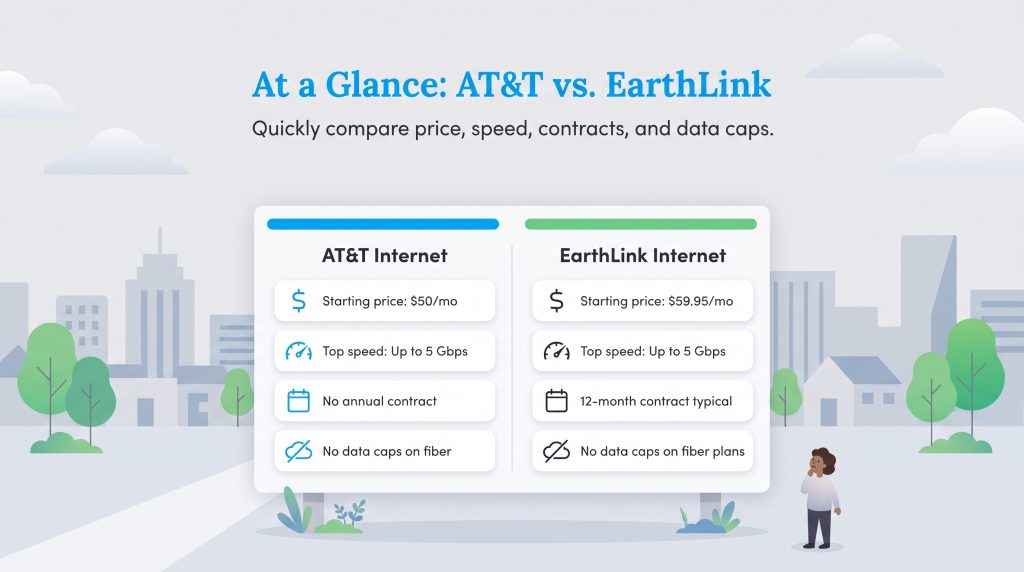
When comparing the core features of these two major internet service providers, you might quickly notice how similar their offerings appear on the surface. We mapped out the essential metrics below so you can easily evaluate their introductory rates, data allowances, and network capabilities before signing any service agreements. Keep in mind that while the physical cables and peak speeds might overlap, your billing structure, hardware options, and long-term costs will differ drastically.
| Feature | AT&T Internet | Earthlink Internet |
|---|---|---|
| Starting Price | $50.00 per month | $59.95 per month |
| Top Download Speed | Up to 5 Gbps | Up to 5 Gbps (where available) |
| Top Upload Speed | Up to 5 Gbps | Up to 5 Gbps (where available) |
| Data Caps | None on fiber | None on fiber plans |
| Contract Requirements | No annual contract required | 12-month contract typically required |
| Connection Types | Fiber, fixed wireless, DSL (rural) | Fiber, fixed wireless, DSL (rural) |
Network Infrastructure: Does Earthlink Just Use AT&T Lines?
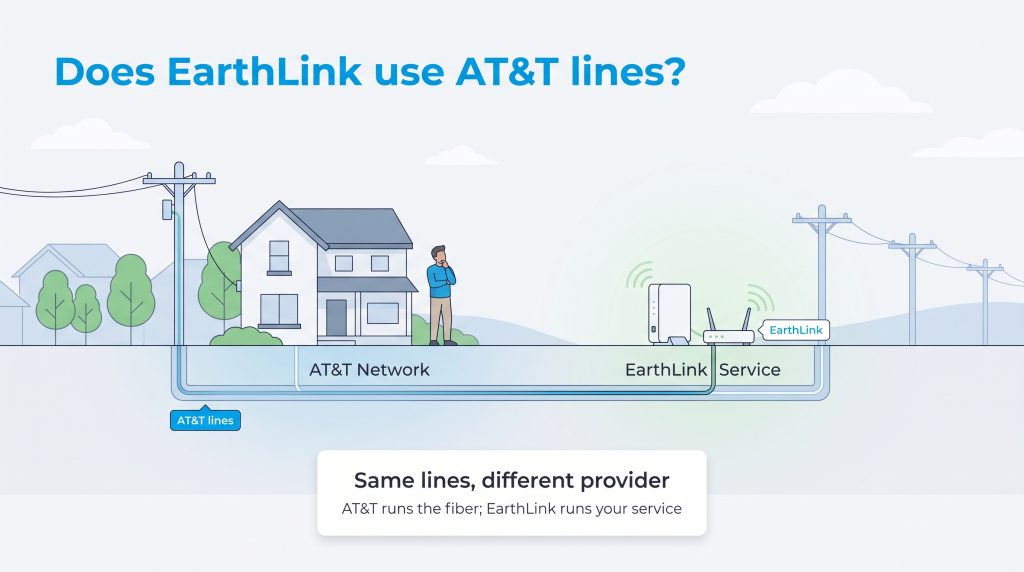
If you have spent any time researching these two companies on telecom forums, you likely stumbled upon a somewhat confusing industry secret. Earthlink leasing AT&T lines is a standard practice in many residential markets across the United States. Earthlink operates primarily as a “white-label” provider. This means that rather than digging up streets, disrupting local ecosystems, and laying thousands of miles of their own fiber-optic cables, they simply lease access to existing infrastructure from massive network owners like AT&T.
This setup naturally raises valid concerns about AT&T network prioritization and bandwidth throttling. Because AT&T owns the physical glass strands, their system technically possesses the ability to prioritize direct AT&T customers over third-party leased traffic during moments of severe network congestion. However, because modern fiber-optic lines offer such an immense bandwidth capacity, Earthlink customers rarely, if ever, experience slower speeds or noticeable throttling during peak evening hours. The connection remains remarkably stable for both user bases. If you are actively comparing an AT&T vs Earthlink coverage map for your new home, rest assured that both providers will deliver exceptional, highly reliable connectivity over the exact same neighborhood infrastructure.
Speed and Performance: AT&T Fiber vs. Earthlink Fiber
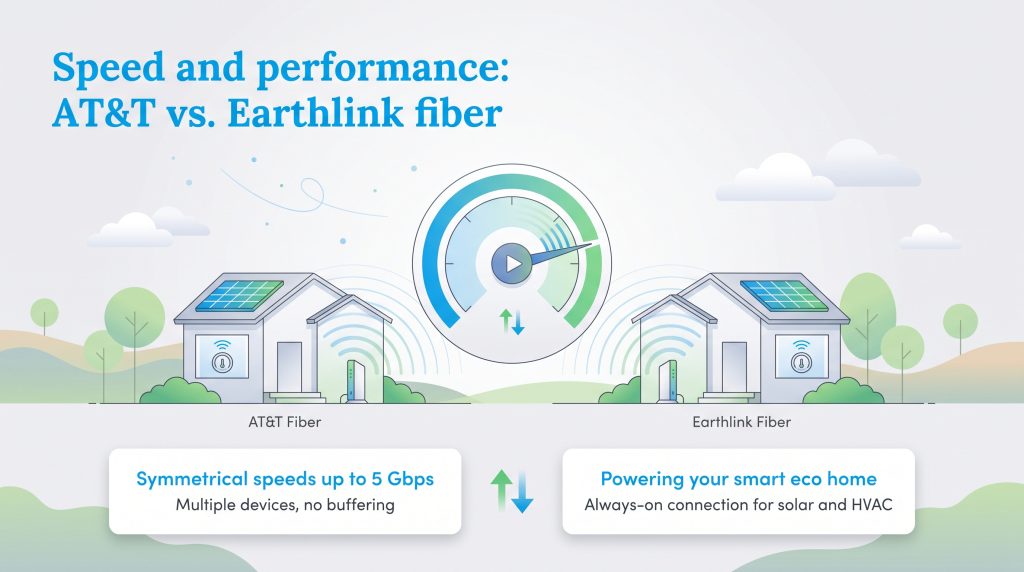
Choosing a reliable network ensures you have the robust bandwidth necessary to support modern digital demands without frustrating lag or constant buffering. When comparing AT&T fiber vs Earthlink fiber, both providers effortlessly handle the rigorous requirements of a fully connected, high-traffic household. Thanks to rapidly expanding AT&T fiber availability across the country, direct AT&T customers can access staggering symmetrical speeds up to 5 Gbps in upgraded residential neighborhoods. Because they share the same physical infrastructure, Earthlink fiber speeds can also reach up to 5 Gbps in those exact same premium markets, offering unprecedented velocity for downloading large files or backing up data to the cloud.
This symmetrical performance — meaning your upload speeds perfectly match your download speeds — prevents your home network from choking when multiple family members stream 4K video, engage in competitive gaming, or work remotely simultaneously. Furthermore, a rock-solid fiber connection acts as the vital central nervous system for an eco-conscious smart home. From managing your ENERGY STAR certified smart thermostats to seamlessly monitoring your home’s solar energy output via a mobile application, uninterrupted internet helps ensure your automated energy systems run efficiently around the clock.
Keeping your smart HVAC system consistently connected to the internet allows it to download localized weather updates, optimizing your daily heating and cooling cycles to drastically reduce your household’s overall carbon footprint.
Plan Pricing, Hidden Fees, and Contracts
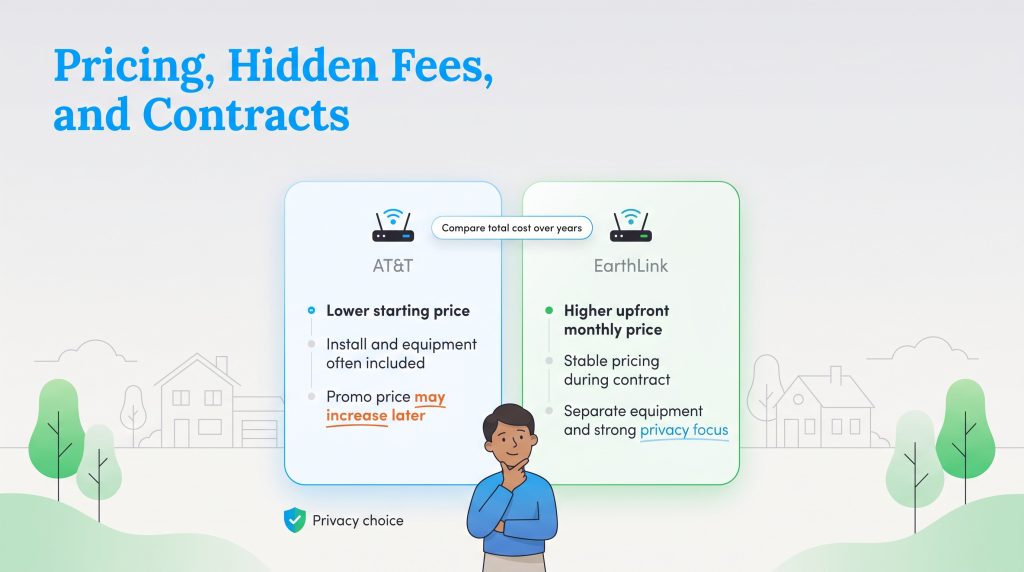
Cost is frequently the heaviest factor weighing on your decision, especially after absorbing the considerable financial shock of moving into a new residence. When analyzing AT&T internet pricing, the telecom giant looks incredibly enticing right out of the gate. AT&T currently offers entry-level fiber service starting at just $50.00 per month, frequently waives installation fees for online orders, and often includes the gateway equipment costs entirely in their advertised monthly rate. Furthermore, AT&T no longer requires restrictive annual contracts for its modern fiber customers, providing exceptional flexibility for renters or temporary residents.
On the flip side, Earthlink internet plans typically start at a slightly higher $59.95 per month and routinely require a strict 12-month contract. This mandatory commitment makes them slightly less appealing if you only need short-term service or want the freedom to switch providers without incurring hefty early termination fees. However, Earthlink purposefully aims to offer highly stable pricing over the life of your agreement without surprising you with massive, unannounced second-year price hikes. If you are deeply evaluating your long-term utility budget, we highly recommend reading our guide on how to choose an internet provider to see exactly how these potential monthly fees and promotional roll-offs add up over a multi-year residency.
Always review the fine print for promotional pricing expiration dates. Budgeting for the standard rate after month 12 ensures you won’t be blindsided by an unexpectedly high utility bill.
Equipment, Modems, and Installation
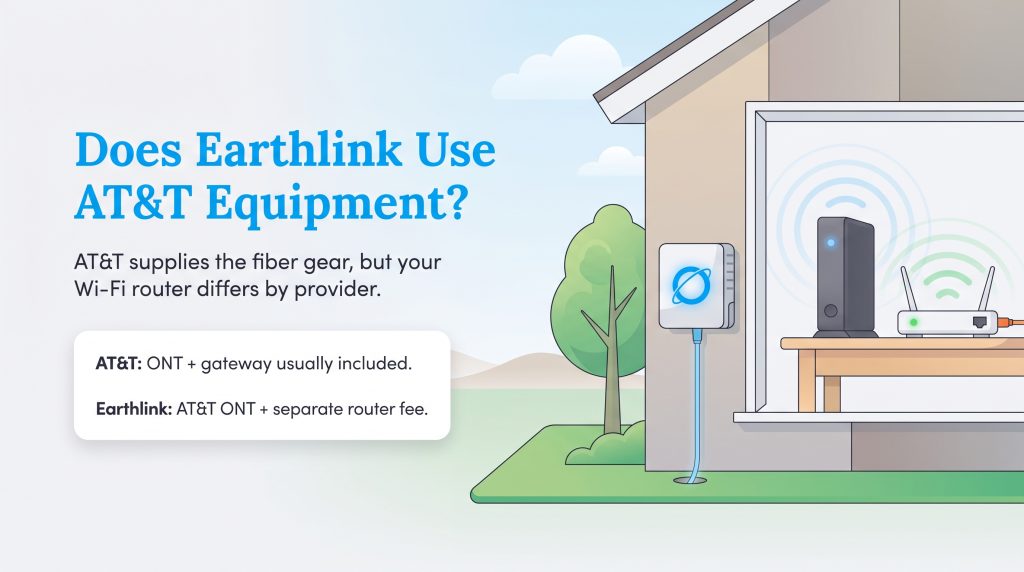
A common, highly specific technical question among new buyers is: does Earthlink use AT&T equipment? The answer is a mix of yes and no. Because Earthlink leases the underlying fiber connection, an authorized technician will still need to install an AT&T-branded Optical Network Terminal (ONT) on the exterior or interior of your home to properly translate the fiber light signals into a usable internet connection. However, the physical router that actually beams the Wi-Fi signal to your smart home devices will differ.
AT&T typically supplies its proprietary BGW320 gateway — a highly capable, dual-band modem and router combination unit — which is usually included in the base monthly cost of your fiber plan. Earthlink, conversely, will ship you their own branded Wi-Fi router, though they often charge a separate monthly rental fee to use this hardware. Both providers generally allow you to configure their supplied gateways into “IP Passthrough” mode. This setting gives you the freedom to connect a personal, high-efficiency mesh Wi-Fi system to better cover larger homes and eliminate frustrating wireless dead zones.
When it comes to the physical installation, your upfront costs will vary significantly between the two brands. AT&T routinely waives its standard $99.00 professional installation fee if you complete your entire order online. Earthlink typically charges a mandatory activation fee of around $79.95 to get your new service up and running, which is an important upfront cost to factor into your comprehensive moving budget.
Customer Service and Reliability
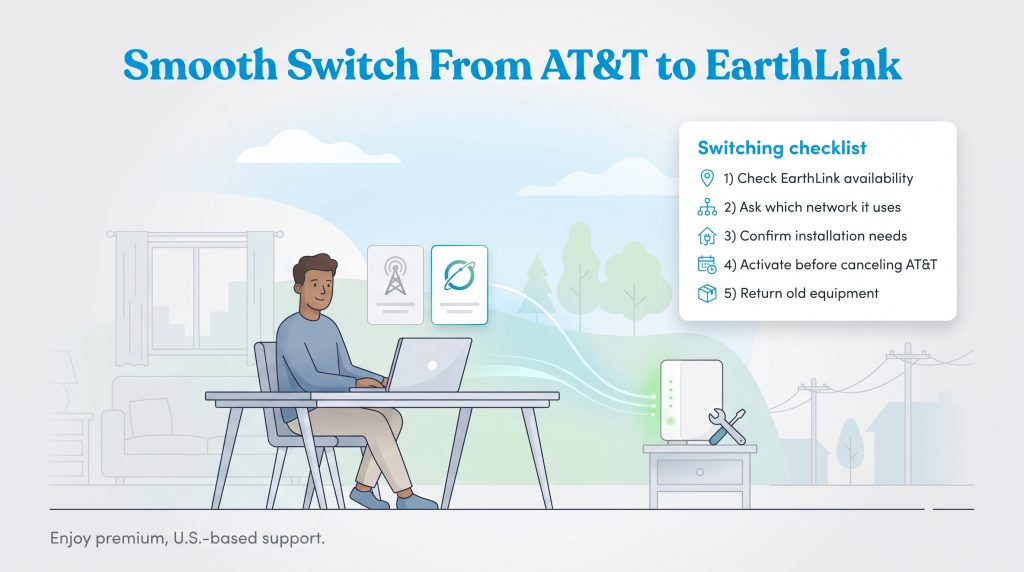
If you highly value a stress-free administrative experience, comparing Earthlink customer service vs AT&T reveals two entirely different operational philosophies. AT&T is a massive, global telecom corporation. While their physical network reliability is undeniably stellar, interacting with their direct support channels can sometimes involve long hold times, complex automated phone trees, and offshore call centers that may struggle to resolve nuanced billing issues quickly.
Earthlink purposefully positions itself as a boutique, service-first alternative to the major telecom monopolies. They boast dedicated, U.S.-based customer service teams designed to resolve your technical or billing issues efficiently without endlessly passing you between automated departments. To help you weigh this important decision, here are the core pros and cons of dealing with a third-party leaser versus the primary line owner:
- Pro of Third-Party (Earthlink): Faster access to human representatives and a generally more personalized, privacy-focused customer support experience.
- Con of Third-Party (Earthlink): If a physical cable tragically breaks in your yard, Earthlink still has to dispatch an AT&T technician to fix it, which inherently adds an extra layer of communication and potential delays.
- Pro of Line Owner (AT&T): Direct, immediate access to the technicians who actually built, mapped, and maintain the physical neighborhood infrastructure.
- Con of Line Owner (AT&T): Navigating a massive corporate billing department can be incredibly frustrating if a mysterious fee suddenly appears on your monthly statement.
Reviewing the Fine Print Before You Switch
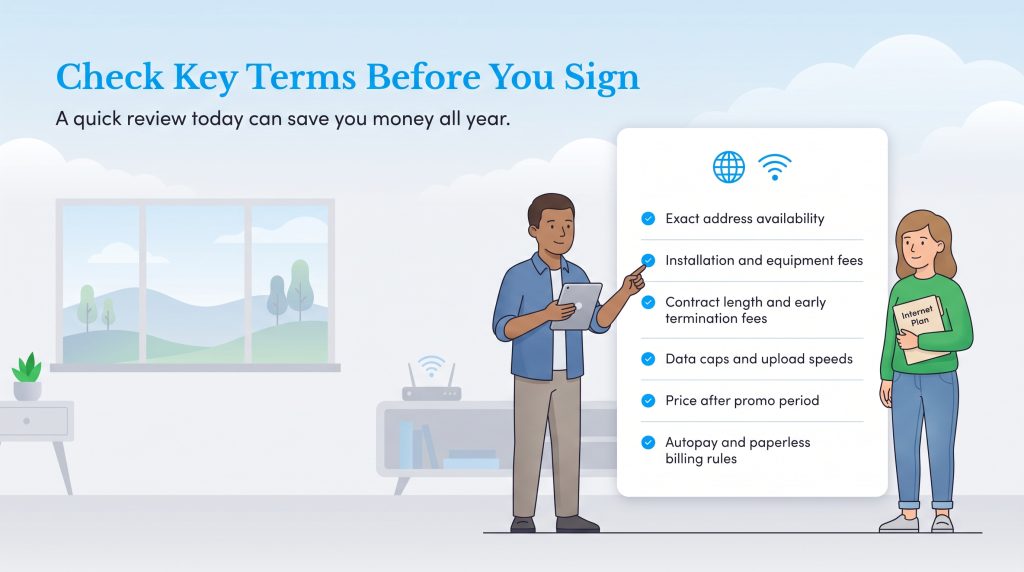
Regardless of whether you choose the direct line owner or a third-party leaser, always review the fine print. Paying close attention to key service terms, hidden fees, data allowances, and contract lengths before finalizing your switch can save you hundreds of dollars and prevent major headaches down the road.
Comparing Key Factors for Your Internet Service
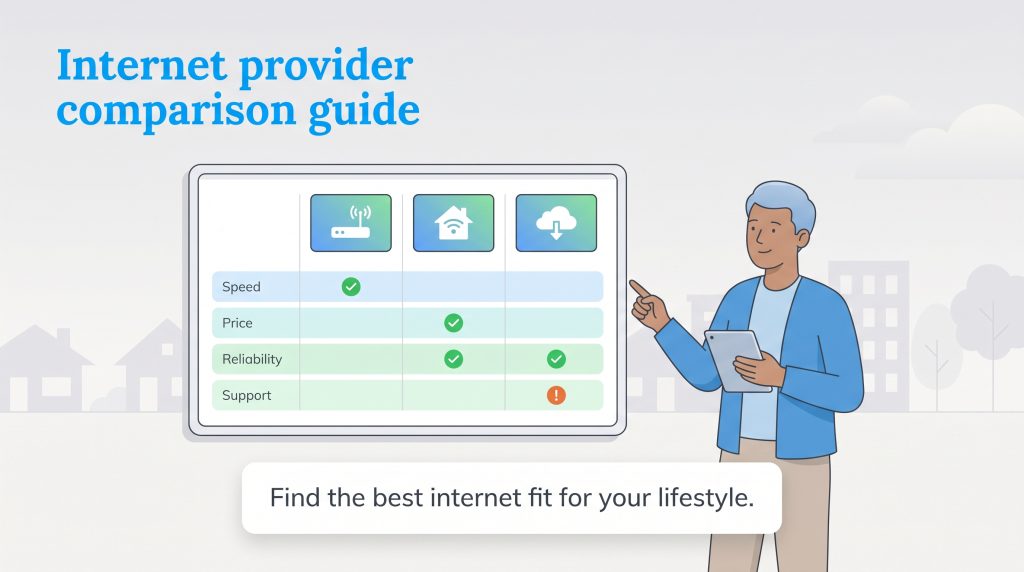
Picking a definitive winner between these two capable providers hinges entirely on what you prioritize most as a home utility consumer. We recommend opting for AT&T if you want the absolute lowest introductory pricing, actively want to avoid restrictive annual contracts, or require a multi-gigabit plan for intensive tech hobbies. The upfront savings are substantial during that crucial first year of service, and direct access to the infrastructure owner simplifies physical repairs if a storm damages your neighborhood lines.
Securing the Best Connection for Your New Home
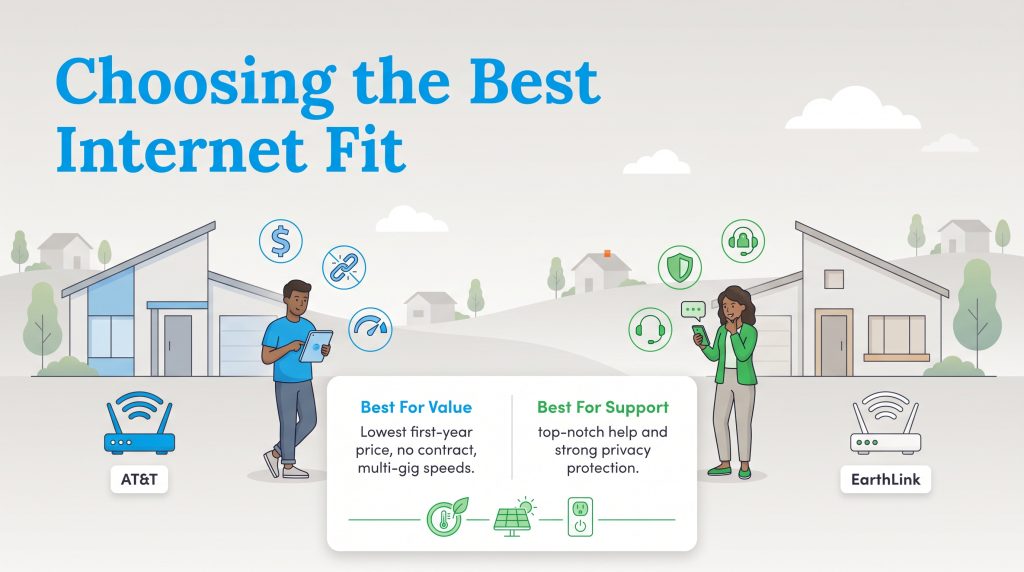
While AT&T is great for budget seekers, Earthlink shines as the superior option for homeowners who view exceptional, U.S.-based support and strict digital privacy policies as non-negotiable features. They offer peace of mind for users who despise dealing with corporate telecom giants. For sustainability-minded households, the bigger takeaway is to secure whichever reliable fiber plan best keeps your smart thermostats, solar monitoring tools, and energy-efficient connected devices online without interruption, helping you effortlessly maintain a greener, more efficient home.
Frequently Asked Questions About AT&T and Earthlink
If you are still weighing your options between these two internet service providers, check out these common questions from other homeowners to help finalize your decision. Comparing these final details often makes the right choice obvious.
Is Earthlink better than AT&T?
Whether Earthlink outshines AT&T depends entirely on your preferences. Earthlink is generally considered better for privacy-conscious users and those who demand excellent, U.S.-based customer service. AT&T is usually better for budget-focused consumers looking for cheaper introductory rates, no equipment fees, and no mandatory annual contracts.
Does Earthlink internet require a contract?
Yes, Earthlink typically requires a 12-month commitment when you sign up for their fiber or DSL internet plans. Breaking this contract early usually results in an early termination fee. AT&T, by contrast, has shifted away from term agreements and allows month-to-month service for their fiber customers.
Will my internet go down if I switch from AT&T to Earthlink?
The transition process varies. If Earthlink uses the same physical network at your home, you will likely just swap out your routing equipment. However, some switches require a brief technician visit to provision the connection, so schedule the activation carefully to avoid prolonged downtime between services.
What internet speed do I need for a fully connected smart home?
Most individual smart home devices use very little data, but a household running multiple cameras, smart displays, and streaming devices should aim for at least 300 Mbps to ensure everything operates smoothly. If you work from home or have multiple heavy users, gigabit fiber provides plenty of overhead. For more specific guidance, review the federal broadband speed recommendations to match your exact household usage.
Do both providers offer symmetrical upload and download speeds?
Yes, as long as you are subscribed to a modern fiber-optic plan. Both AT&T and Earthlink deliver symmetrical speeds on their fiber networks, which is incredibly beneficial for uploading large work files, engaging in video conferences, and maintaining high-definition security camera feeds.
Does Earthlink use the same fiber lines as AT&T?
In many major residential markets, yes. Earthlink operates as a third-party reseller that frequently leases existing infrastructure from AT&T. This means the physical fiber-optic cables delivering the internet to your home are identical, even though the companies handle billing and customer service differently.
Does Earthlink use AT&T equipment and modems?
While the exterior network hardware and Optical Network Terminal (ONT) installed on your home will belong to AT&T, Earthlink generally provides its own branded interior Wi-Fi routers for you to connect your household devices.
Do AT&T or Earthlink have monthly data caps?
No, neither provider imposes monthly data caps if you are subscribed to one of their modern fiber-optic internet plans. This unlimited data allowance makes both companies excellent choices for heavy streamers and large families. However, legacy DSL plans in rural areas may still carry data restrictions.
Is AT&T or Earthlink better for gaming and streaming?
Because both ISPs offer multi-gigabit fiber plans with symmetrical upload and download speeds over the same physical network, they both provide phenomenal, low-latency performance for competitive gaming and 4K streaming. AT&T often edges out a win simply because they provide the routing equipment without an additional monthly rental fee.
About the Author

David has been an integral part of some of the biggest utility sites on the internet, including InMyArea.com, HighSpeedInternet.com, BroadbandNow.com, and U.S. News. He brings over 15 years of experience writing about, compiling and analyzing utility data.

LaLeesha has a Masters degree in English and enjoys writing whenever she has the chance. She is passionate about gardening, reducing her carbon footprint, and protecting the environment. She also recently served as President of the Board for City Sprouts (a community garden).