
Planning ahead and understanding your lease are the keys to a seamless internet setup in your new apartmenton move-in day
Key Takeaways
- Check your lease early to see if your building has exclusive provider agreements or bulk internet packages included in your rent.
- Schedule your activation at least two weeks before your move-in date to avoid data gaps during the transition.
- Optimize router placement by keeping it central and elevated to overcome signal interference common in apartment complexes.
Moving is rarely a calm experience. Between packing boxes, coordinating movers, and cleaning your old place, the last thing you want to worry about is staring at a buffering symbol on your first night in the new apartment. Whether you need to log into a video conference at 9 a.m. sharp or just want to unwind with a movie after a long day of hauling furniture, having a working connection is non-negotiable. We know how frustrating it is to wait on a technician who never shows up, so we have mapped out a clear path to help you get connected quickly and painlessly.
Decoding the Lease: What Renters Need to Know Before Buying
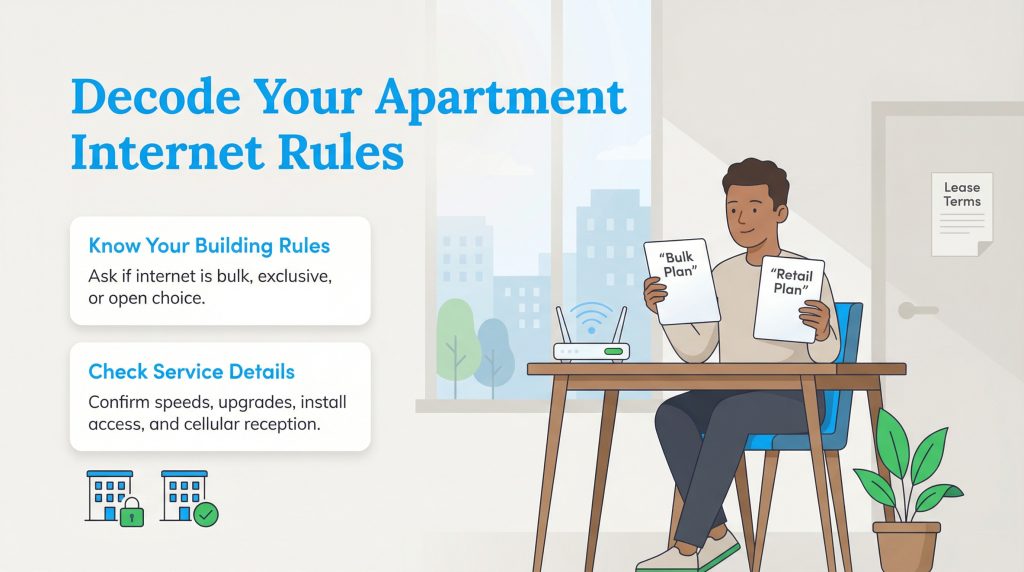
Before you spend hours comparing prices and speeds, you need to know what is actually available in your specific building. Unlike single-family homes, where you often have the freedom to pick any ISP (Internet Service Provider) that serves the zip code, apartment complexes often have specific rules. Some buildings are “open,” allowing you to choose from various local apartment internet options, while others are “exclusive,” meaning the property management has signed a contract with a single provider.
To avoid surprises, ask your property manager specific questions before signing. Find out if you can choose your own provider or if there is a mandatory bulk plan. Ask if technician visits are allowed on weekends and if there are restrictions on drilling holes for installation. Finally, check if the building has known issues with cellular reception, which could affect 5G home internet or hotspot reliability.
Understanding Bulk Internet vs. Retail Plans
You might find that your new building offers “bulk internet.” This means the service is already installed and the cost is bundled into your monthly rent or added as a mandatory technology fee. The biggest advantage here is convenience; the modem is usually already in the unit, and activation is instant. However, the downside is often a lack of choice regarding speed tiers or privacy. If the bulk speed is too slow for your needs, ask your property manager if you are allowed to pay for an upgrade or if you can opt out and purchase a separate retail plan.
How to Choose the Best Internet for Apartments
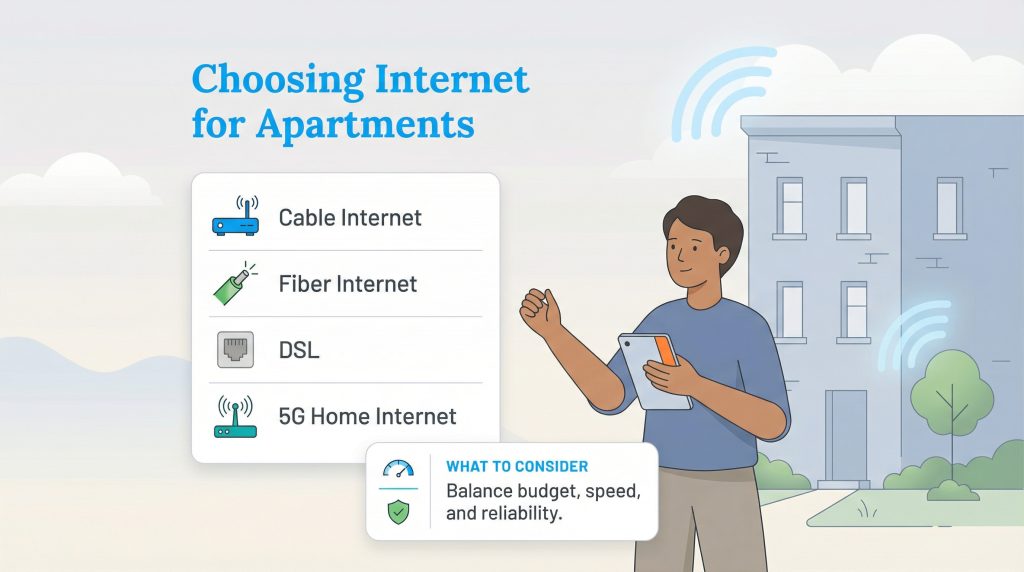
If you have the freedom to choose your provider, it is tempting to just grab the cheapest plan or the one with the highest numbers. However, apartment living comes with unique bandwidth challenges, such as signal interference from neighbors. Finding the best internet for apartments means balancing your budget with the reality of your digital lifestyle. We have broken down some common user profiles to help you decide how much speed you actually need.
Comparing Internet Types in Apartments
Understanding the connection type can help you manage expectations regarding speed and reliability. Cable internet is widely available and offers good speeds, though bandwidth is shared with neighbors and can slow down during peak usage times. Fiber internet is the fastest and most reliable option with symmetric upload and download speeds, making it ideal for remote work, but availability is often limited. DSL uses phone lines and is slower, but it may be the only wired option in some older buildings. Finally, 5G home internet (fixed wireless) is an easy self-install option perfect for renters who cannot drill holes, though performance depends heavily on signal strength.
| User Type | Activity Level | Recommended Speed |
|---|---|---|
| The Solo Streamer | Social media, HD streaming on one device, email. | 25–50 Mbps |
| The Remote Worker | Zoom calls, large file downloads, cloud computing. | 100–200 Mbps |
| The Gamer | Competitive online gaming, 4K streaming, Twitch broadcasting. | 300–500 Mbps |
| The Roommate House | Multiple users streaming 4K video and gaming simultaneously. | 500 Mbps – 1 Gig |
These ranges are typical recommendations; if you have many devices streaming in 4K or work with large files, you may want to choose the higher end of the range to ensure smooth performance.
For more details on general broadband plans and pricing, check out our guide to internet services.
Equipment Check: Do I Need a Modem and Router for an Apartment?
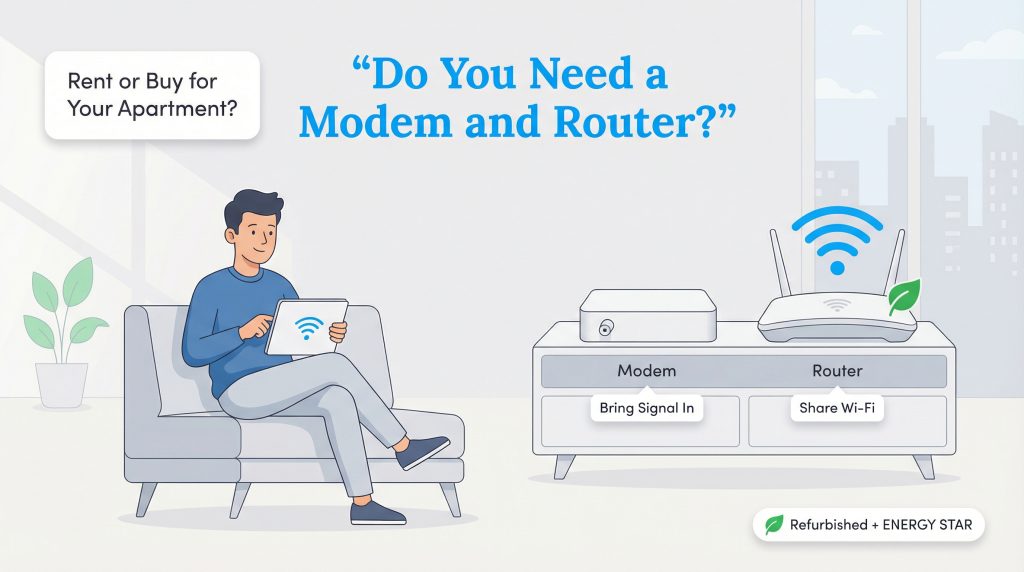
A common question for first-time renters is, “Do I need a modem and router for apartment living, or does the building provide it?” Unless you are in a bulk internet building, you generally need your own hardware. The modem brings the signal into your home, and the router broadcasts that signal as Wi-Fi. You have two choices: rent the equipment from your ISP for a monthly fee or buy your own.
Renting is convenient if you move often or don’t want to troubleshoot technical issues yourself. However, buying your own equipment saves you money in the long run and gives you better performance control. Owning your modem is also a key component of a self install internet apartment strategy. If you move to a new unit with the same provider, you can simply take your equipment with you and plug it in without waiting for a technician.
Eco-Conscious Hardware Choices
If you decide to buy, consider looking for a certified refurbished modem or router. This simple choice keeps functional electronics out of landfills and usually costs significantly less than buying new. Additionally, look for networking equipment that is ENERGY STAR certified or features power-saving modes. These devices reduce energy consumption when you aren’t actively using the network, which helps lower your carbon footprint and can contribute to lowering your electric bill.
The Renter’s Internet Timeline: When to Book Your Service
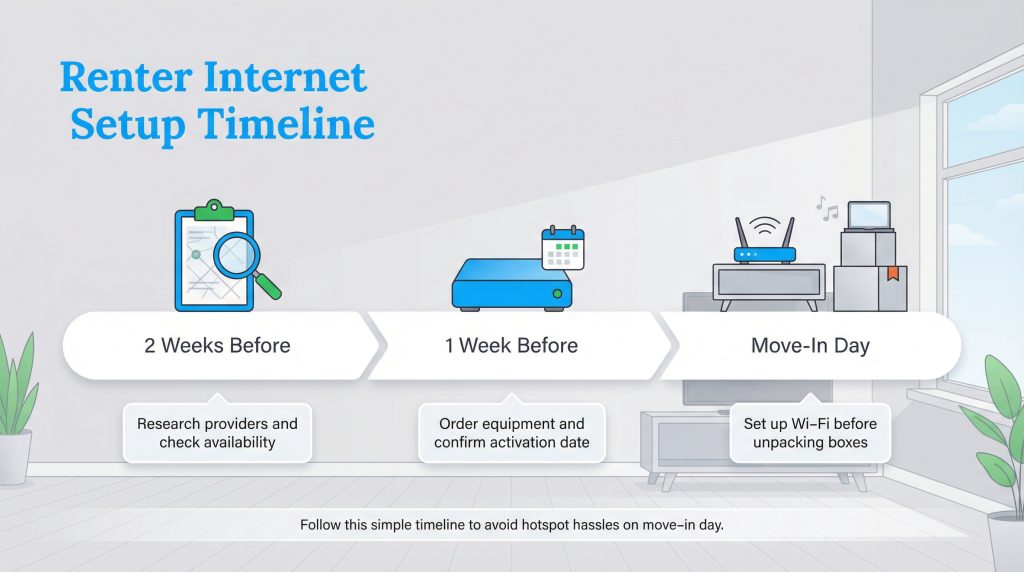
Timing is everything when organizing a move. To ensure you aren’t using your phone’s hotspot for a week, follow this timeline.
- 2 Weeks Before Move-In: Research providers using tools like the FCC Broadband Map and call to check availability at your new address.
- 1 Week Before Move-In: Order your equipment or self-install kit. Confirm the activation date matches your lease start date so the service is live when you arrive.
- Move-In Day: Locate the wall jacks and set up your hardware before unpacking boxes. This ensures you have music and help guides available while you work.
For more tips on organizing your relocation, visit our moving resources page.
Step-by-Step: How to Get WiFi in an Apartment With Self-Install
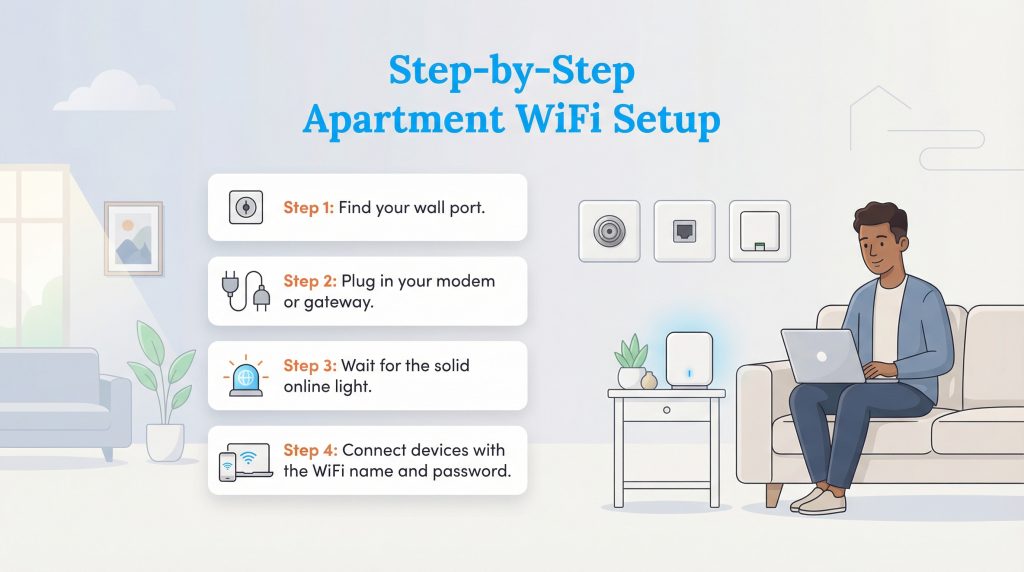
Most ISPs now encourage self-installation, which saves you the cost of a professional visit. If you are wondering how to set up internet in an apartment on your own, the process is straightforward. Here is how to get WiFi in an apartment up and running in four steps.
- Step 1: Locate the Port. Look for the wall outlet that matches your service. A coax cable outlet is a round metal connector used for cable internet. A phone jack is a small square port used for DSL. If you have fiber, look for an Optical Network Terminal (ONT), which is often a white box mounted on the wall or in a closet.
- Step 2: Connect the Gateway. Plug your modem or gateway into the wall outlet using the cable provided in your kit, then plug the power cord into an electrical socket.
- Step 3: Wait for the Light. Turn the device on and wait. It may take up to 15 minutes to boot up. You are looking for a solid (non-blinking) light labeled “Online,” “Internet,” or a globe icon.
- Step 4: Connect Devices. Once the light is solid, look for the network name (SSID) and password on the sticker on the bottom or side of your router. Enter these details into your phone or laptop to connect.
Mastering Apartment Router Placement for Better Wi-Fi
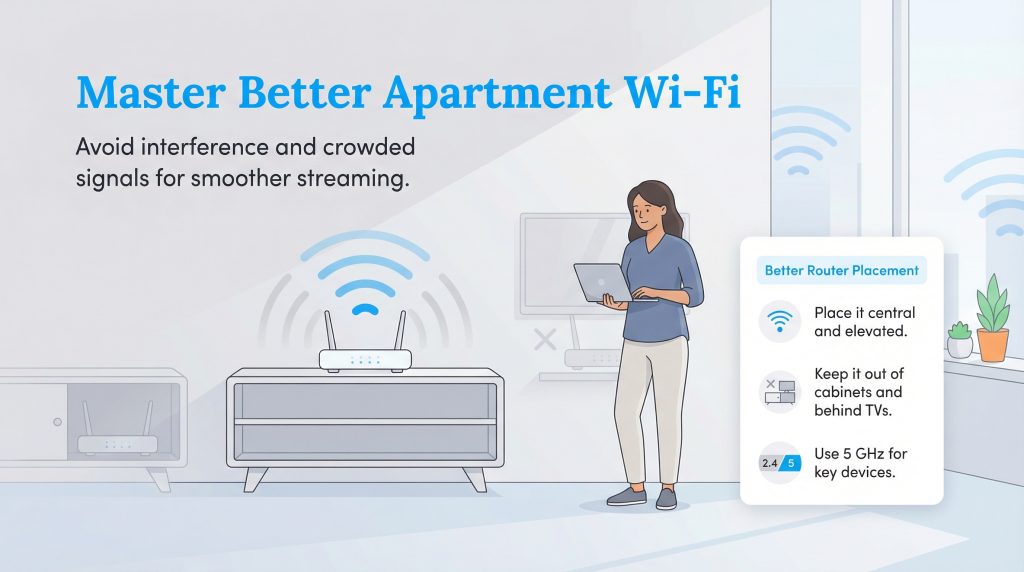
In an apartment complex, you are surrounded by dozens of other Wi-Fi networks that can crowd the airwaves. Proper apartment router placement is critical to cutting through this noise. Place your router in a central location, preferably elevated on a shelf or media console. Avoid hiding it inside a cabinet, behind a TV, or on the floor, as these positions block the signal.
Also, try to keep the router away from other electronics like microwaves or cordless phones, which can cause interference. If your router is dual-band, connect your streaming devices and laptops to the 5GHz band. This frequency is faster and typically less congested than the standard 2.4GHz band used by many older devices and smart home gadgets.
Setting Up Your Smart, Connected Home
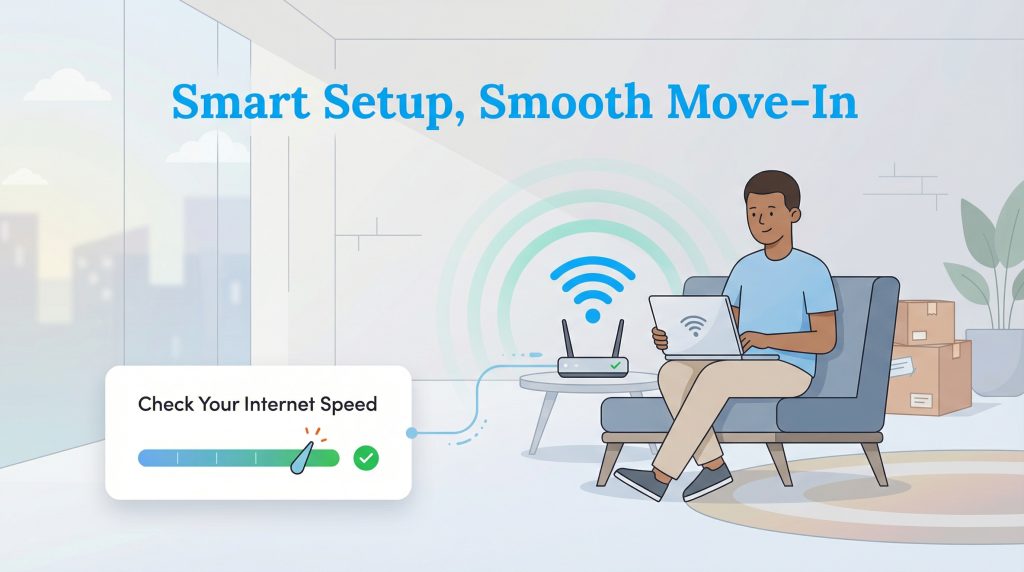
Taking the time to research your provider and set up your equipment correctly pays off the moment you settle in. Instead of struggling with spotty signals or surprise fees, you can relax and stream your favorite show on your first night or log into work seamlessly the next morning. Once you are connected, we recommend running a speed test to ensure you are getting the bandwidth you paid for. A little preparation now makes your new apartment feel like home that much faster.
Staying Connected From Day One In Your New Apartment
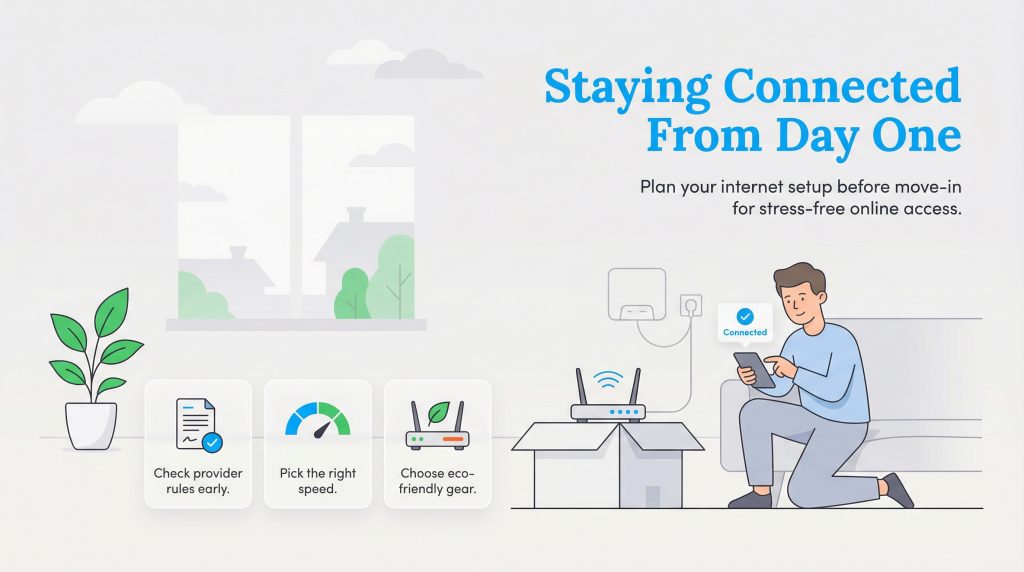
Getting your apartment internet set up doesn’t have to be a source of stress. By checking your lease for provider restrictions, choosing the right speed for your needs, and scheduling your activation early, you can ensure a smooth transition. Don’t forget to opt for eco-conscious equipment and place your router centrally for the best signal. With a little planning, you will be online and relaxed the moment you walk through the door.
FAQs About Apartment Internet Setup
Can I get my own internet if my apartment offers it?
Can I drill holes for fiber internet cables in an apartment?
What is the best internet speed for a studio apartment?
How long does internet activation take?
Is 5G home internet good for apartments?
About the Author

LaLeesha has a Masters degree in English and enjoys writing whenever she has the chance. She is passionate about gardening, reducing her carbon footprint, and protecting the environment.