


Upgrade Your Lighting System to Save Energy, Increase Convenience, and Modernize Your Home
Key Takeaways
- Energy-saving smart light switches can significantly lower your electricity usage by automating when your lights are on or dimmed.
- Older homes without modern wiring can still upgrade by choosing the best smart switches with no neutral wire requirements.
- Looking for future-proof technology means prioritizing Matter-compatible smart light switches that easily integrate with your existing smart home hub.
Upgrading to the best smart light switches and dimmers is a brilliant way to cut wasteful energy consumption and permanently lower your electric bill. Whether you are moving into a brand-new build or modernizing an older property, making this leap puts complete lighting control right at your fingertips. In this comprehensive guide, we will help you verify your home’s electrical wiring, compare top-rated devices across the most popular smart home ecosystems, and discover how automated dimming schedules can sustainably shrink your monthly utility costs without ever sacrificing your family’s convenience.
Top Smart Light Switches and Dimmers at a Glance
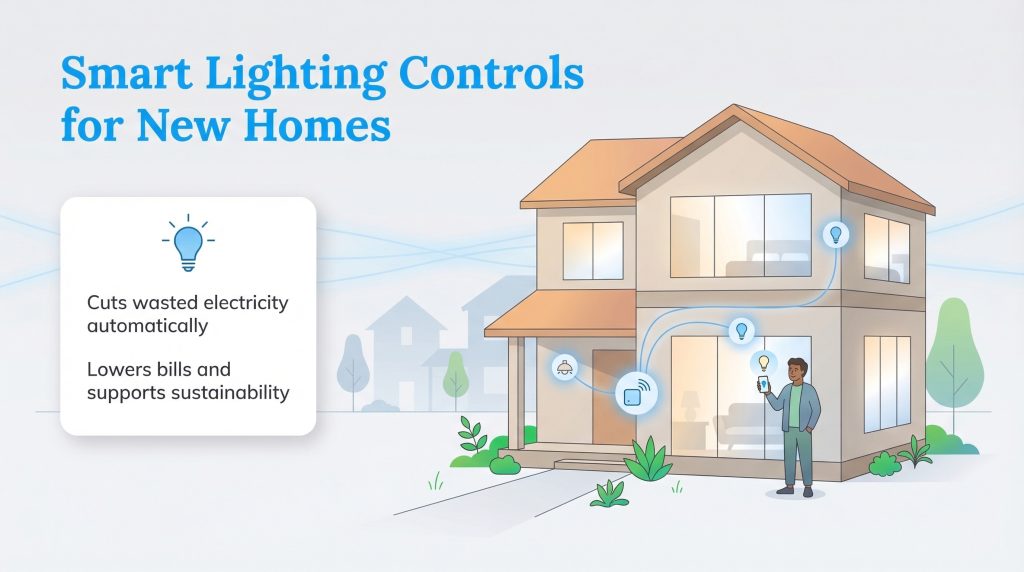
If you are looking for a quick breakdown of the best devices on the market, we have organized our top recommendations to help you make a fast, informed decision. Sorting through the endless aisles of hardware stores can leave anyone feeling dizzy, so we narrowed down the market to highlight options that prioritize seamless connectivity, intuitive user interfaces, and verifiable energy reduction. Knowing exactly which ecosystem works best for your household will save you hours of frustration during setup.
| Product Name | Best For | Requires Neutral Wire | Ecosystem Compatibility | Protocol | Average Price |
|---|---|---|---|---|---|
| Kasa Smart Wi-Fi Dimmer | Overall Efficiency | Yes | Alexa, Google, SmartThings | Wi-Fi | $14.98 |
| Lutron Caséta Smart Dimmer | Older Homes | No | HomeKit, Alexa, Google, SmartThings | Proprietary RF | $64.95 |
| GE Cync Smart Switch | Budget / Easy DIY | No | Alexa, Google | Wi-Fi / Bluetooth | $24.99 |
| Kasa Smart 3-Way Switch | Multi-Location Control | Yes | Alexa, Google, SmartThings | Wi-Fi | $23.99 |
| TP-Link Tapo Matter Switch | Future-Proofing | Yes | Universal (Matter) | Matter over Wi-Fi | $16.99 |
| Lutron Aurora Dimmer | Smart Bulb Attachment | No (Wireless) | Hue, Alexa, Google | Zigbee | $49.95 |
Setting up routines based on the sunrise and sunset is an effortless way to ensure you never burn electricity when natural light is freely available.
How We Tested and Evaluated Smart Switches
To determine the absolute best smart light switches and dimmers available this year, we went far beyond reading manufacturer spec sheets. We evaluated dozens of top-rated models by installing them into real-world testing environments — ranging from new constructions with immaculate wiring to mid-century homes with crowded, outdated electrical boxes. We rigorously judged each device against four core criteria: installation difficulty, app responsiveness, ecosystem compatibility, and advanced energy-tracking features.
Our goal was to ensure that every switch recommended on this list operates flawlessly whether you are turning off the porch light from your office or using a voice assistant from your couch. We also heavily prioritized hardware that actively helps consumers identify phantom power drains and permanently lower their monthly utility bills.
1. Best Overall Kasa Smart Wi-Fi Dimmer Switch
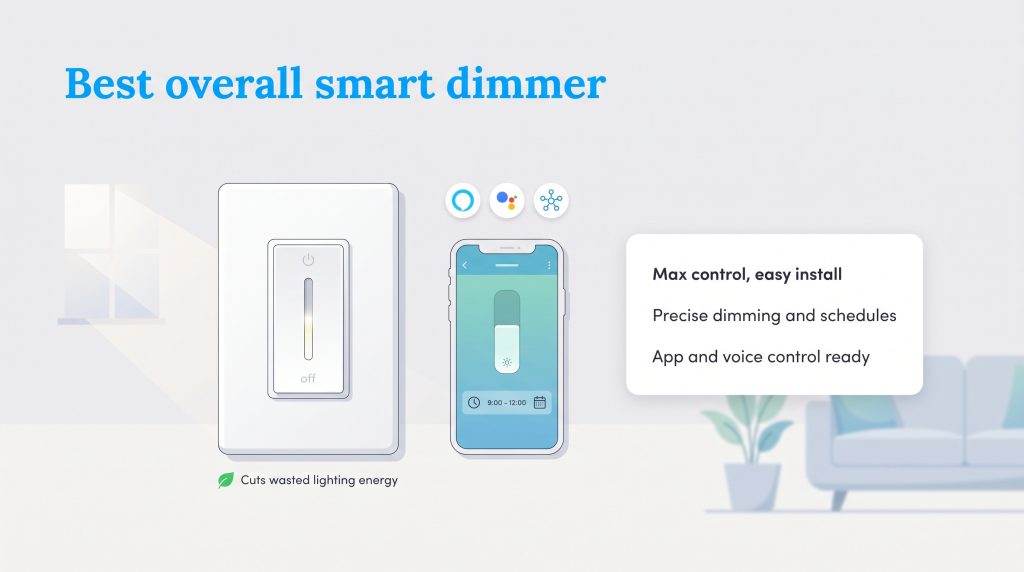
If you want maximum control over your home’s power draw, you need a smart switch that offers robust scheduling, precise dimming capabilities, and real-time app responsiveness. The Kasa Smart Wi-Fi Dimmer Switch (HS220) connects smoothly to your home network without the need for an expensive central hub. It excels at automatically curbing unnecessary usage and gives you incredible insight into exactly how many kilowatt-hours your fixtures consume, making understanding your electric bill much easier. This is the top pick for anyone seeking comprehensive utility over their household lighting.
Who it is for: Tech-savvy homeowners who want a premium, highly responsive automated experience without paying a luxury price tag. If you love digging into data to track your energy consumption or want to set up complex lighting schedules based on the exact time of day, this device is tailored perfectly for your lifestyle.
Why we picked it: We selected the Kasa HS220 because it offers unbeatable value and consistency. It stands out as one of the most reliable dimmer switches for LED lights available today because of its built-in fade calibration feature, which completely eliminates the frustrating flickering effect common with cheaper brands. The companion app is also exceptionally user-friendly, allowing absolute beginners to set up vacation timers and away modes in minutes.
Flaws but not dealbreakers: This unit requires a relatively deep electrical box to accommodate its rear housing, and it strictly requires a neutral wire bundle to operate safely. If your home has shallow boxes, installation may require a bit of extra patience.
- Ecosystem Compatibility: Amazon Alexa, Google Assistant, Samsung SmartThings
- Wiring Requirements: Neutral wire strictly required
- Protocol Type: 2.4GHz Wi-Fi
Pros:
- Features built-in fade on/off calibration to match your specific LED bulbs perfectly.
- Utilizes a highly intuitive app interface for effortless daily scheduling.
- Delivers seamless voice assistant integration right out of the box.
Cons:
- Strictly requires a neutral wire, which eliminates it as an option for vintage homes with outdated electrical wiring.
2. Best for Older Homes Lutron Caseta Smart Dimmer
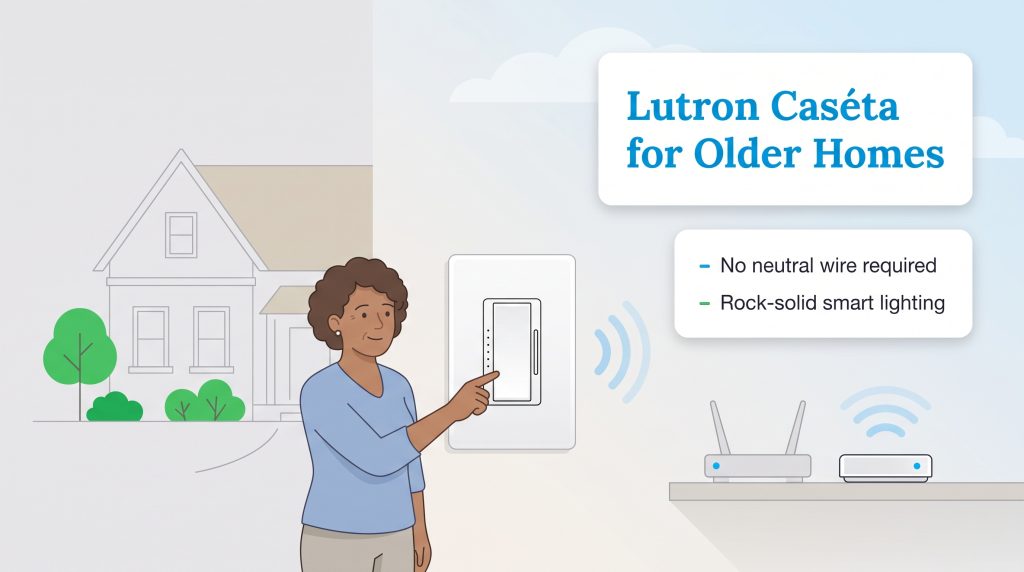
Vintage homes deserve modern tech upgrades without the overwhelming hassle of a massive rewiring project. The Lutron Caséta Smart Dimmer is universally recognized as the gold standard for older homes. Because it acts as a smart dimmer switch without a neutral wire requirement, it seamlessly installs into nearly any historic electrical box. It utilizes a dedicated bridge connected directly to your router to provide rock-solid stability, ensuring your lights stay reliably connected even when your local Wi-Fi gets crowded.
Who it is for: Residents living in properties built before the 1980s who do not have modern Romex wiring hiding behind their drywall. If you are afraid of tearing down historic lath and plaster just to update a light switch, this is the safest and most efficient solution for your home.
Why we picked it: We named it the top smart light switch for older homes because it bypasses the most common DIY roadblock: the dreaded missing neutral wire. Furthermore, because it uses a proprietary radio frequency, it is arguably the most dependable smart switch Apple HomeKit users can install. Commands process almost instantaneously, bypassing the lag typically associated with heavily burdened home Wi-Fi networks.
Flaws but not dealbreakers: You must purchase the Lutron smart bridge for these switches to function, which noticeably increases the initial investment compared to direct-to-Wi-Fi options. The button layout on the switch itself is also a bit unconventional, relying on flat membrane buttons rather than a traditional mechanical paddle.
- Ecosystem Compatibility: Apple HomeKit, Amazon Alexa, Google Assistant, SmartThings
- Wiring Requirements: No neutral wire required
- Protocol Type: Proprietary Clear Connect RF (Hub Required)
Pros:
- Hands down the best smart switch no neutral option for bypassing expensive electrical rewiring.
- Operates on an ultra-fast radio frequency that never bogs down your home internet.
- Integrates phenomenally well with virtually every major smart home platform.
Cons:
- Requires purchasing a separate Lutron smart hub to function, which raises the initial barrier to entry.
3. Best Budget Option GE Cync Smart Switch
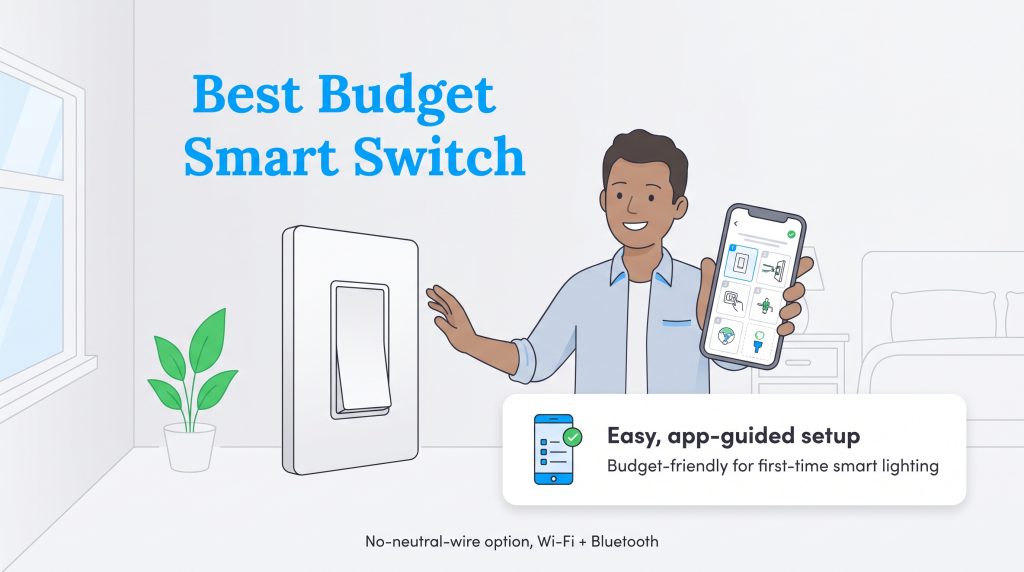
If the mere thought of handling electrical wires makes your palms sweat, there are brilliant solutions engineered specifically for budget-conscious beginners. The GE Cync Smart Switch prioritizes a radically simplified DIY setup process while maintaining an incredibly accessible price point. It includes clearly labeled pigtail wires, standard snap-on faceplates, and fantastic mobile app tutorials that visually guide you through the entire project. This switch is perfect for upgrading a single hallway or bedroom on a Saturday afternoon without breaking the bank.
Who it is for: Frugal homeowners or renters (where property modifications are permitted) looking to test out home automation without a massive upfront commitment. It is the perfect introductory device for anyone dipping their toes into the smart lighting world for the very first time.
Why we picked it: Smart home upgrades can easily spiral out of control financially, but the GE Cync proves that energy saving smart lighting does not have to cost a fortune. We loved the fact that the mobile application provides highly visual, step-by-step guidance. It effectively holds your hand through the entire physical installation process, easing the anxiety of working with live circuits.
Flaws but not dealbreakers: The rear housing on the GE Cync is notoriously bulky. If you are trying to cram it into a shallow, overcrowded wall box with several thick gauge wires, you are going to have a frustrating time getting the faceplate to sit perfectly flush against the drywall.
- Ecosystem Compatibility: Amazon Alexa, Google Assistant
- Wiring Requirements: No neutral wire required (on specific models)
- Protocol Type: Wi-Fi and Bluetooth
Pros:
- Features foolproof, step-by-step mobile instructions designed for absolute beginners.
- Includes convenient pre-stripped wires to speed up the physical installation process.
- Priced affordably to allow for multi-room upgrades on a much tighter budget.
Cons:
- The hardware housing is thicker than average, making it difficult to install in older, shallow junction boxes.
4. Best Multi-Location Kasa Smart 3-Way Switch
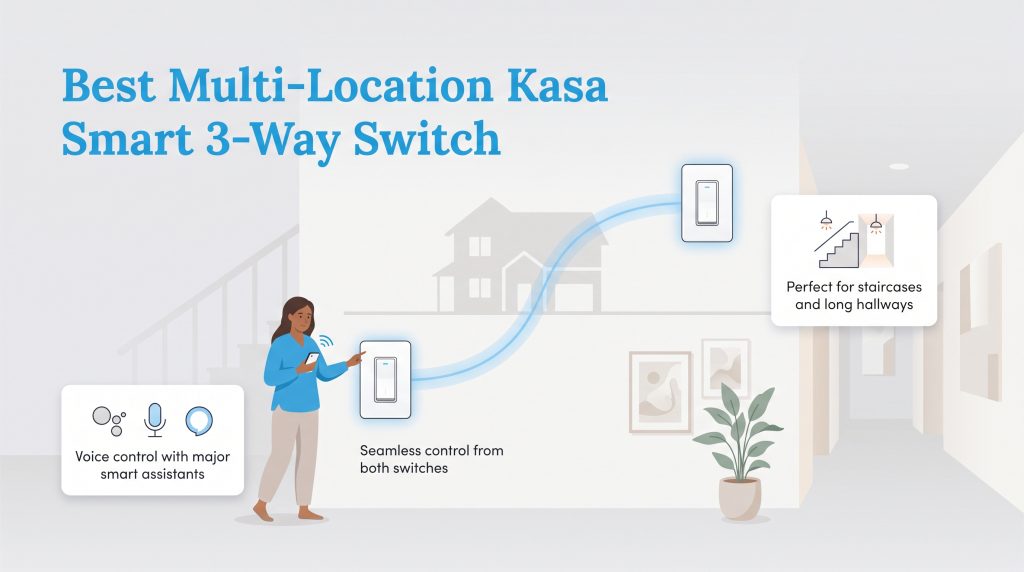
Standard single-pole hardware cannot process the complex alternating currents required when multiple wall switches control one light — like at the top and bottom of a staircase. To tackle these specific setups, you need dedicated 3-way smart switches. The Kasa Smart 3-Way Switch (HS210) kit provides the perfect solution, allowing you to maintain full app and voice control from two distinct physical locations. It ensures that flipping the physical switch upstairs won’t accidentally disconnect the smart network from the downstairs switch.
Who it is for: Anyone dealing with expansive living rooms, long corridors, or two-story staircases controlled by multiple physical switches. If you want to dim the hallway lights without walking to the other side of the house, you absolutely need a multi-location setup.
Why we picked it: We selected this kit because configuring multi-location circuits is notoriously tricky, and Kasa manages to simplify the headache. It is an exceptionally reliable 3-way smart dimmer switch that functions flawlessly as a smart switch Google Home compatible device. Voice commands process immediately, and the physical toggles retain that satisfying, traditional mechanical click that guests appreciate.
Flaws but not dealbreakers: Wiring a 3-way circuit requires identifying common, traveler, and ground wires. If your home’s previous electrician didn’t use standard color-coded insulation, matching the Kasa pigtails to your wall wires can quickly become overwhelming for an amateur.
- Ecosystem Compatibility: Amazon Alexa, Google Assistant, Samsung SmartThings
- Wiring Requirements: Neutral wire and traveler wires strictly required
- Protocol Type: 2.4GHz Wi-Fi
Pros:
- Sold as a complete, ready-to-install kit to easily modernize multi-location lighting circuits.
- Integrates perfectly into the existing Kasa app ecosystem alongside your single-pole dimmers.
- Provides highly responsive manual toggles that feel completely natural to family members and guests.
Cons:
- Wiring 3-way circuits is inherently complicated and may require hiring a professional electrician if your boxes are not clearly labeled.
5. Best Matter-Compatible TP-Link Tapo Matter Smart Switch
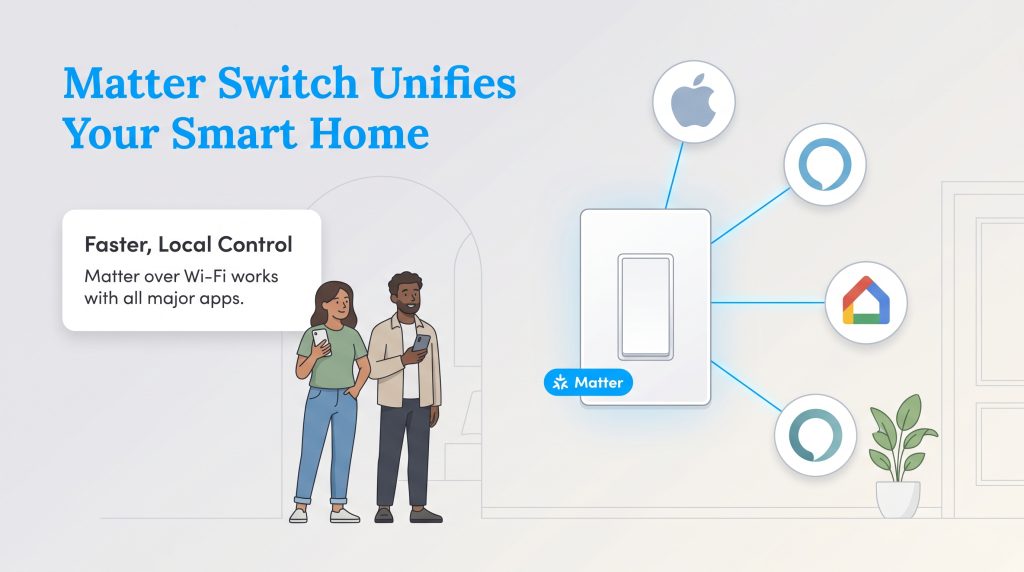
If you despise being permanently locked into a single tech brand, finding Matter-compatible smart switches is the ultimate future-proofing investment. The TP-Link Tapo Matter Smart Switch embraces the new universal standard that allows devices from radically different manufacturers to communicate flawlessly over your local network. It effectively bridges the frustrating gap between competing ecosystems, meaning your household can comfortably mix and match voice assistants — like Apple HomeKit and Google Home — without encountering a single glitch.
Who it is for: Forward-thinking technology enthusiasts who are tired of smart home fragmentation. If you live in a house where one partner uses an iPhone and the other relies on Android, this device acts as the great unifier, allowing everyone equal control.
Why we picked it: It is currently the best Matter smart switch on the market due to its combination of affordability and lightning-fast local processing speed. Instead of beaming your commands to a cloud server halfway across the country, the Tapo switch processes inputs directly over your local network. This results in virtually zero latency when turning on the lights.
Flaws but not dealbreakers: Because the Matter protocol is still somewhat new to the commercial scene, these switches lack the vast cosmetic variations (like almond or black faceplates) commonly found in older product lines. You are mostly stuck with standard white plastic.
- Ecosystem Compatibility: Universal (Apple HomeKit, Amazon Alexa, Google Home, SmartThings)
- Wiring Requirements: Neutral wire strictly required
- Protocol Type: Matter over Wi-Fi
Pros:
- Offers robust, universal compatibility right out of the box, permanently ending smart home fragmentation.
- Executes commands with noticeably lower latency than traditional cloud-dependent Wi-Fi models.
- Provides an incredibly easy, scan-to-connect setup process utilizing a simple QR code.
Cons:
- Offers fewer decorative faceplate color variations, limiting aesthetic customization.
6. Best Smart Bulb Dimmer Attachment Lutron Aurora Smart Bulb Dimmer
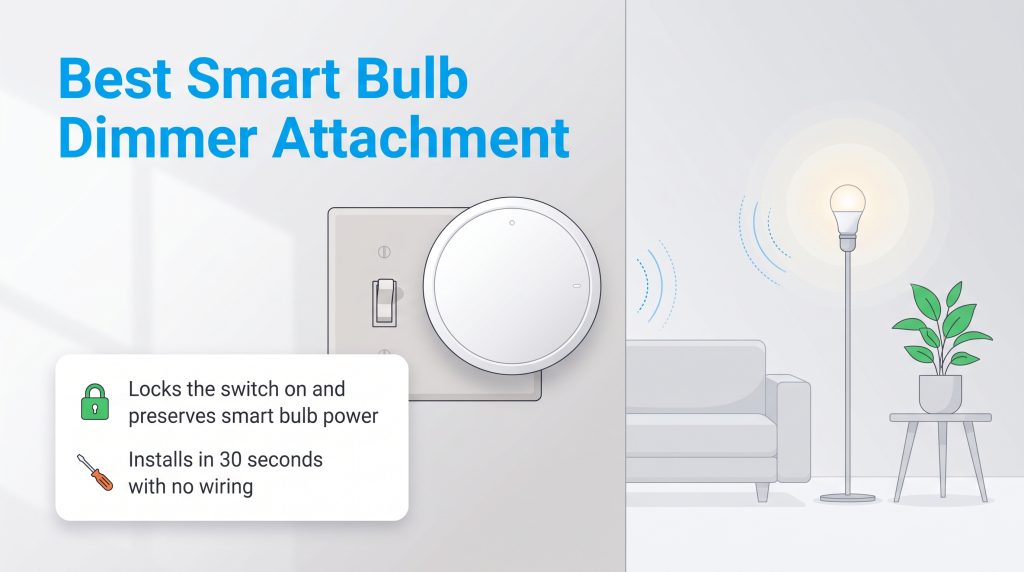
Homeowners often make the mistake of installing expensive smart bulbs and then accidentally cutting the physical power to them by flipping the standard wall switch off. The Lutron Aurora Smart Bulb Dimmer expertly solves this specific problem. It snaps directly over your existing toggle switch, physically locking it in the “on” position while providing a sleek rotary knob to wirelessly dim your smart bulbs. It is an absolutely brilliant, renter-friendly solution for managing complex smart ecosystems like Philips Hue without touching a single live wire.
Smart Switches vs Smart Bulbs vs Smart Plugs
When designing an intelligent, automated home, you have three primary categories of lighting control to consider. Understanding exactly when to deploy each device will save you money and ensure your ecosystem remains incredibly intuitive for everyone in the household.
- Smart Switches: Install these when you want comprehensive, whole-fixture control. They are perfect for overhead dining room chandeliers, recessed kitchen lighting, and outdoor floodlights. Because they replace the wall hardware, guests can still operate your lights manually without disrupting your smart home network.
- Smart Bulbs: Choose the best smart light bulbs when you want highly customizable, color-changing effects in specific lamps or track lighting. While a switch only manages power flow, a smart bulb allows you to adjust color temperatures, create vibrant mood lighting, or gently wake up to simulated sunrises.
- Smart Plugs: Rely on these for standalone, plug-in devices like floor lamps, window air conditioners, or holiday decorations. They are the cheapest, fastest way to automate a “dumb” appliance without rewiring your walls or buying expensive specialized bulbs.
Crucial Features to Consider Before Upgrading
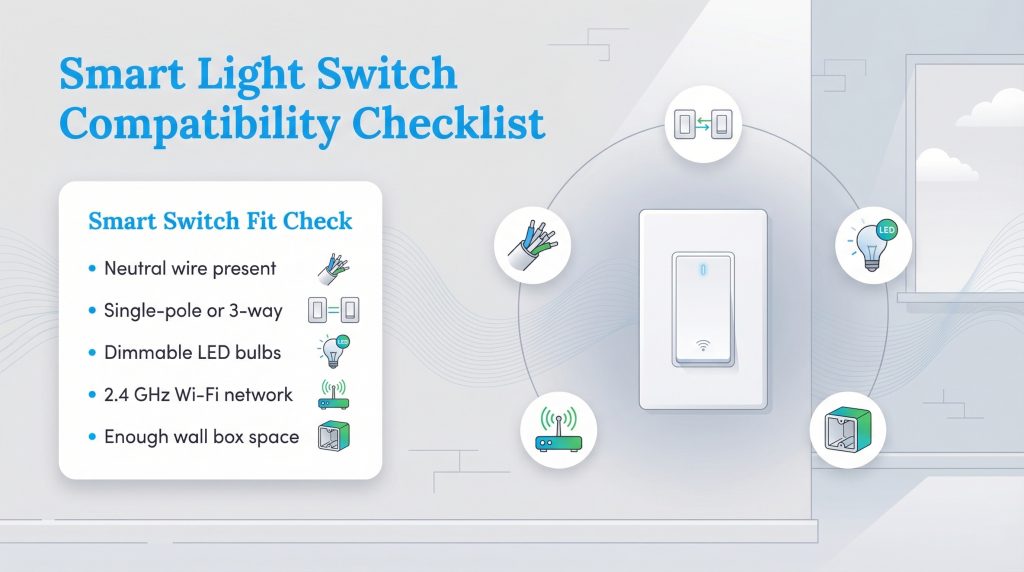
Before you enthusiastically unscrew a single wall plate, you must verify exactly what kind of technology your household infrastructure can actually support. Buying the highest-rated hardware is utterly useless if it does not align with the wires hiding safely behind your drywall or your home network’s capabilities. Pay close attention to these vital prerequisites to ensure your DIY project is successful.
Neutral Wire Requirements Explained
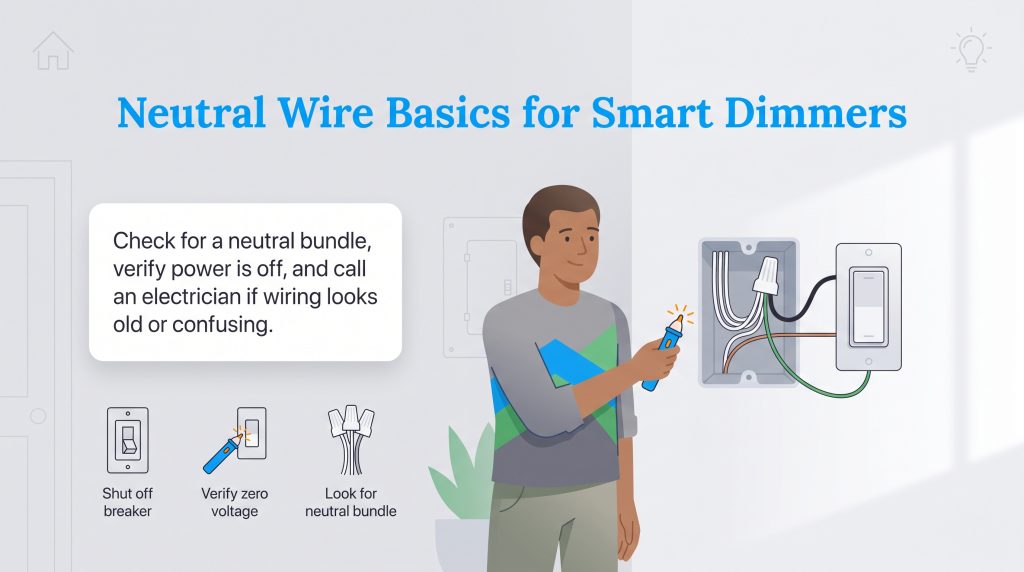
Unlike old-fashioned mechanical toggles that simply break the flow of electricity to turn a bulb off, smart switches house tiny microprocessors and internal radios that require a continuous, uninterrupted trickle of power to stay connected to your network. A neutral wire provides this essential return path for the electrical current. While homes built after the 1980s typically include a bundled group of white neutral wires tucked into the back of the switch box, vintage properties often lack them entirely. If you fall into the latter category, you must specifically seek out hardware designed to function without one to avoid an extensive rewiring project.
If you encounter ungrounded wiring or crumbling insulation while inspecting your electrical box, stop immediately and hire a licensed electrician. Handling degraded wires is extremely dangerous and requires professional expertise.
To safely verify your home’s compatibility, grab a flashlight and follow these strict electrical safety steps:
Wi-Fi Versus Zigbee Z-Wave and Matter
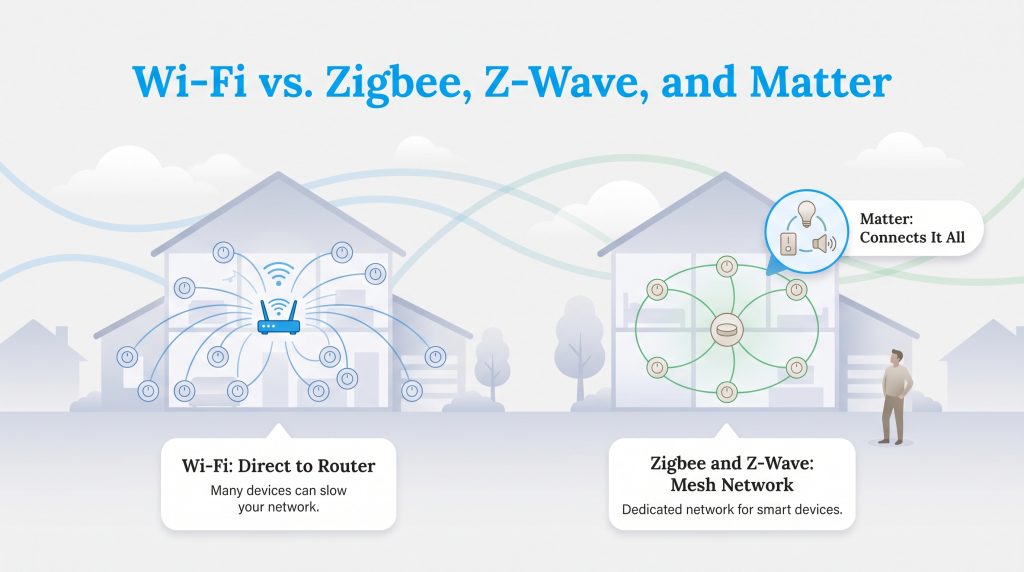
Your chosen networking protocol determines how effectively your new switch communicates with your broader home ecosystem. Standard Wi-Fi light switches are incredibly popular because they connect directly to the router you already own, eliminating the need for extra hubs. However, if you load dozens of Wi-Fi switches into a large house, you risk crowding your network bandwidth, which causes frustrating lag when streaming movies or playing online games.
When comparing a Wi-Fi light switch vs Zigbee or Z-Wave, hub-dependent protocols solve network congestion by establishing a separate, low-power mesh network dedicated exclusively to your smart devices. Each new switch acts as a signal repeater, drastically extending range and reliability throughout large properties without bogging down your internet speeds. Meanwhile, the newer Matter protocol acts as the ultimate industry unifier. Backed heavily by major players like Apple, Google, and Amazon, Matter ensures that hardware from radically different brands can communicate securely and locally, permanently eliminating the headache of ecosystem lock-in.
How to Install a Smart Switch Safely
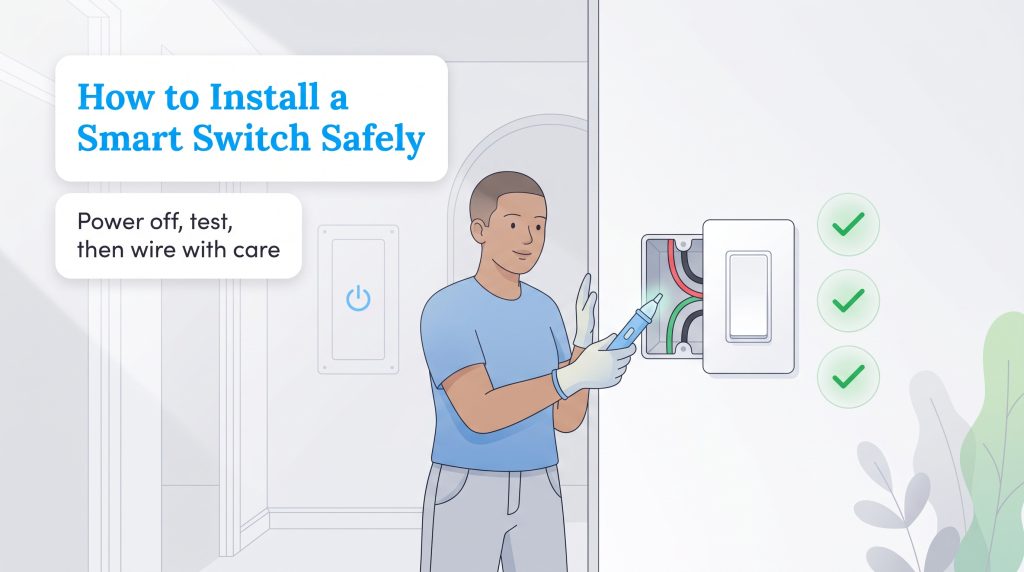
Installing a smart switch yourself can save you hundreds of dollars in electrician fees, but it demands absolute respect for safety protocols. If you are comfortable taking on DIY home improvement tasks, follow these five essential steps to wire your new device securely.
How Smart Switches Reduce Your Electric Bill
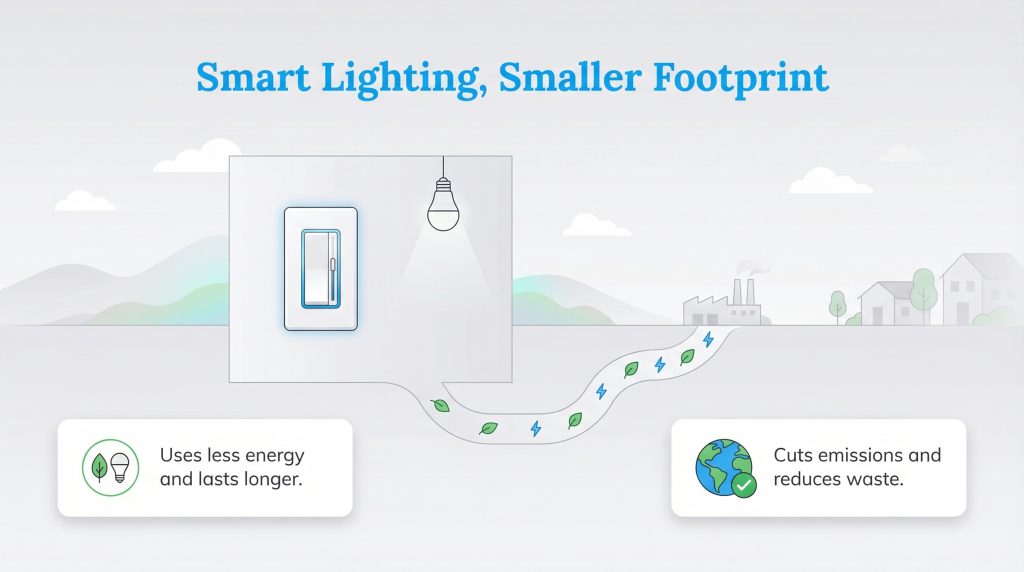
Beyond the undeniable fun of controlling your home with intuitive voice commands, installing these automated systems is a powerful catalyst for actively reducing your overall carbon footprint. Because dimming a fixture significantly lowers its power draw, your local utility provider does not have to aggressively burn fossil fuels to keep your living room fully illuminated. Depending on where your electricity comes from, this mindful approach actively reduces harmful greenhouse gas emissions while simultaneously padding your wallet.
Selecting Your Ideal Smart Lighting Setup
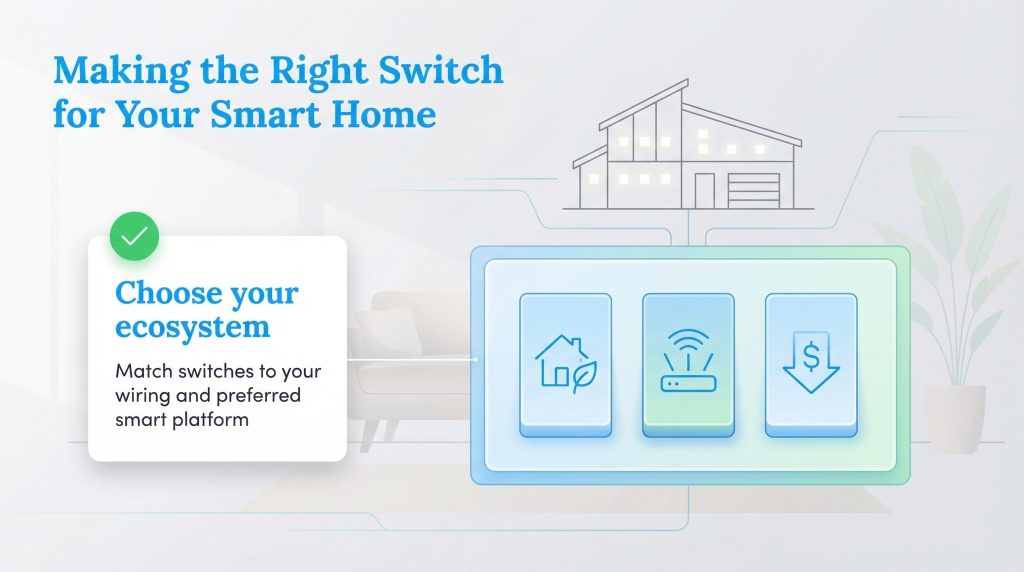
Deciding which smart lighting controls to purchase ultimately comes down to analyzing your home’s internal wiring limitations and setting a realistic budget. If you live in an older property, you must choose the Lutron Caséta Smart Dimmer to ensure reliable performance without the nightmare of pulling new neutral wires through your walls. Conversely, if your home features modern wiring and you want highly responsive, wallet-friendly hardware equipped with excellent energy tracking, the Kasa Smart Wi-Fi Dimmer stands out as the ultimate choice. Finally, if you are determined to build an incredibly adaptable, interconnected network across multiple voice assistants, investing in the TP-Link Tapo Matter Smart Switch is the definitive future-proof decision. Embracing this technology empowers you to craft a home that brilliantly anticipates your family’s needs, actively reduces unnecessary waste, and expertly compliments your renewable energy plan.
Frequently Asked Questions About Smart Light Switches and Dimmers
Do I need a neutral wire to install a smart light switch?
Will smart dimmers work with my existing LED bulbs?
Do I need a smart hub to use a smart light switch?
About the Author

David has been an integral part of some of the biggest utility sites on the internet, including InMyArea.com, HighSpeedInternet.com, BroadbandNow.com, and U.S. News. He brings over 15 years of experience writing about, compiling and analyzing utility data.

LaLeesha has a Masters degree in English and enjoys writing whenever she has the chance. She is passionate about gardening, reducing her carbon footprint, and protecting the environment. She also recently served as President of the Board for City Sprouts (a community garden).

Jared Evans is a licensed electrician and the owner of Full Circuit Electric in Omaha, Nebraska. As an expert reviewer for UtilitiesForMyHome.com, Jared uses his 10+ years of hands-on experience to ensure our electrical advice is safe, accurate, and easy to follow. Whether he's troubleshooting a complex wiring issue or sharing tips on green energy upgrades, Jared is dedicated to helping you power your home efficiently — and safely.