
Discover if Brightspeed’s fiber or DSL internet plans are the right choice for your home, your budget, and the environment.
Key Takeaways
- Brightspeed Fiber starts at $29.99/mo and delivers symmetrical speeds up to 2 Gig without restrictive data caps.
- The network covers parts of 20 states, heavily prioritizing rural and suburban communities for new build-outs.
- Legacy DSL plans cost a baseline of $50/mo and are best suited only for locations where modern fiber is unavailable.
Moving to a new house or shaking up your current utility providers usually ranks right alongside a surprise dental visit on the stress scale. Built largely out of former CenturyLink territory, Brightspeed is a newer internet service provider aiming to upgrade rural and suburban connectivity with a mix of legacy DSL and a rapidly expanding, energy-efficient fiber network. Our goal in this comprehensive Brightspeed internet review is to hand you a clear, actionable guide so you can cut through the dense marketing jargon, compare exact pricing tiers, understand their modern multi-gig speed offerings, and figure out if their service truly aligns with your budget, lifestyle, and household bandwidth demands.
Brightspeed Coverage Area and Availability Map
Pinning down the exact connection type available at your front door remains the most crucial step in setting up your utilities. Telecommunications infrastructure notoriously varies from one street to the next, even within the same zip code.
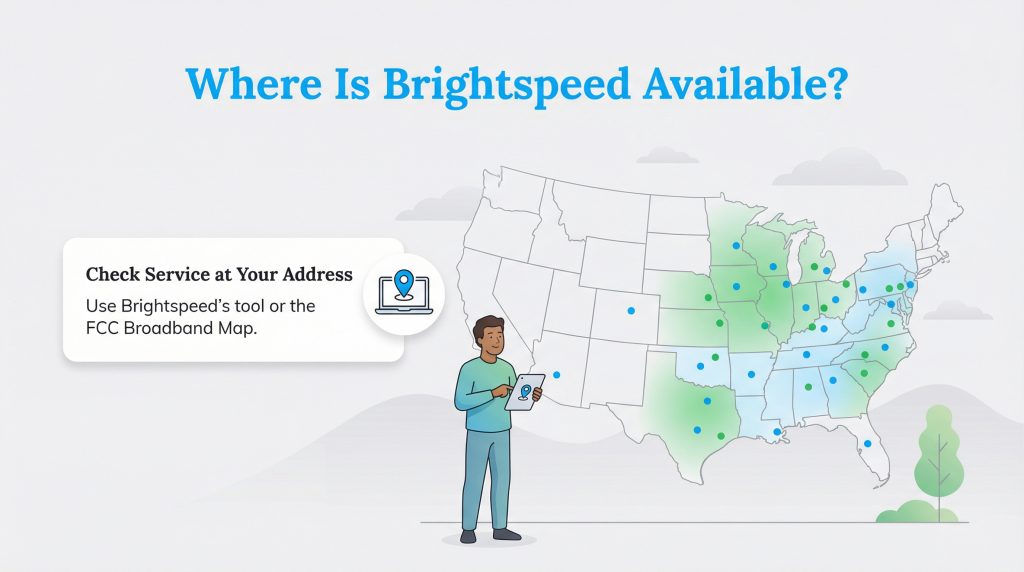
Brightspeed operates across parts of 20 states, heavily concentrating its expanding service footprint throughout the Midwest, Southeast, and Mid-Atlantic regions. You will find their modern fiber network actively growing in primarily rural and suburban communities across states like:
- North Carolina
- Missouri
- Ohio
- Wisconsin
- Pennsylvania
While you can certainly spot their service vans cruising through major urban centers, the provider deliberately prioritizes infrastructure build-outs outside of city limits. This targeted expansion means households that historically struggled with sluggish, unreliable connections finally possess a fighting chance to upgrade their aging home networks. You can easily verify neighborhood-level availability by checking the FCC National Broadband Map or visiting the official Brightspeed availability checker online.
Brightspeed inherited a massive chunk of its existing network directly from CenturyLink, which thoroughly explains how the provider established such a sprawling rural footprint right out of the gate.
Brightspeed Internet Plans and Pricing
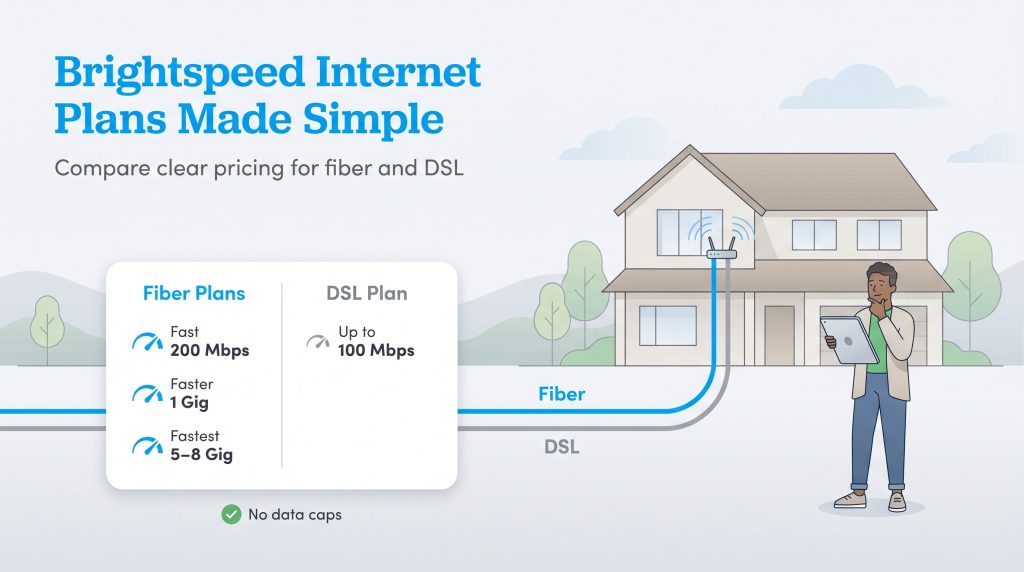
Navigating internet plans with this provider feels surprisingly painless compared to the exhausting promotional mazes constructed by competing telecommunications giants. Brightspeed champions a straightforward pricing model and deliberately avoids slapping arbitrary data caps on your monthly fiber usage. This transparent approach means you will not suffer unexpected overage penalties just because your household binged a few extra 4K movies over the holiday weekend.
| Plan Name | Price | Download Speeds | Connection Type | |
|---|---|---|---|---|
| Up to 40 Mbps | $50 /month | Up to 40 Mbps | DSL | Check Availability |
| Fiber Internet 200 Mbps | $29.99 /month | Up to 200 Mbps | Fiber | Check Availability |
| Fiber Internet 500 Mbps | $39.99 /month | Up to 500 Mbps | Fiber | Check Availability |
| Fiber Internet 1 Gig | $49.99 /month | Up to 940 Mbps | Fiber | Check Availability |
| Fiber Internet 2 Gig | $69.99 /month | Up to 2 Gbps | Fiber | Check Availability |
| Fiber Internet 8 Gig | $89.99 /month | Up to 8 Gbps | Fiber | Check Availability |
When analyzing Brightspeed internet pricing, the true value boils down to how much bandwidth your family genuinely consumes. To help you evaluate your options, we broke down their current offerings based on the specific connection technology available at your address.
Brightspeed Fiber Internet Plans
The modern fiber network offers the best overall value for residential homes. Their baseline Fiber 200 Mbps plan starts at an advertised $29.99 per month, but it is critical to note that this specific rate requires enrollment in both autopay and paperless billing to secure the mandatory $10 monthly discount.
For households demanding extreme bandwidth, the provider recently introduced massive 5 Gig and 8 Gig plans that run up to $109.99 per month. As a major bonus, cutting-edge Wi-Fi 7 networking equipment is included free of charge when you upgrade to the premium 2 Gig and 8 Gig speed tiers.
| Plan Name | Download Speed | Estimated Monthly Price |
|---|---|---|
| Fiber 200 Mbps | Up to 200 Mbps | $29.99/mo |
| Fiber 500 Mbps | Up to 500 Mbps | $50.00/mo |
| Fiber 1 Gig | Up to 1,000 Mbps | $70.00/mo |
| Fiber 2 Gig | Up to 2,000 Mbps | $90.00/mo |
| Fiber 5 Gig | Up to 5,000 Mbps | $99.99/mo |
| Fiber 8 Gig | Up to 8,000 Mbps | $109.99/mo |
Brightspeed DSL Internet Plans
If your property sits entirely outside the current fiber footprint, you will likely be offered a legacy DSL connection. These plans are structurally simpler but deliver significantly slower speeds based entirely on your home’s physical distance from the provider’s local hub.
| Plan Name | Download Speed | Estimated Monthly Price |
|---|---|---|
| Simply Unlimited Internet | Up to 100 Mbps (Varies by location) | $50.00/mo |
Top Brightspeed Comparisons
Brightspeed Network Technology: DSL Versus Fiber
Untangling the stark contrast between the two primary technologies this company utilizes is an absolute must before you lock in an installation date. The performance gap between their modern fiber-optic network and their legacy DSL lines is massive, and understanding these differences will ultimately dictate your daily internet experience.
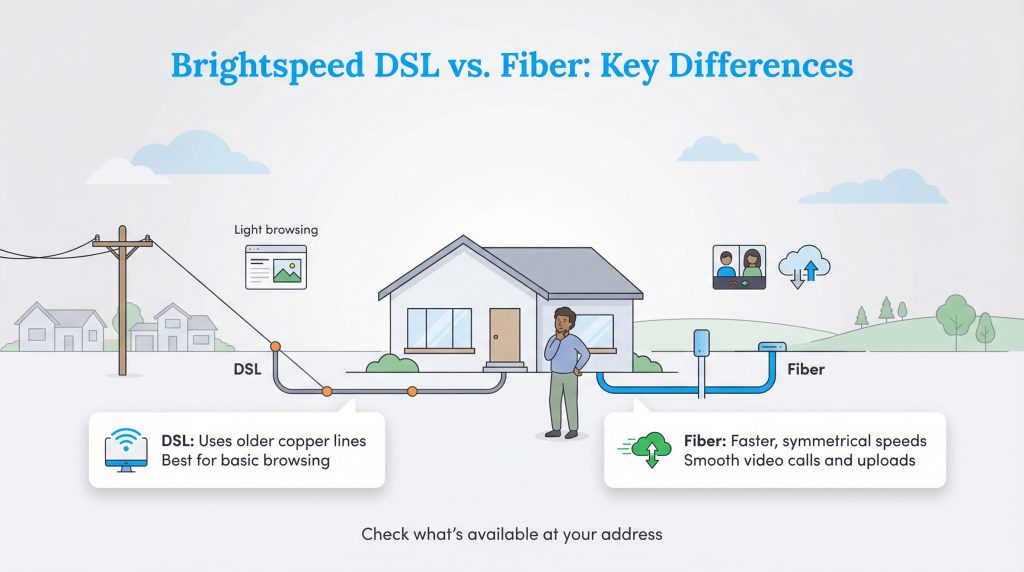
- Brightspeed Fiber: This high-speed network offers symmetrical speeds, meaning your upload speeds run entirely parallel to your download speeds. This creates a remarkably smooth experience for intense video conferences and massive file sharing.
- Brightspeed DSL: The company’s legacy DSL network leans heavily on antiquated copper wiring. DSL speeds vary significantly by location and suffer from drastically slower upload capabilities. While it reliably handles lightweight web browsing, older copper wiring simply cannot match fiber’s sheer power during peak evening usage hours.
Beyond just raw speed, modern fiber infrastructure represents a major leap in sustainability. Fiber-optic cables are substantially more energy-efficient per bit of data transferred when directly compared to legacy copper DSL wiring. By relying on light rather than electrical signals, fiber networks generate far less heat, require less intensive cooling at data centers, and ultimately help lower the overall carbon footprint of your home’s digital ecosystem.
Upgrading to a modern fiber-optic connection is an environmentally mindful choice that supports a more sustainable smart home architecture.
Equipment, Fees, and Installation Costs
Nobody enjoys tearing open their very first utility statement only to find it littered with bizarre surcharges. Thankfully, Brightspeed champions a helpful month-to-month service approach and officially enforces no annual contracts across its residential plans. This grants you the total freedom to alter or cancel your service without triggering a brutal early termination penalty.
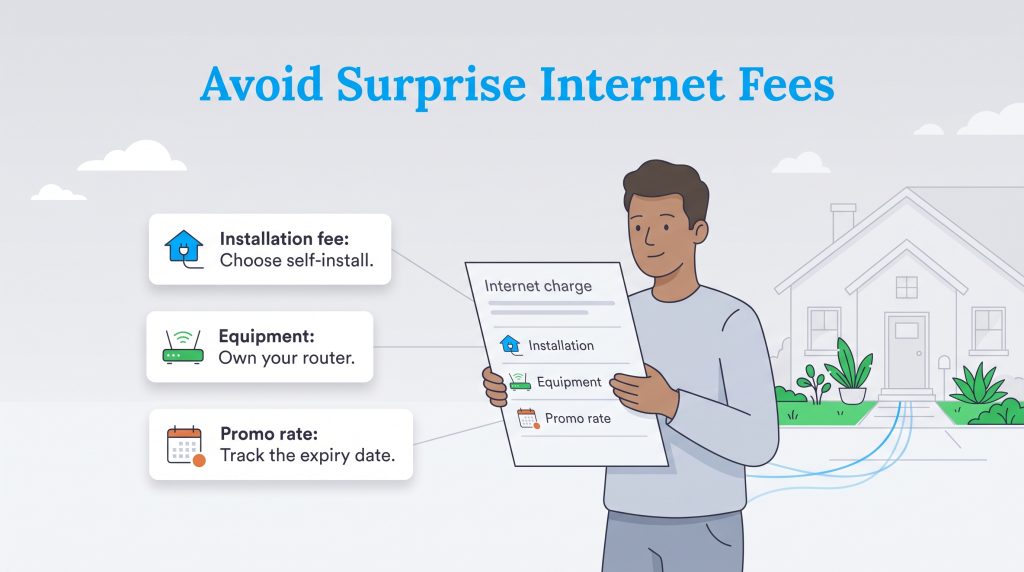
Even with lenient contract rules, you still need to factor in the total cost of ownership. The advertised base rate might look incredibly enticing, but upfront setup costs and potential recurring equipment fees can quickly alter the math. Most notably, DSL customers and users on specific baseline fiber tiers are subject to a strict Brightspeed router rental fee of $15 per month. Additionally, if a professional technician is required to physically wire your home, you will face a one-time $99 professional installation fee. You can easily bypass this initial charge by requesting a free self-installation kit if your property is already fully wired for their service.
| Fee Type | When It Applies | How to Avoid or Reduce |
|---|---|---|
| Installation Fees | Applies if a technician needs to physically wire your home ($99 professional installation). | Opt for the free self-installation kit if your home is already wired for the service. |
| Equipment Rental | A $15/month fee applies for DSL customers and certain baseline fiber tiers. | Purchase and supply your own compatible router if permitted by your specific plan. |
| Pricing Adjustments | Occurs when heavily discounted introductory rates expire after your first six to 12 months. | Read the fine print at checkout and set a calendar reminder to negotiate rates before the promo ends. |
| Taxes and Surcharges | Marginally inflates your final total each billing cycle due to state and local communication laws. | These are generally unavoidable standard utility fees. |
Brightspeed Add-Ons: Total Home Tech Support and Protect IQ
Internet providers are increasingly rolling out proprietary software packages to maximize your subscription, and Brightspeed is no exception. Understanding these optional add-ons prevents unexpected upcharges on your final bill.
First, the provider offers Total Home Tech Support, powered by Asurion, for an additional $10 per month. This premium service grants your household 24/7 access to technical experts who can assist with setting up complex smart home devices, troubleshooting frustrating Wi-Fi dead zones, and optimizing your connected gaming consoles.
Additionally, you can opt into their WiFi Protection package for $5 per month. This tier activates the proprietary Brightspeed Protect IQ and Experience IQ applications. Protect IQ operates as a robust network security shield, actively blocking malware and suspicious traffic before it reaches your personal devices. Experience IQ hands you advanced parental controls, allowing you to prioritize specific devices during heavy usage hours and strictly manage your family’s screen time. You can easily opt into or cancel these specific services at any time by calling customer support or managing your preferences directly within the online user portal.
The Brightspeed Mobile App Experience
A major advantage Brightspeed holds over legacy telecommunications competitors is its highly functional, modern mobile application. Serving as the digital command center for your home network, the Brightspeed app delivers essential account management tools directly to your smartphone.
You can securely access your portal using modern Face ID or Touch ID authentication, eliminating the frustration of remembering another complex password. During the initial setup phase, the app allows you to track your technician’s installation appointment in real time. Once your network is live, the interface makes it incredibly simple to modify your payment methods, monitor your billing cycle, and run dedicated network speed tests to ensure you are receiving the exact bandwidth you pay for.
Most importantly, if you ever experience a dreaded Brightspeed internet outage, you can instantly report the disruption and monitor the repair status directly through the application, bypassing the need to wait on hold for a phone representative.
Brightspeed Deals, Discounts, and Promotions
Snagging the best possible price on your internet service simply requires a touch of proactive strategy. The provider frequently pushes aggressive promotional deals to attract new fiber customers, often centering around highly lucrative prepaid Mastercard reward tiers.
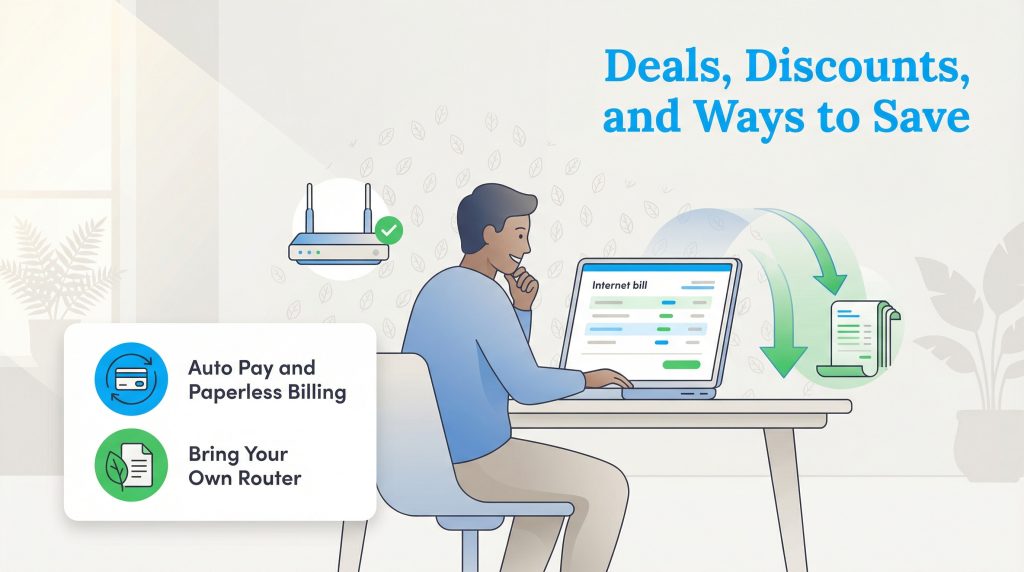
Depending on the active promotions in your local market, you can potentially earn up to $300 in prepaid reward cards when you commit to the top-tier 8 Gig or 2 Gig fiber plans. Lower tiers often feature smaller rewards, such as a $150 reward card when signing up for the 500 Mbps plan.
Additionally, you can often find a six-month introductory pricing structure designed to lower your initial barriers to entry. Beyond these sign-up bonuses, enrolling in autopay and paperless billing remains the easiest tactic to shave a few dollars off your monthly invoice — and cutting out paper waste beautifully complements an eco-conscious home environment.
When jumping ship from a competing provider, do not hesitate to call customer service directly to negotiate unadvertised promotional rates or explicitly request a waived installation fee.
Brightspeed Customer Reviews and Reputation
To ensure you make an informed decision, we aggregated recent customer sentiments across platforms like Reddit, Trustpilot, and the official App Store. When analyzing real-world feedback, a stark contrast in user experience immediately emerges based entirely on the type of technology installed at the home.
Customers connected to the newer fiber network consistently offer high praise for the service, highlighting the blazing-fast, symmetrical speeds that make remote work and large file uploads entirely seamless. These users highly appreciate the lack of data caps and the transparent base pricing structure.
Conversely, the provider faces recurring customer complaints regarding the digital user experience. Numerous Trustpilot and App Store reviews cite persistent account login errors that occasionally lock users out of their billing portals. Furthermore, Reddit threads frequently highlight frustrations over unexpected software upcharges, where users claim they were unknowingly enrolled in premium add-ons during checkout. If you require technical assistance or need to dispute a software charge, we highly recommend utilizing their 24/7 online chat support option to swiftly resolve billing discrepancies, as phone support hours can be limited.
Brightspeed Versus Spectrum and Legacy Providers
Pitting Brightspeed vs Spectrum, Xfinity, or AT&T immediately highlights drastic differences in data management and underlying technology. A majority of traditional cable providers stubbornly cling to data caps, forcing anxious families to police their internet usage to dodge ridiculous overage charges. Brightspeed circumvents this issue across its fiber footprint by providing unlimited data, letting your household stream and browse freely without glancing at an invisible meter.
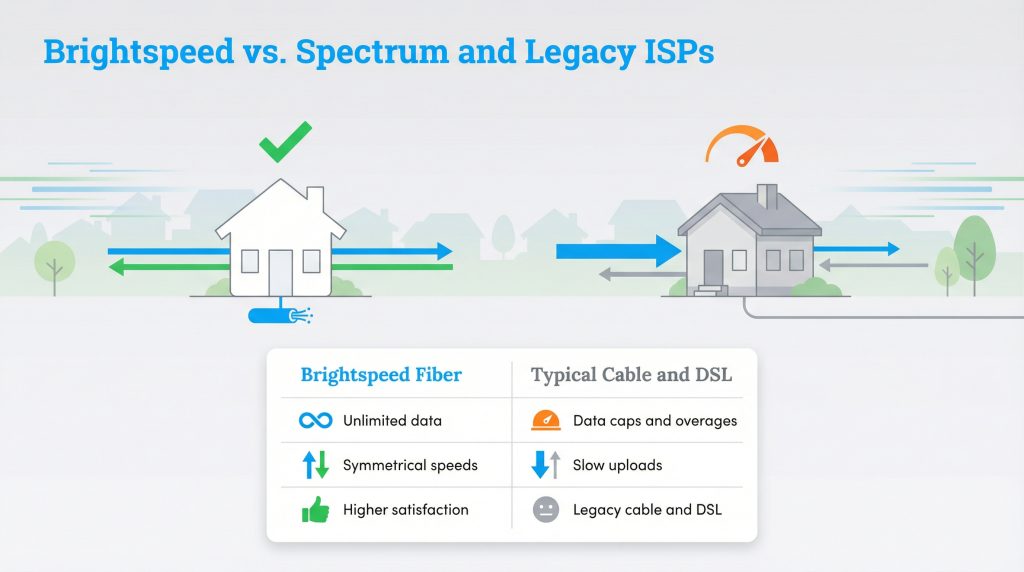
Standard cable internet also constantly suffers from asymmetrical speeds, delivering fast downloads but agonizingly sluggish uploads. Because Brightspeed’s top-tier fiber plans can push completely symmetrical speeds, your outgoing video calls travel just as rapidly as your incoming content.
Industry experts continually acknowledge fiber’s inherent dominance. If you examine the 2024 ACSI Telecommunications Study published by the American Customer Satisfaction Index, fiber internet providers generally outperform non-fiber ISPs (like cable or DSL) in overall customer satisfaction.
Who Is Brightspeed Best For?
Internet providers rarely offer a one-size-fits-all solution, and navigating the options requires an honest look at your daily screen time. Understanding your household’s digital habits will help you decide if this specific network makes sense for your new home. We broke down two distinct user personas to guide your decision-making process.
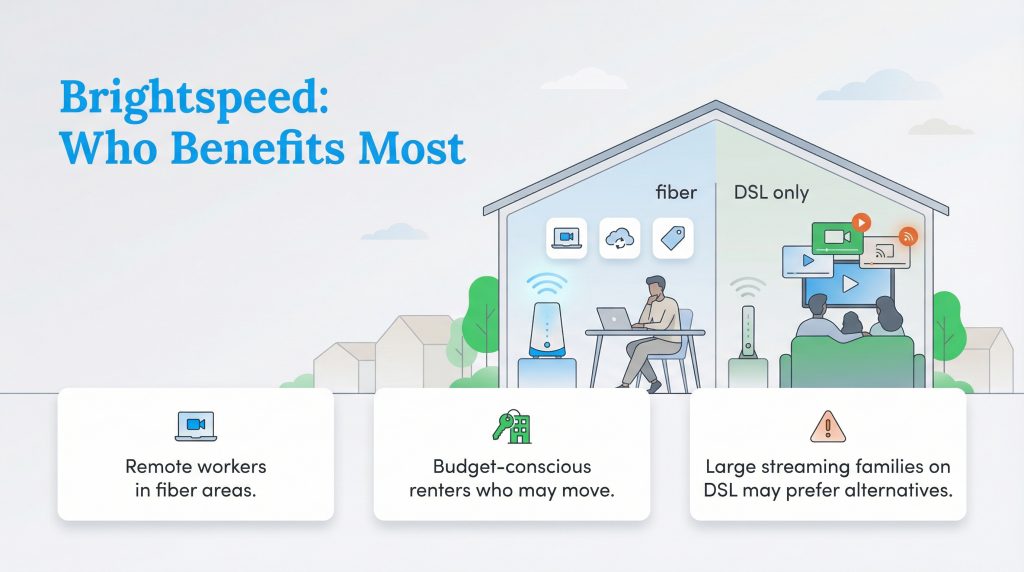
- Heavy Streamers, Gamers, and Remote Workers: Brightspeed Fiber is unequivocally the best choice for this group. With symmetrical upload speeds and contract-free transparent pricing, it effortlessly supports multiple smart devices, uninterrupted 4K streaming, and constant cloud computing without buffering.
- Rural Households with Limited Options: Brightspeed DSL should primarily be utilized if it acts as the sole wired internet option available in your deeply rural area. While it absolutely provides necessary basic connectivity for lightweight browsing, it will struggle to support a large family of heavy internet users attempting to stream simultaneously.
What to Check Before Ordering
Taking a few extra minutes to verify your specific service details can save you from unexpected surprises on installation day. Always double-check these critical elements before officially confirming your order to guarantee a smooth setup process.
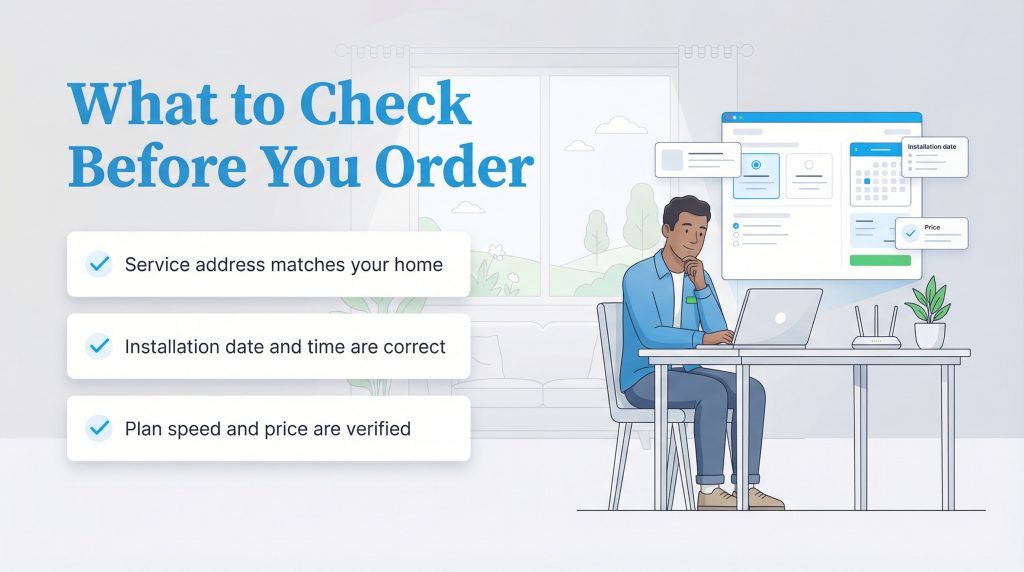
| Feature | What to Verify |
|---|---|
| Connection Type | Confirm whether your exact address is slated for a high-speed fiber connection or a legacy DSL line. |
| Upload Speeds | Ensure the upload speeds align with your household needs, especially if you regularly upload large files or work from home. |
| Promotional Pricing | Note the duration of any introductory rates and ask what the standard monthly price will be once the promo period expires. |
| Equipment Options | Ask if you are required to rent their gateway or if you can bring your own compatible router to avoid monthly fees. |
How to Switch Seamlessly
Transitioning your internet service does not automatically guarantee days of frustrating digital darkness. By carefully overlapping your new installation date with your current billing cycle, you can effortlessly glide onto the Brightspeed network without losing your home’s connectivity.
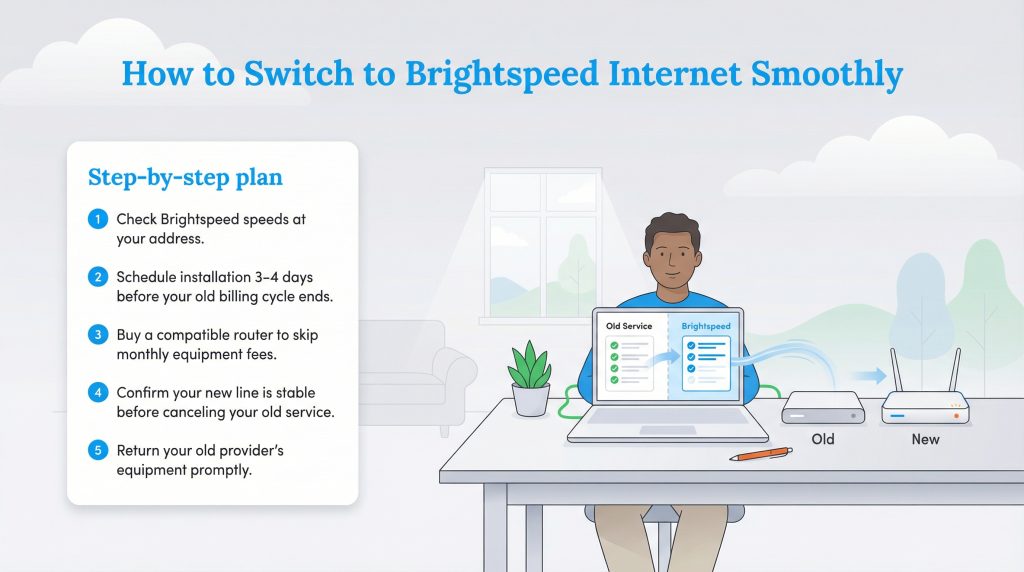
- Verify the precise speeds available at your address by utilizing the provider’s online availability checker.
- Schedule your new installation for a date roughly three to four days before your current billing period ends.
- Purchase an officially compatible router ahead of time to successfully bypass any recurring monthly equipment charges.
- Allow your new connection to fully activate and stabilize before officially instructing your old provider to cancel service. Don’t cancel your old service until the new line is fully live and tested.
- Return your legacy provider’s leased modem or router promptly to evade highly inflated unreturned device fees.
Pros and Cons: Is Brightspeed Internet Good?
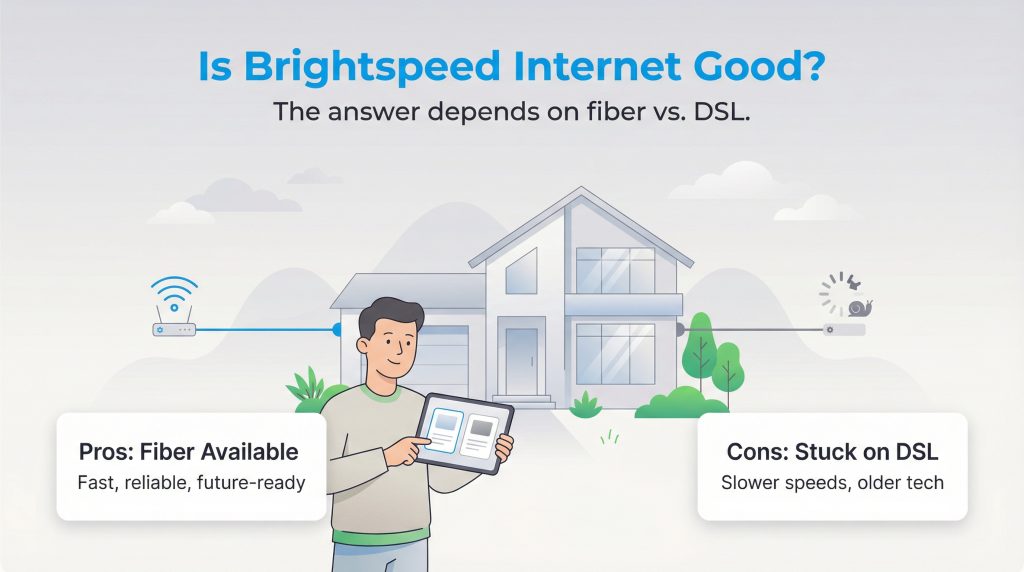
So, is Brightspeed internet good enough to earn a permanent spot in your home? The real answer hinges strictly on whether you can access their modern fiber-optic lines or if you remain tethered to their outdated DSL packages.
| Pros | Cons |
|---|---|
| Fiber plans often provide symmetrical speeds capable of supporting complex smart appliances.Many residential plans feature unlimited family streaming without arbitrary data caps.Month-to-month arrangements mean you can escape hefty early termination penalties.Upgrading to fiber serves as an energy-saving option compared to utilizing standard copper lines. | The premier fiber network is not universally available in all rural service zones.Legacy DSL connections often pale in comparison to modern speed expectations.Upfront installation or equipment fees can still increase your initial costs if you miss a promotion. |
Finalizing Your Brightspeed Setup
Locking down reliable utilities frequently feels like an exhausting chore, especially while navigating the countless boxes and logistics of a stressful move. Ultimately, Brightspeed’s core value proposition depends entirely on your location. Their modern fiber rollout is highly competitive, energy-efficient, and absolutely worth switching to if you want top-tier performance without being trapped inside a complicated contract.
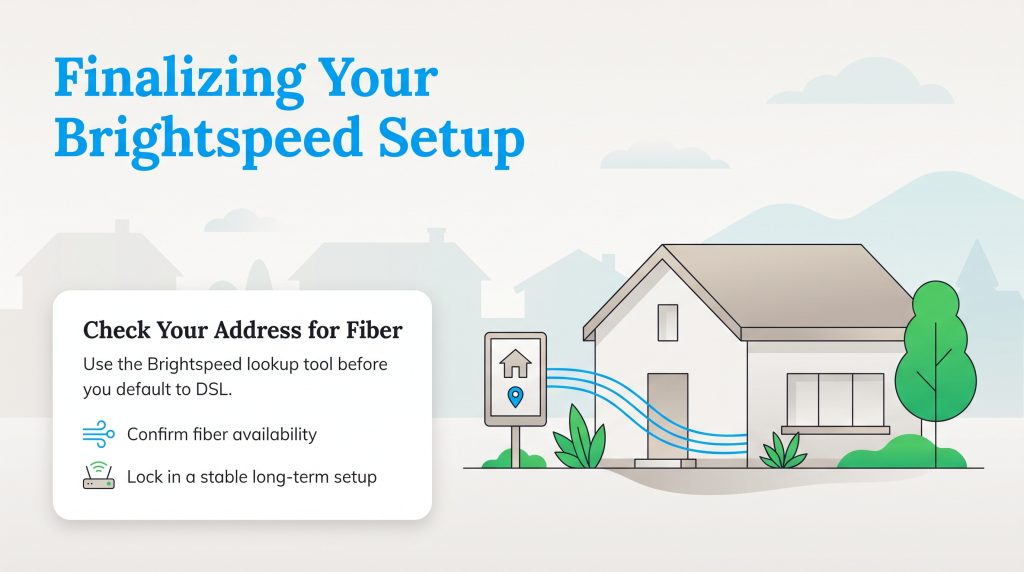
We enthusiastically encourage you to utilize their specific home address lookup tool to confirm exactly which technology is available to you, ensuring you invest in a stable internet setup capable of supporting your daily routines for years down the line.
Frequently Asked Questions About Brightspeed Internet
Is Brightspeed the same as CenturyLink?
Does Brightspeed internet throttle speeds or enforce data caps?
How much is the Brightspeed router rental fee?
What is Brightspeed Protect IQ?
How much does Brightspeed internet cost after the first year?
How do I report a Brightspeed internet outage?
Does Brightspeed offer a mobile app for account management?
Does Brightspeed require an annual contract?
Can I use my own router with Brightspeed?
About the Author

David has been an integral part of some of the biggest utility sites on the internet, including InMyArea.com, HighSpeedInternet.com, BroadbandNow.com, and U.S. News. He brings over 15 years of experience writing about, compiling and analyzing utility data.