

Choosing between Frontier and Starlink depends on one key detail: whether Frontier offers fiber or DSL at your address.

- 7 Gbps
- Fiber
- Unlimited
- $29.99/mo

- 400 Mbps
- Satellite
- Unlimited
- $55.00/mo
*Not all internet providers and speeds available in all areas.
Key Takeaways
- Frontier Fiber outperforms Starlink in speed, latency, and cost, making it the clear choice if the infrastructure is available at your address.
- Starlink is often recommended over Frontier DSL for rural homeowners who need an upgrade in download speeds and stability.
- You should expect a higher upfront cost with Starlink due to equipment fees, but Frontier plans may include introductory pricing that changes after the promotional period.
Choosing internet for a new home gets confusing fast, especially when one provider offers both fiber and DSL while the other beams service from space. We want to help you cut through the marketing noise so you can choose a connection that actually keeps up with your daily life. By comparing their real-world speeds, true costs, and everyday reliability, you can easily determine which service makes the most sense for your household. Whether you are settling into a sprawling suburban neighborhood or a quiet rural homestead, picking the right network architecture is the secret to buffering-free movie nights and seamless video calls.
Frontier vs. Starlink: At a Glance
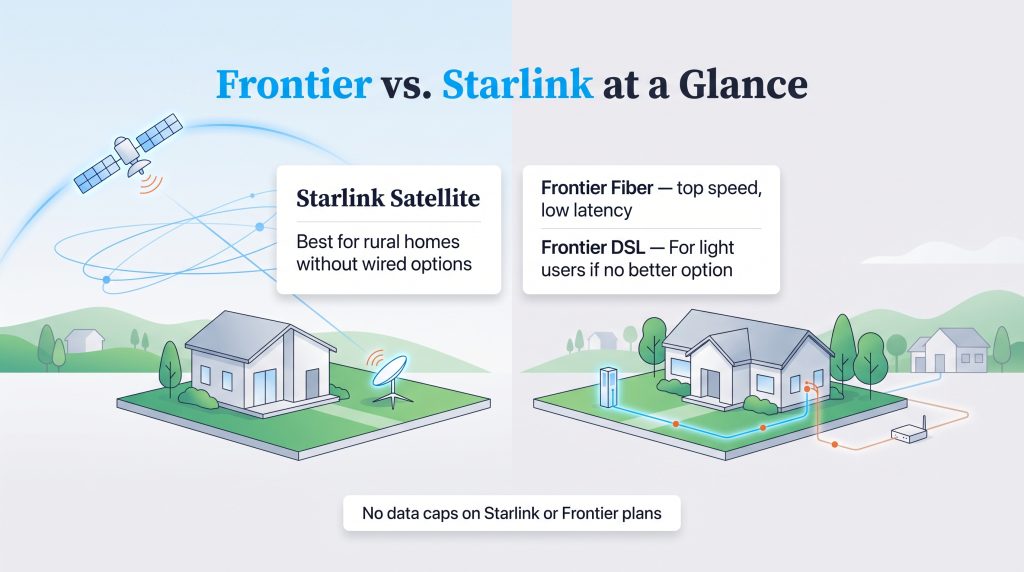
While both of these telecommunications giants provide internet access to millions of Americans, they rely on drastically different technologies to beam that data into your living room. If you are comparing rural internet options, Starlink and Frontier can look similar at first — until you see which Frontier network serves your address. Here is how their three main service types stack up against each other.
| Feature | Starlink | Frontier Fiber | Frontier DSL |
|---|---|---|---|
| Technology Type | Low Earth Orbit Satellite | Fiber Optic | Digital Subscriber Line |
| Best For | Rural homes without strong wired options | Homes needing top speed and low latency | Light internet users with no better option |
| Download Speeds | Typically 25-220 Mbps | Up to multi-gigabit speeds | Typically 1-115 Mbps |
| Upload Speeds | Typically 5-20 Mbps | Symmetrical (matches download speeds) | Typically 1-3 Mbps |
| Upfront Equipment Cost | Varies by promotion and hardware type | $0 (or small installation fee) | $0 (or small installation fee) |
| Monthly Starting Price | Typically around $120 | Varies (promotional rates apply) | Varies (promotional rates apply) |
| Data Caps | None (priority data tiers apply) | None | None |
How to Choose Between Frontier and Starlink at Your Address
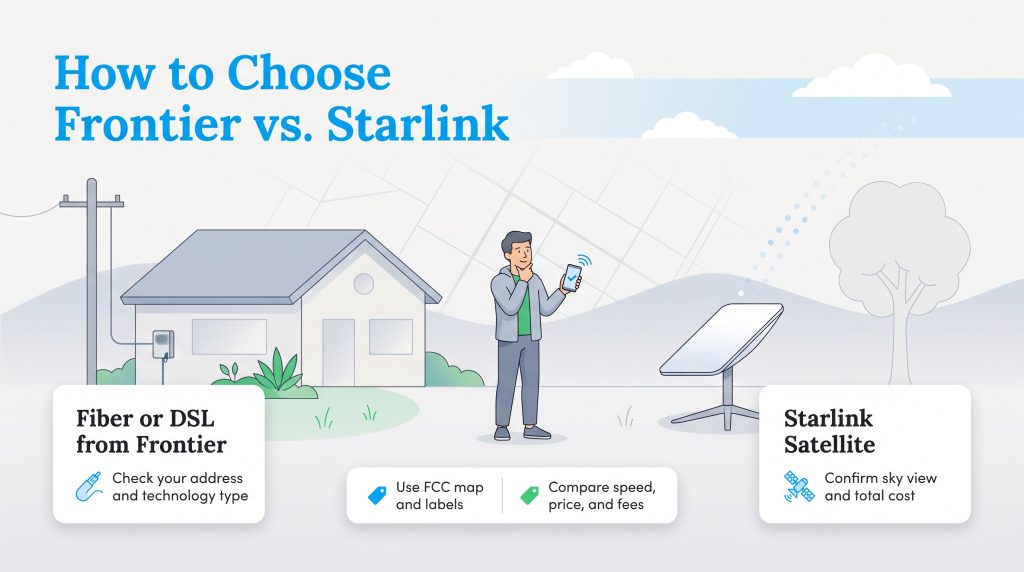
Making the right decision starts with understanding what infrastructure is already built around your home. Follow these steps to narrow down your choices:
- Check the FCC National Broadband Map to see your official coverage options.
- Confirm whether Frontier offers Fiber or DSL at your exact address.
- Compare the Broadband Consumer Labels for monthly price, standard rate, equipment fees, and taxes.
- Check your sky visibility using the Starlink app before ordering satellite service.
- Choose fiber if available, Starlink if DSL is your only wired option, or compare costs if both are viable.
The Big Technology Difference: Fiber vs. DSL vs. Satellite
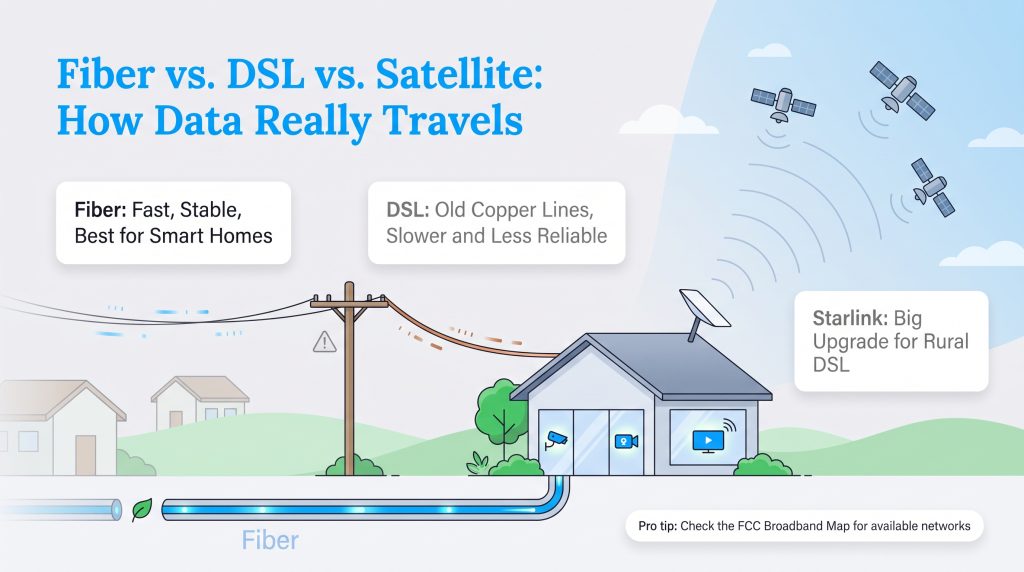
Understanding the massive performance gap between Frontier’s two primary services and Starlink’s satellite network is crucial for setting your expectations. Frontier operates two entirely separate networks: a cutting-edge fiber-optic grid expanding across suburbs and a legacy copper-wire system primarily serving older or rural areas. Meanwhile, Starlink ignores ground infrastructure entirely, beaming signals from a constellation of satellites rapidly orbiting the Earth. This fundamental difference in how data travels dictates everything from how fast your web pages load to how much you pay on your monthly bill.
Why Frontier Fiber Usually Beats Satellite Internet
When looking at Frontier Fiber vs Starlink, physical cables win the race almost every time. Fiber-optic cables transmit data using pulses of light through glass strands, creating a connection that is incredibly fast, resilient against many weather disruptions, and capable of handling massive amounts of data simultaneously. If this modern infrastructure is already wired to your address, it is undoubtedly the superior option. In fact, when choosing the right home internet connection for a smart home, the unmatched stability of fiber ensures your security cameras, smart thermostats, and streaming devices never skip a beat.
When Starlink Is Better Than Frontier DSL
The conversation flips entirely when we compare Frontier DSL vs Starlink. Frontier DSL performance can vary widely by address, especially because speed often depends on your distance from network equipment and the condition of local copper lines. For households with multiple streamers, remote workers, or gamers, DSL may struggle compared with fiber or Starlink. Because Starlink relies on a Low Earth Orbit (LEO) satellite constellation, it completely bypasses those decaying terrestrial phone lines. For rural homes stuck on slow DSL, Starlink can be a major upgrade.
💡 Pro Tip: Always check the FCC National Broadband Map before committing to a provider. Simply enter your new address to verify exactly which Frontier network (Fiber or DSL) actually services your home.
Speed and Performance Breakdown
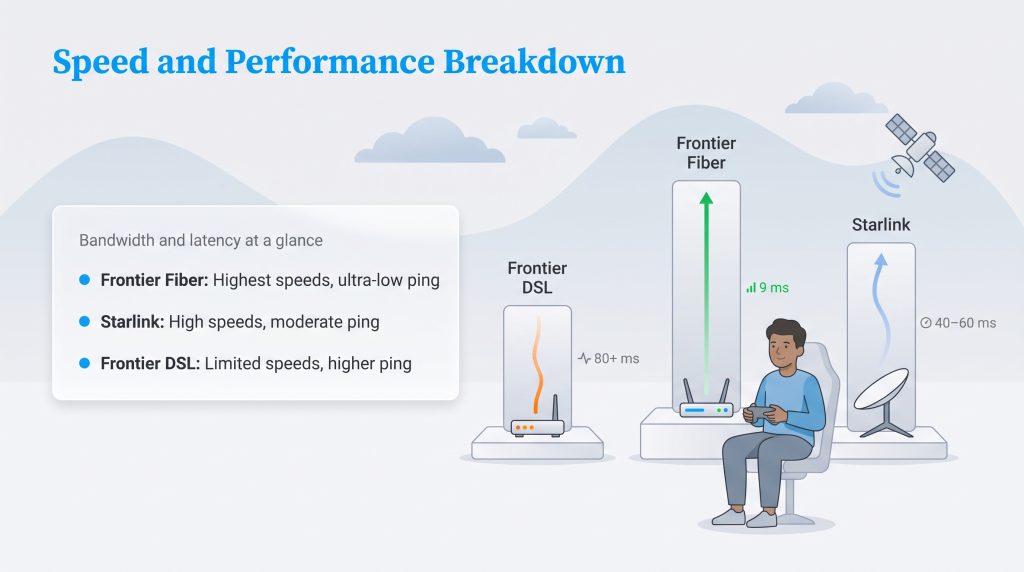
Whether you are finalizing a presentation for work or unwinding with a movie, bandwidth and latency remain the two most critical factors for home internet. When evaluating Frontier internet speeds vs Starlink, you have to consider not just how much data you can download at once, but how quickly that data responds to your commands.
Bandwidth for Streaming and Working from Home
A robust connection means everyone in your house can be online without stepping on each other’s toes. Both Starlink and Frontier Fiber easily provide enough bandwidth to handle multiple 4K movie streams, heavy file downloads, and simultaneous Zoom calls without a hitch. By contrast, Frontier DSL frequently buckles under the weight of multiple connected devices. If someone is downloading a large video game update on a DSL line, you can almost guarantee the rest of the house will experience buffering and pixelated video feeds.
Latency: Which Is Better for Gamers?
For competitive players, the debate over Starlink vs Frontier gaming comes down to latency, commonly known as ping. Frontier Fiber dominates this category by offering single-digit ping times, ensuring instantaneous reactions in fast-paced multiplayer matches. Starlink averages a respectable latency — often perfectly playable for most games, though you might occasionally encounter a slight jitter or lag spike as the dish switches between satellites overhead. Frontier DSL, unfortunately, can lag significantly depending on how many miles your home sits from the nearest telecom node, making it a frustrating choice for serious gamers.
Comparing the Winners by Category
If you need a quick cheat sheet, we have broken down which service takes the top spot across the most important internet features. Knowing what matters most to your household will guide you toward the right network.
| Category | Winner | Why |
|---|---|---|
| Speed | Frontier Fiber | Multi-gig speeds beat satellite and DSL. |
| Rural Availability | Starlink | It works in many areas without cable or fiber infrastructure. |
| Gaming | Frontier Fiber | Lower latency is better for real-time play. |
| Upfront Cost | Frontier | Starlink usually requires equipment purchase. |
| Reliability | Frontier Fiber | Fiber is generally less affected by weather. |
| Better Than DSL | Starlink | Starlink usually offers stronger speeds than rural DSL. |
True Cost to Own: Pricing, Fees, and Contracts
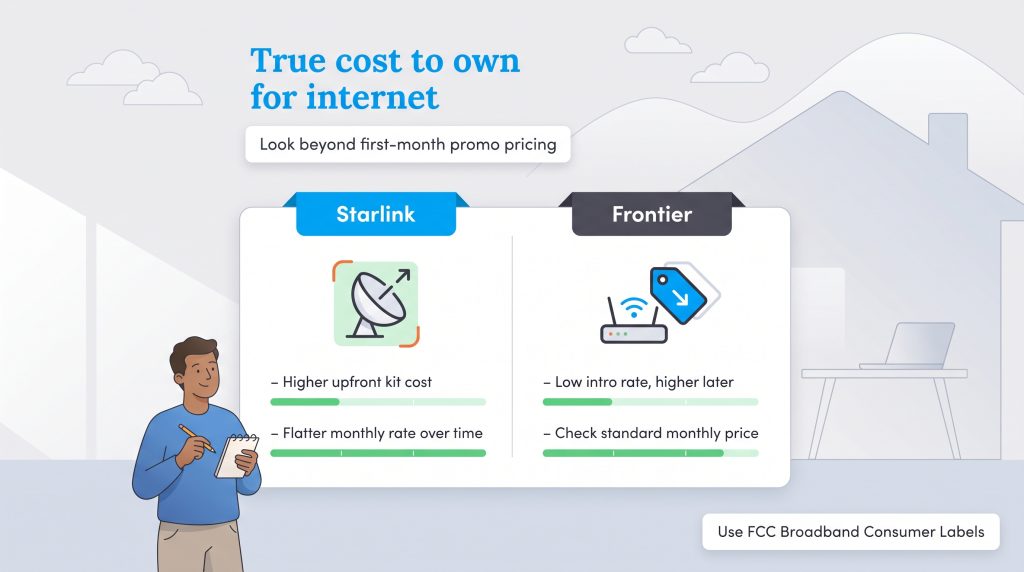
Figuring out the best deal for your monthly budget means digging a little deeper into the fine print. Comparing Starlink vs Frontier internet cost requires looking past the first month of service to understand exactly what you will be paying over the next few years.
Upfront Hardware vs. Monthly Bills
Starlink usually requires you to buy the equipment kit upfront, and the price can vary by promotion, region, and hardware type. Before ordering, check Starlink’s current residential pricing for your exact address. Frontier, on the other hand, lures customers in with aggressive promotional pricing and rarely charges a substantial upfront equipment fee. However, if we look at a two-year true cost scenario, the math gets interesting. Starlink maintains a relatively flat monthly rate, while Frontier plans may include introductory pricing that changes after the promotional period, so it is important to compare the standard monthly rate, not just the first-year price. Over the span of 24 months, Starlink’s high upfront cost might start to balance out against Frontier’s standard rates, depending on the specific fiber or DSL plan you selected.
💸 Money-Saver: Familiarize yourself with the FCC Broadband Consumer Labels. These nutrition-style labels force providers like Frontier to clearly display introductory rates, standard rates, and hidden fees before you ever sign a contract.
Frontier Plans & Pricing
| Plan Name | Price | Download Speeds | Connection Type | |
|---|---|---|---|---|
| Frontier Internet | $64.99 /month | Up to 12 Mbps | DSL | Check Availability |
| Fiber 200 Mbps | $29.99 /month | Up to 200 Mbps | Fiber | Check Availability |
| Fiber 500 Mbps | $44.99 /month | Up to 500 Mbps | Fiber | Check Availability |
| Fiber 1 Gig | $64.99 /month | Up to 1000 Mbps | Fiber | Check Availability |
| Fiber 2 Gig | $79.99 /month | Up to 2 Gbps | Fiber | Check Availability |
| Fiber 5 Gig | $104.99 /month | Up to 5 Gbps | Fiber | Check Availability |
| Fiber 7 Gig | $124.99 /month | Up to 7 Gbps | Fiber | Check Availability |
Starlink Plans & Pricing
| Plan Name | Price | Download Speeds | Connection Type | |
|---|---|---|---|---|
| Residential 100 Mbps | $55 /month | Up to 100 Mbps | Satellite | Check Availability |
| Residential 200 Mbps | $85 /month | Up to 200 Mbps | Satellite | Check Availability |
| Roam 100 GB | $55 /month | Up to 300 Mbps | Satellite | Check Availability |
| Roam Unlimiited | $175 /month | Up to 300 Mbps | Satellite | Check Availability |
| Roam 300 GB | $80 /month | Up to 300 Mbps | Satellite | Check Availability |
| Residential Max | $130 /month | Up to 400 Mbps | Satellite | Check Availability |
Installation and Setup: What to Expect
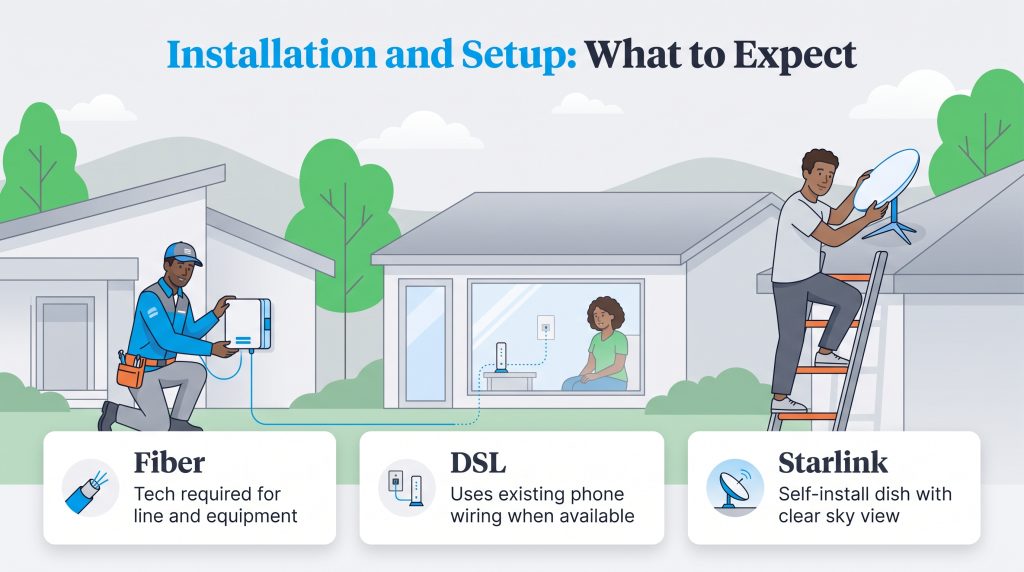
Moving into a new home is stressful enough without complicated tech installations. Understanding what it takes to get these services running can save you a major headache.
Frontier Fiber usually requires a technician appointment to run a line to your house and install the necessary equipment. Frontier DSL often utilizes the existing phone wiring in older homes, which can make setup simpler if the lines are still intact. Starlink, however, puts the installation entirely in your hands. You must find a suitable spot for the satellite dish with a clear view of the sky, route the cables indoors, and potentially mount the equipment on your roof or a dedicated pole.
Reliability and Weather Impact
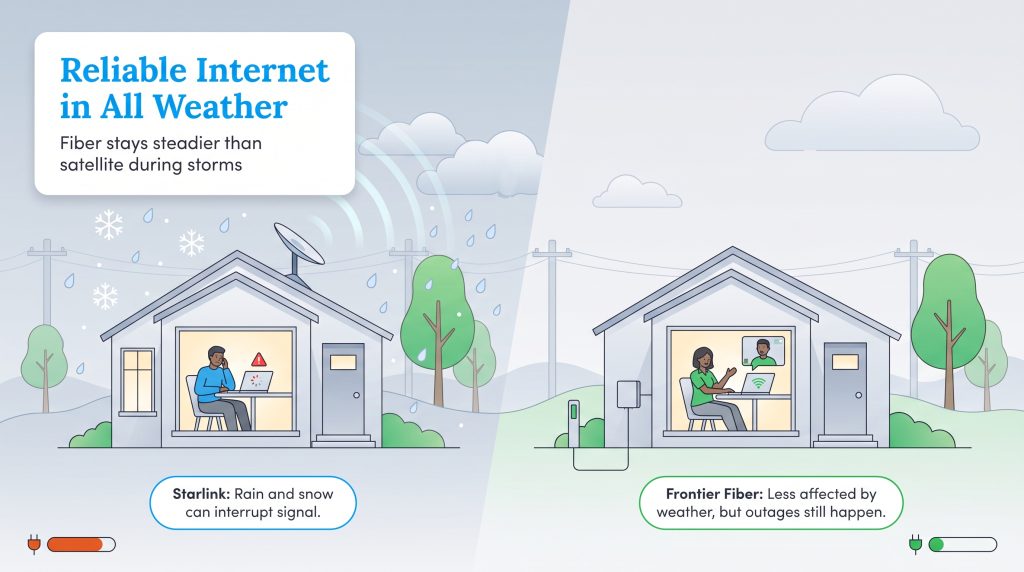
A blazing-fast connection is useless if it drops every time you have an important meeting. When weighing Frontier vs Starlink reliability, we have to recognize that internet stability is an absolute necessity for modern smart homes, remote workers, and anyone relying on digital security systems.
How Weather Affects Your Connection
Because it communicates with space, your Starlink dish requires a totally unobstructed view of the sky to function properly. Even with a perfect installation, satellite internet can suffer temporary signal drops or slowdowns during torrential rain and heavy snow — a phenomenon known as rain fade. By contrast, Frontier Fiber is generally less affected by weather than satellite internet because the signal travels through fiber-optic cables instead of through the atmosphere. However, outages can still happen because of power failures, damaged lines, or network equipment issues. Frontier DSL falls somewhere in the middle; while it does not suffer from rain fade, its aging above-ground telephone poles are highly susceptible to wind and ice, often leading to prolonged regional outages after severe storms.
🌱 Eco Edge: Starlink equipment generally uses more household electricity than a typical fiber modem or router setup, especially when snow-melt features are active. If you are aiming for a low-energy footprint to manage your home electricity usage, compare the power draw of your specific Starlink kit with your fiber equipment.
Best For: Which Provider Matches Your Household?
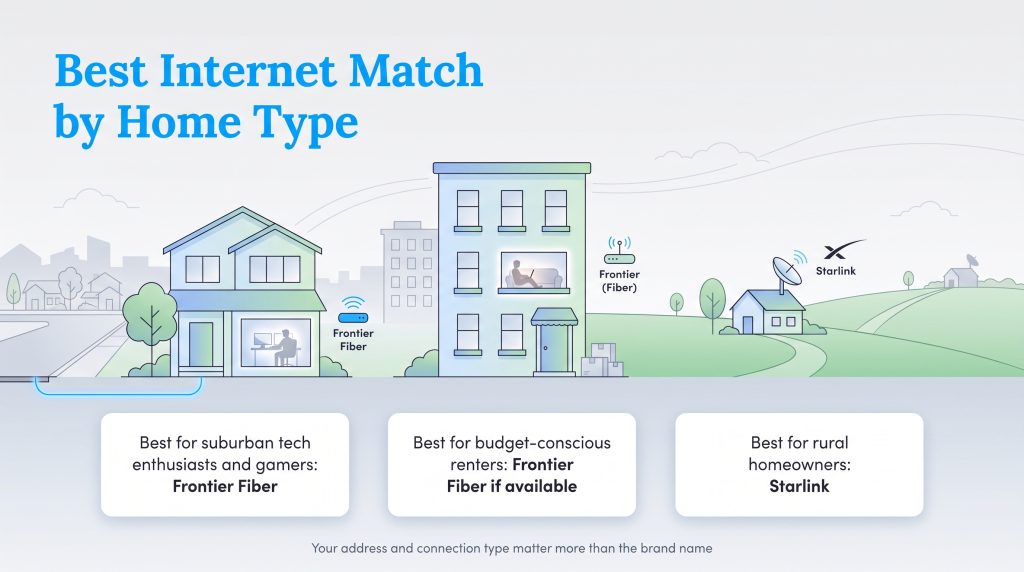
Finding the perfect match depends entirely on where you live and what you value most. Your best option depends less on the provider’s national reputation and more on the network available at your exact address. A Frontier Fiber customer and a Frontier DSL customer can have completely different experiences, even if their bills come from the same company. We recommend choosing your next internet provider based on these distinct household profiles.
- Best for Suburban Tech Enthusiasts & Gamers: Frontier Fiber. If you want maximum speed and unshakeable reliability, this underground network is the best choice.
- Best for Rural Homeowners: Starlink. It provides much-needed, high-speed relief for properties located miles away from the nearest telecom node.
- Best for Budget-Conscious Renters: Frontier (if Fiber is available). The lack of hefty upfront equipment costs makes moving in much cheaper than buying a Starlink dish.
Making the Right Call for Your Next Home
When it comes down to it, identifying the ultimate winner between these two companies hinges entirely on the physical infrastructure wired to your address. Use this simple rule: choose Frontier Fiber if you can get it, choose Starlink if your only Frontier option is DSL, and compare total two-year costs if both services appear strong at your address. As you navigate the stressful process of setting up utilities in a new home, take a few minutes to verify your exact local network options so you can plug in, log on, and enjoy a seamless connection from day one.
Frequently Asked Questions About Frontier and Starlink
Is Starlink better than Frontier?
How much does it cost to switch from Frontier to Starlink?
Does weather affect Starlink more than Frontier?
Can I game on Starlink, or is Frontier faster?
Are there data caps with Frontier or Starlink?
Does Starlink need a clear view of the sky?
Is Frontier Fiber better than Starlink for working from home?
About the Author

David has been an integral part of some of the biggest utility sites on the internet, including InMyArea.com, HighSpeedInternet.com, BroadbandNow.com, and U.S. News. He brings over 15 years of experience writing about, compiling and analyzing utility data.

LaLeesha has a Masters degree in English and enjoys writing whenever she has the chance. She is passionate about gardening, reducing her carbon footprint, and protecting the environment. She also recently served as President of the Board for City Sprouts (a community garden).