
Understanding the differences in speed, reliability, and sustainability to make the smartest choice for your household.
Key Takeaways
- Fiber internet offers symmetrical speeds, making it the superior choice for remote work, gaming, and large file uploads.
- Cable internet is widely available and often utilizes existing connections, making it a convenient option for renters or homes without fiber infrastructure.
- Fiber is the more sustainable option, utilizing passive optical networks that consume significantly less energy than copper-based cable networks.
Moving into a new home is stressful enough without having to decipher the technical jargon of internet service providers. You simply want a connection that works when you need it, but choosing between the familiar reliability of cable and the lightning-fast promises of fiber can be confusing. While fiber internet is technically superior in many key metrics, cable remains a dependable workhorse for millions of households where fiber infrastructure hasn’t yet arrived. We are here to help you break down the real-world differences so you can choose the right connection for your specific needs and budget.
The Core Difference: Glass Beams vs. Copper Wires

To understand the performance difference between cable and fiber internet, you have to look at how the data actually travels to your home. Fiber internet uses incredibly thin strands of glass to transmit data as pulses of light, often generated by lasers. Because light travels extremely fast and encounters very little resistance, fiber signals can travel over long distances without degrading. It is currently the gold standard for data transmission.
Cable internet, on the other hand, relies on the same coaxial cables that have delivered television service for decades. These cables use copper wires and electricity to send data. While copper is effective, it is subject to electrical resistance and interference that glass is not.
A critical distinction to understand is the existence of Hybrid Fiber-Coaxial (HFC) networks. Most “cable” internet providers actually use fiber optic lines to get data to a neighborhood node/hub near your street. However, they switch to copper coaxial cables for the “last mile” into your specific house. This final leg of the journey is where the bottleneck occurs, limiting the potential speeds compared to a pure fiber connection.
Speed and Performance: Why “Symmetrical” Is a Game Changer
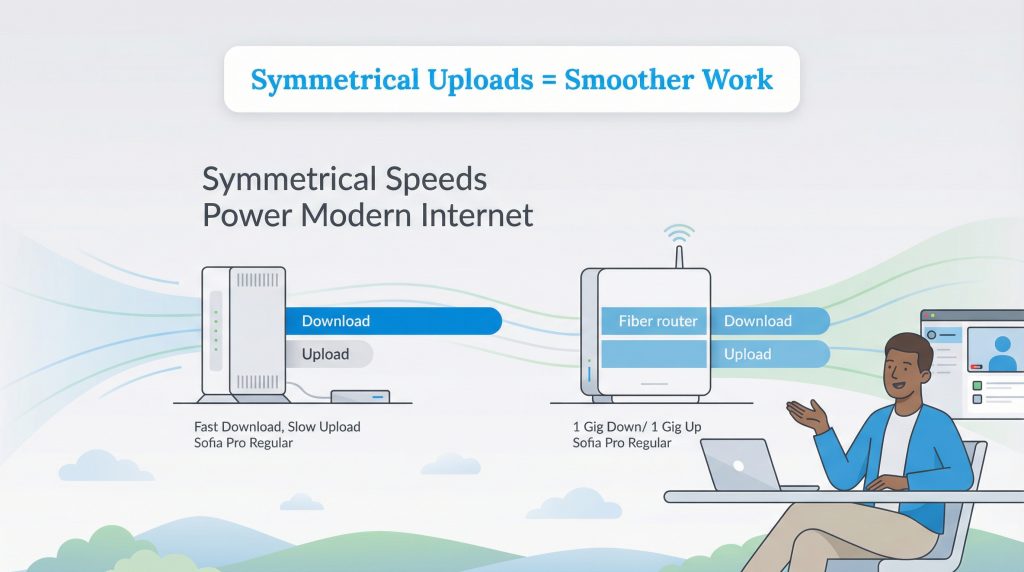
When you look at internet advertisements, you usually see one big number: the download speed. When comparing cable vs. fiber internet speed, cable internet is often very competitive. Premium cable packages can offer download speeds up to 1,000 Mbps (1 Gig), which is more than enough for streaming Netflix in 4K or browsing the web. If you primarily consume content, you might not notice a huge difference between cable and fiber.
The massive gap appears when you look at upload speeds. Cable internet typically has much slower upload speeds compared to download speeds, often capped around a few dozen Mbps (typically 20–50 Mbps) even on expensive plans. This limitation can cause frustration when you are trying to back up photos to iCloud, send large files, or host a high-quality video call. If your Zoom meeting freezes while you are talking, low upload speed is often the culprit.
This is where fiber shines. Fiber internet typically offers symmetrical speeds, meaning your upload speed is just as fast as your download speed. If you pay for a 1 Gig fiber plan, you get 1,000 Mbps for both downloading and uploading. For remote workers and content creators, is fiber internet better than cable? The answer is almost always yes.
Gaming and Latency: The Hidden Factor
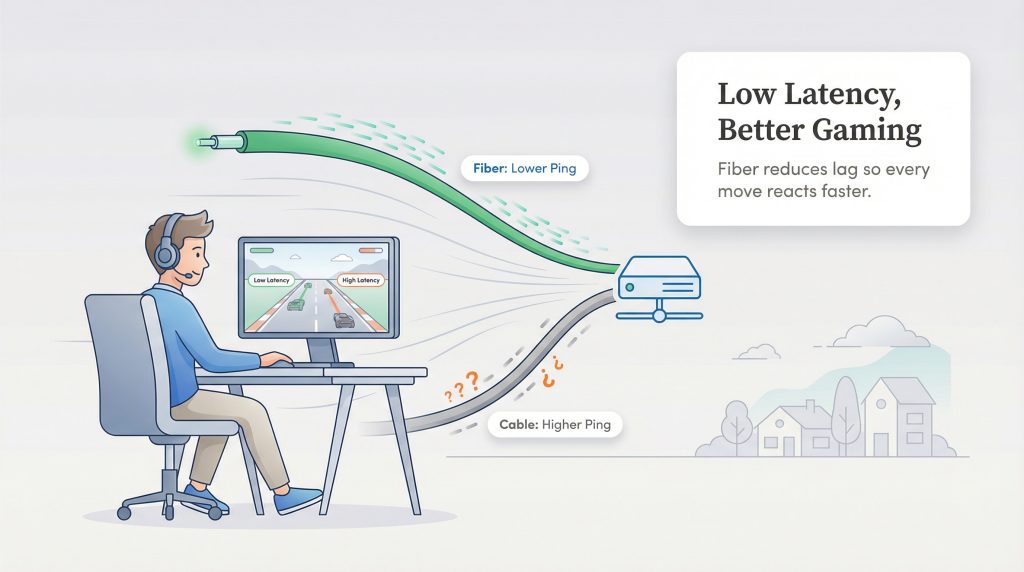
If you have a gamer in your household, speed isn’t the only metric that matters. You need to consider latency, often referred to as “ping.” Latency is the time it takes for a signal to travel from your computer to the game server and back again. High latency results in “lag,” where the action on your screen happens a split second after you press the button.
Fiber optic vs coaxial cable internet for gaming is usually a clear win for fiber. Because fiber transmits data using light, it has significantly lower latency than cable, which relies on electricity moving through copper resistance. Lower latency means a smoother, more responsive gaming experience. For competitive gaming where every millisecond counts, fiber is the superior choice in most cases.
Reliability and Weather Resistance: How Cable vs. Fiber Hold Up
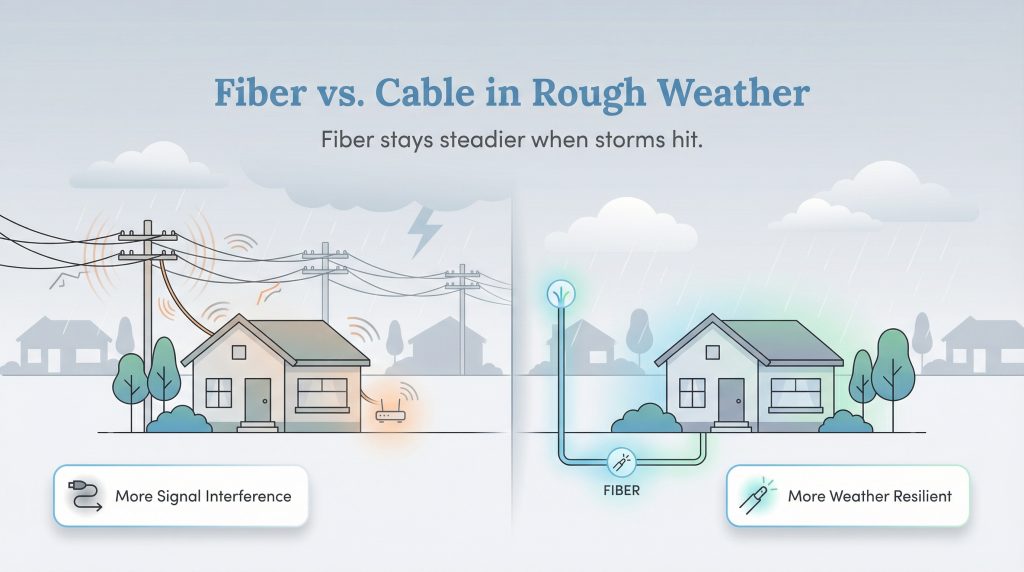
The physical material of your internet connection affects how reliable it is during storms or extreme conditions. Copper cables used for cable internet are susceptible to electromagnetic interference from heavy machinery, power lines, or even lightning. Additionally, copper can corrode over time if exposed to moisture, and temperature fluctuations can affect the signal quality. If you live in a neighborhood with lots of overhead power lines, fiber’s resistance to electrical interference can translate into fewer slowdowns during storms compared with cable.
Fiber strands are made of glass, which is immune to electromagnetic interference. A lightning storm won’t scramble a light signal inside a glass fiber the way it might disrupt an electrical signal in a copper wire. While no internet service is 100% immune to outages, a fallen tree cutting the line will stop service regardless of the tech, fiber is generally more durable and consistent in varied weather conditions.
The Eco-Friendly Choice: Energy Efficiency
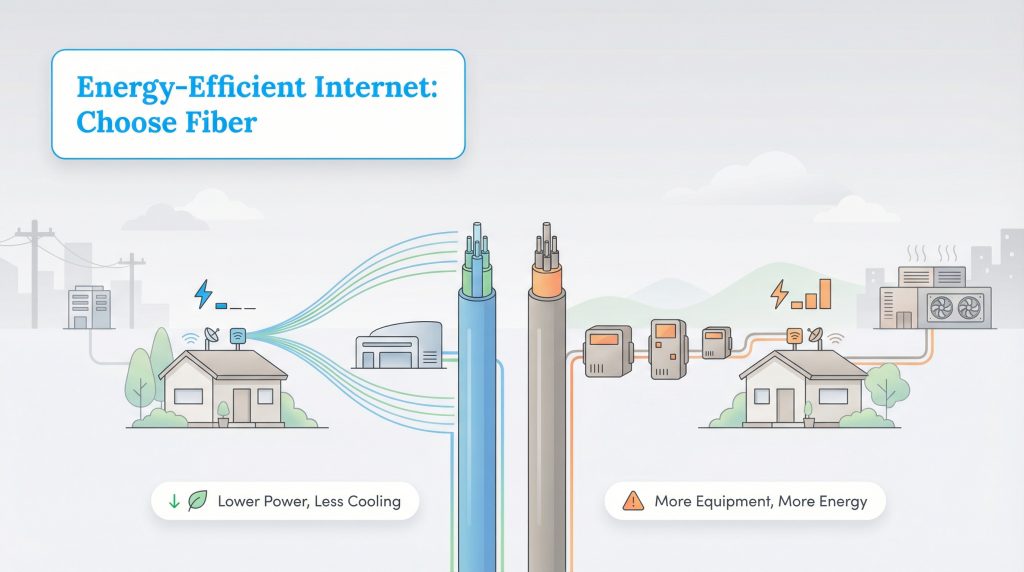
At UtilitiesForMyHome.com, we believe in finding the eco-conscious alternative whenever possible. When it comes to the internet, fiber is the clear energy-saving option. Fiber networks are often described as Passive Optical Networks (PON). They use unpowered optical splitters to direct traffic, which means far less electricity is needed to push data over the “last mile” to your home.
In contrast, copper-based networks require amplifiers and repeaters to boost the electrical signal as it travels, consuming more power. Furthermore, fiber equipment generates less heat than copper equipment, which reduces the need for massive cooling systems at data centers and hubs. By choosing fiber, you are supporting a more sustainable infrastructure.
Installation and Availability: Renters vs. Homeowners
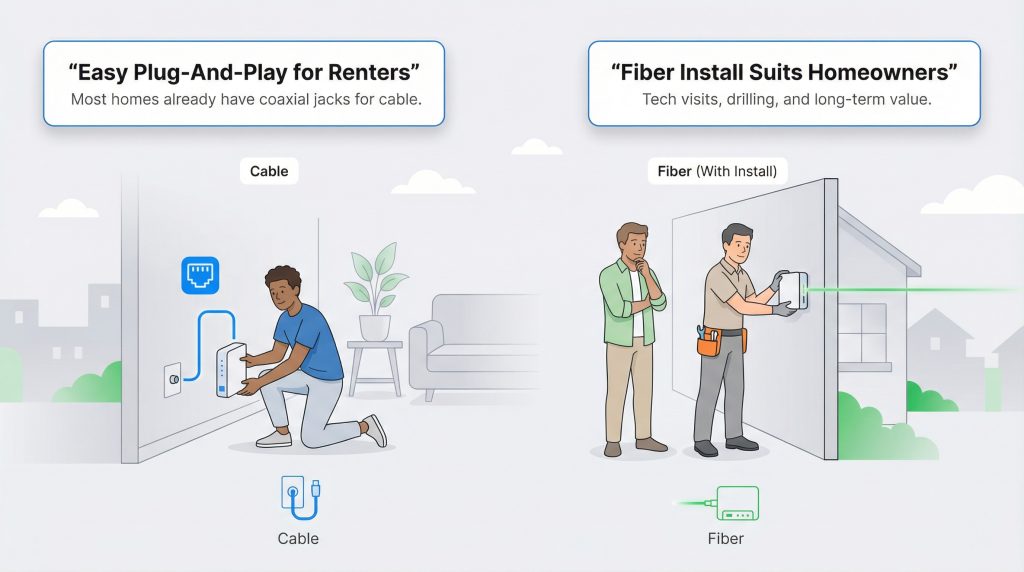
The logistics of getting connected can vary greatly depending on whether you rent or own. Cable internet is often the “plug and play” option. Since coaxial jacks have been standard in homes for cable TV for decades, most apartments and houses are already wired. You can often just plug in your modem and activate service immediately, which is ideal for renters who may not have permission to drill holes. If you’re not sure what’s available at your new address, check coverage maps on major providers’ websites or ask your landlord what’s already wired into the building.
Fiber internet, however, often requires a technician to install a new line into your home. This process involves drilling through a wall to install an Optical Network Terminal (ONT), a box that translates the light signals into digital data for your router. If you are moving into a rental, you will need landlord approval for this.
For homeowners, installing fiber is a smart move. Upgrading your home’s infrastructure to support fiber optic speeds is a form of future-proofing that can increase your home’s appeal to tech-savvy buyers later on.
Cost Breakdown: Is Fiber Worth the Extra Money?
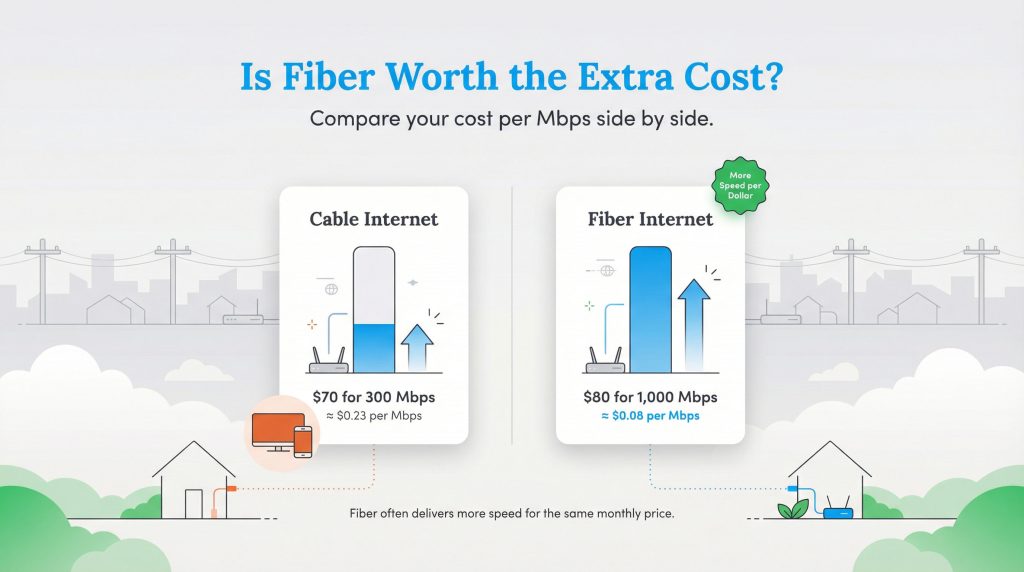
Historically, fiber was viewed as a luxury product with a high price tag. However, as the infrastructure has expanded, prices have normalized. In many markets, the monthly cost of fiber is now comparable to cable. When you calculate the “price per Mbps,” fiber often offers better value because you are getting significantly faster upload speeds and lower latency for roughly the same dollar amount.
That said, cable providers often have an edge with bundles. If you still want traditional cable TV and a landline phone, bundling these with cable internet can result in a lower overall monthly bill compared to piecing services together. For example, if you pay $70 per month for a 300 Mbps cable plan, you’re paying about $0.23 per Mbps. A $80 per month 1,000 Mbps fiber plan works out to roughly $0.08 per Mbps, meaning you get more speed for every dollar you spend. Here is a quick look at how they stack up.
| Feature | Cable Internet | Fiber Internet |
|---|---|---|
| Download Speed | Up to 1,000+ Mbps (varies by plan) | Up to 1,000+ Mbps (often up to 5 Gig) |
| Upload Speed | Usually capped (20–50 Mbps) | Symmetrical (matches download speed) |
| Latency (Lag) | Higher (20–100ms) | Lower (1–10ms) |
| Installation | Easy (uses existing coax jacks) | Professional install often required |
| Sustainability | Lower energy efficiency | High energy efficiency |
| Average Price | $50–$100/mo (often rises after promo) | $60–$100/mo (stable pricing common) |
Making the Final Connection
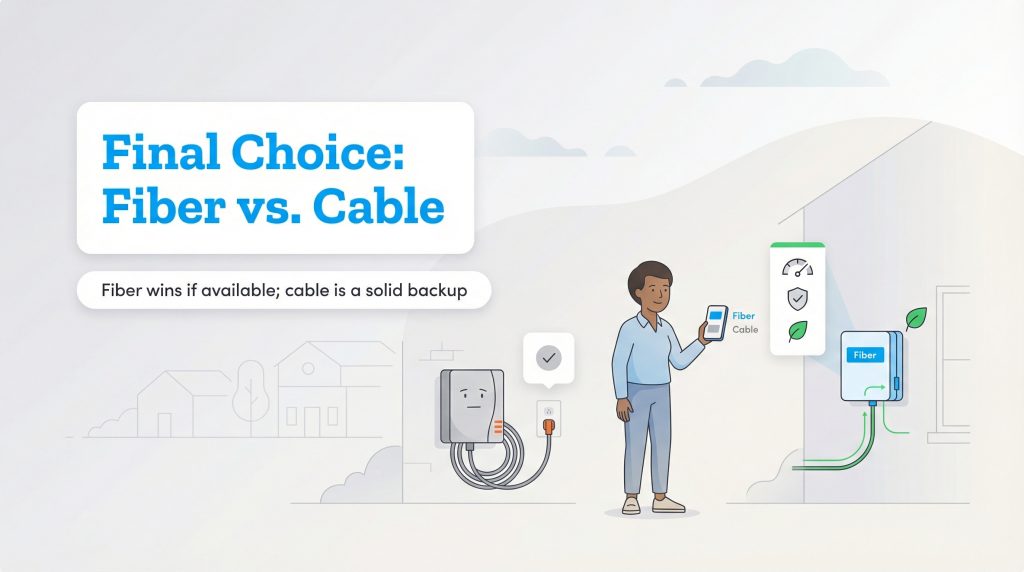
When weighing your options, the verdict is clear: if you have access to it, fiber internet is almost always the better investment for performance, reliability, and environmental impact. It handles the demands of modern life, like simultaneous Zoom calls and 4K streaming, with ease. However, cable internet remains a perfectly capable backup if fiber hasn’t reached your neighborhood yet. Before you get your heart set on one technology, check the specific availability at your new address. You can explore more about setting up your essential services by visiting our internet utilities hub.
FAQs About Cable vs. Fiber Internet
Is fiber internet always faster than cable?
Do I need special equipment for fiber internet?
Why is fiber internet not available in my area?
Is cable internet bad for gaming?
Does fiber internet increase home value?
Is fiber internet worth it if I only stream and browse?
About the Author

David has been an integral part of some of the biggest utility sites on the internet, including InMyArea.com, HighSpeedInternet.com, BroadbandNow.com, and U.S. News. He brings over 15 years of experience writing about, compiling and analyzing utility data.