
Understanding how this digital upgrade affects your energy bills, privacy, and home efficiency
Key Takeaways
- Smart meters communicate wirelessly with your utility company to provide accurate, real-time energy usage data without manual readings.
- They enable Time-of-Use rates, allowing you to lower your monthly bill by shifting energy-intensive chores to off-peak hours.
- You can often opt out of a smart meter installation due to health or privacy concerns, though this usually comes with an extra monthly fee.
If you recently received a notice from your utility company about a meter upgrade, or you just noticed a digital device replacing the old spinning dials on the side of your house, you might be feeling a bit skeptical. It’s natural to question new technology, especially when it’s attached to your home and tracks your daily habits. While smart meters can feel invasive to some, they are designed to modernize the grid and give you more control over your energy usage. Here’s everything you need to know about what this device actually does.
What Is a Smart Meter and How Is It Different?
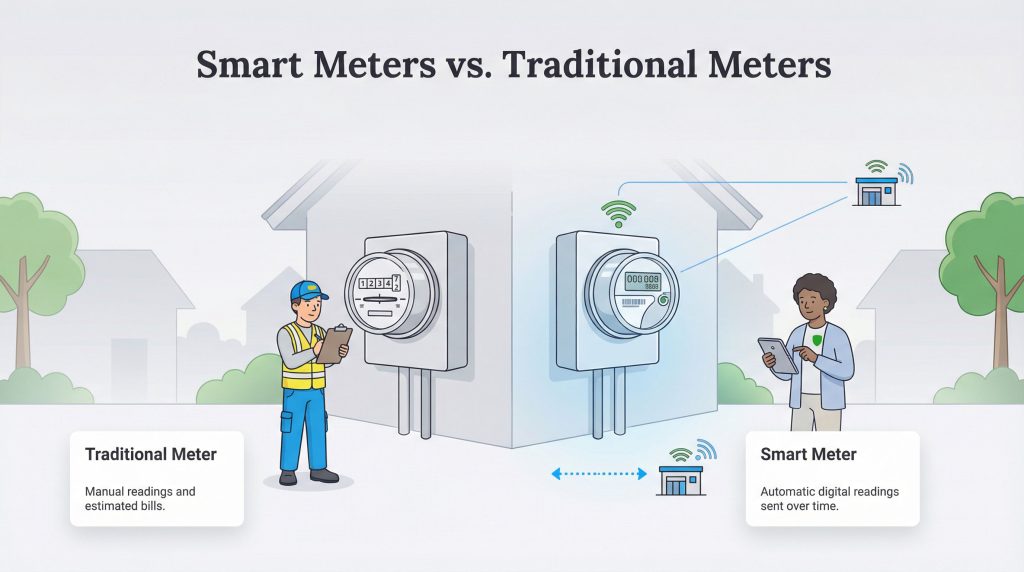
A smart meter is a digital device that records your energy consumption and sends that information directly to your electricity supplier. In the industry, this technology is known as “Advanced Metering Infrastructure” (AMI), but most people simply call them smart meters. Unlike the old mechanical meters that required a utility worker to walk through your yard and read the numbers manually, smart meters automate the entire process.
The primary difference lies in communication. Traditional meters are passive devices that sit there until someone looks at them. Smart meters are active; they capture data in regular intervals, often every 15 minutes or hour, and transmit it wirelessly. This shift means your electric service provider no longer has to estimate your bill during months when they can’t access your property.
| Feature | Analog Meter | Smart Meter |
|---|---|---|
| Reading Method | Manual visual check by a worker | Automatic digital transmission |
| Accuracy | Subject to human error or estimation | Precise digital recording |
| Connection Type | None (Stand-alone device) | Wireless (Cellular or Radio Frequency) |
| User Features | Basic spinning dials | Detailed usage data and breakdown |
Learn more about How to Read Your Electric Meter
How Do Smart Meters Work?
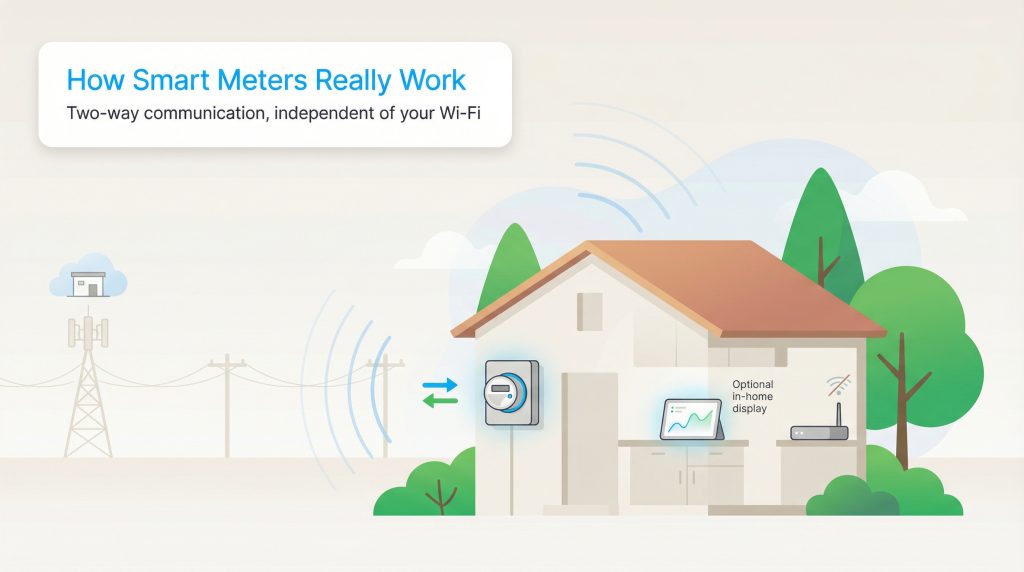
Smart meters rely on two-way communication. This means the meter talks to the utility company to report your energy usage, and the utility company can talk back to the meter. This two-way street allows the utility to detect power outages instantly or connect and disconnect service remotely without sending a technician to your home.
It’s important to distinguish between the smart meter itself and the In-Home Display (IHD). The smart meter is the box bolted to your outside wall. The In-Home Display is a separate, small portable screen that you might keep on your kitchen counter to see how much energy you are using in real time. Your smart meter functions perfectly fine even if you never plug in the display screen, but the display is a helpful tool for spotting energy hogs in your house.
A common misconception is that smart meters rely on your home internet connection. Generally, they don’t. Most smart meters use a dedicated cellular connection or a secure radio frequency (RF) mesh network to transmit data. This means they operate independently of your personal internet connection and don’t require your Wi-Fi password to function.
The Pros and Cons of Smart Meters
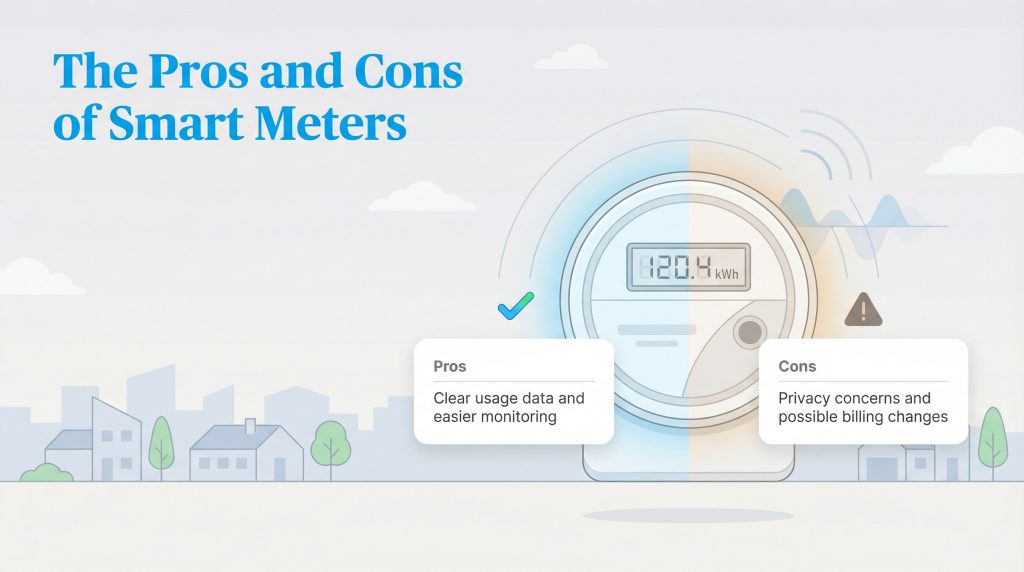
Like any technology upgrade, smart meters come with distinct advantages and some valid drawbacks. Understanding these can help you decide if you want to embrace the change or explore opt-out programs.
| Aspect | Pros | Cons |
|---|---|---|
| Billing | Accurate, no estimated reads; you pay for exactly what you use. | Opt-out may add monthly fees to your bill. |
| Convenience | No meter-reader visits; faster outage detection and restoration. | Remote disconnects can feel abrupt if bills are unpaid. |
| Privacy | Less need for strangers accessing your property or backyard. | Detailed usage data can reveal routine patterns. |
Do Smart Meters Save You Money?
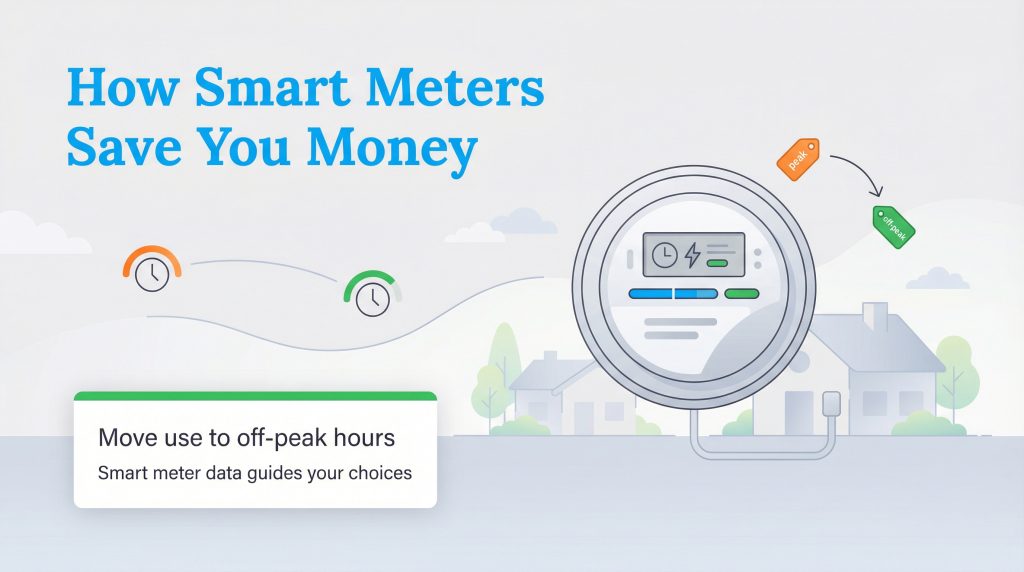
The short answer is that the meter itself doesn’t save you money. It’s simply a measuring device. However, it’s a powerful tool that helps you save money if you change your behavior. Because smart meters track when you use electricity, not just how much you use, they open the door to specific billing plans that reward efficiency.
The biggest financial benefit comes from Time-of-Use (TOU) rates. With a standard meter, you pay a flat rate for electricity regardless of the time of day. With a smart meter, utilities can offer cheaper rates during “off-peak” hours when demand on the grid is low. You can significantly lower your bill by shifting energy-intensive chores to these times.
For example, running your dishwasher at 2:00 p.m. might cost you more because that is often a peak demand time. If you wait and run that same load at 8:00 p.m., the rate per kilowatt-hour might be significantly lower. Smart meters give you the data you need to make these decisions. Using your smart meter to move usage away from peak hours is an **energy-saving option** that can also lower strain on the grid and support a more **eco-conscious** energy system. If you want to learn more about reducing your monthly costs, check out our guide on how to save on your electric bill.
Addressing Health and Radiation Concerns
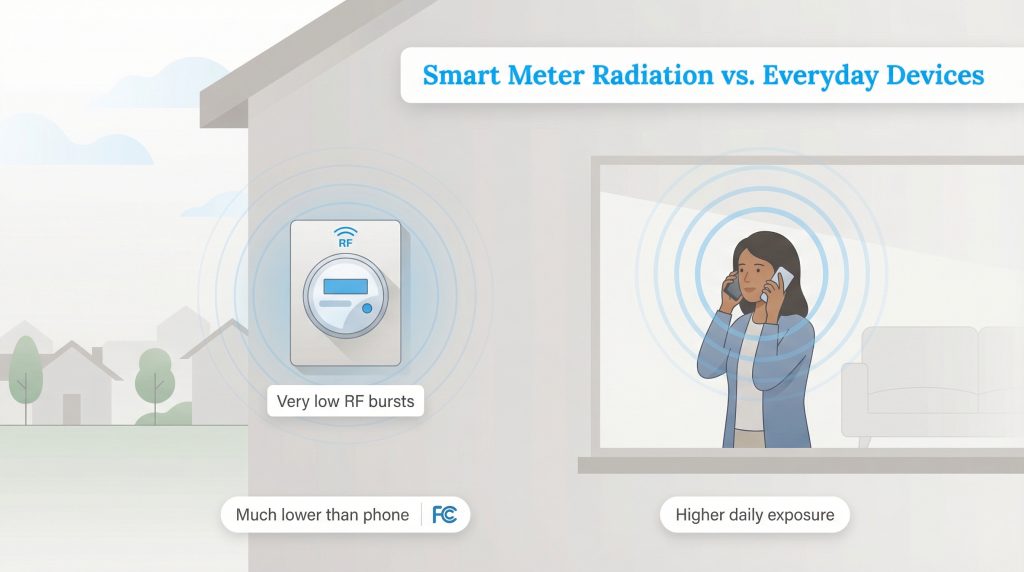
We know that health concerns are a major reason some homeowners hesitate to accept smart meters. The worry typically centers on Radio Frequency (RF) radiation. It’s true that smart meters emit RF waves to communicate, much like your cell phone or Wi-Fi router does. However, the exposure levels are vastly different.
According to regulatory bodies like the Federal Communications Commission (FCC), the RF energy emitted by smart meters is well below the safety limits for public exposure. In fact, a person standing near a smart meter receives significantly less RF exposure than they would from holding a cell phone to their ear or using a baby monitor in a nursery. The intensity of RF energy drops off very quickly as you move away from the source.
Furthermore, smart meters don’t broadcast constantly. They typically transmit data in short micro-bursts that may total less than a minute of actual transmission time per day. While those with severe electrical sensitivities may still prefer to opt out, for the vast majority of people, the RF output is considered safe and is much lower than other common household devices.
Can You Opt Out of a Smart Meter?
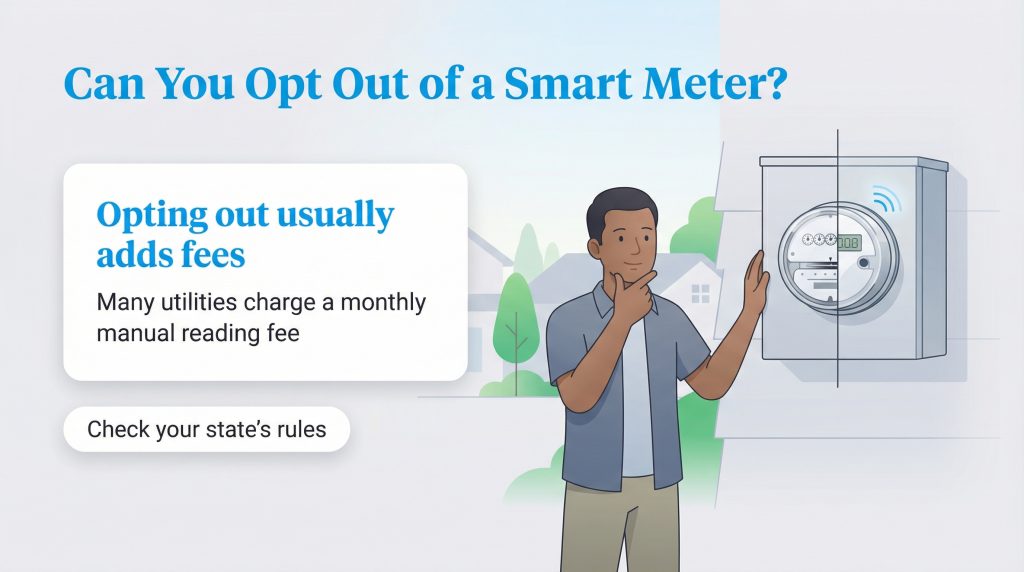
If you weigh the pros and cons and decide a smart meter isn’t for you, you can usually keep your old analog meter. However, policies vary by state and by the specific utility provider. Unlike in some countries where installation is entirely voluntary, in the U.S., you often have to take active steps to refuse the upgrade.
The main catch is the cost. Because opting out breaks the automated network, the utility company must continue sending a truck and an employee to your home to read your meter manually. They pass this cost on to you. You can expect to pay a one-time setup fee to keep or reinstall an analog meter, plus a recurring monthly “manual reading fee” that often ranges from $10 to $30. Because rules are set at the state level, it’s smart to check your state public utility commission’s website or your utility’s tariff for the exact fees and eligibility in your area.
If you are determined to opt out, call your utility provider’s customer service line and ask specifically for their “Opt-Out Program.” They will send you the necessary forms and explain the fee structure for your area.
Moving into a new home? Check the existing meter immediately. If it’s already smart, reverting to analog might be difficult or impossible depending on your local laws.
Making the Smart Choice for Your Home
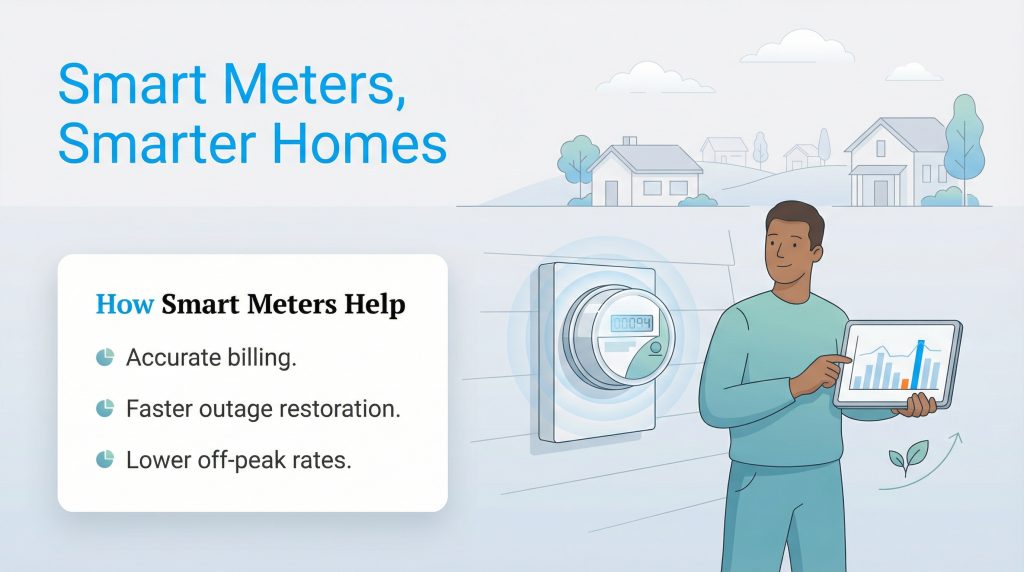
Smart meters are rapidly becoming the standard for a more efficient, responsive electrical grid. While valid concerns exist regarding privacy and data, the benefits of accurate billing, faster outage restoration, and the ability to take advantage of lower off-peak rates generally outweigh the downsides for most homeowners.
If you have a smart meter installed, we encourage you to use the In-Home Display or your provider’s app to actively monitor your consumption. Seeing exactly where your energy dollars are going is the first step toward a lower bill and a more sustainable home.
FAQs About Smart Meters
Will a smart meter increase my electric bill?
Can smart meters spy on my specific appliances?
Do I need to be home for a smart meter installation?
Does a smart meter use my Wi-Fi bandwidth?
How do I read a smart meter?
Are smart meters safe for my health?
About the Author

David has been an integral part of some of the biggest utility sites on the internet, including InMyArea.com, HighSpeedInternet.com, BroadbandNow.com, and U.S. News. He brings over 15 years of experience writing about, compiling and analyzing utility data.