
Get the Facts on GFiber’s Fast Speeds, Transparent Pricing, and Smart Home Capabilities to See if It Is the Best Fit for Your Next Move
Key Takeaways
- GFiber offers transparent, flat-rate pricing with no hidden equipment fees or restrictive annual contracts.
- Availability remains a hurdle, but strategic partnerships with companies like Astound Broadband are accelerating expansion into major new markets.
- Symmetrical multi-gigabit speeds and cutting-edge Wi-Fi 6E hardware make this a top-tier choice for remote workers and smart home enthusiasts.
Moving into a new home brings a massive checklist full of essential tasks, and securing a reliable internet connection is likely sitting right at the very top. We know exactly how overwhelming it feels to decipher complicated tech jargon and confusing telecom contracts when all you really want is a connection that just works — one without arbitrary data limits, unexpected billing spikes, or constant buffering during your favorite shows. Google Fiber, now officially and commonly branded as GFiber, is a premium fiber-optic internet service available in select U.S. markets that delivers immense bandwidth for heavy internet users. Our goal is to help you determine if GFiber is the absolute right choice for your household by comprehensively reviewing their latest multi-gigabit plans, transparent pricing structure, modern Wi-Fi equipment, and overall network reliability. If you are tired of spotty wireless signals dropping your important video calls and you want a connection that future-proofs your living space, stepping away from traditional cable broadband could be the most practical upgrade you make for your new home.
How We Evaluated GFiber
To help you decide if this service is the right fit for your upcoming move, our comprehensive review process considered several critical factors that directly impact your daily digital life. We looked closely at published provider pricing, including the latest multi-gigabit speed tiers, and verified the lack of hidden equipment fees. We evaluated real-world network availability, geographical footprint growth, and the specific installation hurdles that movers commonly face. We also dug into the provider’s overall contract terms, examining their data cap policies and highly publicized uptime guarantees. To ensure our recommendations align perfectly with actual user experiences, we incorporated concrete, aggregated third-party customer satisfaction ratings from highly trusted industry watchdogs. Finally, we examined the company’s network innovations and sustainability claims to ensure the service serves as an environmentally mindful choice for modern, smart-home-ready households.
GFiber Coverage Area and Availability Map
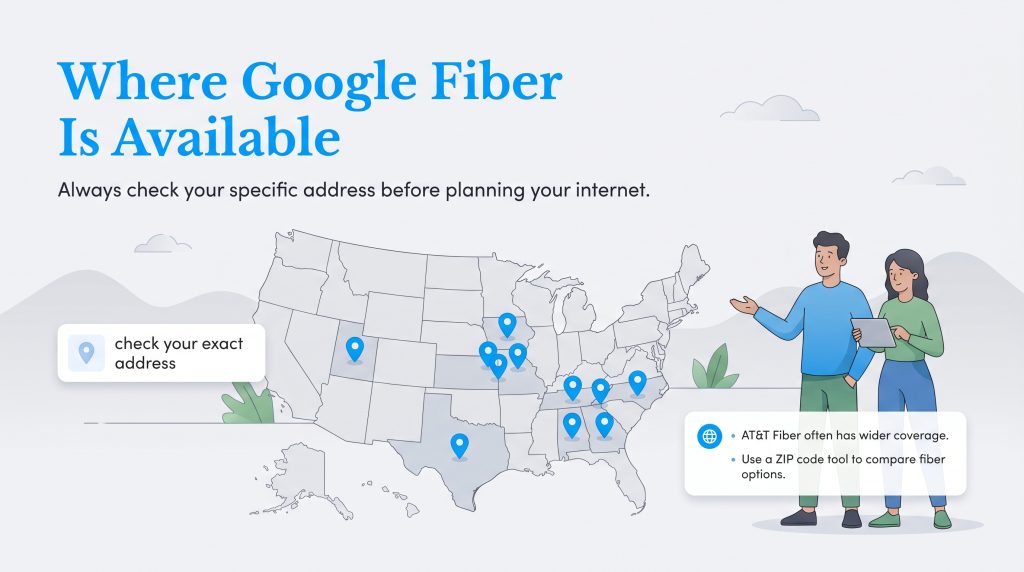
While GFiber provides incredibly fast speeds that easily handle massive file downloads and competitive gaming, its most notable limitation is its relatively concentrated coverage footprint. Because true fiber-optic infrastructure requires physically laying entirely new cables underground or stringing them along neighborhood utility poles, expansion naturally moves at a deliberate pace. We highly recommend you check current GFiber availability map data as the very first step you take before planning your new home’s utility setup, as assuming you can automatically get the service might leave you scrambling for a backup plan on moving day.
Current Markets and Astound Broadband Expansion
Historically, the coverage footprint of GFiber spanned a highly targeted selection of metropolitan hubs rather than a sweeping nationwide grid. However, GFiber is actively leveraging a major strategic partnership with Astound Broadband to rapidly accelerate its network expansion into entirely new regions. This collaboration allows GFiber to utilize existing infrastructure in certain areas, cutting down the time it takes to bring gigabit speeds to fresh neighborhoods.
GFiber is already well-established in select metro areas, including places such as:
- Atlanta, Georgia
- Austin, Texas
- Charlotte, North Carolina
- Huntsville, Alabama
- Kansas City, Kansas, and Kansas City, Missouri
- Nashville, Tennessee
- Provo, Utah
- Raleigh-Durham, North Carolina
- Salt Lake City, Utah
- San Antonio, Texas
Driven by new industry partnerships and targeted municipal investments, GFiber is currently rolling out or actively expanding services into several highly anticipated new markets, including:
- Des Moines and West Des Moines, Iowa
- Las Vegas, Nevada
- Omaha, Nebraska
- The Phoenix metro area (including Mesa, Tempe, and Chandler, Arizona)
- Colorado suburban markets (including Lakewood, Westminster, and Wheat Ridge)
What to Do If Your New Neighborhood Isn’t Covered
Finding out your dream home sits just outside a confirmed fiber coverage zone is a frustrating realization, but you still have excellent alternatives. When evaluating AT&T Fiber vs GFiber, you will notice that AT&T boasts a significantly larger national footprint while offering similar symmetrical speeds and outstanding reliability. If neither premium provider reaches your specific address, start looking into local municipal broadband networks or competing telecom giants that are aggressively expanding their own fiber infrastructure. We highly recommend using a comprehensive tool to compare alternative fiber internet providers in your specific ZIP code so you can lock in a solid plan before the moving trucks arrive.
GFiber Plans and Pricing Breakdown
| Plan Name | Price | Download Speeds | Connection Type | |
|---|---|---|---|---|
| Core 1 Gig | $70 /month | Up to 1000 Mbps | Fiber | Check Availability |
| Home 3 Gig | $100 /month | Up to 3 Gbps | Fiber | Check Availability |
| Edge 8 Gig | $150 /month | Up to 8 Gbps | Fiber | Check Availability |
One of the most refreshing aspects of navigating Google Fiber plans and pricing is the straightforward, flat-rate model that clearly sets the company apart from traditional internet service providers. You are remarkably unlikely to encounter short-term promotional pricing that doubles after the first year, making your long-term household budget much easier to predict and manage.
Multi-Gigabit Speed Tiers Comparison
GFiber offers four distinct speed tiers purposefully tailored to modern households: the standard 1 Gig, the upgraded 2 Gig, the robust 5 Gig, and the ultra-fast 8 Gig plan. When you break down these specific tiers by cost-per-megabit, the true value proposition becomes incredibly clear.
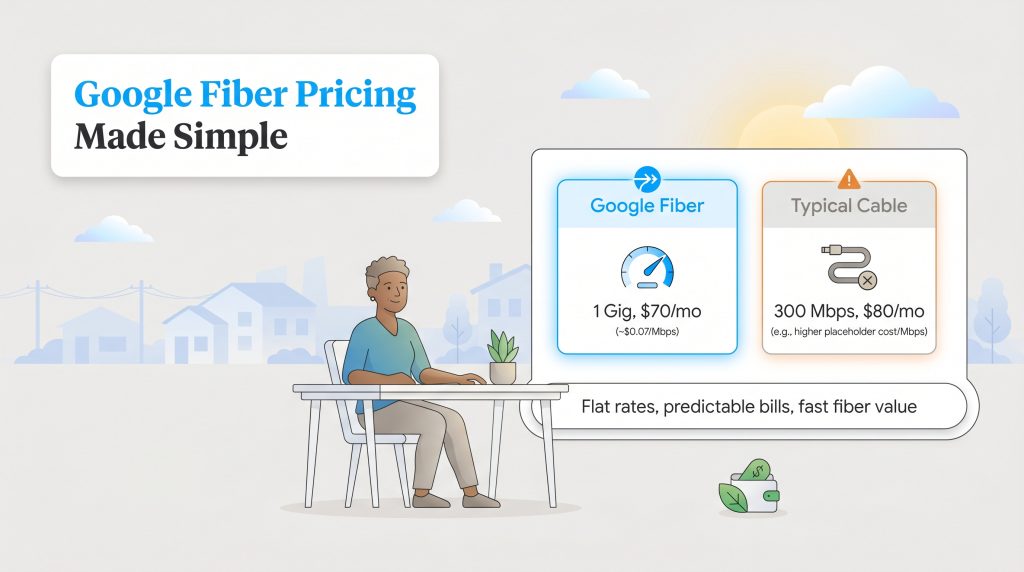
- 1 Gig ($70/month): Paying a flat $70 per month for 1,000 Mbps means you are paying roughly seven cents per megabit, making this the best value for nearly everyone.
- 2 Gig ($100/month): This tier doubles your bandwidth, offering 2,000 Mbps for busy households with multiple simultaneous gamers or heavy smart home automation running constantly in the background.
- 5 Gig ($125/month): A massive leap in capacity, providing 5,000 Mbps tailored for tech enthusiasts, professional content creators, and independent filmmakers who transfer massive video files daily.
- 8 Gig ($150/month): This ultra-fast tier guarantees 8,000 Mbps of raw power. It is designed almost exclusively for extreme power users heavily invested in specialized multi-gig networking hardware.
Compare those rates to the national average where many consumers pay upwards of $80 for a mere 300 Mbps on aging copper cable networks, and the immense financial benefit of fiber technology stands out. Before overcommitting to a massive 5 Gig or 8 Gig package, it pays to check the recommended broadband speeds outlined by the Federal Communications Commission. The vast majority of families will find that 1,000 Mbps provides more than enough bandwidth to handle simultaneous 4K streaming, intense online gaming, and large file downloads without experiencing significant network congestion.
Deals, Discounts, and Low-Income Connectivity
Because GFiber specifically avoids volatile, short-term promotional pricing, your base bill will not unexpectedly jump after the first year. This pricing approach successfully protects your household budget from unexpected telecom inflation. However, the company does frequently offer excellent incentives for new movers, most notably their highly popular “First Month on Us” promotional deal. This specific offer effectively waives your initial billing cycle, providing a bit of welcome financial relief during an expensive moving process.
Furthermore, GFiber remains deeply committed to bridging the digital divide by assisting low-income households in securing high-speed access. Now that the federal Affordable Connectivity Program (ACP) has officially ended, low-income users can seamlessly transition to affordable baseline GFiber options or apply for the ongoing federal Lifeline program to secure a consistent monthly discount on their internet access. We always recommend checking their official website for updated localized affordability programs before you finalize your order.
Network Information, Equipment, and the GFiber App
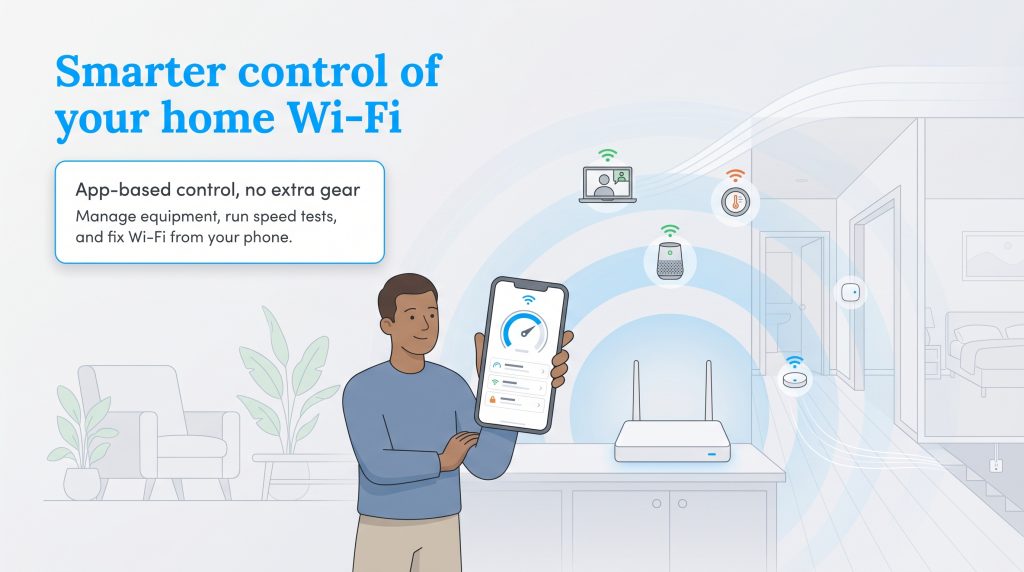
Having a lightning-fast connection coming into your house is only half the battle; exactly how that signal distributes across your bedrooms, living room, and home office is what truly matters. The right cutting-edge hardware and intuitive network management tools are crucial for maximizing internet speeds in a modern, fully connected smart home.
100% Fiber-Optic Network and Network Slicing
Unlike traditional cable internet networks that severely limit your upload capabilities, a 100% pure fiber-optic network delivers true symmetrical upload and download speeds. Symmetrical speeds mean your data travels in both directions at the exact same lightning-fast rate. Sending massive work files to a client, backing up an entire hard drive to a cloud server, or hosting a multi-person video conference happens just as fast as downloading a 4K movie.
Beyond offering raw, unrestricted speed, GFiber is currently pioneering a groundbreaking “Network Slicing” pilot program in strategic partnership with Nokia. This advanced technological capability means users will soon be able to carve out and dynamically prioritize dedicated bandwidth slices for highly specific, high-demand tasks. Whether you are actively locking in a dedicated slice for lag-free competitive gaming or ensuring your work-from-home Zoom calls never drop in quality despite others streaming movies in the next room, network slicing will offer unprecedented control over your home’s digital traffic.
Included Hardware (Wi-Fi 6E/7) and Battery Backup
One of the biggest financial perks of choosing this specific service is that GFiber historically includes premium Wi-Fi equipment with its plans at no extra charge. You completely avoid those pesky $15 monthly equipment rental fees that are all too common with legacy providers. Current base plans feature cutting-edge Wi-Fi 6E routers, which open up entirely new bands of wireless airspace to drastically reduce congestion and boost connection speeds for modern smartphones and laptops. Upgraded multi-gig packages often include advanced mesh extenders or early-adoption Wi-Fi 7 hardware to actively push the signal into hard-to-reach guest rooms or a finished basement.
To combat unexpected neighborhood downtime, GFiber also offers a unique feature known as the GFiber Reliability Plus battery backup. This dedicated physical unit (which is included by default for elite 8 Gig customers and available for a small monthly fee on select lower tiers) provides crucial peace of mind. If your local power grid goes down during a severe rolling storm, this battery backup automatically kicks in to power your Fiber Jack and primary router for up to two hours. This invaluable safety net allows you to stay connected via laptops and smartphones to receive critical weather updates or successfully finish up a work project while you wait for the electricity to return.
Managing Your Connection with the GFiber App
Instead of forcing you to navigate confusing web portals or calling customer service to make basic technical adjustments, the Google Fiber app lets you manage your entire network directly from your smartphone. The streamlined interface allows you to easily control the following essential features:
- Running a built-in GFiber internet speed test: Instantly verify your network performance and ensure you are receiving the exact bandwidth you pay for without relying on third-party websites.
- Instantly sharing guest network credentials: Generate a quick, customized QR code on your screen so visiting friends and family can securely join your Wi-Fi network without you needing to read out a complicated password.
- Executing remote router reboots: If your connection ever feels sluggish, you can securely restart your primary router directly from your phone, seamlessly troubleshooting issues even when you are away from the house.
GFiber Installation: Self-Install vs Professional
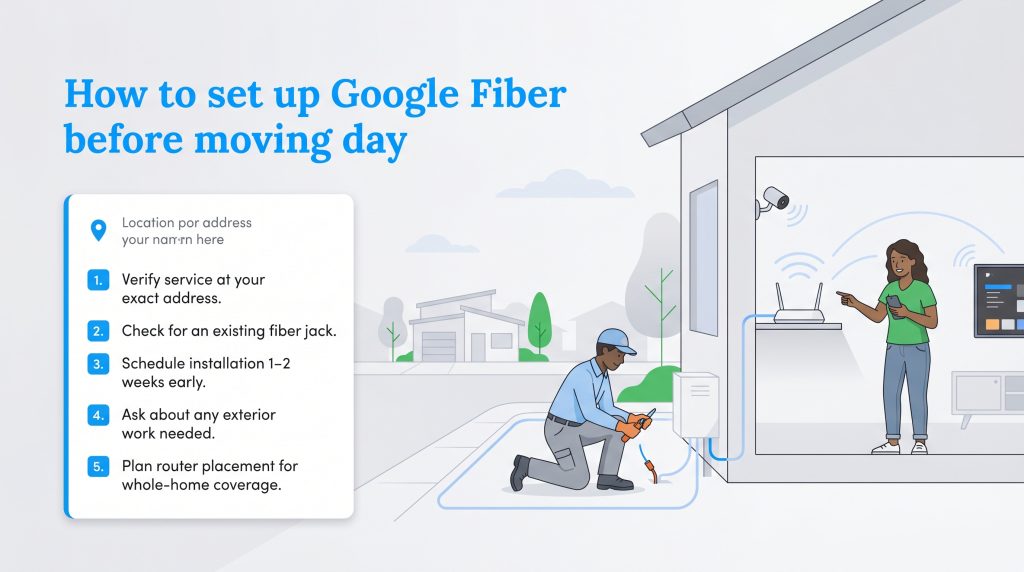
Getting your internet running smoothly before you officially move in takes a little bit of proactive coordination. The Google Fiber installation process generally falls into two distinct categories, depending entirely on the existing infrastructure present at your new residence.
- Free Self-Installation: If the previous homeowner or tenant already utilized GFiber, your new home is likely completely “fiber-ready.” Simply look closely around your baseboards for a small white box mounted to the wall, known as a Fiber Jack. If this hardware is present, you can confidently select the self-install option at checkout. GFiber will securely mail you a router kit, and you can plug everything in yourself to get online in a matter of minutes.
- Professional Technician Installation: If your new home has never hosted the service, you will absolutely need a professional installation. A certified technician will need to physically pull the fiber-optic cable from the street to your house, drill a small, weather-sealed hole in your exterior wall, and meticulously install the new Fiber Jack inside. While GFiber typically covers standard installation costs, this process requires scheduling an appointment window and may involve minor yard trenching to safely bury the line underground.
GFiber vs Top Internet Competitors
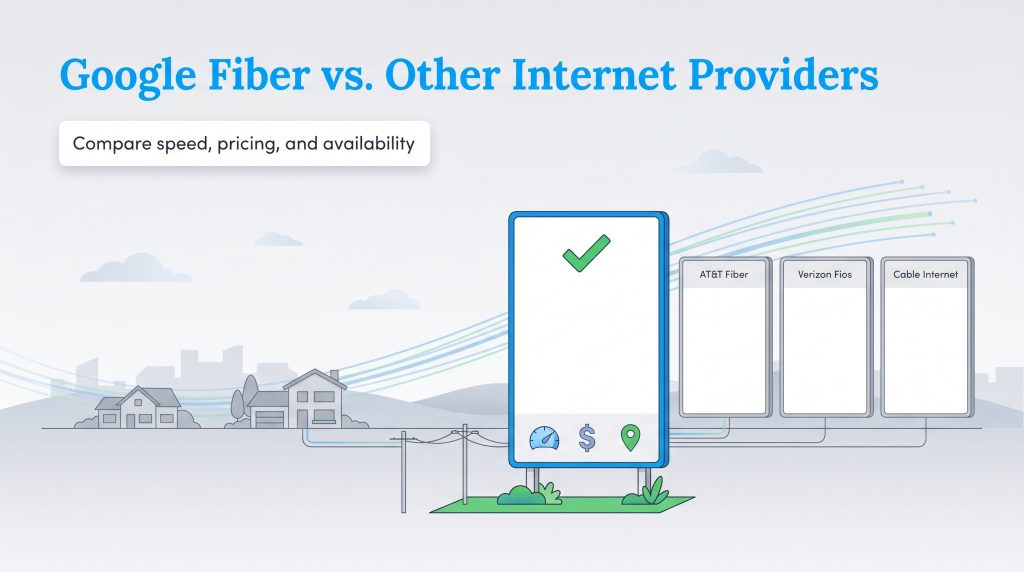
If you are carefully weighing your residential internet options, directly comparing GFiber to other major telecom providers easily highlights exactly where it excels and where it falls short. While 100% fiber-optic connections generally outpace traditional cable in every metric, each company brings a slightly different approach to pricing transparency and geographic availability.
| Provider | Typical Strengths | Potential Drawbacks | Best For |
|---|---|---|---|
| Google Fiber | Transparent pricing, symmetrical speeds, no data caps | Limited availability footprint, no traditional TV bundles | Smart homes and remote workers |
| AT&T Fiber | Wider availability, strong promotional offers, fast speeds | Prices may increase after the first year | Suburban families and bundle seekers |
| Verizon Fios | High reliability, excellent customer satisfaction | Primarily limited to the Northeast | East Coast residents wanting stable connections |
| Spectrum | Available almost everywhere, easy to bundle with TV | Slower upload speeds, hidden fees in some markets | Areas where fiber is not yet built |
When comparing GFiber directly to standard cable internet competitors like Spectrum, the most glaring difference lies in raw upload speeds. Because Spectrum relies heavily on a hybrid fiber-coaxial network designed decades ago primarily for downloading television channels, their upload speeds lag significantly behind their download capabilities. GFiber, AT&T Fiber, and Verizon Fios utilize entirely pure fiber-optic networks to deliver perfectly symmetrical speeds. This massive technological edge makes fiber the undisputed champion for ambitious work-from-home professionals.
Fees, Guarantees, and Customer Service
Dealing with massive telecom companies often brings to mind agonizingly long hold times, hidden surcharges buried in fine print, and endless frustration when trying to get a straight answer. Thankfully, GFiber actively attempts to simplify the everyday customer service experience by aggressively stripping away the punitive financial practices that have plagued the industry for decades.
If you are cautiously wondering, “Does GFiber have hidden fees?” the answer is genuinely no. GFiber does not actively charge separate equipment rental fees, complicated annual contract fees, data overage penalties, or harsh early termination fees, though mandatory local taxes still apply. They flat-out refuse to lock you into restrictive annual contracts, easily allowing you to cancel or alter your service tier at any time without facing a hefty penalty. Furthermore, GFiber backs their network reliability with a dedicated Uptime Guarantee. If your internet suffers a qualifying network outage that stretches longer than their clearly stated threshold, the company proactively and automatically applies a statement credit directly to your account. You don’t have to spend hours fighting with customer support to claim it — ensuring you never unfairly pay full price for internet access you couldn’t actually use.
What People Are Saying: GFiber Reviews and Ratings
Flashy provider marketing promises are one thing, but actual, verifiable user experiences always reveal the truth. GFiber consistently secures exceptional marks across the board when judged rigorously by third-party watchdogs and everyday customers trying to navigate their digital lives. In fact, J.D. Power has consistently awarded GFiber a stellar rating equivalent to 4.5 out of 5 stars, proudly ranking them #1 in Customer Satisfaction for Residential Wired Internet Service in the South Region for multiple consecutive years. When examining broader consumer trust, the Better Business Bureau (BBB) showcases a highly respectable 4.1 out of 5 stars rating alongside an A+ accreditation, severely underscoring the company’s notable commitment to resolving consumer complaints swiftly. Over on Trustpilot, GFiber maintains an impressive 4.0 out of 5 stars, which is remarkably high for the telecom industry where major providers frequently languish in the dreaded one-star range.
Industry trackers like the American Customer Satisfaction Index (ACSI) also routinely highlight fiber providers for vastly outpacing traditional hybrid-cable networks in both perceived value and overall reliability. When you dive into highly active community forums like Reddit, consumer sentiment remains overwhelmingly positive regarding the sheer joy of symmetrical speeds and the absolute lack of binding contracts. Many users enthusiastically praise the transparent pricing structure, noting it feels incredibly refreshing not to painfully renegotiate their internet bill over the phone every 12 months.
However, the service certainly isn’t completely immune to valid criticism. The most common complaints documented from real users heavily revolve around frustrating installation delays. Because running new physical fiber lines into untested neighborhoods sometimes requires digging narrow trenches in front yards, cutting carefully across concrete driveways, or waiting for municipal utility markers to flag existing gas lines, some eager customers report waiting weeks for their physical installation to fully wrap up.
Eco-Friendly Perks and Sustainability Initiatives
Selecting an energy-saving internet option might not instantly seem like a major environmental decision, but upgrading your home’s digital infrastructure actually plays a measurable part in reducing your overall household carbon footprint. There are genuine, scientifically proven environmental benefits to choosing a modern fiber-optic network over traditional, energy-hungry copper cable systems when outfitting a new property.
Fiber networks inherently represent a deeply eco-conscious alternative because they transmit massive amounts of data incredibly efficiently over extremely long distances using pulses of light rather than electrical currents. The true environmental impact still depends on your local municipal infrastructure, neighborhood equipment, and the source of the electricity ultimately powering the network grid. Google has publicly published extensive companywide sustainability goals, including its ambitious work toward utilizing entirely carbon-free energy, which you can easily review directly on their official sustainability page. Inside your own living space, you can further this environmentally mindful choice by properly optimizing your included hardware. By referencing basic energy efficiency guidelines for standard network equipment, you can smartly configure your router and mesh extenders to dramatically minimize phantom power draw during the hours when you are asleep or away from the house.
Why to Choose or Not Choose GFiber and Who It Is Best For
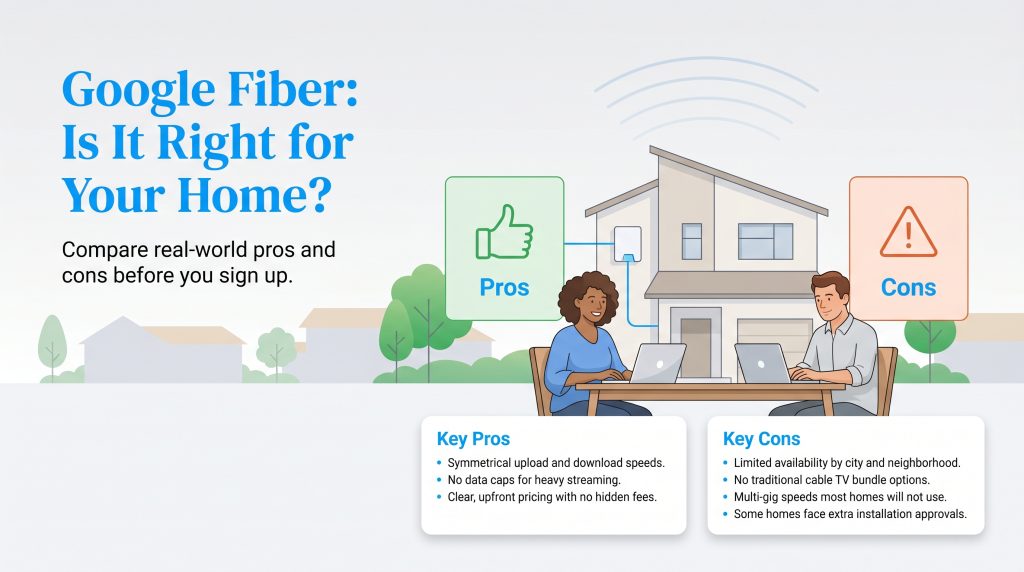
Deciding if a major utility service matches your daily lifestyle perfectly comes down to honestly weighing its tremendous daily benefits against its logistical limitations. So, is GFiber genuinely worth it? For the vast majority of digitally connected households, the answer is an enthusiastic and resounding yes. To help you visualize exactly how it fits into your life, here is a breakdown of who benefits the most from this specific service:
- Remote Workers: Thanks to true symmetrical speeds, uploading massive work presentations, sinking large video files to the cloud, and hosting critical multi-person video conferences happens seamlessly without a hint of lag.
- Serious Gamers: Gamers require ultra-low latency and consistent ping rates. A 100% pure fiber network ensures button presses register instantly, completely avoiding the erratic lag spikes commonly found on crowded neighborhood cable lines.
- Smart Home Enthusiasts: If your new home features dozens of interconnected devices — ranging from Wi-Fi security cameras to smart thermostats and automated lighting — the incredible bandwidth capacity effortlessly prevents your network from bottlenecking.
- Budget-Conscious Families: The brilliant lack of data caps and entirely transparent, flat-rate pricing means you can confidently stream 4K movies and download games all month long without ever worrying about throttling or sudden overage charges.
- Who It Is NOT For: If you are a traditional television loyalist who heavily prefers packaging your internet with a standard, massive cable TV channel bundle, GFiber is not for you. Furthermore, residents in highly rural areas or specific older apartment complexes may simply find that the service physically cannot reach their exact address.
Making the Switch for Your New Home
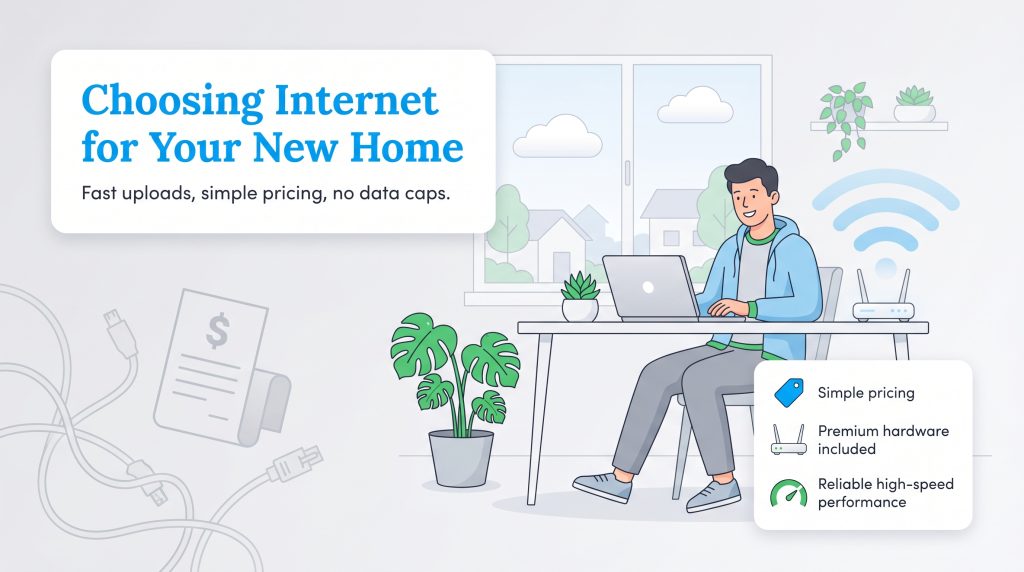
Checking vital utilities off your extensive moving to-do list doesn’t have to culminate in a massive headache. GFiber easily stands out as a highly recommended option for its remarkably straightforward pricing, premium included hardware, and incredibly consistent high-speed performance. Moving away from the chaotic, hidden-fee billing practices of legacy telecom companies offers incredible peace of mind, knowing your exact rate is remarkably easy to predict. While the sheer, unmatched power of the 5 Gig and 8 Gig tiers is undeniably impressive, our definitive recommendation is that the standard 1 Gig plan serves as the most financially sensible option for roughly 90% of modern households. Ultimately, your only real hurdle is the geographic lottery. If GFiber is physically available at your new address, it should absolutely sit firmly at the top of your provider shortlist, especially if you prioritize fast uploads, beautifully simple pricing, and completely unlimited data.
Frequently Asked Questions About GFiber
Finding the right internet provider naturally brings up a lot of common logistical concerns, especially when you are meticulously preparing for a major move across town. We have actively gathered detailed answers to the most frequent inquiries to help you seamlessly navigate your new home’s vital network setup.
Is GFiber changing its name from Google Fiber?
Does GFiber offer low-income internet plans?
What is the GFiber Reliability Plus battery backup?
Can I run a GFiber internet speed test on the mobile app?
Is GFiber worth the monthly cost?
How long does the GFiber installation process take?
Can I use my own router with GFiber?
Does GFiber have data caps?
What happens if GFiber is not available at my new address?
About the Author

David has been an integral part of some of the biggest utility sites on the internet, including InMyArea.com, HighSpeedInternet.com, BroadbandNow.com, and U.S. News. He brings over 15 years of experience writing about, compiling and analyzing utility data.