
Discover if Brightspeed’s fiber or DSL internet plans are the right choice for your home, your budget, and the environment.
Moving to a new house or shaking up your current utility providers usually ranks right alongside a surprise dental visit on the stress scale. We totally get it, you just want a connection that handles massive file downloads and your smart thermostat without endless buffering. Our goal is to hand you clear, actionable Brightspeed internet reviews so you can cut through the dense marketing jargon and make a confident choice for your living space. We want to help you figure out if their network truly aligns with your budget, lifestyle, and unique household demands.
Where Is Brightspeed Available?
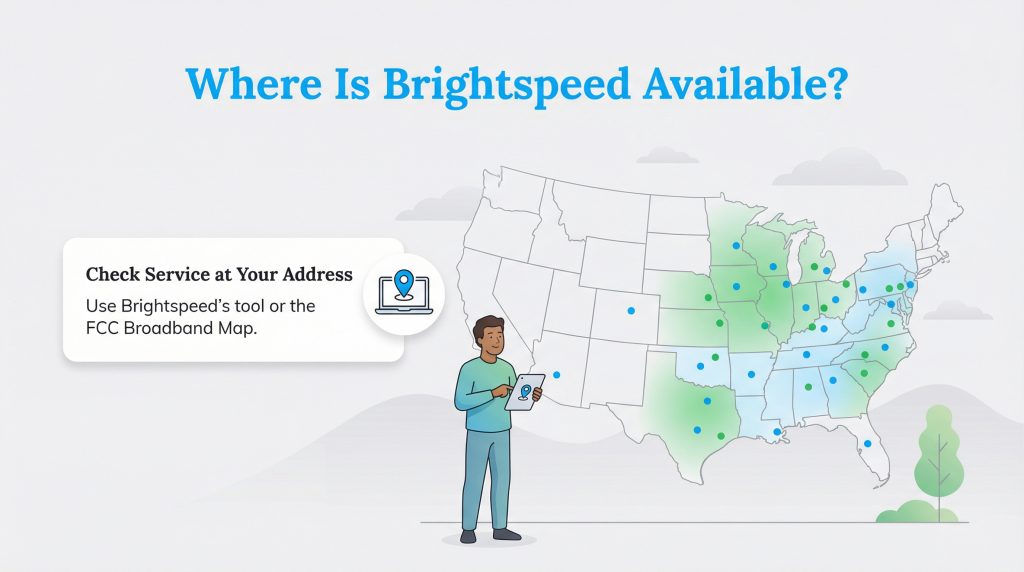
Brightspeed operates in parts of 20 states, heavily concentrated throughout the Midwest, Southeast, and Mid-Atlantic. While you can certainly spot their service vans cruising through major urban centers, the company is making a splash in rural and suburban communities. This expansion means households stationed outside city limits finally possess a fighting chance to upgrade their aging home networks.
Pinning down the exact connection type available at your front door can still be a bit tricky. Telecommunications infrastructure notoriously varies from one street to the next, even within the same zip code. You can easily verify neighborhood-level Brightspeed internet availability by checking the FCC National Broadband Map or visiting the official Brightspeed availability checker. These tools deliver an unbiased, transparent look at which specific services legitimately reach your precise property line.
Brightspeed Internet Plans and Pricing
| Plan Name | Price | Download Speeds | Connection Type | |
|---|---|---|---|---|
| Up to 40 Mbps | $50 /month | Up to 40 Mbps | DSL | Check Availability |
| Fiber Internet 200 Mbps | $29.99 /month | Up to 200 Mbps | Fiber | Check Availability |
| Fiber Internet 500 Mbps | $39.99 /month | Up to 500 Mbps | Fiber | Check Availability |
| Fiber Internet 1 Gig | $49.99 /month | Up to 940 Mbps | Fiber | Check Availability |
| Fiber Internet 2 Gig | $69.99 /month | Up to 2 Gbps | Fiber | Check Availability |
| Fiber Internet 8 Gig | $89.99 /month | Up to 8 Gbps | Fiber | Check Availability |
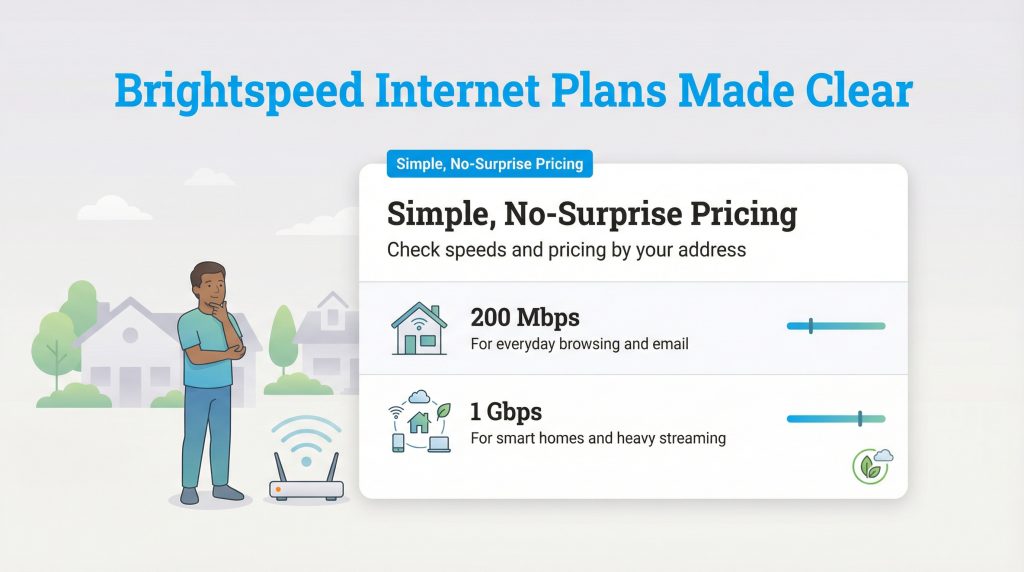
Navigating Brightspeed internet plans feels surprisingly painless compared to the exhausting promotional mazes constructed by competing telecommunications giants. The company sticks to straightforward pricing models and, for many residential plans, deliberately avoids slapping arbitrary data caps on your monthly usage. This transparent approach means you will not suffer unexpected overage penalties just because your household binged a few extra 4K movies over the holiday weekend, though you should always confirm the data terms at checkout.
When analyzing Brightspeed internet pricing, the true value boils down to how much bandwidth your family genuinely consumes. A baseline 200 Mbps connection easily supports casual browsing and email, while the heavy-hitting gigabit tiers cater beautifully to data-hungry smart home setups and eco-conscious remote workers relying on constant cloud-based collaboration tools. Pricing varies significantly by address and promotion, so use the table below as a guide for typical advertised ranges.
Brightspeed DSL vs. Fiber: What You Need to Know
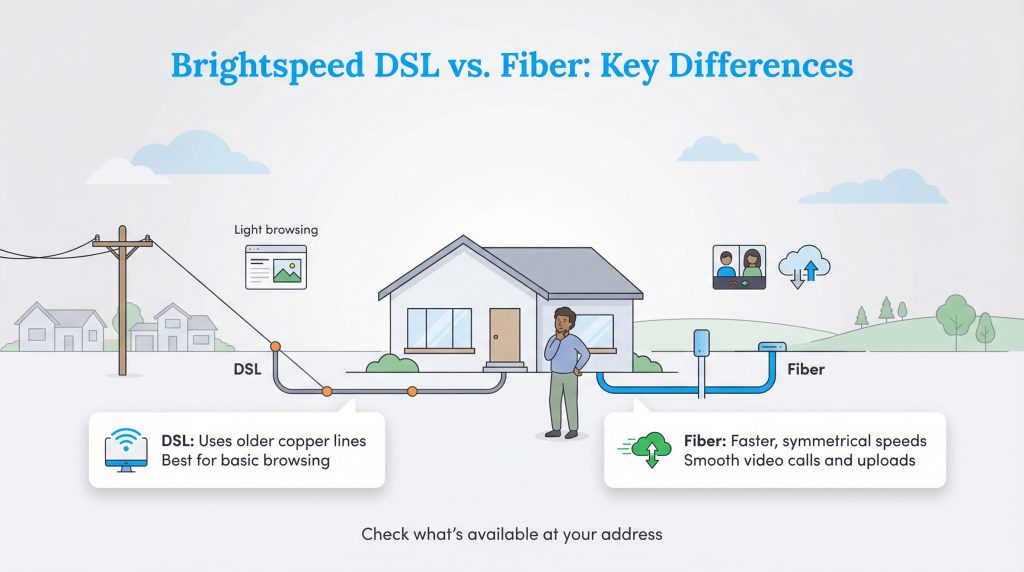
Untangling the stark contrast between the two primary technologies this company utilizes is an absolute must before you lock in an installation date. When weighing Brightspeed DSL vs Fiber, you are basically comparing older telecommunications technology to a high-speed line. Their fiber network can offer symmetrical speeds, meaning your upload speeds run entirely parallel to your download speeds. This creates a remarkably smooth experience for intense video conferences and massive file sharing, but be sure to verify your specific upload speeds on the plan details page.
Alternatively, the company’s legacy DSL network continues leaning on antiquated copper wiring. If your home sits deeply tucked into a rural pocket, DSL might be the only wired connection Brightspeed offers at the moment. While it reliably handles lightweight web browsing, older copper wiring simply cannot match fiber’s sheer power during peak evening usage hours.
We always strive to keep your expectations thoroughly grounded. Brightspeed fiber internet is expanding fast, but pulling physical cables across rural landscapes requires immense time and capital. Confirming the specific connection available at your exact address remains the single most crucial step toward establishing a resilient home network.
Hidden Fees, Equipment, and Guarantees
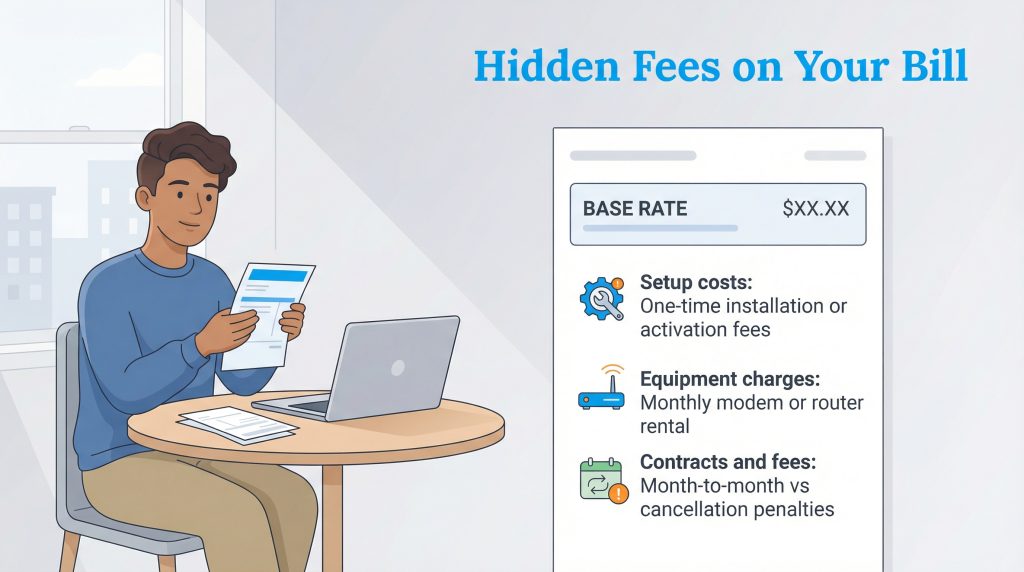
Nobody enjoys tearing open their very first utility statement only to find it littered with bizarre surcharges. Brightspeed champions a helpful month-to-month service approach on many plans, granting you freedom to alter or cancel your service without triggering a brutal early termination penalty. This flexible arrangement delivers peace of mind, especially if you are renting an apartment or anticipating another move in the near future.
Even with lenient contract rules, you still need to factor in the total cost of ownership. The advertised base rate might look incredibly enticing, but upfront setup costs and potential recurring equipment fees can quickly alter the math. We laid out exactly what to anticipate so you can comfortably balance your household budget.
What to Expect on Your Bill:
| Fee Type | When It Applies | How to Avoid or Reduce |
|---|---|---|
| Installation Fees | May apply depending on your market and whether a technician needs to physically wire your home. | Look for seasonal promotional windows or explicitly ask customer service to waive the fee. |
| Equipment Rental | Applies if you lease a proprietary modem and router combo directly from Brightspeed. | Purchase and supply your own compatible router if permitted by your specific plan. |
| Pricing Adjustments | Occurs when heavily discounted introductory rates expire after your first 12 or 24 months. | Read the fine print at checkout and set a calendar reminder to negotiate rates before the promo ends. |
| Taxes and Surcharges | Marginally inflates your final total each billing cycle due to state and local communication laws. | These are generally unavoidable standard utility fees. |
What to Check Before You Order
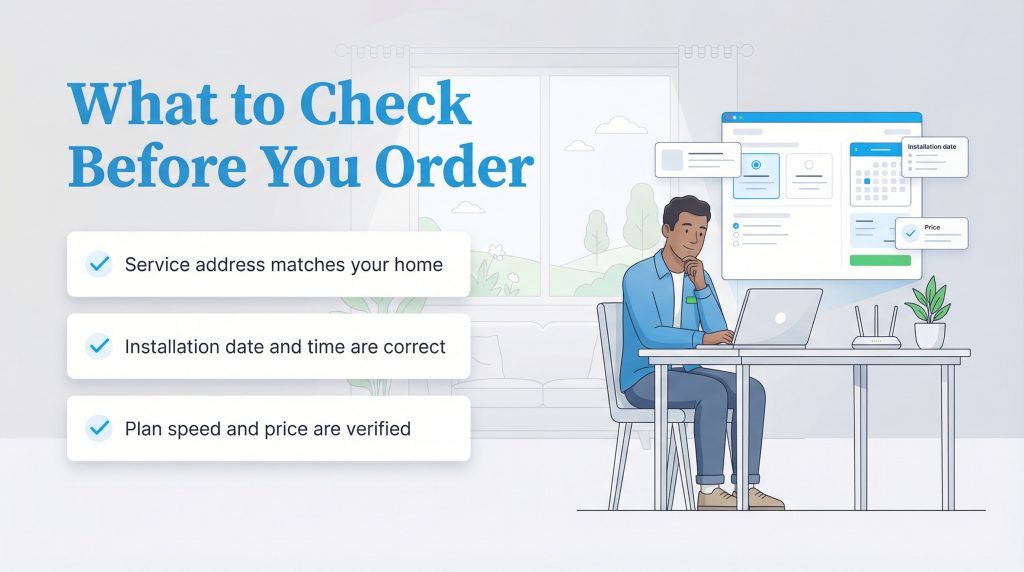
Taking a few extra minutes to verify your specific service details can save you from unexpected surprises on installation day. Always double-check these critical elements before officially confirming your Brightspeed order.
| Feature | What to Verify |
|---|---|
| Connection Type | Confirm whether your exact address is slated for a high-speed fiber connection or a legacy DSL line. |
| Upload Speeds | Ensure the upload speeds align with your household needs, especially if you regularly upload large files or work from home. |
| Promotional Pricing | Note the duration of any introductory rates and ask what the standard monthly price will be once the promo period expires. |
| Equipment Options | Ask if you are required to rent their gateway or if you can bring your own compatible router to avoid monthly fees. |
Who Brightspeed Is Best For
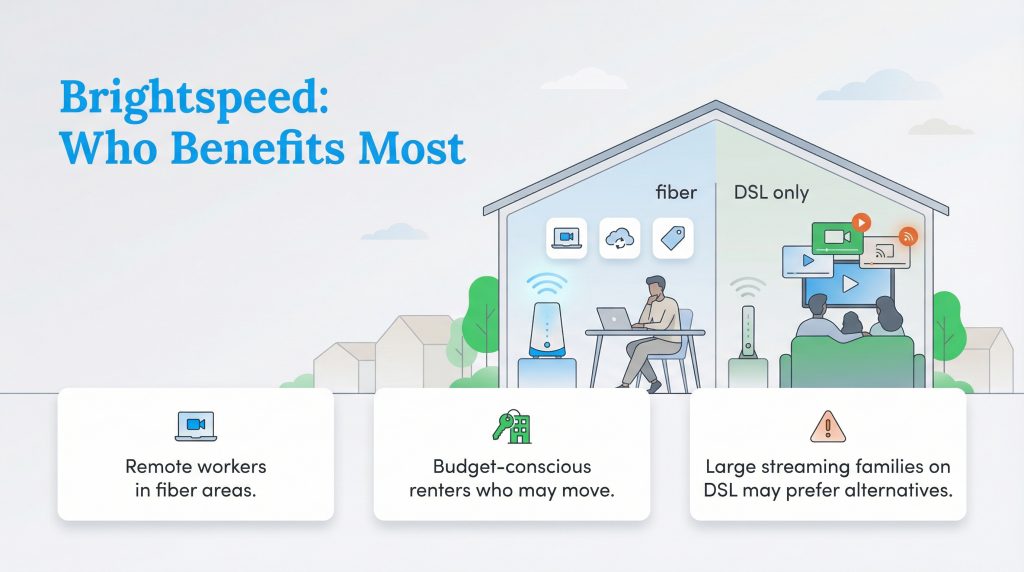
Internet providers rarely offer a one-size-fits-all solution, and Brightspeed is no exception. Understanding your household’s digital habits will help you decide if this network makes sense for your new home.
- Remote Workers: If you live in a fiber-ready zone, the symmetrical speeds and unlimited data are perfect for constant video conferencing and cloud computing.
- Budget-Conscious Renters: The lack of annual contracts and straightforward pricing structure offer great flexibility if you anticipate moving again soon.
- Who Should Consider Another Option: If your home is strictly limited to Brightspeed’s legacy DSL service and you have a large family of heavy streamers, you might want to explore local 5G home internet or cable alternatives capable of delivering higher bandwidth.
Deals, Discounts, and Ways to Save on Brightspeed
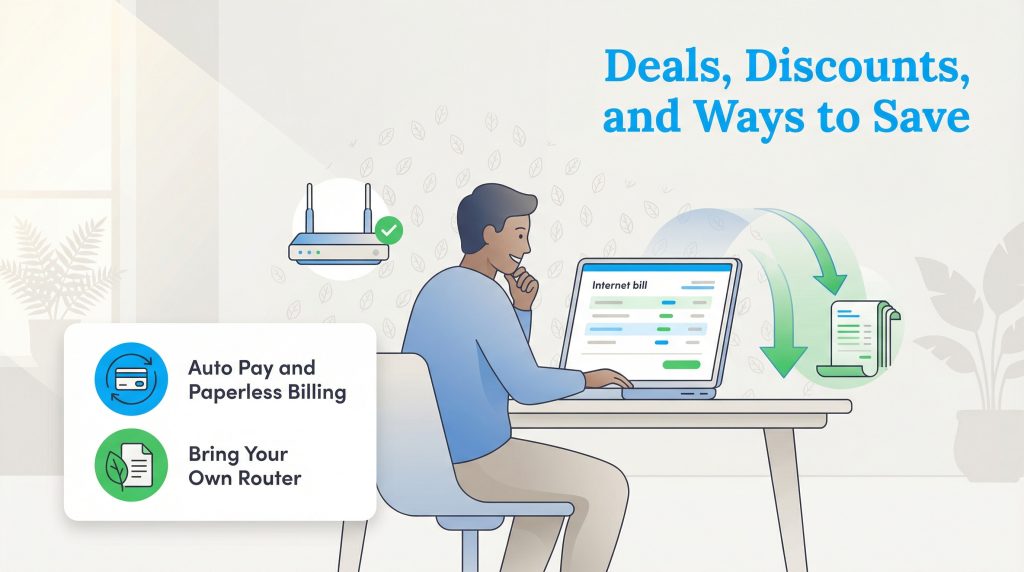
Snagging the best possible price on your internet service simply requires a touch of proactive strategy. Enrolling in autopay and paperless billing remains the easiest tactic to shave a few dollars off your monthly invoice, and cutting out paper waste beautifully complements an eco-conscious home environment. You can also successfully bypass the frustrating monthly equipment fee by purchasing and bringing your own compatible router to the network.
Brightspeed vs. Spectrum and Legacy Providers
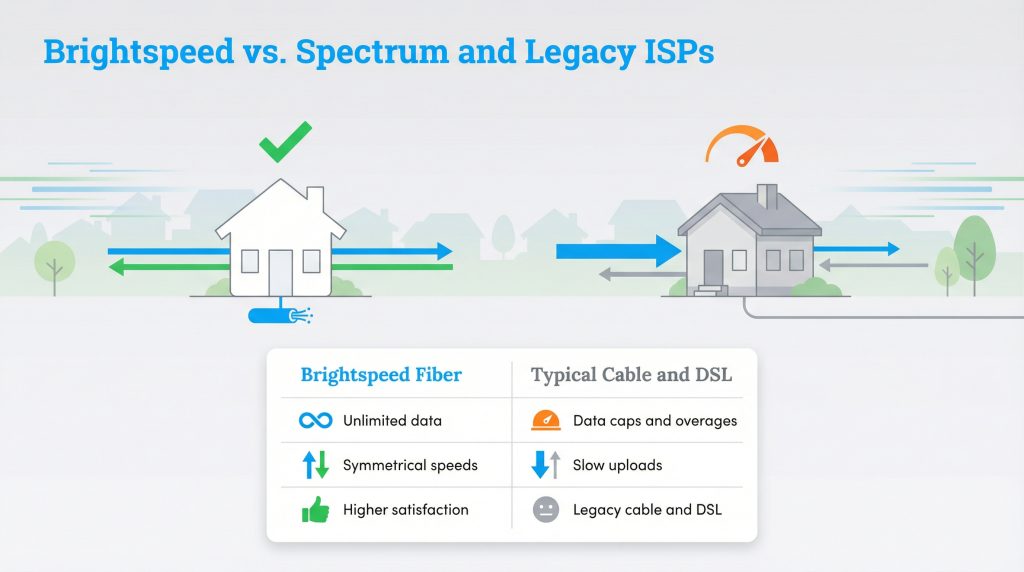
Pitting Brightspeed vs Spectrum, Xfinity, or AT&T immediately highlights drastic differences in data management and underlying technology. A majority of traditional cable providers stubbornly cling to data caps, forcing anxious families to police their internet usage to dodge ridiculous overage charges. Brightspeed circumvents this issue in many service areas by providing unlimited data, letting your household stream and browse freely without glancing at an invisible meter.
Standard cable internet also constantly suffers from asymmetrical speeds, delivering blazing fast downloads but agonizingly sluggish uploads. Because Brightspeed’s top-tier fiber plans can push symmetrical speeds, your outgoing video calls and cloud uploads travel just as rapidly as your incoming content. This harmonious balance is wildly beneficial for remote professionals managing heavy workloads.
Industry experts continually acknowledge fiber’s inherent dominance. If you examine the 2024 ACSI Telecommunications Study published by the American Customer Satisfaction Index, fiber internet providers generally outperform non-fiber ISPs (like cable or DSL) in overall customer satisfaction.
How to Switch to Brightspeed Internet
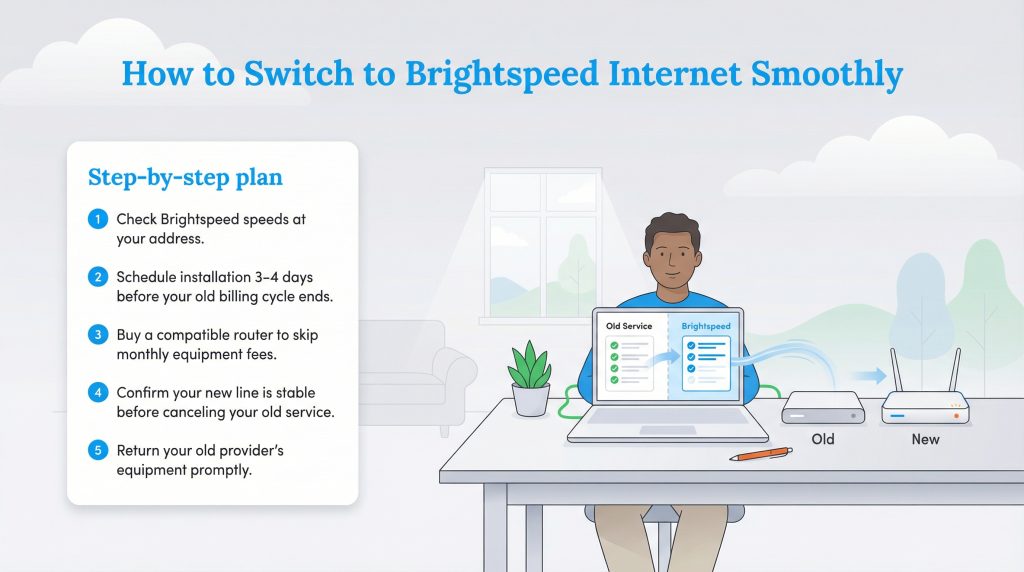
Transitioning your internet service does not automatically guarantee days of frustrating digital darkness. By carefully overlapping your new installation date with your current billing cycle, you can effortlessly glide onto the Brightspeed network without losing your home’s connectivity.
- Verify the precise speeds available at your address by utilizing the provider’s online availability checker.
- Schedule your new installation for a date roughly three to four days before your current billing period ends.
- Purchase an officially compatible router ahead of time to successfully bypass the recurring monthly equipment charge.
- Allow your new connection to fully activate and stabilize before officially instructing your old provider to cancel service. Don’t cancel your old service until the new line is fully live and tested.
- Return your legacy provider’s leased modem or router promptly to evade highly inflated unreturned device fees.
Pros and Cons: Is Brightspeed Internet Good?
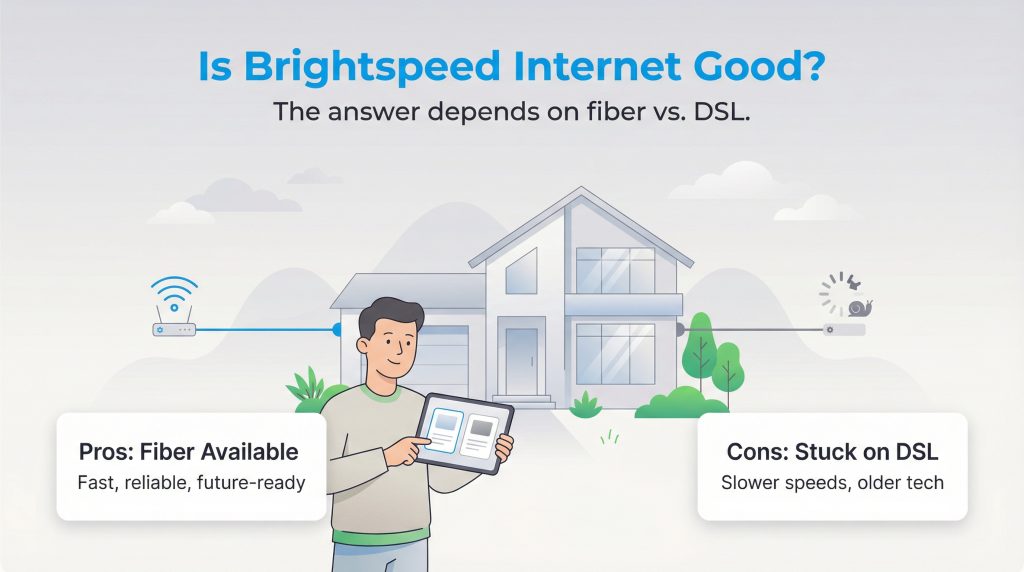
So, is Brightspeed internet good enough to earn a permanent spot in your home? The real answer hinges strictly on whether you can access their modern fiber-optic lines or if you remain tethered to their outdated DSL packages. To help you cement your final choice, we assembled a quick breakdown of the primary advantages and lingering drawbacks.
| Pros | Cons |
|---|---|
| Fiber plans often provide symmetrical speeds capable of supporting complex smart appliances.Many residential plans feature unlimited family streaming without arbitrary data caps.Month-to-month arrangements mean you can escape hefty early termination penalties.Upgrading to fiber serves as an energy-saving option compared to utilizing standard copper lines. | The premier fiber network is not universally available in all rural service zones.Legacy DSL connections often pale in comparison to modern speed expectations.Upfront installation or equipment fees can still increase your initial costs if you miss a promotion. |
Making the Right Call for Your Home Connection
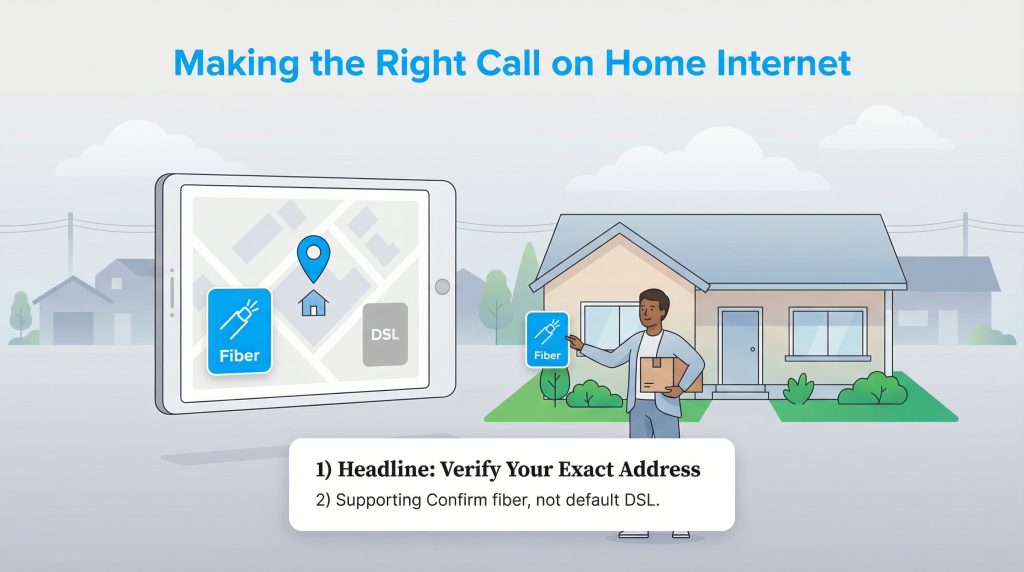
Locking down reliable utilities frequently feels like an exhausting chore, especially while navigating the countless boxes and logistics of a stressful move. If their fiber network already reaches your neighborhood, Brightspeed fiber acts as a solid, environmentally mindful choice that delivers top-tier performance without trapping you inside a complicated contract. However, we enthusiastically encourage you to double-check whether your specific address qualifies for fiber or merely defaults to their legacy DSL service. Verifying your connection type guarantees you invest in a stable, energy-efficient internet setup capable of supporting your daily routines for years down the line.
Frequently Asked Questions About Brightspeed Internet
Does Brightspeed require an annual contract?
Can I use my own router with Brightspeed?
Is Brightspeed customer service reliable?
How long does a Brightspeed installation take?
Is fiber internet actually better for the environment?
Will Brightspeed pay my cancellation fee from my old provider?
About the Author

David has been an integral part of some of the biggest utility sites on the internet, including InMyArea.com, HighSpeedInternet.com, BroadbandNow.com, and U.S. News. He brings over 15 years of experience writing about, compiling and analyzing utility data.