

Choosing the right internet provider means balancing symmetrical speeds, hardware energy efficiency, and long-term pricing stability for your household.

- 2 Gbps
- Cable & Fiber
- Unlimited
- $30.00/mo

- 8 Gbps
- Fiber
- Unlimited
- $30.00/mo
*Not all internet providers and speeds available in all areas.
Key Takeaways
- Quantum Fiber often provides symmetrical upload and download speeds, making it a strong choice for high-demand smart homes and remote workers, provided it is physically available at your exact street address.
- Xfinity offers wider national availability, delivering reliable hybrid fiber-coaxial connections and comprehensive bundled service options for households outside of local fiber coverage zones.
- Evaluating your own router setup against proprietary provider equipment can save money, allowing you to choose energy-efficient hardware that perfectly fits your home’s unique layout.
Moving into a new home is exhausting, and setting up your utilities often feels like navigating a maze of hidden fees and confusing terminology. Between unboxing dishes and figuring out your neighborhood trash collection days, our goal is to help you cut through the dense technical jargon when deciding on your digital infrastructure. If you are weighing Xfinity vs. Quantum Fiber, you likely want to know whether sticking with a traditional hybrid cable giant or making the leap to an expanding pure fiber network is the smartest move for your household in 2026. Because modern daily life relies on continuous bandwidth for everything from remote workstations to high-definition security systems, we put both options under the microscope to help you secure the fast, stable, and cost-effective connectivity your family deserves.
The 30-Second Verdict: Is Quantum Fiber Better Than Xfinity?
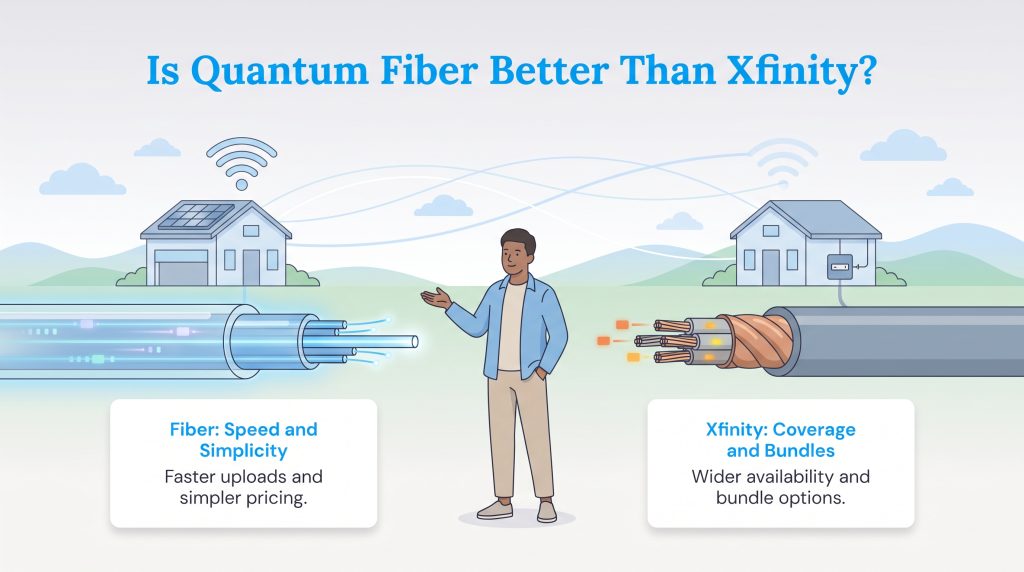
Is Quantum Fiber better than Xfinity? If Quantum Fiber is wired directly to your address, it is undeniably the stronger performance choice for a modern digital home. When you value pure performance, exceptionally fast upload times, and transparent pricing structures that do not suddenly spike after a year, Quantum Fiber almost always wins out. However, Xfinity holds the undisputed crown for wide geographical accessibility and massive bundle deals. If you need traditional television packages or mobile phone lines bundled right alongside your internet service for a unified bill, Xfinity is built exactly for that scenario.
When looking closely at the fundamental technology driving both services, the core difference comes down to fiber optic vs hybrid coaxial physical infrastructure. Fiber-optic technology relies on incredibly precise light signals transmitted through microscopic glass strands to deliver a highly reliable, interference-free connection. Traditional coaxial cable, which Xfinity largely utilizes for the final leg of data delivery to your house, uses older copper wires originally designed decades ago for standard television broadcasts. While Xfinity’s hybrid network pushes fiber close to your neighborhood before relying on coaxial cable for the actual home connection, copper wiring simply cannot process the same sheer volume of two-way data as efficiently as pure glass fiber. This physical difference creates a massive performance gap, especially when multiple people in your house are online simultaneously.
Comparing Costs, Speeds, and Hidden Fees
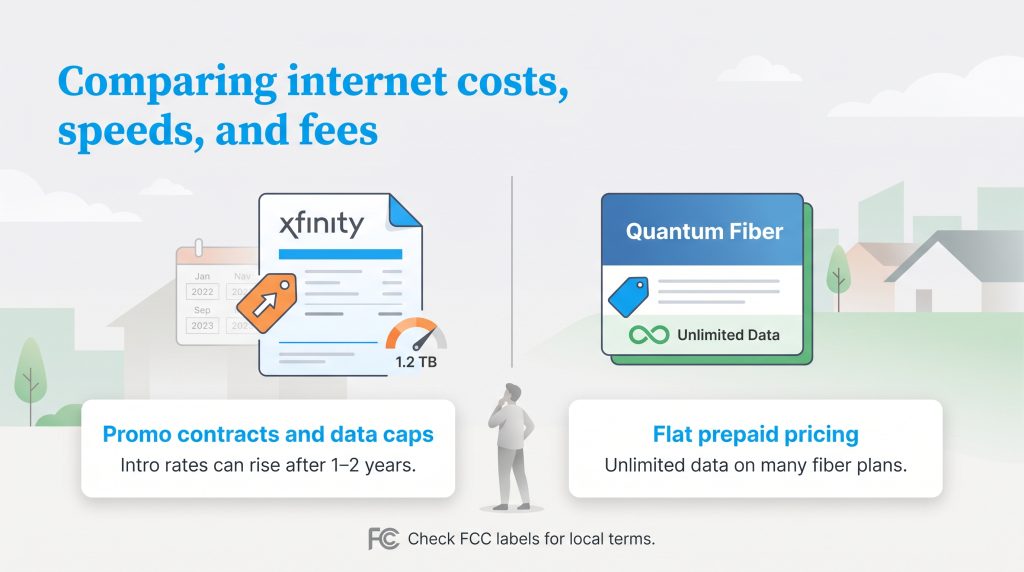
Understanding the financial realities hidden deep inside your internet service agreement is just as critical as testing your download speeds. Evaluating Quantum Fiber vs. Xfinity pricing reveals two drastically different approaches to keeping your business. Xfinity operates on a legacy model heavily reliant on Xfinity promo pricing to attract new movers. While their introductory rates frequently look like a fantastic bargain on day one, those rates reliably jump after your one- or two-year promotional period expires. Furthermore, breaking these agreements is costly. If you decide to move or change providers before your term is up, you will be hit with Xfinity’s early termination fees, which scale based on how many months remain on your restrictive contract.
Quantum Fiber completely abandons this approach. They heavily promote a Quantum Fiber price for life model, which means you pay a straightforward, flat rate for your chosen speed tier without worrying about sudden bill shocks a year down the line. You operate on a month-to-month, prepaid basis with zero annual contracts. When making an internet data caps comparison, Quantum Fiber also takes the lead by currently offering unlimited data as a standard feature on many of their residential plans. By contrast, Xfinity enforces a 1.2 TB monthly data threshold in many regional markets, penalizing heavy downloaders with overage charges unless they pay an extra monthly fee for unlimited data. Because specific plan terms change based on your local market, we highly recommend reviewing each provider’s FCC broadband consumer labels before ordering. Regardless of which provider you ultimately select, learning the best strategies for managing your monthly internet utility costs will protect your household budget over the long haul.
| Installation Factor | Xfinity (Hybrid-Coaxial) | Quantum Fiber |
|---|---|---|
| Professional Installation Fee | Often $39.99 to $100 (sometimes waived during promotions) | Typically free for standard residential installations |
| Self-Installation Kit | Usually around $15 for shipping and handling | Often not applicable (requires a technician to activate the ONT) |
| Activation Fees | Sometimes applies based on the specific bundle | Generally zero activation fees |
| Feature | Xfinity (Hybrid-Coaxial) | Quantum Fiber |
|---|---|---|
| Typical Download Speeds | 300 Mbps up to 2 Gbps | 500 Mbps up to 8 Gbps |
| Typical Upload Speeds | 10 Mbps to 250 Mbps (varies heavily by area) | 500 Mbps up to 8 Gbps (symmetrical to downloads) |
| Data Policy | 1.2 TB cap in most regions (unlimited costs extra) | Unlimited data standard on many plans |
| Contract Requirements | One to two years usually required for best pricing | No annual contracts; month-to-month billing |
| Equipment Notes | Usually charges a monthly rental fee unless included in a promo | Modem/router equipment is typically included at no extra cost |
Xfinity Plans & Pricing
| Plan Name | Price | Download Speeds | Connection Type | |
|---|---|---|---|---|
| NOW Internet | $30 /month | Up to 100 Mbps | Cable | Check Availability |
| 300 Mbps | $40 /month | Up to 300 Mbps | Cable | Check Availability |
| 300 Mbps w/ 5 year price lock | $45 /month | Up to 300 Mbps | Cable | Check Availability |
| 500 Mbps | $50 /month | Up to 500 Mbps | Cable | Check Availability |
| 500 Mbps w/ 5 year price lock | $60 /month | Up to 500 Mbps | Cable | Check Availability |
| 1000 Mbps | $60 /month | Up to 1000 Mbps | Cable | Check Availability |
| 1000 Mbps w/ 5 year price lock | $70 /month | Up to 1000 Mbps | Cable | Check Availability |
| 2000 Mbps | $90 /month | Up to 2 Gbps | Fiber | Check Availability |
| 2000 Mbps w/ 5 year price lock | $100 /month | Up to 2 Gbps | Fiber | Check Availability |
Quantum Plans & Pricing
| Plan Name | Price | Download Speeds | Connection Type | |
|---|---|---|---|---|
| Up to 200 Mbps | $30 /month | Up to 200 Mbps | Fiber | Check Availability |
| Up to 500 Mbps | $50 /month | Up to 500 Mbps | Fiber | Check Availability |
| Up to 1 GIG | $50 /month | Up to 1000 Mbps | Fiber | Check Availability |
| Up to 2 GIG | $70 /month | Up to 2 Gbps | Fiber | Check Availability |
| Up to 3 GIG | $70 /month | Up to 3 Gbps | Fiber | Check Availability |
| Up to 8 GIG | $150 /month | Up to 8 Gbps | Fiber | Check Availability |
Hardware Head-to-Head: Xfinity xFi Gateway Versus Quantum Fiber 360 WiFi
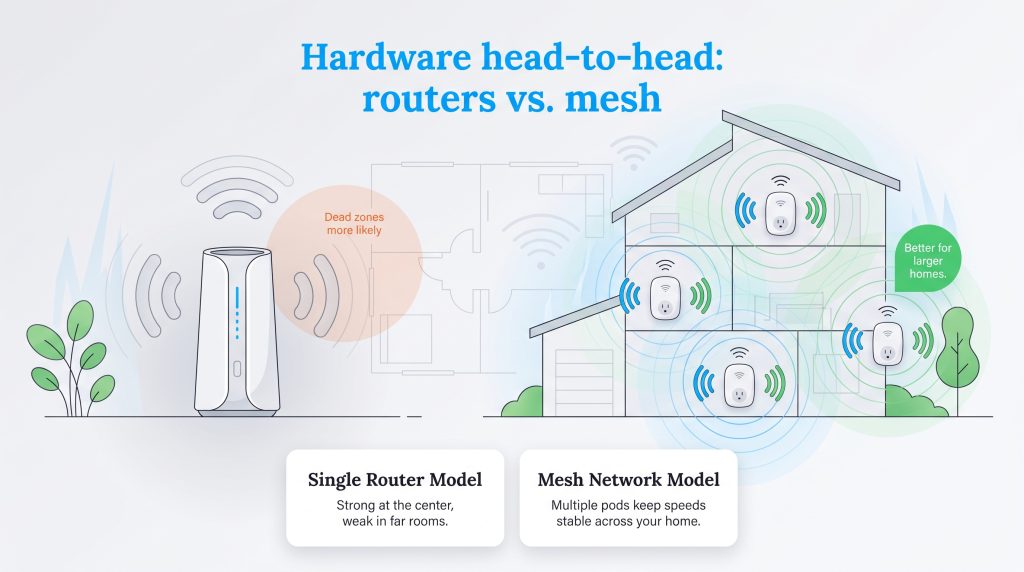
When you sign up for a new internet plan, the router your provider hands you heavily dictates your day-to-day experience. An incredibly fast incoming connection means absolutely nothing if your Wi-Fi router cannot blast that signal through your home’s walls. Looking at the proprietary hardware side-by-side reveals exactly how each company approaches whole-home connectivity.
- Xfinity xFi Gateway: Xfinity’s latest gateways are tall, tower-like devices that often feature cutting-edge Wi-Fi 6E technology. This provides a massive amount of local bandwidth for modern smartphones and laptops by opening up the 6 GHz band to prevent congestion from your neighbors’ devices. However, Xfinity typically charges a monthly equipment rental fee (often around $15) unless you secure a very specific promotional bundle. If your home has dead zones upstairs or in the garage, you will have to pay extra money out of pocket to lease their proprietary xFi Pods to extend the signal.
- Quantum Fiber 360 WiFi: Quantum Fiber takes a decidedly different approach by focusing heavily on an expandable mesh network right out of the gate. The Quantum Fiber 360 WiFi system utilizes intelligent Plume mesh pods to blanket your entire property in a seamless Wi-Fi 6 signal. Depending on your chosen speed tier and current local market offers, Quantum often includes the primary equipment and up to four mesh pods at no additional monthly cost. These pods are small, discreet, and plug directly into your wall outlets, allowing you to manage your entire local network effortlessly through a highly rated, intuitive smartphone app.
Real-World Reliability, Outages, and Customer Support
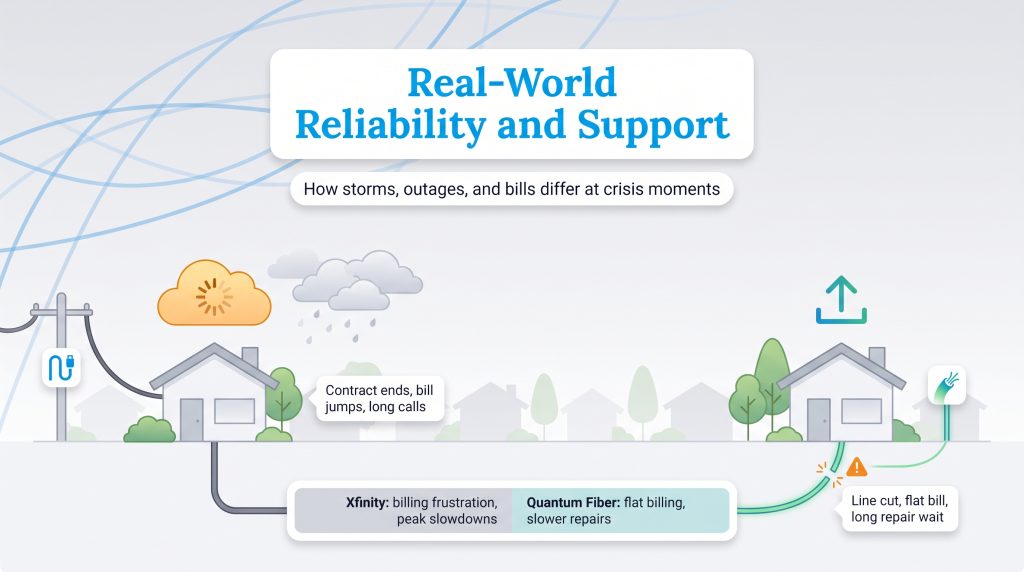
Marketing brochures rarely tell the whole truth about what actually happens when a heavy storm knocks out your service or when your monthly bill suddenly spikes without warning. When measuring real-world internet reliability, you must look at what actual customers experience during a crisis. The overall consensus on customer support reveals distinct, documented pain points for both telecommunications providers.
Xfinity frequently receives harsh criticism regarding frustrating billing changes. When promotional contracts expire, rates often quietly increase, and customers report spending agonizing hours on the phone negotiating with retention departments just to get their utility bill back down to a reasonable level. Their hybrid-coaxial network is also susceptible to neighborhood slowdowns during peak evening hours when everyone logs on to stream movies.
Conversely, Quantum Fiber users generally praise the transparent, flat-rate billing but heavily criticize their physical repair times. If a landscaping crew accidentally severs a buried fiber line in your yard, Quantum Fiber struggles with long technician dispatch times. Repairing fragile glass fiber requires highly specialized equipment and training, meaning a physical line cut can leave your house completely offline for several days while you wait in a long dispatch queue for a specialized repair crew.
Which Provider Should You Choose Based on Lifestyle?
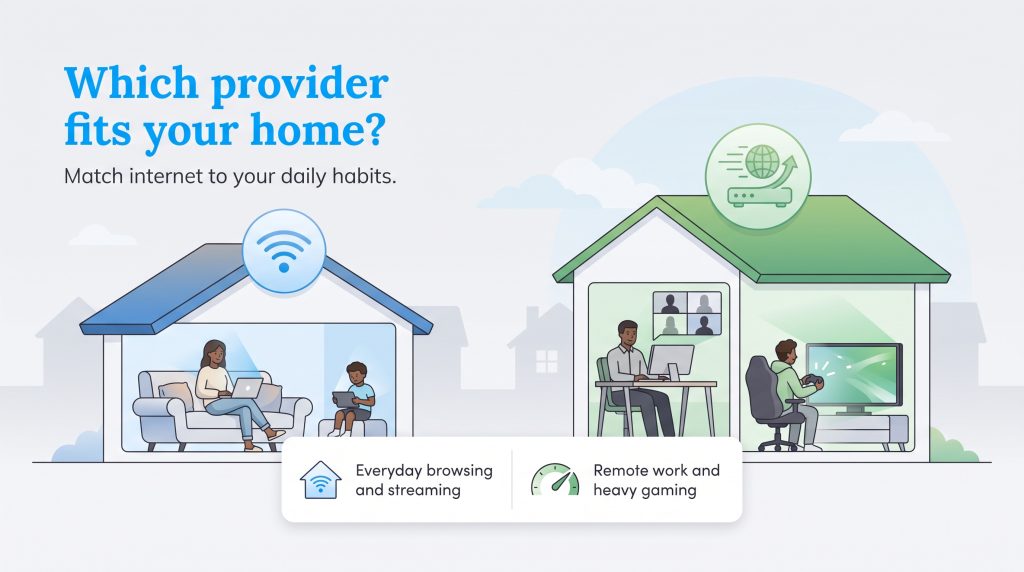
Choosing the right internet connection means taking a hard look at your household’s unique daily habits. A family of four streaming simultaneously requires drastically different infrastructure than a single person checking emails. We broke down the most common residential scenarios to help you find the best match for your specific lifestyle.
| Household Need | Better Pick | Why |
|---|---|---|
| Remote work and video calls | Quantum Fiber | Symmetrical uploads provide smoother video conferencing and incredibly fast cloud backups. |
| Online Gaming & Twitch Streaming | Quantum Fiber | Lower Quantum Fiber latency prevents game lag, while massive upload capacity handles live video broadcasting effortlessly. |
| Basic browsing and casual streaming | Xfinity or Quantum Fiber | Either option works perfectly fine; prioritize whichever offers the most competitive short-term price. |
| High-demand smart homes | Quantum Fiber | Robust, continuous upload speed is critical for pushing high-resolution video to cloud storage. |
| TV and mobile bundles | Xfinity | Xfinity offers comprehensive bundling options that can greatly simplify your monthly utility bills. |
| Fastest setup in an older home | Xfinity | Pre-existing coaxial wall wiring makes Xfinity self-installation much simpler than drilling holes for new fiber lines. |
Smart Home Integration and Energy Efficiency
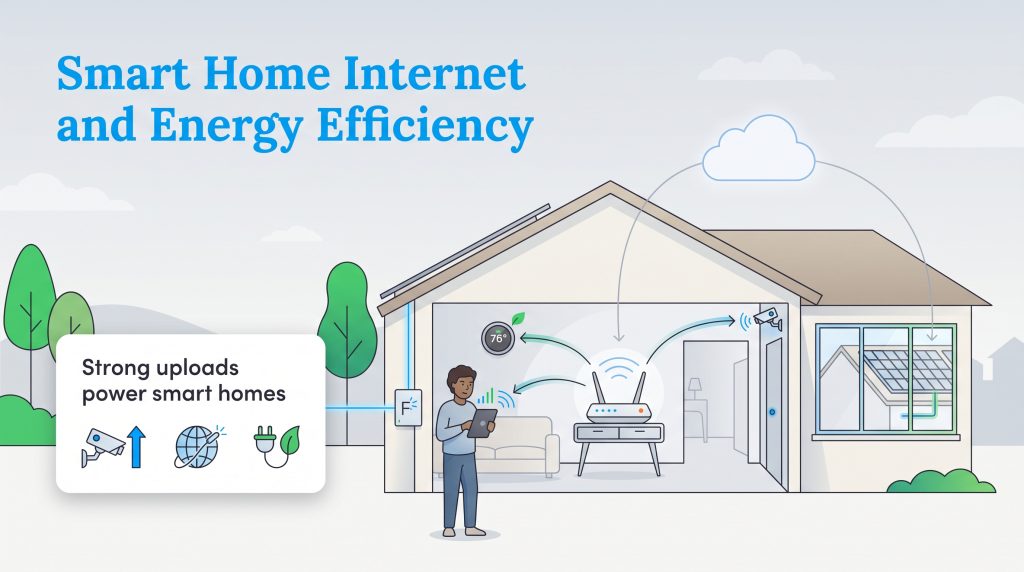
Modern homes depend entirely on continuous, highly reliable bandwidth. Between smart thermostats managing your HVAC system, 4K high-definition security cameras guarding your perimeter, and solar monitoring apps tracking your energy production, your router handles a massive daily workload behind the scenes. If you are choosing an internet provider to run a smart ecosystem, the biggest difference between Xfinity and Quantum Fiber is sheer upload performance.
Many Quantum Fiber plans offer symmetrical upload speeds, meaning your upload capacity is just as fast as your download speed. This makes fiber undeniably superior for modern smart homes. This symmetrical bandwidth prevents frustrating data bottlenecking across the local network when multiple devices try to communicate at once. For example, your 4K security cameras and video doorbells need robust upload speeds to push heavy, high-resolution video directly to cloud storage without constant buffering or dropping important frames. Beyond pure speed, selecting the right internet infrastructure supports a more sustainable household. Fiber networks are inherently more energy-efficient than older copper-based networks because they transmit light over longer distances without requiring constant electrical signal boosting.
When you are equipping your home, opting for ENERGY STAR certified networking equipment ensures your modems and routers operate at peak efficiency. Doing so reduces background phantom power drains and keeps your local smart ecosystem functioning flawlessly without artificially inflating your electric bill.
Nationwide Coverage Versus Local Availability
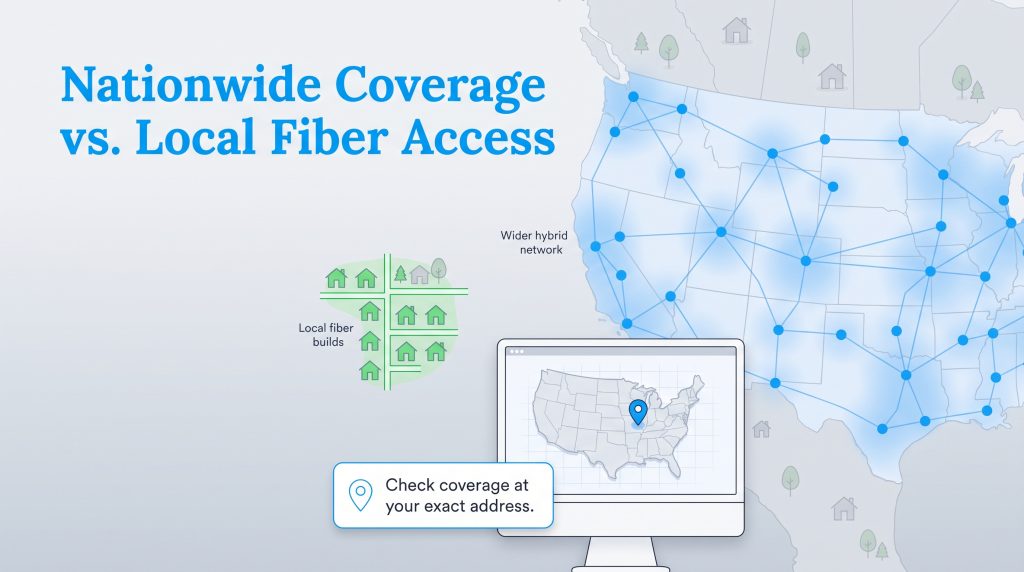
The single biggest caveat to recommending fiber internet is that it simply isn’t everywhere yet. When looking at Quantum Fiber availability in 2026, the physical rollout is highly localized. Expanding a fiber network requires digging up streets, securing right-of-way permits, and trenching new lines into neighborhoods, which is an incredibly slow and expensive process. While Quantum is aggressively expanding into new housing developments, their overall footprint remains much smaller than legacy cable networks. Xfinity boasts a massive national footprint utilizing lines that were laid decades ago, making them the most viable — and sometimes only — high-speed option for millions of Americans.
If you are debating Xfinity versus Quantum Fiber, it is worth noting that Xfinity does offer limited localized pure fiber connections in very specific, highly competitive markets. However, the vast majority of their sprawling network relies on a hybrid fiber-coaxial setup. To know exactly what wires are running to your specific address, bypass broad zip code searches entirely. We highly recommend checking the FCC’s official National Broadband Map to verify exactly which internet service providers have physical infrastructure connected directly to your exact street address.
When Xfinity May Be the Better Fit
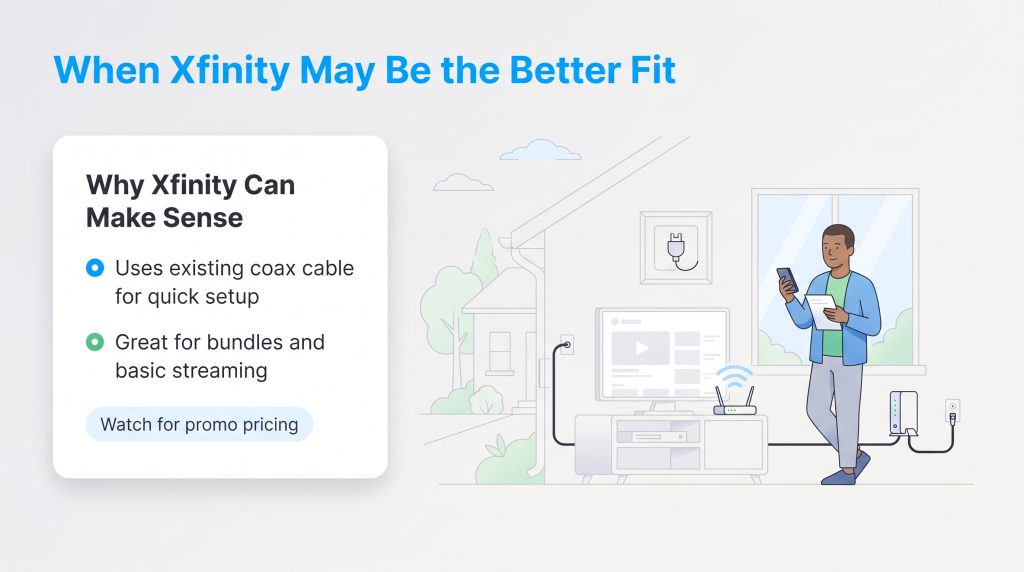
While fiber-optic technology often wins on pure, unadulterated speed, there are plenty of legitimate scenarios where sticking with Xfinity makes the most practical sense for your household. Xfinity may be the absolute best option if Quantum Fiber isn’t physically available at your address, or if your older home already has active coaxial wiring in the walls and you desperately need a fast, simple self-installation on moving day.
Additionally, Xfinity frequently offers impressive promotional rates that can significantly lower your first-year housing costs. If you only need basic internet for casual browsing, streaming Netflix, and checking emails, an entry-level cable package will handle those tasks perfectly without breaking the bank. Xfinity also shines if you want to bundle your home internet with mobile phone data plans, cable TV packages, or home phone services for a deeply streamlined monthly utility bill.
Renting Equipment Versus Buying Your Own
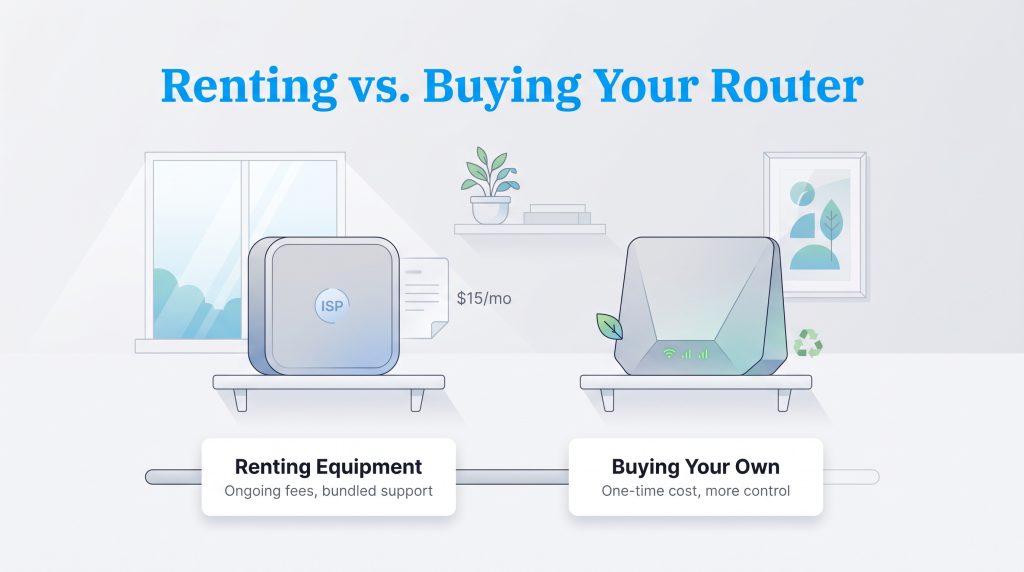
Internet service providers notoriously push their own proprietary rental equipment during the checkout process. While renting guarantees you get free technical support if the device ever breaks, it also tacks on a perpetual monthly fee to your utility bill that never goes away. You might be wondering, “Do I need my own router for Quantum Fiber?” The short answer is no, because they often include their 360 WiFi pods, but purchasing your own high-end router can be a strategic move if you are using Xfinity and want to avoid their $15 monthly gateway fee.
Buying your own router means you completely control the hardware, and you do not need to upgrade just for the sake of upgrading when a contract expires. If your current router is reliable, compatible, and energy-efficient, keeping it may be the more environmentally mindful choice. Owning your equipment plays a significant role in reducing household electronic waste. Keep in mind that pure fiber service usually requires an Optical Network Terminal (ONT) attached to your wall rather than a traditional cable modem. You may still be able to use your own router, but compatibility depends entirely on the provider’s highly specific setup requirements.
How to Smoothly Switch From Xfinity to Quantum Fiber
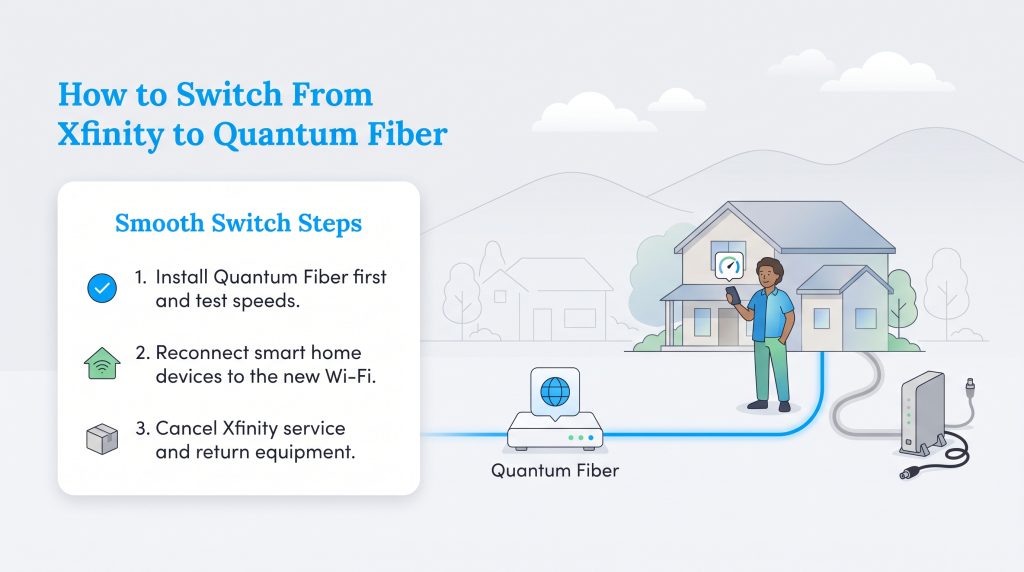
If you confirm fiber is actually available at your address and you are ready to make the switch from Xfinity to Quantum Fiber, the process requires a bit of minor choreography. Taking the right steps in the exact correct order guarantees you will not suffer through a stressful, multiday internet outage while trying to settle into your new space.
Most importantly, you must schedule a three-day overlap between the two services. Do not cancel your active Xfinity connection until the Quantum Fiber technician has successfully activated the new Optical Network Terminal (ONT) inside your house. Local fiber transitions are notoriously prone to unexpected delays — such as a technician discovering a damaged line near the street — and keeping your cable internet active for a few extra days acts as an invaluable insurance policy for your family’s connectivity.
- Schedule your fiber installation first. Always book your Quantum Fiber installation appointment well before speaking to Xfinity’s cancellation department.
- Test your new connection thoroughly. Run a rigorous speed test on your phone or laptop while connected to the new Quantum Fiber network to verify stability and reach.
- Update your smart home devices. Reconnect your smart thermostats, security cameras, and voice assistants to your new Wi-Fi network right away to ensure nothing drops offline.
- Cancel your Xfinity service. Call Xfinity to formally cancel your account, making sure to explicitly ask for the final, prorated billing date.
- Return your rented equipment. Drop off any leased Xfinity modems or cable boxes at a verified return center to close out the account entirely.
Following this simple sequence is just one part of coordinating your utility setup during a move seamlessly.
Your “Before You Order” Checklist
Moving into a new place means juggling a lot of chaotic moving parts. Before legally committing to either internet provider, run through this quick checklist to protect your budget and your sanity:
- Search for service availability using your exact street address, rather than relying on broad zip codes.
- Review and compare the FCC broadband consumer labels for each specific plan.
- Confirm the specific upload speed, not just the heavily marketed download speed.
- Ask whether the quoted monthly price is a temporary promotional rate or a locked-in flat fee.
- Verify any ongoing monthly equipment rental fees for routers or mesh pods.
- Ask whether installation requires a physical technician visit or if your home is already pre-wired for instant activation.
Equipping Your Modern Home for Connectivity
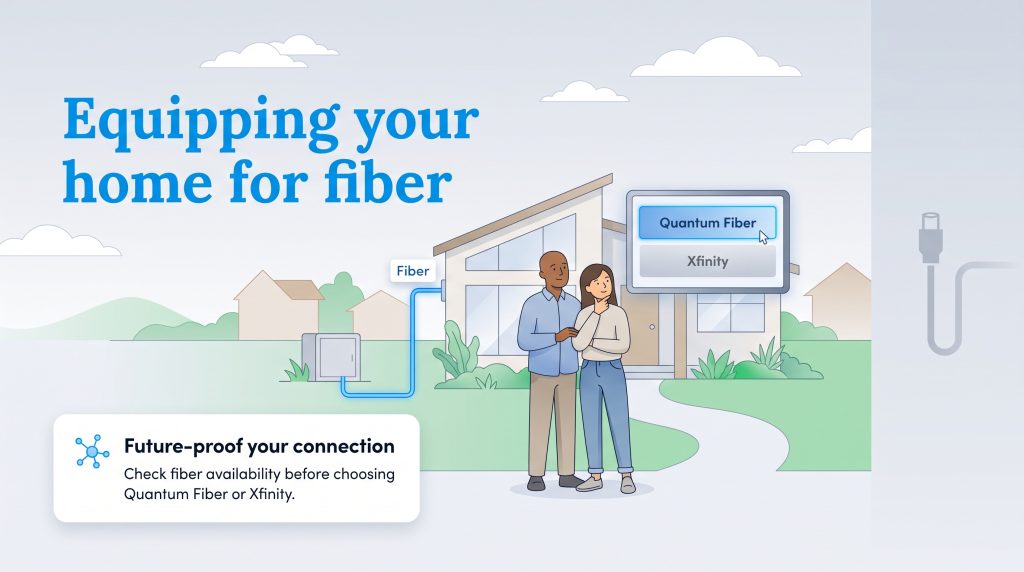
Deciding between these two telecommunications heavyweights fundamentally shapes how your household interacts with the digital world on a daily basis. Xfinity remains a highly practical, reliable option where fiber is completely unavailable, where deep service bundles matter to your budget, or where a local promotion offers unbeatable short-term value. However, Quantum Fiber is undeniably the better technological choice if it is physically available at your address. Pure fiber networks simply offer vastly superior upload speeds, incredibly low latency, and much simpler pricing structures that respect your wallet over time. Taking a few extra minutes to verify your local internet availability today will ensure a remarkably stable, future-proof digital foundation for your new home.
Frequently Asked Questions About Xfinity and Quantum Fiber
Still comparing Xfinity and Quantum Fiber for your new home? These quick, concise answers cover the most common setup, cancellation, gaming, and installation questions that often come up before you order new service.
Does Quantum Fiber use the same coaxial cables as Xfinity?
Is it hard to cancel an Xfinity contract if I move?
Why do people compare Xfinity vs Quantum Fiber on Reddit so much?
Will my smart thermostat work better on fiber internet?
How long does a new fiber internet installation usually take?
Is Quantum Fiber good for gaming compared to Xfinity?
Does Quantum Fiber have a data cap like Xfinity?
Can I use my own router with Quantum Fiber and Xfinity?
About the Author

David has been an integral part of some of the biggest utility sites on the internet, including InMyArea.com, HighSpeedInternet.com, BroadbandNow.com, and U.S. News. He brings over 15 years of experience writing about, compiling and analyzing utility data.

LaLeesha has a Masters degree in English and enjoys writing whenever she has the chance. She is passionate about gardening, reducing her carbon footprint, and protecting the environment. She also recently served as President of the Board for City Sprouts (a community garden).