
Automate your electronics and cut your electric bill with these top-rated smart strips.
Key Takeaways
- Smart power strips cut “vampire power” by automatically cutting electricity to devices in standby mode, potentially saving you money on monthly utility bills.
- Energy monitoring features allow you to see exactly which appliances are hogging electricity so you can adjust your usage habits.
- Matter compatibility is the new standard to look for, ensuring your power strip works seamlessly with Apple Home, Alexa, Google Home, and other ecosystems.
You work hard to lower your utility costs, yet your electronics might be working against you. Even when your television, gaming console, and computer are turned off, they often continue to draw electricity from the grid. This wasted energy drives up your monthly bill without giving you any benefit in return. Fortunately, smart power strips offer a simple, high-tech solution to this invisible drain on your wallet. By intelligently managing when your devices receive power, these tools act as a financial safeguard for your home. We reviewed current options and user feedback to identify the features that actually help you take control of your energy usage.
Our Recommendations
- Best Overall: Kasa Smart Wi-Fi Power Strip (HS300)
- Best for Apple Users: Eve Energy Strip
- Best Future Proof Pick: Meross Smart Wi-Fi Surge Protector (MSS425F)
How Smart Power Strips Fight “Vampire Power”
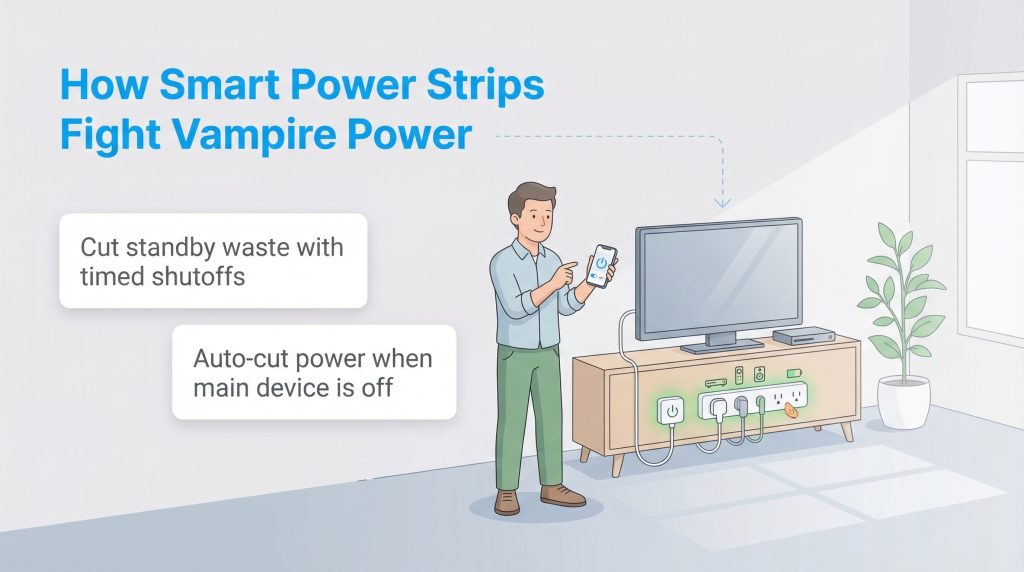
“Vampire power,” also known as phantom load, refers to the electricity devices consume when they are plugged in but not in use. Modern electronics are rarely truly “off.” Instead, they sit in standby mode waiting for a remote signal or running background updates. While a single device might only draw a small amount of current, a house full of them adds up quickly. If you’ve ever felt like your bill is high even when everything looks “off,” standby power and wasted electricity are probably part of the reason.
A standard surge protector protects your gear from voltage spikes, but it keeps the flow of electricity open 24/7. A smart power strip is different. It can cut power completely to specific outlets based on schedules, timers, or whether a primary device (like a TV) is turned off. This physical disconnection stops the energy meter from spinning, ensuring you only pay for electricity you actually use.
Top Smart Power Strip Recommendations for 2026
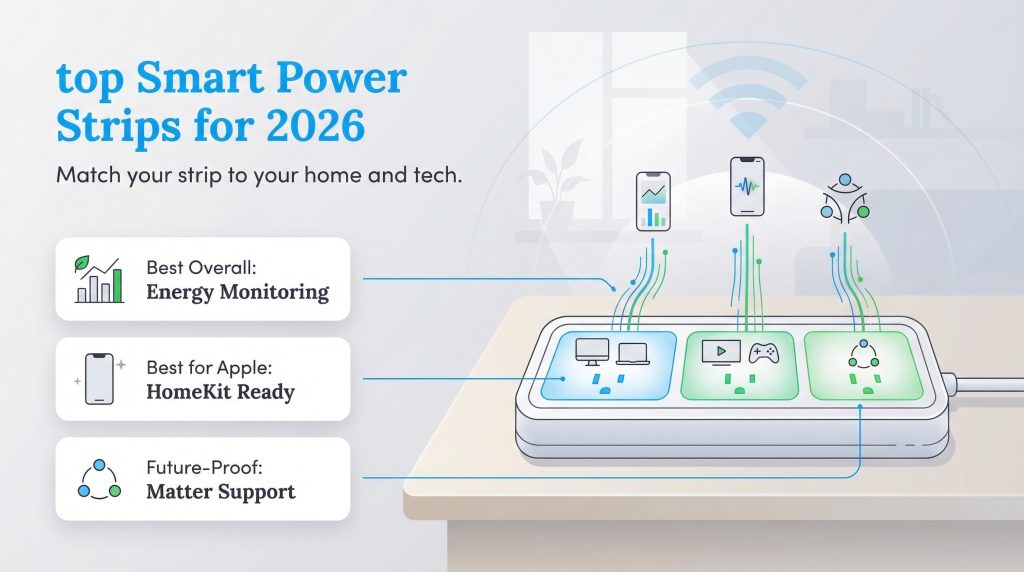
Choosing the right device goes beyond looking at technical specifications. You need a strip that fits your lifestyle and integrates smoothly with your home. We have categorized our top recommendations based on the specific benefits they bring to your daily routine.
Best Overall: The Energy Monitor
If you are serious about efficiency, we recommend the Kasa Smart Wi-Fi Power Strip (HS300). You cannot manage what you do not measure, and this top-tier model features robust energy monitoring capabilities. It connects to the Kasa app on your smartphone to display real-time data on how much power each of its six plugged-in devices is consuming. Seeing this data is often a wake-up call for homeowners who didn’t realize their vintage stereo or older television was such a significant energy hog.
Beyond the data, strips like the HS300 offer excellent app usability. You can name each outlet (e.g., “Lamp,” “Fan,” “Charger”) and control them independently. This means you can cut power to the fan while leaving the lamp on, all from your phone. For eco-conscious homes, this level of granular control turns energy saving from a guessing game into a precise science.
Best for Apple Users: The HomeKit Hero
For years, Apple users struggled to find smart home gear that played nicely with the Home app without requiring complex workarounds. The “HomeKit Hero” category belongs to the Eve Energy Strip, which supports Apple Home natively. These devices are designed to connect effortlessly with your iPhone, iPad, or Mac, ensuring a frustration-free setup process that doesn’t require third-party accounts.
The real magic here is Siri integration. You can simply say, “Hey Siri, turn off the media center,” and the strip responds instantly. This creates a seamless experience where managing your power usage feels like magic rather than a chore. It is the perfect choice for you if you are deep in the Apple ecosystem and value privacy and ease of use.
Best Future-Proof Pick: Matter Compatible
The smart home landscape is shifting thanks to Matter, a new universal language for connected devices. A Matter-compatible power strip, like the Meross Smart Wi-Fi Surge Protector (MSS425F), is the smartest long-term investment you can make in 2026. Whether you use Alexa today but switch to Google Home or Apple tomorrow, a Matter device will work with your system without needing to be replaced. Brands like Meross are leading the charge here, offering hardware that doesn’t lock you into one specific company.
By choosing a Matter-compatible strip, you ensure your hardware remains relevant for years. It connects locally over your Wi-Fi or Thread network, which often results in faster response times and better reliability than older cloud-based devices. It is the definition of “buy once, use anywhere.” If you are planning a solar or renewable energy system down the road, having a unified smart home system will make energy management much easier.
Smart Power Strip for Your Home Office Setup
Remote workers often have a desk cluttered with peripherals: monitors, printers, speakers, and task lights. When setting up your new home office, we suggest looking for a strip that offers “Group” or “Scene” control. This automation is simple but brilliant. You can group your computer, monitors, and printer into a single “Office” scene in your app. When you leave your desk, a single tap or voice command cuts power to the entire group.
This eliminates the need to crawl under your desk to flip a switch or manually turn off five different devices at the end of the workday. It ensures that your printer and speakers aren’t draining vampire power overnight. For a home office, this type of automation is a productivity booster that also protects your wallet.
The DIY “Hack”: Smart Plug + Standard Strip
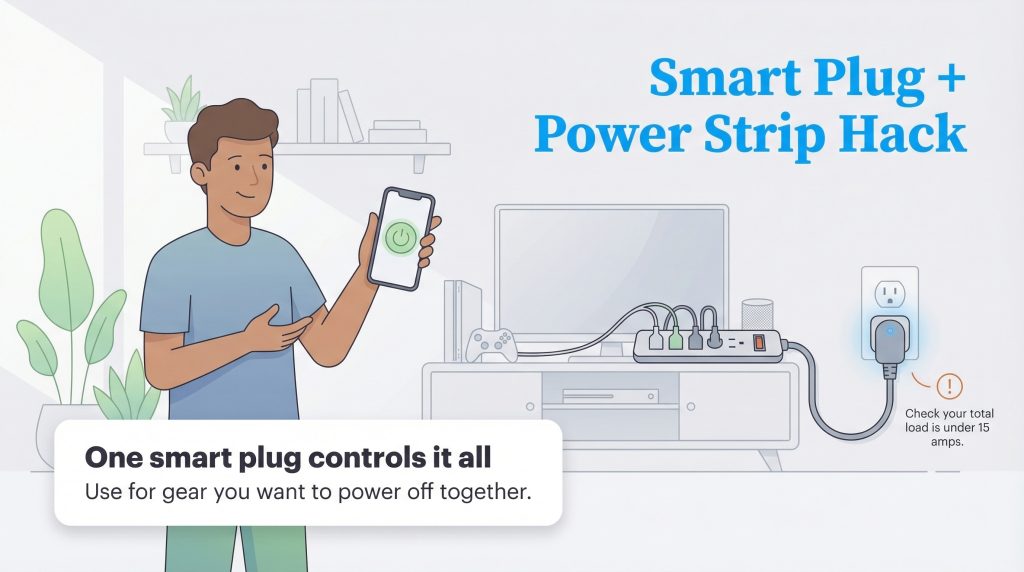
You might already own a high-quality, rugged surge protector that you trust to protect your expensive equipment. You don’t have to throw it away to get smart features. A simple and effective workaround is to plug your existing power strip into a single heavy-duty smart plug.
This setup allows you to turn the entire strip on or off via voice command or schedule. While you lose the ability to control individual outlets, it is an excellent solution for entertainment centers or workbench tools where you want everything to turn off simultaneously. Just make sure the total load on the strip stays within the smart plug’s rated amperage (usually 15 amps) to avoid safety issues.
Calculating the ROI: Do They Pay for Themselves?
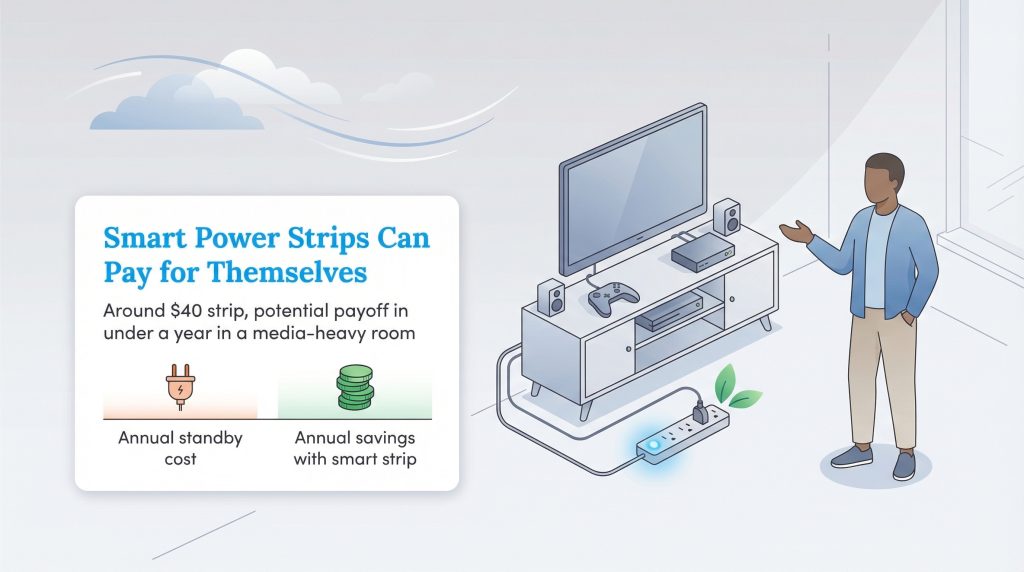
It’s fair to wonder if the upfront cost of a smart strip is actually worth it. To understand the potential return on investment (ROI), we need to look at the numbers. While savings vary by local rates and device efficiency, the costs of standby power add up over a year.
| Device | Avg. Standby Wattage | Est. Annual Cost* |
|---|---|---|
| Game Console | 10 Watts | $14.00 |
| Cable Box / DVR | 15 Watts | $21.00 |
| Desktop Computer | 10 Watts | $14.00 |
| Laser Printer | 5 Watts | $7.00 |
| Total Potential Savings | 40 Watts | ~$56.00 / year |
*Estimates based on national average electricity rates of roughly $0.16/kWh. Actual savings depend on your specific utility rates and device usage.
These numbers assume each device is left plugged in and in standby mode 24/7, which is common for game consoles, cable boxes, and printers. If a high-quality smart power strip costs around $40, it could pay for itself in less than a year in a media-heavy room. While one strip might save a modest amount, equipping your entertainment center, home office, and kitchen can lead to significant cumulative savings. For other ways to save on your electric bill, consider auditing your larger appliances as well.
What to Look for Before You Buy
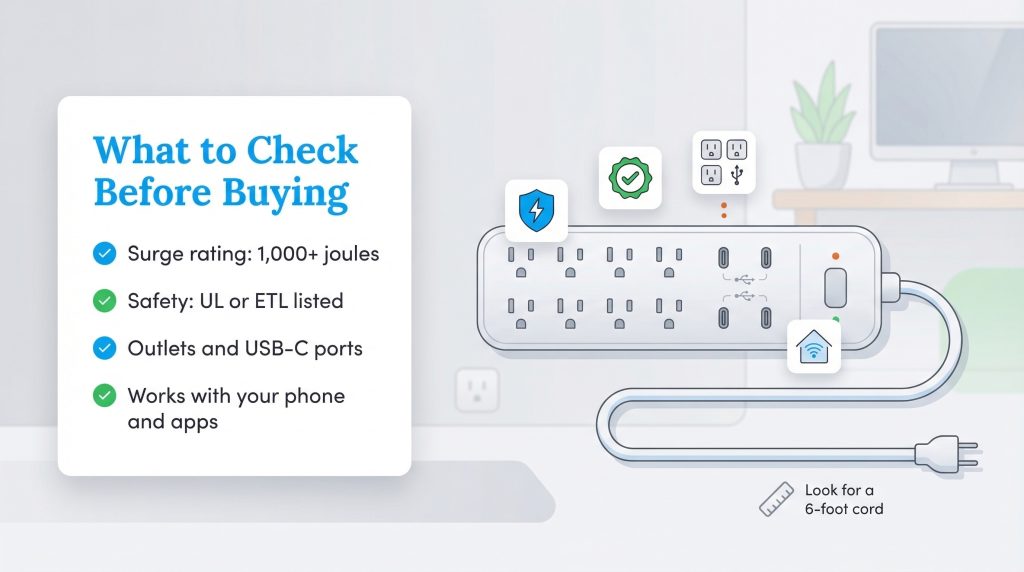
Not all smart strips are created equal. Before you click “buy,” checking a few key specifications will ensure you get a device that is safe and functional for your needs.
- Surge Protection Rating (Joules): Smart features are great, but protection is paramount. We suggest choosing a strip with a rating of at least 1,000 Joules if you are plugging in expensive computers or televisions. This rating indicates how much energy the strip can absorb during a power spike before failing.
- Safety Certifications: Look for UL or ETL listings so you know the strip has been independently tested for safety. Avoid cheap, unbranded strips that lack these certifications.
- Port Count: Ensure the strip has enough outlets for your current setup plus one or two extras for future growth. Also, check for built-in USB-C ports, which free up the standard outlets for larger plugs.
- Ecosystem: Verify the strip is compatible with your phone. If you are an Android user, a HomeKit-only device will be useless to you. Matter-compatible devices solve this, but it is always worth double-checking the box.
- Cord Length: A 3-foot cord is often too short to reach from the wall outlet to your desk or media stand comfortably. A 6-foot cord usually offers the flexibility you need to position the strip exactly where you want it.
Smart Strips Are an Easy Win for Efficiency
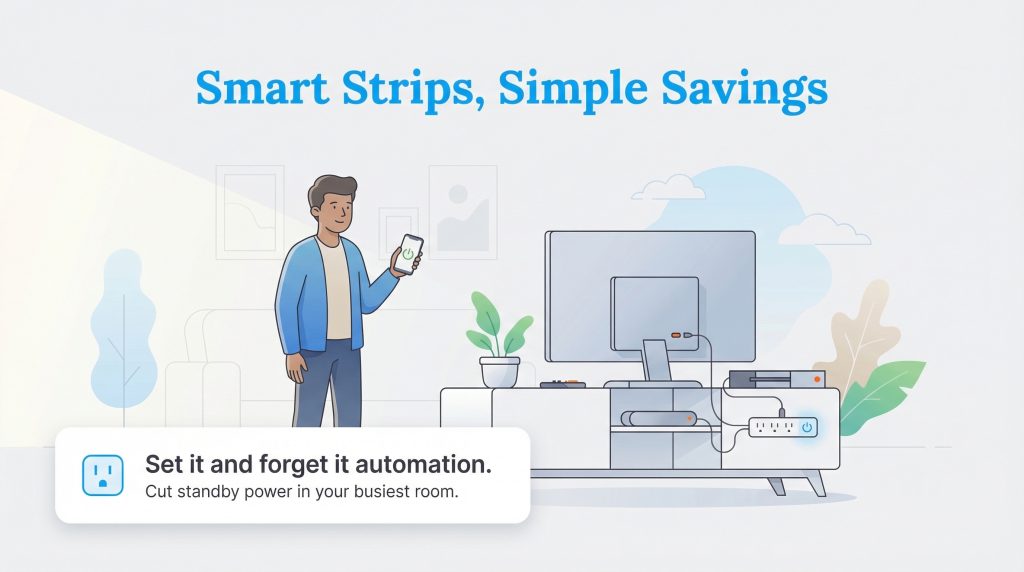
Upgrading to smart power strips is one of the easiest “set it and forget it” improvements you can make for your home. It bridges the gap between modern convenience and environmental responsibility. By automating your energy usage, you protect your electronics, lower your carbon footprint, and keep more money in your pocket. We recommend starting with just one strip in your most electronics-heavy room, like the living room or home office, and you’ll quickly see how much easier it is to manage power with a smart strip in place.
FAQs About Smart Power Strips
Do smart power strips actually save money?
What is the difference between a smart plug and a smart power strip?
Can I plug a space heater into a smart power strip?
Does a smart power strip work if the Wi-Fi goes down?
Can smart power strips protect against power surges?
How many joules of protection do I need?
What does “Matter compatible” mean for power strips?
About the Author

LaLeesha has a Masters degree in English and enjoys writing whenever she has the chance. She is passionate about gardening, reducing her carbon footprint, and protecting the environment.