
Everything You Need to Know About CenturyLink Speeds, Hidden Fees, and Availability Before You Unpack the Moving Boxes
Key Takeaways
- CenturyLink pricing varies by address, and select plans may offer contract-free service or price guarantees.
- Fiber internet is the stronger option for remote work, video calls, and gaming because it usually offers faster uploads and lower latency than traditional DSL.
- Equipment and installation fees can fluctuate based on your location, chosen plan, and whether your home is already wired for service.
Moving into a new home brings a chaotic blend of excitement and endless to-do lists, and locking down a reliable Wi-Fi connection usually sits right at the top of your priorities. Amid the sea of packing tape and cardboard boxes, evaluating CenturyLink internet plans and pricing is a smart first step to ensure you get the bandwidth your household needs. Known for providing both widespread digital subscriber line (DSL) service and blazing-fast fiber connections starting around $50 per month, this internet service provider offers contract-free packages designed to keep utility management remarkably simple. We will decode their specific speed tiers, outline the nuances of fiber versus DSL, and uncover any potential hidden fees so you can make an informed, confident decision and get back to making your new space feel like home.
CenturyLink Internet Plans and Pricing
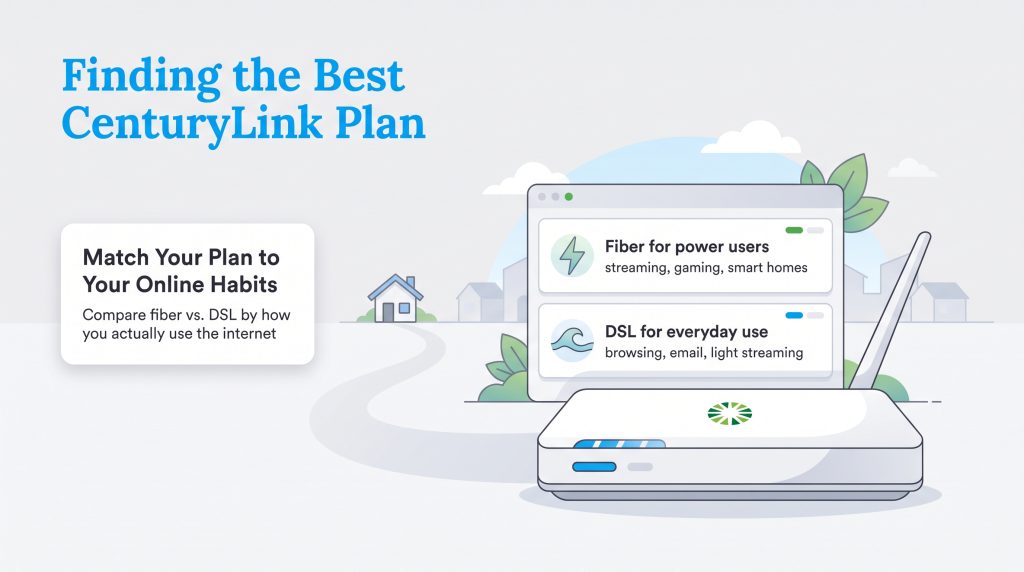
No one likes unboxing their first utility bill only to find a slew of unexpected surcharges. Fortunately, understanding CenturyLink internet plans and pricing is relatively straightforward. They often advertise simple, contract-free pricing without restrictive data caps, meaning you can stream, game, and browse without worrying about sudden overage fees on your monthly statement. However, it is essential to remember that exact rates, promotional pricing, and service guarantees will always vary depending on your physical address.
CenturyLink keeps their service tiers exceptionally streamlined. Take a look at how their standard offerings stack up based on the connection technology available in your neighborhood.
| Plan Name | Connection Type | Download Speed | Upload Speed | Monthly Price |
|---|---|---|---|---|
| Quantum Fiber 500 Mbps | Fiber | Up to 500 Mbps | Up to 500 Mbps | Starting at $50 |
| Quantum Fiber 1 Gig | Fiber | Up to 940 Mbps | Up to 940 Mbps | Starting at $75 |
| CenturyLink Simply Unlimited | DSL | Up to 100 Mbps | Up to 10 Mbps | Starting at $55 |
| Plan Name | Price | Download Speeds | Connection Type | |
|---|---|---|---|---|
| 100 Mbps | $55 /month | Up to 100 Mbps | DSL | Check Availability |
| 500 Mbps | $50 /month | Up to 500 Mbps | Fiber | Check Availability |
| Fiber Gigabit | $75 /month | Up to 940 Mbps | Fiber | Check Availability |
Quantum Fiber by CenturyLink
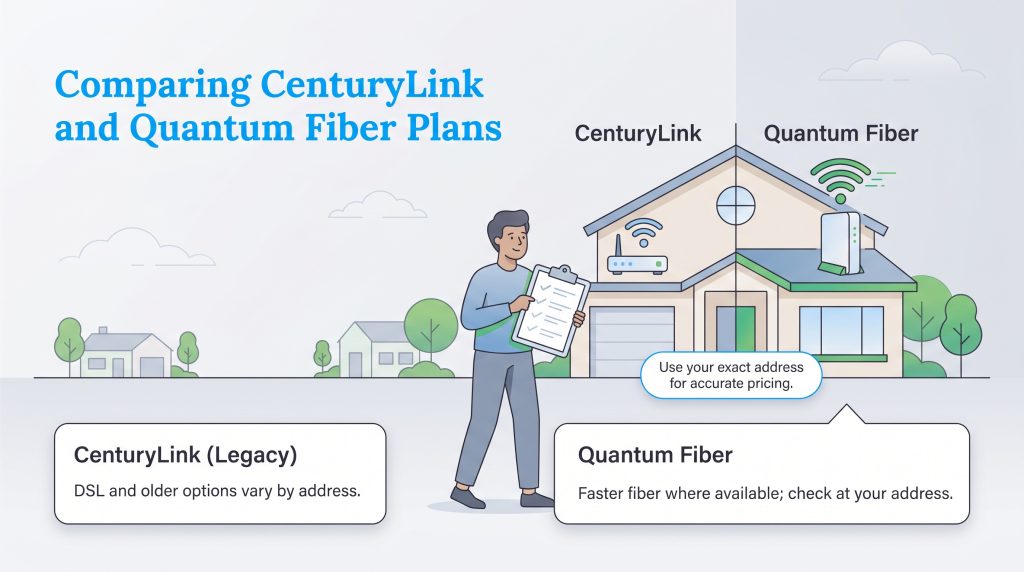
In many heavily populated areas, CenturyLink’s advanced fiber-optic service is now sold and managed under the Quantum Fiber brand. If your new property is eligible for this tier, you gain access to exceptionally fast, symmetrical speeds — meaning your uploads are just as quick as your downloads. Quantum Fiber is the premier choice for large families, heavy gamers, and remote workers who spend their days presenting on high-definition video calls. Because there are no data caps, you have total freedom to utilize your bandwidth exactly as you see fit.
CenturyLink Simply Unlimited DSL
If fiber has not yet reached your block, you will likely be offered the CenturyLink Simply Unlimited plan, which operates on their legacy DSL network. While this connection type tops out at 100 Mbps for downloads and only 10 Mbps for uploads, it still provides a stable link for everyday tasks like checking emails, scrolling through social media, and streaming your favorite shows in standard definition. It serves as a practical, unlimited-data fallback for light internet users who live outside of robust fiber zones.
Before making a final choice, you may want to weigh your options against other major competitors in the local market. Here are a few head-to-head guides to aid your research:
CenturyLink Coverage Area and Availability
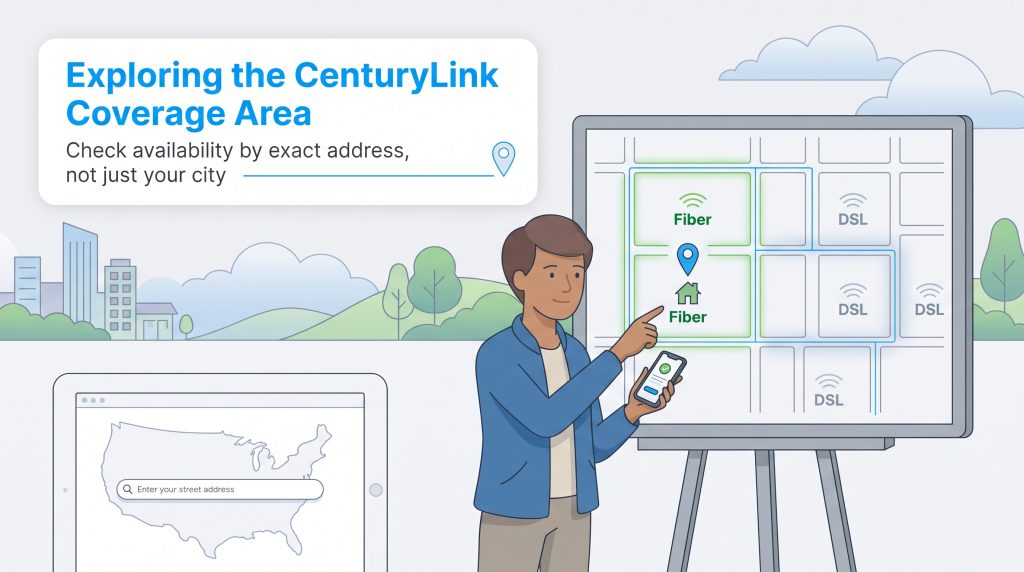
Finding out whether a provider actually services your specific neighborhood is half the battle when setting up a new home. CenturyLink coverage map availability spans a massive footprint, heavily concentrated across the Midwest and Western United States. While their expansive network covers millions of homes, the physical type of technology installed in the ground dictates whether you get their high-speed fiber or standard DSL.
Currently, CenturyLink provides service to residents across more than 30 states. Their most prominent strongholds include major regions within the following top states:
- Arizona
- Colorado
- Florida
- Idaho
- Iowa
- Minnesota
- Nebraska
- Nevada
- New Mexico
- North Carolina
- Oregon
- Texas
- Utah
- Washington
- Wisconsin
CenturyLink may be available in parts of major metro areas such as Denver, Phoenix, Seattle, Minneapolis, Salt Lake City, and Omaha, though service can vary significantly by neighborhood or even by street.
Because broadband service capabilities change based on highly localized infrastructure, you should never assume a home has fiber just because it sits in a major city. We highly recommend verifying precise availability at your exact street address by searching the FCC National Broadband Map before making any final utility decisions.
CenturyLink Network Information Fiber vs DSL
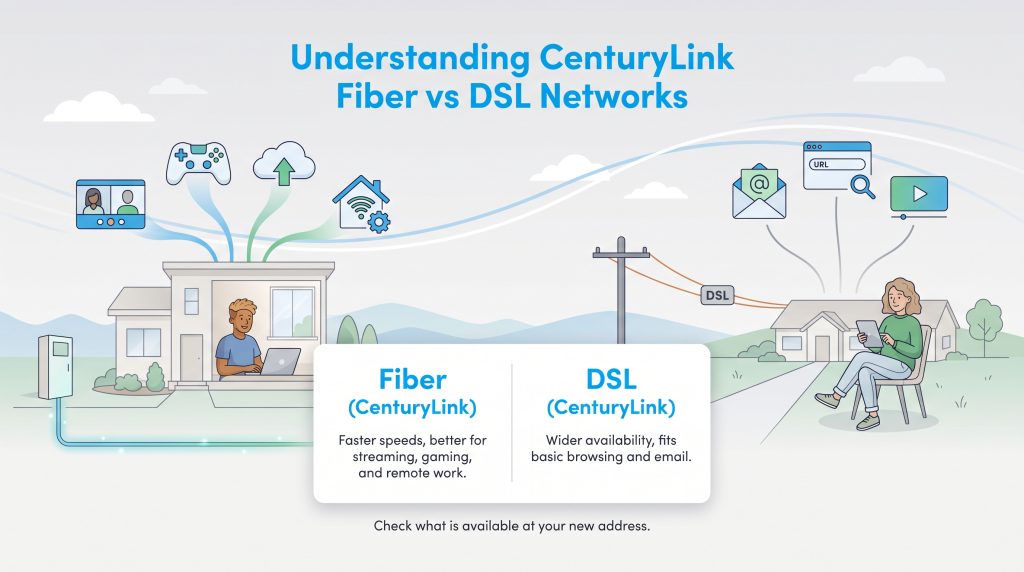
When evaluating CenturyLink internet speeds, the performance you experience boils down to the CenturyLink fiber vs DSL debate. These are two completely distinct technologies running on entirely different physical frameworks. Grasping this difference is critical to setting proper expectations for your new home’s connectivity.
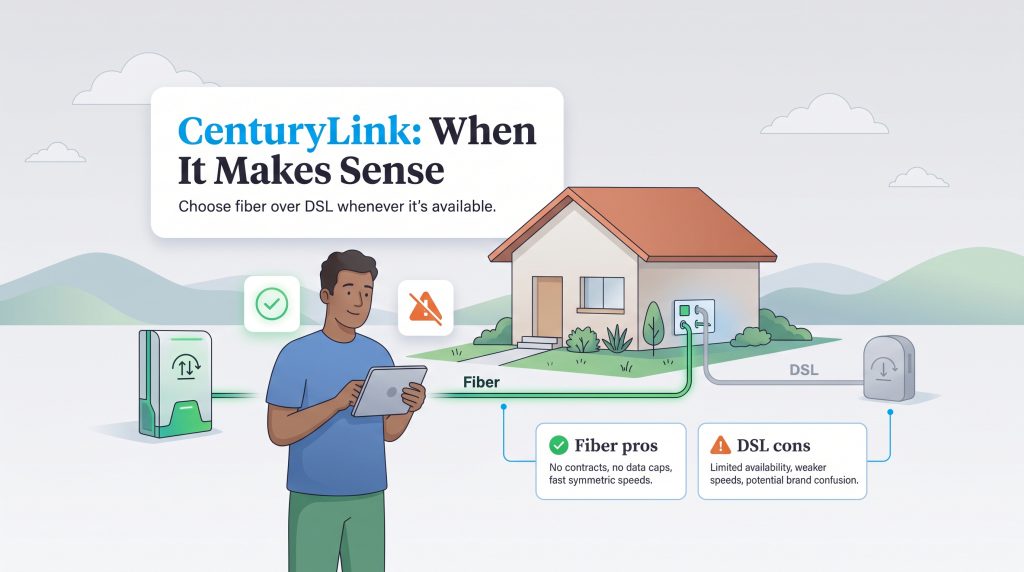
Fiber-optic networks use microscopic glass strands to transmit data via rapid pulses of light. This cutting-edge technology delivers incredible speeds and ultra-low lag times, making it the undisputed champion for remote work, competitive gaming, and managing a household filled with smart devices. However, building out this advanced infrastructure requires substantial investment, so fiber availability is typically limited to dense urban centers and sprawling suburban developments.
Conversely, DSL internet operates over the traditional copper telephone wiring that has existed for decades. While the infrastructure is widely available, DSL speeds diminish the further your home is from the provider’s central network hub. This physical limitation is precisely why many rural users might only have access to the slower DSL network, where actual download speeds routinely fall well below the advertised 100 Mbps maximum. If standard DSL is your only option, doing careful comparison shopping with local cable providers — who utilize robust coaxial lines — is a smart strategy to ensure you secure the bandwidth your household demands.
Equipment Fees and Installation Guarantees
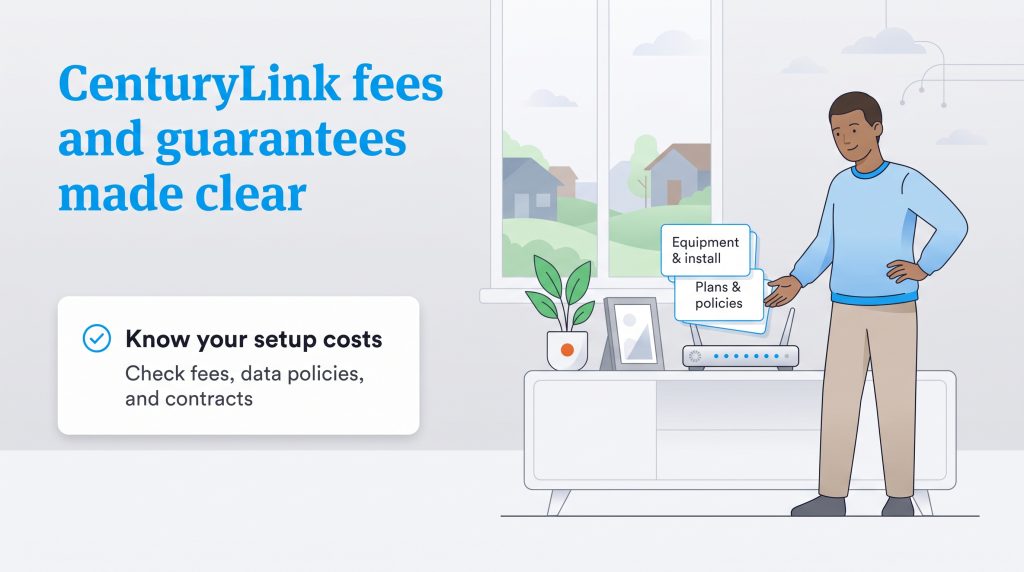
Transparency is absolutely key when you are balancing a moving budget. Beyond the attractive monthly sticker price, you need to know exactly what setup costs might be coming your way. Equipment and the broader CenturyLink internet installation process can carry additional expenses that vary by address, plan, and whether your home is already wired for active service.
When you sit down to finalize your utilities checklist before moving day, pay close attention to the following common equipment and setup costs:
- CenturyLink modem rental fee: Most DSL customers can expect to pay a recurring rental fee of around $15 per month for the provider’s integrated gateway device.
- Purchasing equipment outright: If you prefer to avoid monthly hardware charges, you can often purchase the modem directly from CenturyLink for a one-time fee of roughly $200.
- Installation fees: Standard professional installation usually costs $99, though homes already equipped with a fiber optical network terminal (ONT) might qualify for a free self-installation kit.
- Price for Life guarantee: As of 2026, CenturyLink has largely phased out their famous “Price for Life” guarantee for new residential customers, transitioning instead to standard, contract-free month-to-month billing structures. Check your specific service agreement carefully to confirm your exact rate terms.
CenturyLink Deals Discounts and Ways to Save
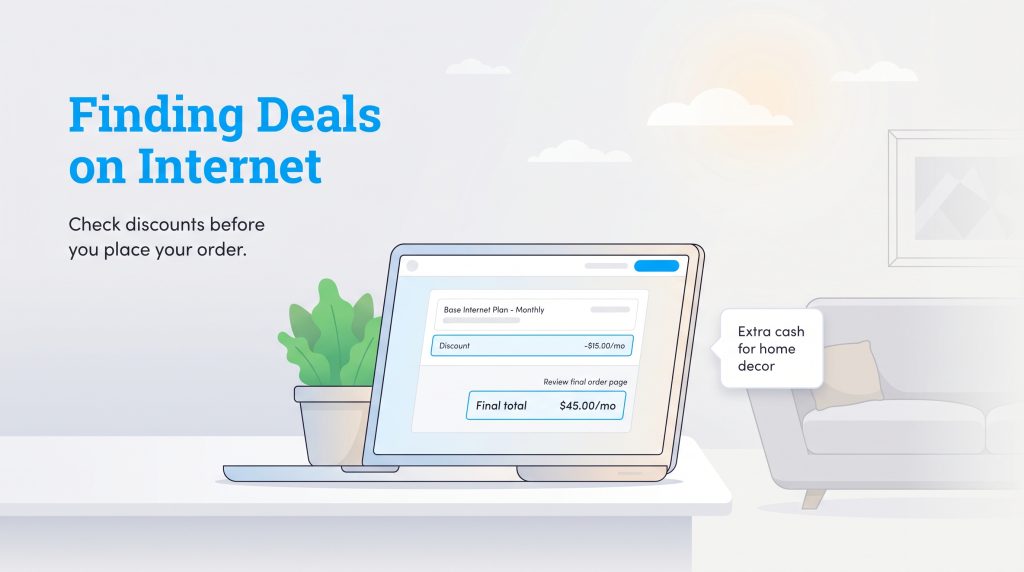
Trimming down your monthly utility expenses frees up extra cash for decorating your new living room or tackling essential home repairs. Internet providers frequently shift their promotional offers based on the season, so keeping an eye out for cheap CenturyLink internet deals can yield significant upfront savings during your move. Always double-check the final checkout page to see if any new customer discounts automatically apply to your cart.
Using the CenturyLink App and Managing Your Account
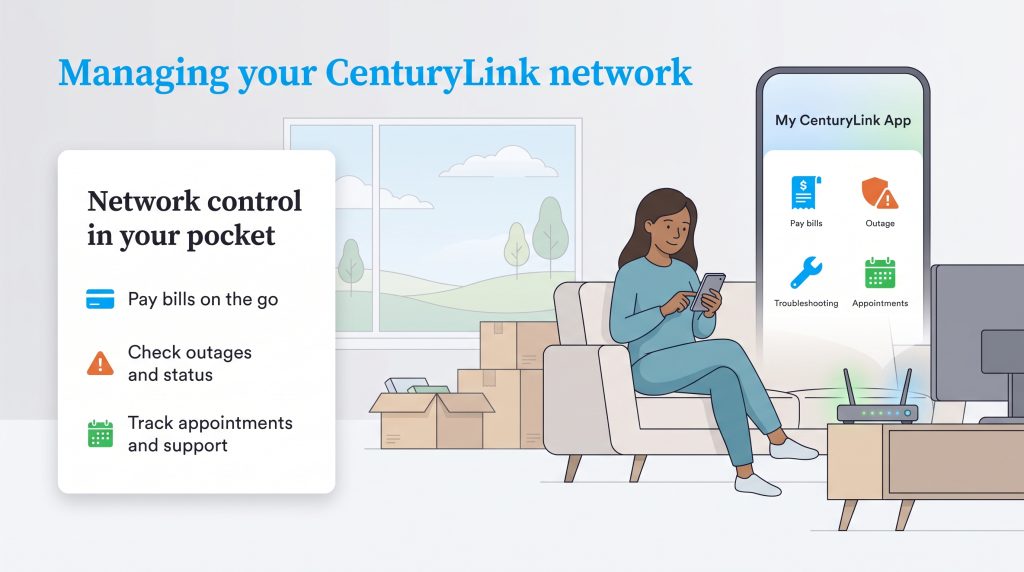
Once the moving truck pulls away and the dust settles, managing your home connectivity should not feel like a second job. The My CenturyLink mobile app brings excellent convenience right to your smartphone, serving as a comprehensive digital control center for your local network. For a new homeowner juggling a dozen different tasks, exploring the CenturyLink mobile app features is a surefire way to save time and reduce stress.
The primary capabilities built into the My CenturyLink app allow you to handle core administrative tasks without ever sitting on hold. Key features include:
- Bill pay functionality: Securely view your statements, update your payment methods, and process your monthly bills with a few taps.
- Data usage monitoring: Keep an eye on your household’s bandwidth consumption to ensure optimal performance across all your connected devices.
- Network troubleshooting: Conveniently reboot your modems directly from your phone and view diagnostic tools if your speeds unexpectedly drop.
Customer Satisfaction Ratings and Reviews
Building trust in a utility provider requires looking beyond the glossy marketing brochures and diving into authentic customer experiences. When analyzing CenturyLink customer service reviews across third-party platforms, the general sentiment is heavily divided based on the specific type of connection a customer utilizes.
On aggregated platforms like the Better Business Bureau (BBB) and Trustpilot, the company faces common industry criticisms, often holding lower average star ratings. Frequent complaints typically center around sluggish DSL speeds in rural regions and extended customer service wait times during peak hours. Some Reddit communities also express frustration over navigating technical support when old copper lines degrade after heavy storms.
However, it is certainly not all negative feedback. Customers who have access to the Quantum Fiber network frequently post glowing reviews praising the lightning-fast, symmetrical speeds and the total lack of annual contracts. Users also deeply appreciate the unlimited data policies, which allow large families to stream and game simultaneously without fear of sudden overage penalties.
How to Report and Search for CenturyLink Outages
Nothing interrupts a productive work-from-home day quite like a sudden loss of connectivity. If your router flashes red and you suspect network downtime, checking for CenturyLink outages today is a straightforward process designed to give you quick answers.
Instead of immediately calling and waiting on hold, use the dedicated CenturyLink Service Troubleshooter tool available on their official website or through the mobile app. Simply log into your account, enter your account number or phone number associated with the service, and the system will automatically scan your local grid for known disruptions. If the tool confirms an area-wide outage, it will typically provide an estimated restoration time.
If the online troubleshooter indicates your local network is fine but you are still offline, you might be facing an isolated hardware issue. At that point, you can report the disruption directly by calling the CenturyLink customer support phone number at 1-800-201-4099 to request specialized technical assistance.
Sustainability and Lumen Green Energy Initiatives
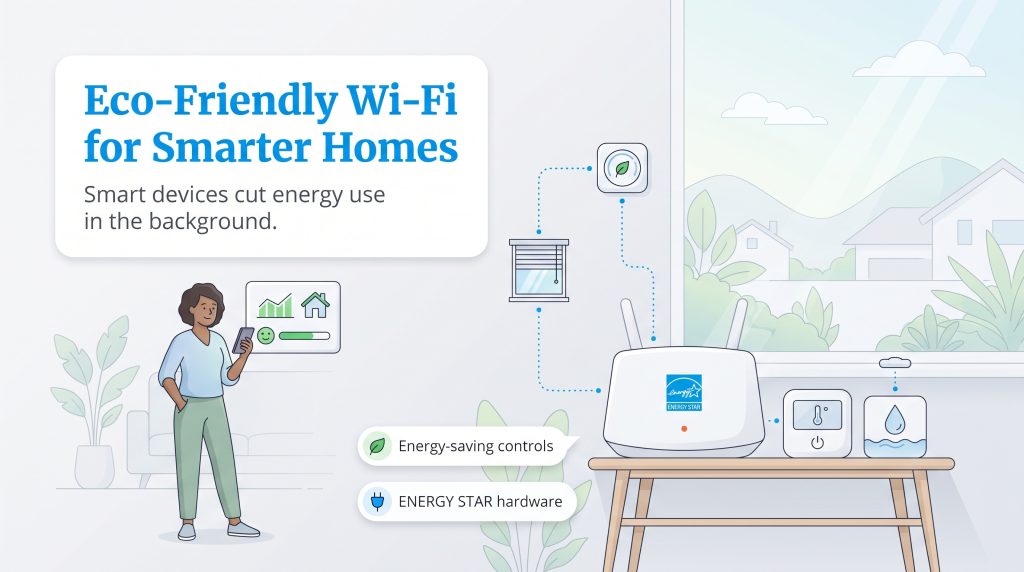
Setting up your utilities is a fantastic opportunity to build a more sustainable household from day one. A reliable connection acts as the digital backbone for energy-saving smart home devices. When you have ample bandwidth, you can seamlessly run intelligent gadgets like automated smart thermostats, water leak detectors, and programmable smart blinds. These gadgets communicate constantly in the background to drastically reduce your home’s energy consumption and lower your overall carbon footprint.
Beyond optimizing your personal residence, it is encouraging to look at the broader corporate responsibility efforts of your service providers. Lumen Technologies, the parent company of CenturyLink, has established robust sustainability goals that prioritize long-term environmental stewardship. They have committed to science-based emissions reduction targets, actively working to minimize greenhouse gases across their massive operational footprint.
Lumen continues to invest heavily in network energy efficiency upgrades, transitioning legacy facilities to draw less idle power. Additionally, their comprehensive e-waste recycling programs encourage users to responsibly return or recycle old networking equipment rather than tossing it into local landfills. If you decide to purchase your own hardware to complement this eco-conscious approach, we suggest looking for ENERGY STAR certified networking equipment, which is specifically engineered to operate efficiently.
Preparing Your CenturyLink Connection for Move-In Day
Securing a strong broadband connection does not have to be the most stressful part of your relocation. Deciding exactly which provider deserves your hard-earned money often comes down to your physical location and the specific technological infrastructure buried beneath your street. To help you finalize your decision, consider these targeted recommendations.
Who Should Choose CenturyLink:
- Fiber-eligible customers: If your home qualifies for the Quantum Fiber tier, you gain access to stellar, symmetrical speeds perfect for remote work and heavy streaming.
- Renters seeking flexibility: The lack of strict annual contracts makes this an ideal option if you anticipate moving again in the near future.
- Data-heavy households: People wanting unlimited data will thrive here, as standard residential plans currently lack restrictive data caps.
Who Should Look Elsewhere:
- Gamers in DSL-only zones: If fiber is unavailable, the legacy DSL network will likely struggle to keep up with competitive gaming demands due to higher lag times.
- Large families stuck with copper wiring: Homes relying on basic DSL will face frustrating buffering issues when multiple family members attempt to stream high-definition video at the same time.
- Budget shoppers wanting cheap bundles: Unlike traditional cable companies, CenturyLink does not typically offer deep discounts for bundling internet with traditional television packages.
Take a deep breath, verify your local coverage map, carefully review the upfront equipment fees, and enjoy settling into your brand-new space with the right connection for your needs.
Frequently Asked Questions About CenturyLink Internet
How long does the CenturyLink installation process take?
Can I transfer my CenturyLink service to my new home?
Does CenturyLink throttle internet speeds?
How does CenturyLink compare to Xfinity or Spectrum?
Are there any hidden fees with CenturyLink?
What is the difference between Quantum Fiber and CenturyLink?
Does CenturyLink have data caps or overage fees?
Is CenturyLink DSL fast enough for streaming Netflix or gaming?
How do I cancel CenturyLink internet and return my equipment?
About the Author

David has been an integral part of some of the biggest utility sites on the internet, including InMyArea.com, HighSpeedInternet.com, BroadbandNow.com, and U.S. News. He brings over 15 years of experience writing about, compiling and analyzing utility data.