
Choosing The Right Internet Provider Means Looking Past Promotional Pricing To Uncover How Real-World Speeds, Equipment, And Customer Service Actually Stack Up
Key Takeaways
- Verizon Fios generally offers symmetrical or near-symmetrical upload and download speeds through its fiber-optic network, making it a highly reliable choice for remote workers and smart homes.
- Optimum provides wider availability and aggressive bundle pricing in the Northeast, but its legacy cable plans may fall short on upload performance compared to its own fiber options.
- Switching providers requires careful timing to avoid overlapping billing cycles and to ensure environmentally mindful recycling or return of your old router equipment.

- 8 Gbps
- Cable & Fiber
- Unlimited
- $25.00/mo

- 5 Gbps
- Fiber
- Unlimited
- $30.00/mo
*Not all internet providers and speeds available in all areas.
Setting up utilities in a new home comes with enough headaches, and dodging surprise rate hikes or suffering through laggy connections shouldn’t be on your to-do list. When comparing Optimum vs Verizon Home Internet, you need a clear picture of what you are actually signing up for. We built this guide to help you navigate the tricky landscape of introductory pricing, hidden fees, and regional infrastructure across the Northeast U.S. Whether you are aiming to stream without buffering or simply trying to find a reliable connection for your home office, we will break down exactly how these two major providers stack up so you can confidently choose the best network for your household.
1. At A Glance: Optimum Vs Verizon Fios
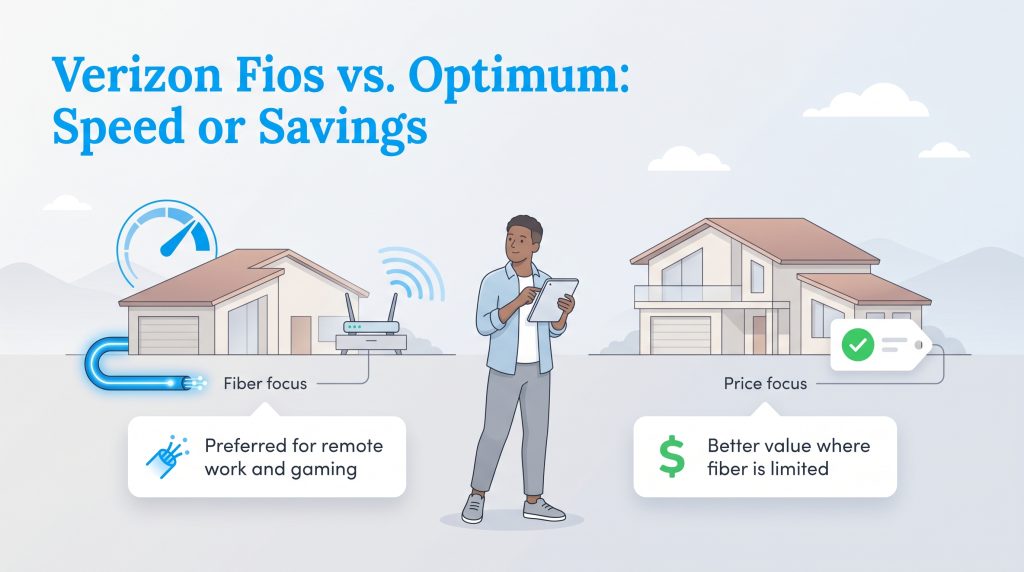
If you are trying to figure out if Verizon is better than Optimum, starting with a quick overview of their strengths and weaknesses can point you in the right direction. Both providers offer solid connectivity, but they cater to very different household needs and budgets.
Verizon Fios Pros And Cons
- Pro: Symmetrical Speeds — Fios fiber offers matching upload and download speeds, making it incredible for video calls and heavy network traffic.
- Pro: Transparent Pricing — What you see is what you get. There are no sudden second-year price hikes or hidden router rental fees on current plans.
- Con: Limited Availability — Verizon Fios requires direct fiber lines, which means it isn’t available in every neighborhood or apartment building.
Optimum Pros And Cons
- Pro: Low Introductory Bundles — Optimum often hooks new customers with incredibly cheap starting rates, particularly if you bundle mobile service.
- Pro: Wider Regional Coverage — Thanks to decades of existing coaxial cable lines, Optimum covers many Northeast areas that Verizon fiber hasn’t reached yet.
- Con: Uneven Upload Speeds — If you are on Optimum’s legacy cable network rather than their newer fiber network, your upload speeds will lag significantly behind your download speeds.
| Choose This Provider If… | Optimum | Verizon Fios |
|---|---|---|
| You want the lowest promotional price | Stronger choice | Usually higher starting price |
| You need fast upload speeds | Best if Optimum fiber is available | Stronger overall choice |
| You work from home full time | Depends on network type | Stronger choice |
| You want wider cable availability in parts of the Northeast | Stronger choice | Limited to Fios service areas |
| You want stable long-term pricing | Varies by promotion | Often stronger |
| You want mobile and home internet bundle discounts | Available | Available |
2. Plan Pricing, Hidden Fees, And Contracts

When analyzing Verizon vs Optimum internet pricing, the true long-term value often hides beneath flashy introductory offers. Optimum generally pulls you in with aggressively low entry-level pricing. You can typically find plans starting under $40 a month for basic speeds, which is highly appealing if you are sticking to a tight moving budget.
Verizon Fios structures its pricing differently. While the initial cost might be slightly higher, Verizon offers a straightforward tier system — usually 300 Mbps, 500 Mbps, and 1 Gig — backed by transparent pricing structures. Calculating the cost per Mbps gives you a more accurate gauge of your investment. A 1 Gig plan might cost more upfront, but it frequently delivers a lower cost per Mbps than a standard 300 Mbps package. Both companies heavily incentivize bundling your home internet with mobile phone plans, which can shave a significant amount off your total utility expenses.
Hidden Fees And Contract Surprises
The sticker price you see online rarely tells the whole story. Before committing, you need to understand the hidden fees that can quickly inflate your monthly utility budget.
- Auto-Pay Requirements: Both providers advertise rates that factor in an auto-pay and paperless billing discount. If you prefer to pay your bills manually each month, expect your Verizon or Optimum bill to increase by $5 to $10 immediately.
- Second-Year Price Hikes: Optimum’s legendary introductory rates often carry a catch. After 12 to 24 months, those promotional discounts expire, leading to a sudden price hike of $20 to $40 or more per month. Verizon Fios, on the other hand, relies on standard pricing that avoids these drastic second-year surprises.
- Early Termination Fees: While neither company generally forces you into restrictive multi-year contracts on their current core plans, older promotional bundles with Optimum may still carry early cancellation penalties. Always read the fine print regarding unreturned equipment, which can easily trigger surprise fees upwards of $100 if you miss the return window.
Optimum Plans & Pricing
| Plan Name | Price | Download Speeds | Connection Type | |
|---|---|---|---|---|
| Optimum FASTPASS | $25 /month | Up to 200 Mbps | Cable | Check Availability |
| Optimum 300 | $30 /month | Up to 300 Mbps | Cable | Check Availability |
| 300 Mbps Fiber | $30 /month | Up to 300 Mbps | Fiber | Check Availability |
| Optimum 500 | $40 /month | Up to 500 Mbps | Cable | Check Availability |
| Fiber 500 Mbps | $40 /month | Up to 500 Mbps | Fiber | Check Availability |
| Optimum 1 Gig | $25 /month | Up to 1000 Mbps | Cable | Check Availability |
| Fiber 1 Gig | $25 /month | Up to 1000 Mbps | Fiber | Check Availability |
| Fiber 2 Gig | $60 /month | Up to 2 Gbps | Fiber | Check Availability |
| Fiber 5 Gig | $75 /month | Up to 5 Gbps | Fiber | Check Availability |
| Fiber 8 Gig | $120 /month | Up to 8 Gbps | Fiber | Check Availability |
Verizon Plans & Pricing
| Plan Name | Price | Download Speeds | Connection Type | |
|---|---|---|---|---|
| High Speed Internet | $40 /month | Up to 15 Mbps | DSL | Check Availability |
| Verizon Home Internet Lite | $35 /month | Up to 25 Mbps | 5G | Check Availability |
| Verizon Home Internet Lite Extra | $55 /month | Up to 25 Mbps | 5G | Check Availability |
| 5G Home | $50 /month | Up to 100 Mbps | 5G | Check Availability |
| 5G Home Plus | $60 /month | Up to 150 Mbps | 5G | Check Availability |
| Fios 300 Mbps | $30 /month | Up to 300 Mbps | Fiber | Check Availability |
| 5G Home Ultimate | $75 /month | Up to 300 Mbps | 5G | Check Availability |
| Fios 500 Mbps | $65 /month | Up to 500 Mbps | Fiber | Check Availability |
| Fios 1 Gig | $80 /month | Up to 1000 Mbps | Fiber | Check Availability |
| Fios 2 Gig | $90 /month | Up to 2.3 Gbps | Fiber | Check Availability |
| Fios 5 Gig | $104.99 /month | Up to 5 Gbps | Fiber | Check Availability |
💸 Money-Saver: If you have Optimum cable internet, buying a compatible modem and router setup may help you avoid monthly rental fees. Verizon Fios does not use a traditional cable modem, but you may be able to use your own router depending on your ONT setup and service plan.
3. Network Performance: Fiber Vs Cable Vs 5G
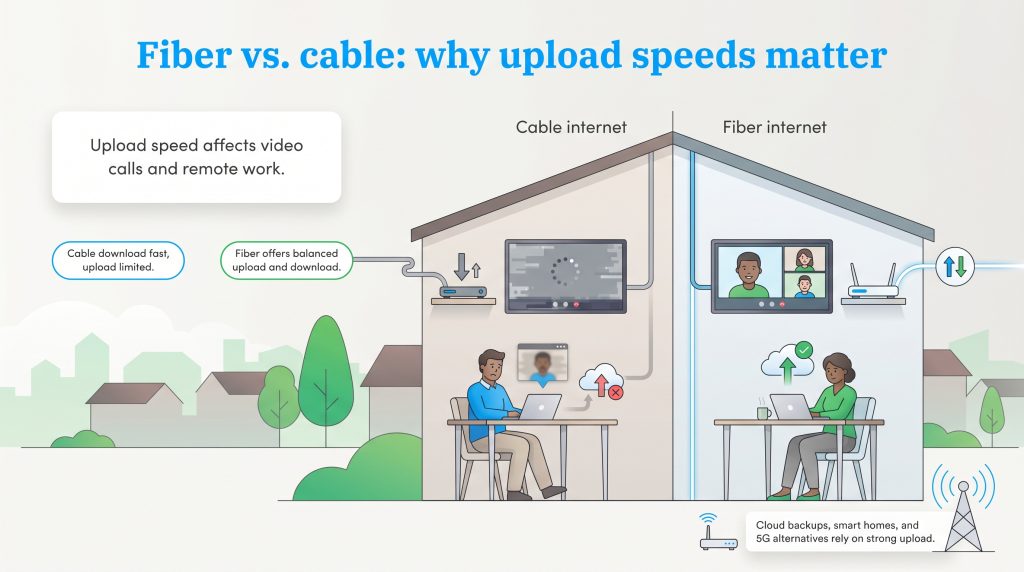
Understanding the physical difference between Optimum fiber vs Verizon Fios reveals exactly why your video calls might freeze even when you pay for high speeds. Optimum operates primarily on a hybrid coaxial-cable network in many established neighborhoods, but it also offers a rapidly expanding fiber network in select areas. While this legacy cable technology delivers fast download speeds, it often limits your upload capabilities — sometimes restricting you to around 35 Mbps on certain gigabit tiers. In contrast, Verizon Fios is a 100% fiber-optic network built directly to your home.
| Provider and Network Type | Download Speeds | Upload Speeds | Best For |
|---|---|---|---|
| Verizon Fios fiber | Fast | Usually symmetrical or near-symmetrical | Remote work, gaming, and smart homes |
| Optimum fiber | Fast | May be symmetrical depending on plan and address | Households with fiber availability |
| Optimum cable | Fast | Usually much lower than download speeds | Streaming, browsing, and budget plans |
If you are currently evaluating your home internet network options, we highly recommend checking the federal recommendations for household broadband speeds to determine exactly how much bandwidth your family truly needs.
Verizon 5G Home Internet Vs Optimum Cable
When you pit Verizon 5G home internet vs Optimum’s lowest-tier cable plans, you are looking at two entirely different connection styles. Verizon 5G Home Internet is a fixed wireless service that pulls a cellular signal from nearby towers, turning it into Wi-Fi for your home. Optimum’s entry-level 300 Mbps cable plan relies on traditional buried wires.
Optimum cable usually provides slightly more consistent speeds during severe weather, as it isn’t dependent on a cellular signal cutting through heavy rain. However, Verizon 5G crushes Optimum in terms of setup convenience. Renters absolutely love 5G because it requires zero drilling, no technician appointments, and no complex wiring. You simply plug the gateway box into an outlet near a window, and you are online in five minutes. If your apartment doesn’t have existing coaxial cables, bypassing Optimum for a quick Verizon 5G setup is a massive time-saver.
4. Gaming And Streaming: Which Network Offers Lower Latency?

If your household spends evenings battling it out in competitive multiplayer games or streaming live to Twitch, raw download speed doesn’t matter nearly as much as latency. Latency, commonly referred to as “ping,” measures how fast a signal travels from your device to the game server and back. High ping results in noticeable lag, rubber-banding, and delayed reactions.
When we look at real-world latency, fiber-optic technology easily outpaces older cable networks. Here is how the typical ping differences stack up:
- Verizon Fios (Fiber): Offers incredible latency, typically hovering between 5 to 15 milliseconds. This is ideal for competitive gaming.
- Optimum Fiber: Also performs exceptionally well, usually sitting around 10 to 20 milliseconds depending on your exact routing.
- Optimum Cable: Lags behind the fiber options, generally averaging 20 to 40+ milliseconds. While fine for casual gaming, serious players will feel the delay.
- Verizon 5G Home Internet: Since it relies on cellular waves, ping can fluctuate wildly between 30 to 60+ milliseconds, making it the least reliable option for fast-twitch gaming.
We strongly recommend Verizon Fios if you are building a gaming setup or broadcasting live video. The combination of single-digit ping times and symmetrical upload speeds guarantees your stream won’t drop frames and your inputs register instantly.
5. Equipment, Eco-Friendly Routers, And Installation Costs
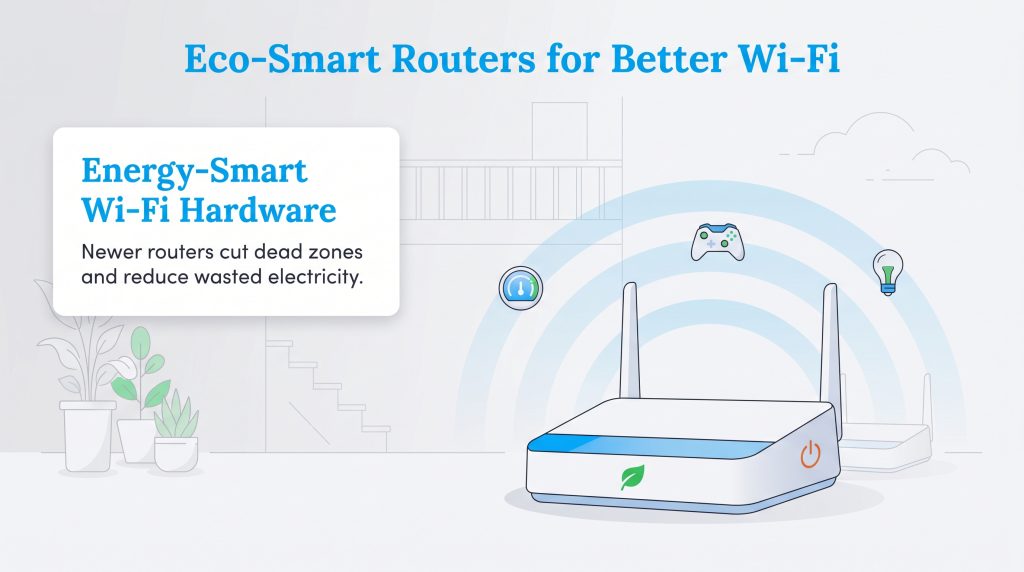
Even the fastest fiber connection falls flat if it is bottlenecked by poor hardware. Assessing the Optimum vs Verizon router offerings is just as critical as picking your speed tier. Verizon equips most new fiber customers with the robust CR1000A router. This device handles dense device traffic gracefully using Wi-Fi 6E standards, ensuring your bandwidth is distributed evenly across everything from smart thermostats to gaming consoles. Crucially, Verizon currently includes this router at no extra monthly rental charge on its standard Fios plans.
Optimum offers its own Smart WiFi 6 gateways, which deliver solid performance for most households. However, depending on whether you are on a legacy cable plan or a new fiber promotion, you might face a monthly equipment rental fee around $10 to $15. Over a few years, that rental fee adds up substantially, which is why many users opt to pair their Optimum service with an aftermarket mesh system.
If you stick with provider equipment, you can still make an environmentally mindful choice. Modern routers like the Verizon CR1000A allow you to log into the admin panel and activate energy-saving modes. You can easily disable the bright LED status lights, reduce the Wi-Fi transmission power if you live in a smaller apartment, and set scheduled Wi-Fi downtime while you sleep to reduce the phantom energy draw that quietly inflates your monthly electric bill.
🌱 Eco Edge: Before replacing your router, check whether better placement or a single well-positioned mesh node can fix dead zones. Using fewer always-on devices can reduce energy use and cut down on electronic waste.
6. Customer Service And Cancellation Experiences
Nobody likes dealing with internet technical support, but evaluating Optimum vs Verizon customer service is critical before signing a long-term agreement. One of the most glaring differences between the two providers becomes obvious the moment you attempt to cancel or modify your service.
Canceling Optimum often requires navigating a notoriously stubborn retention department. You cannot simply click a button online to end your service. Instead, you must call their cancellation line, where you will likely face long wait times, multiple transfer loops, and aggressive pushback from representatives trained to keep you on the network with last-minute discounts. In contrast, Verizon Fios generally offers a far more modern, frictionless experience. Verizon allows customers to initiate service changes or full cancellations directly through their digital dashboard or mobile app, providing a simple self-service route that completely avoids the high-pressure sales tactics.
7. Availability: Where Do Verizon And Optimum Overlap?
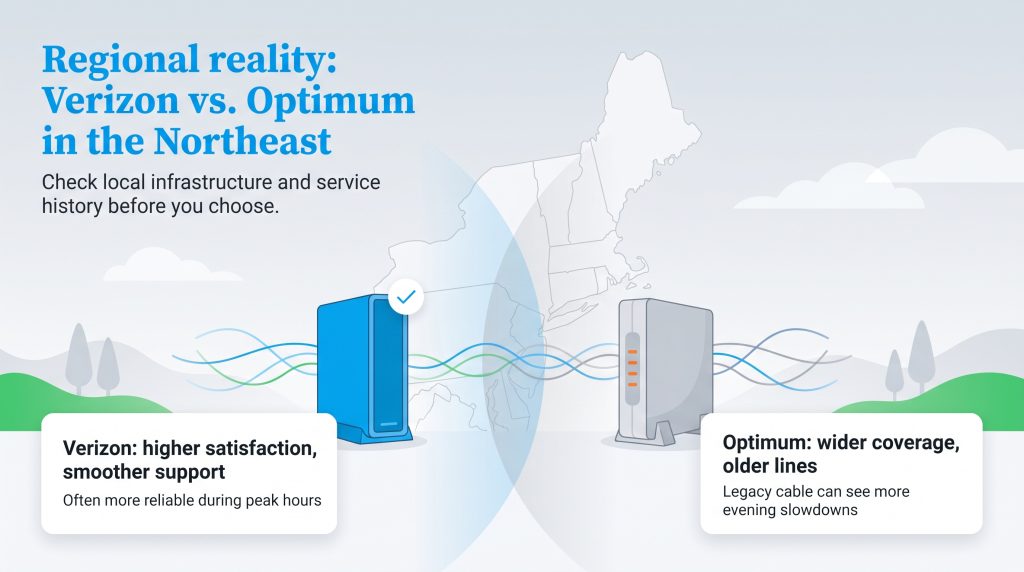
Living in the Northeast means navigating a unique utility landscape where service boundaries heavily overlap. If you are asking whether Verizon is better than Optimum, the answer often lies in neighborhood-level infrastructure across New York, New Jersey, and Connecticut. While Optimum offers vast availability due to decades of embedded cable lines, those legacy networks are prone to congestion during peak evening usage hours.
Independent benchmarks can help you look beyond marketing claims. In recent American Customer Satisfaction Index telecommunications benchmarks, Verizon has generally outperformed Optimum in customer satisfaction, though scores can vary by service type and year. If you are coordinating utilities for a move, securing a reliable connection usually ensures you spend less time on hold with tech support and more time actually enjoying your service.
8. Step-By-Step Guide To Switching Providers
Leaving your current provider doesn’t have to trigger a massive internet blackout. We see many movers struggle with the logistics of switching from Optimum to Verizon, especially when trying to coordinate installation dates around remote work schedules. The biggest danger during a switch is overlapping billing cycles. Do not cancel your old service until the new internet is installed, active, and thoroughly tested, or you risk paying double for a month of service you aren’t using. Use the following steps to navigate the shift seamlessly.

- Check availability at your exact address to confirm whether fiber lines are physically run to the property or if you already have an active ONT.
- Ask whether your new plan qualifies for a self-install kit or if a technician appointment is required.
- Schedule your installation date well before canceling your current service, keeping both active for one to three days if you work from home to guarantee uptime.
- Navigate overlap billing by timing the cancellation closely with the end of your current billing cycle.
- Photograph the serial numbers and MAC addresses on your old router and modem before placing them in the return box.
- Return old equipment promptly within the provider’s required window, and check your final bill for partial-month charges or unexpected equipment disputes.
🚩 Heads Up: Always ask for and keep a physical or digital receipt when returning your old equipment. Those photos of your serial numbers will be your best defense if you need to easily dispute automated unreturned equipment fees that might erroneously appear months later.
9. Making The Final Call On Your Home Internet Upgrade
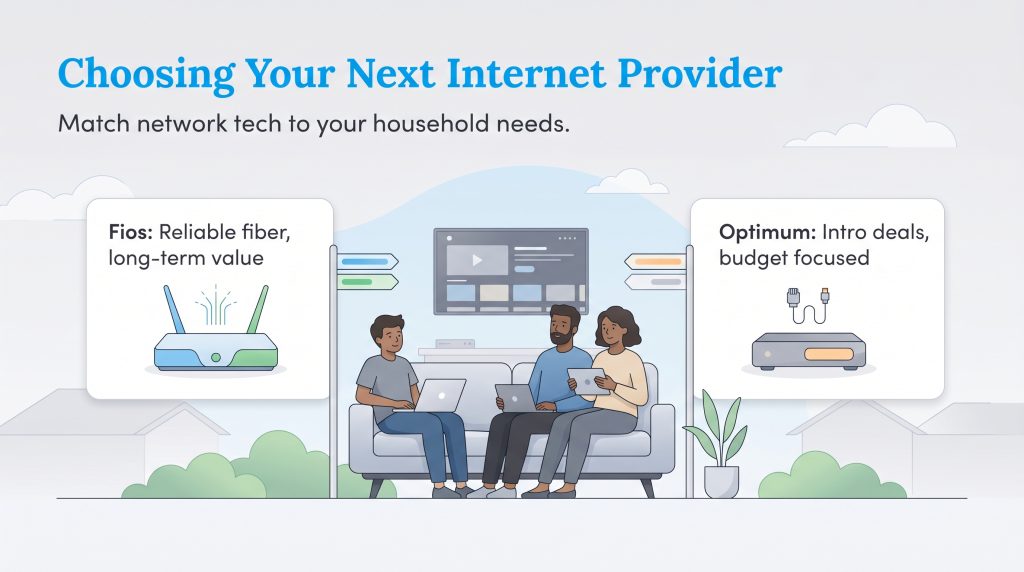
Choosing your next internet provider ultimately comes down to matching network technology with your specific household priorities. If you are a remote worker or rely heavily on a smart home ecosystem, Verizon Fios is our top recommendation for its flawless symmetrical speeds and rock-solid reliability. If you are a budget-conscious consumer who happens to live in a neighborhood wired for it, Optimum Fiber delivers excellent high-speed connectivity at a highly competitive introductory price point. Finally, if you are renting an apartment and want to avoid the hassle of drilling holes or waiting for installation technicians entirely, Verizon 5G Home Internet offers the ultimate plug-and-play convenience.
Frequently Asked Questions About Optimum And Verizon Home Internet
Navigating the transition between internet service providers often brings up specific logistical and technical questions. Here are some of the most common inquiries we receive about choosing between Optimum and Verizon.
Is Verizon Fios cheaper than Optimum?
Do Optimum or Verizon have data caps?
How much does installation cost for Optimum vs Verizon?
Is Verizon 5G Home Internet better than Optimum cable?
Does Verizon Fios use the same coaxial cables as Optimum?
Can I install Verizon Fios myself if I already have Optimum?
How do I return my Optimum equipment when switching to Verizon?
Is Optimum fiber better than Verizon Fios?
About the Author

David has been an integral part of some of the biggest utility sites on the internet, including InMyArea.com, HighSpeedInternet.com, BroadbandNow.com, and U.S. News. He brings over 15 years of experience writing about, compiling and analyzing utility data.