
Strategies to help you stop overpaying for broadband, negotiate better rates, and optimize your home network.
Key Takeaways
- Audit your bill for hidden fees and unnecessary services so you can spot immediate savings.
- Buying your own modem and router can save you up to $180 per year in rental fees while improving performance.
- Negotiating with your current provider using a prepared script is often the fastest way to lower your monthly rate.
Almost everyone has opened their monthly internet statement and felt a spike of annoyance at a higher total than they remember agreeing to. Prices creep up after promo periods end, and extra fees can quietly attach themselves to your account over time. Saving money on your connection doesn’t necessarily mean you have to sacrifice speed or reliability; it often just means paying the fair market price for the service you are actually using. We’ve compiled the most effective strategies to help you cut costs, from analyzing your bill to having a productive conversation with your provider.
Audit Your Monthly Internet Bill
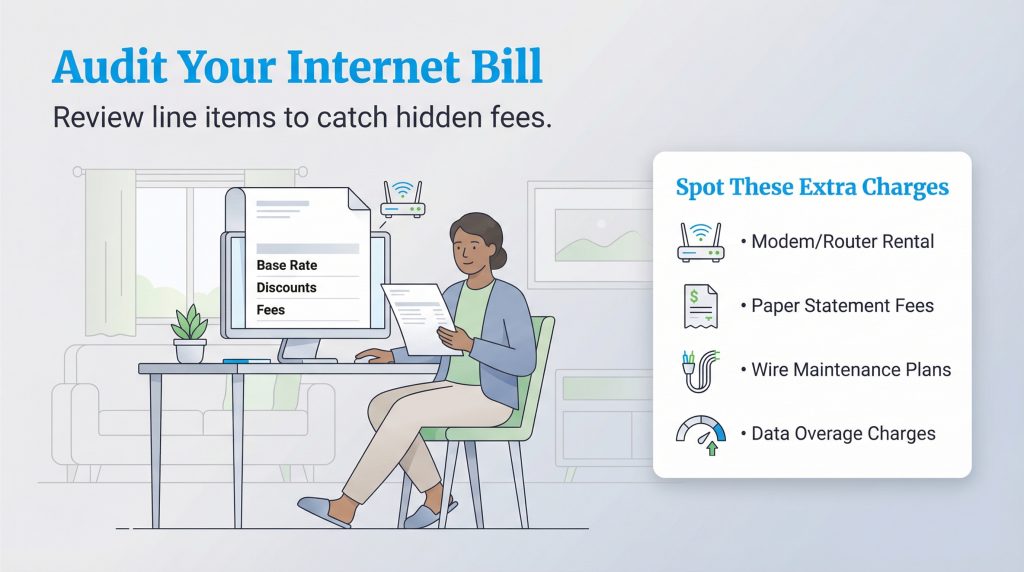
Before you can lower your bill, you need to understand exactly what you’re paying for, and we’ll walk you through what to look for. Many customers simply pay the total amount due without reviewing the line items, which allows providers to slip in price hikes or ancillary fees unnoticed. Sit down with your last three statements and look specifically for the date your base rate increased, this usually signals that a “new customer” promotional rate has expired.
You should also scan for “junk fees” that provide little value to your household. Service providers often include add-ons that sound important but are rarely used. Some government-mandated fees, like the Universal Service Fund, usually aren’t negotiable, but provider-added items such as equipment rentals and optional maintenance plans often are. Keep an eye out for these common charges:
- Modem/Router Rental Fees: A monthly charge for using their equipment.
- Paper Statement Fees: A small charge for receiving a physical bill.
- Wire Maintenance Plans: Insurance for wiring inside your walls, which rarely breaks.
- Data Overage Charges: Fees applied if you exceed a data cap.
Stop Renting Your Equipment
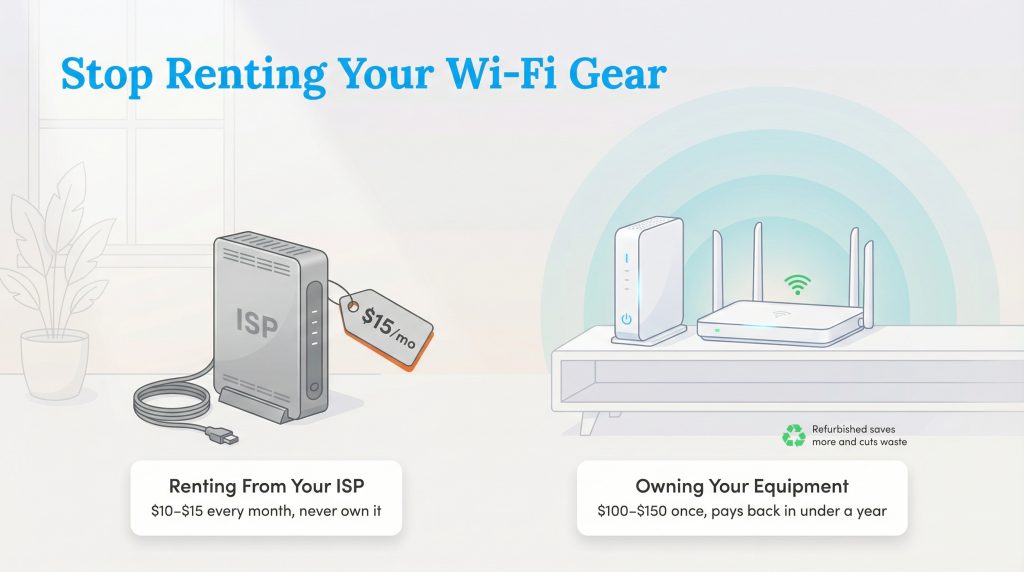
One of the easiest ways we’ve seen people save money is to stop renting their modem and router from their Internet Service Provider (ISP). ISPs typically charge between $10 and $15 per month for this equipment. While it might seem convenient to use their box, you are essentially paying for the device over and over again without ever owning it.
You can purchase a high-quality modem and router for a one-time cost of roughly $100 to $150. This investment pays for itself in less than a year. Plus, owning your equipment often provides better performance and coverage than the standard units providers hand out. Choosing a refurbished unit can stretch your dollar even further while keeping usable electronics out of the waste stream.
| Cost Factor | Renting (3 Years) | Buying (One-Time) |
|---|---|---|
| Monthly Fee | $15/month | $0/month |
| Upfront Cost | $0 | $150 (avg.) |
| Total 3-Year Cost | $540 | $150 |
| Total Savings | $0 | $390 |
Right-Size Your Internet Speed
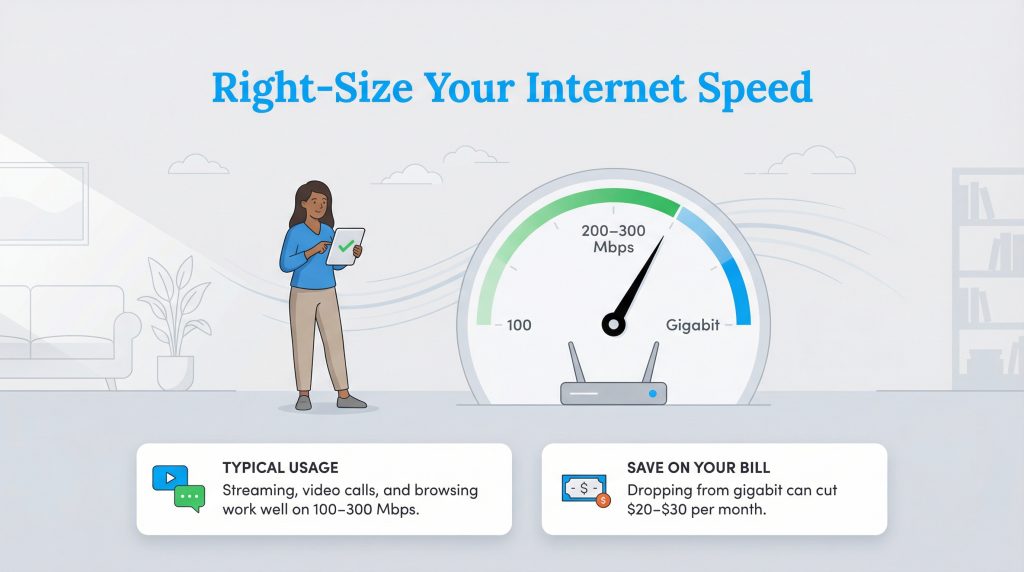
Many households pay for “Gigabit” speeds (1,000 Mbps) simply because the marketing made it sound necessary for a modern home. However, the average user rarely utilizes that much bandwidth. If everyone in your home mostly streams, scrolls social media, and jumps on the occasional video call, a 100–300 Mbps plan is usually plenty.
Streaming 4K video generally requires about 25 Mbps, and a high-quality Zoom call needs roughly 5–10 Mbps. By downgrading your plan from a premium tier to a standard tier (like 200 Mbps or 400 Mbps), you can often slash $20 or $30 off your monthly bill without noticing a difference in performance. Check our guide on what constitutes good internet speed to see exactly how much bandwidth your family truly needs.
How to Negotiate Your Internet Bill
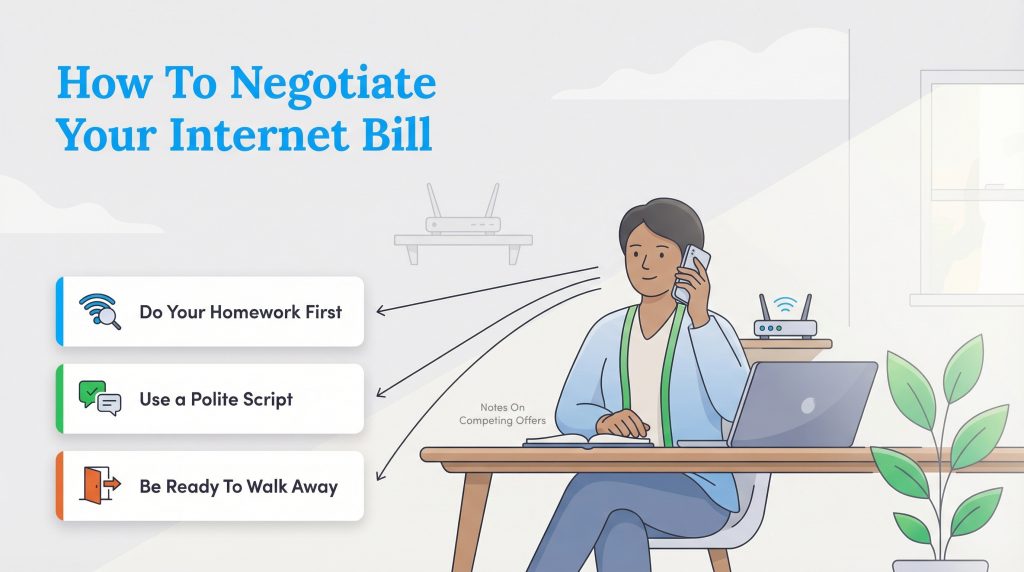
If you’re happy with your service but unhappy with the price, negotiation is your most powerful tool. Providers know that it is cheaper to keep an existing customer than to acquire a new one, so they have “retention” departments dedicated to offering deals to prevent you from canceling.
Do Your Homework First
You’ll have more leverage when you know exactly what other providers are charging. Before you pick up the phone, research what other providers in your area (like AT&T, Verizon, or Xfinity) are charging for similar speeds. Write down the competitor’s name, the internet speed they offer, and the monthly price. You need this data to prove to your current ISP that you have better options available.
The Negotiation Script
Talking to customer service can be intimidating, but having a script in front of you helps keep the conversation focused. Be polite but firm, agents are more likely to help if you’re respectful. Remember that the agent on the other end has the power to apply discounts if they feel you are serious about leaving.
“I’ve been a loyal customer for [Number] years, but my bill has gone up significantly. I see that [Competitor Name] is offering [Speed] for $[Price]/month in my neighborhood. I’d prefer to stay with you to avoid the hassle of switching, but I need you to match that rate or offer a new promotional deal to make it worth my while.”
Know When to Walk Away
Sometimes the first agent you speak to won’t budge. If they refuse to lower your rate, tell them you would like to cancel your service on a specific date, usually two to three weeks in the future. This action often flags your account and may trigger a call or email from a “retention specialist” who has the authority to offer deeper discounts than standard support agents.
Check for Government Subsidies and Discounts
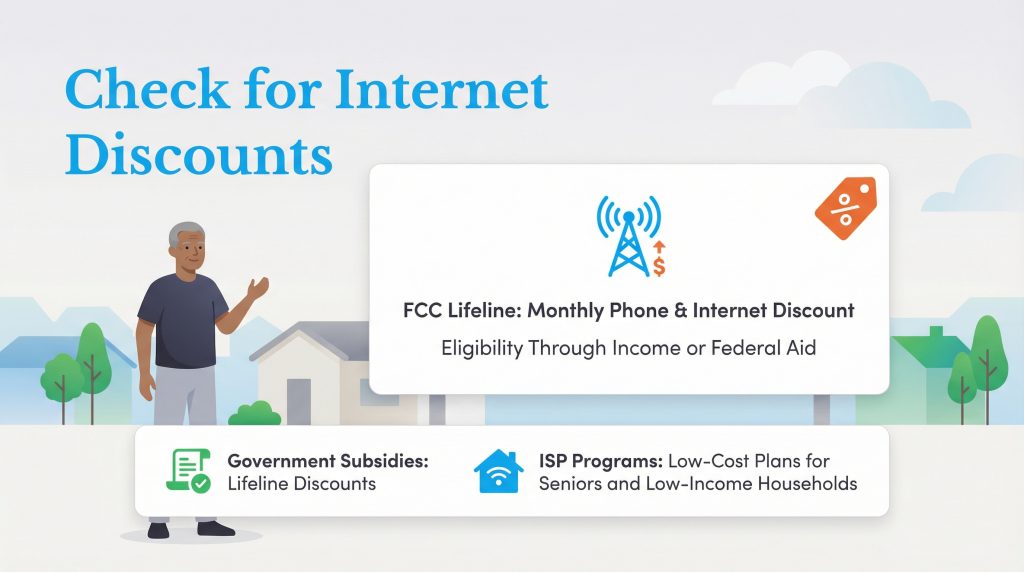
There are federal programs and provider-specific initiatives designed to help keep internet affordable for everyone. The FCC Lifeline program provides a monthly discount on phone or internet service for eligible low-income subscribers. Qualification is often based on income level or participation in federal assistance programs like SNAP or Medicaid.
In addition to government aid, many major ISPs offer their own low-cost tiers, such as Xfinity Internet Essentials, Spectrum Internet Assist, or Access from AT&T. If you’re looking for low income internet plans or internet discounts for seniors, these programs are a good place to start. These plans offer basic speeds at a significantly reduced rate, ensuring that essential connectivity remains accessible.
Consider Bundling or Switching Providers
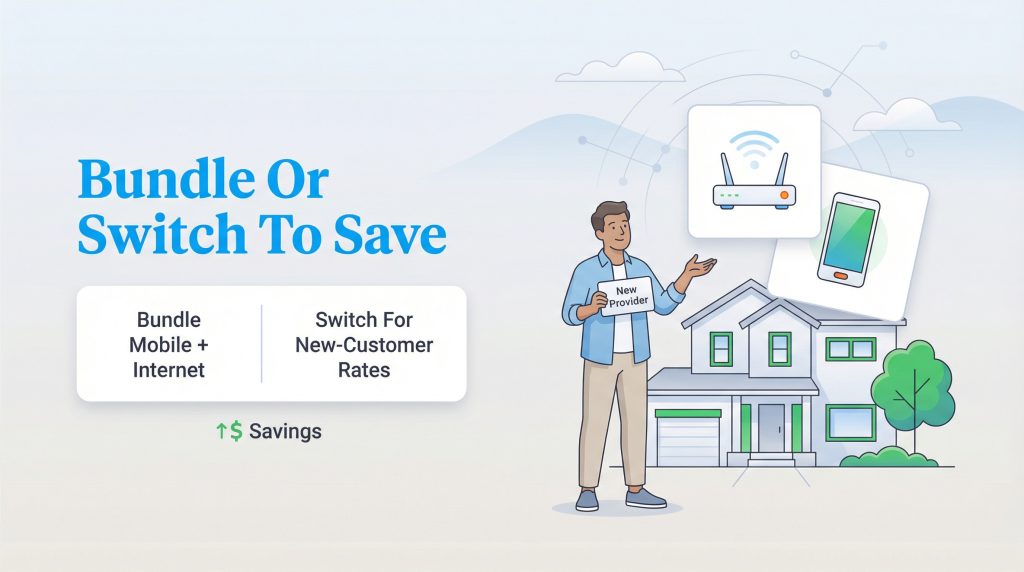
If negotiation fails and you aren’t eligible for subsidies, it might be time to restructure your services or leave for a competitor. Bundling your home internet with your mobile phone plan is a common way to lower the total cost of both services. Many providers now offer significant discounts, sometimes $20 to $40 off per month, if you use them for both wireless and broadband. Just be aware that these intro rates often expire, so check the terms to avoid future price hikes.
To start fresh, visit our internet setup hub to compare your options. Switching providers is the most effective way to reset your pricing. New customers almost always get the best rates, including gift cards or locked-in low prices for a year or two. If you have another viable option in your area, switching internet providers is a logical financial move that can save you hundreds of dollars annually.
Saving Money Without Sacrificing Quality
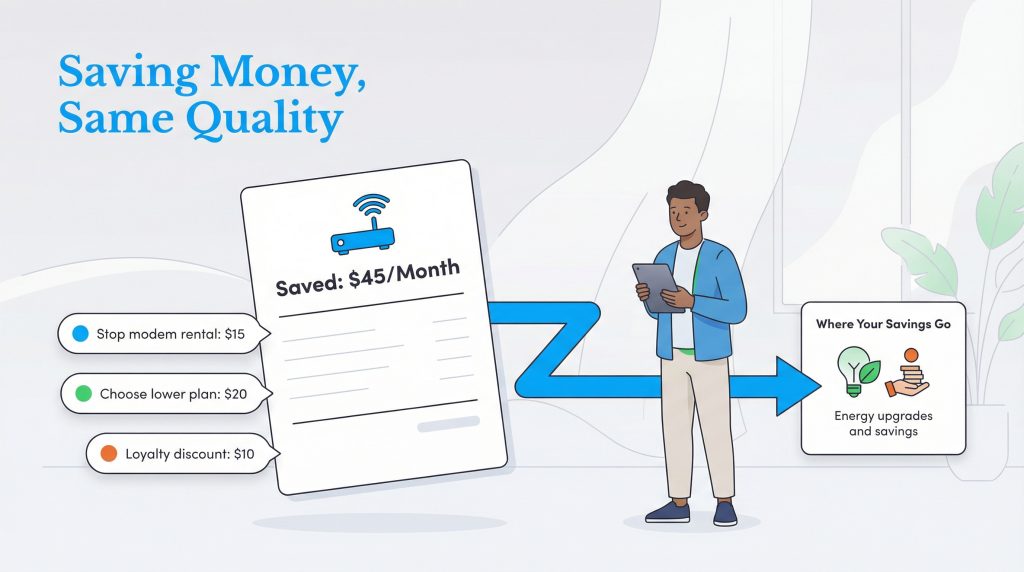
Lowering your internet bill is an active process that requires a little attention once a year, but the payoff is worth it. By auditing your statement for errors, owning your own hardware, and negotiating confidently with your provider, you can reduce internet costs while keeping your digital life running smoothly. For example, if you stop paying a $15 rental fee, downgrade to a plan that’s $20 cheaper, and negotiate a $10 loyalty discount, you’ve just saved $45 every month, or $540 a year. Every dollar you save on monthly overhead is money you can redirect toward more meaningful investments, like upgrading your home’s energy efficiency or building your savings.
FAQs About Saving on Internet
What is the best way to reduce my internet costs quickly?
Can I really lower my internet bill by calling?
Is it better to buy or rent a modem?
What is the average cost of internet per month?
Are there internet discounts for seniors?
Does lowering my internet speed save money?
About the Author

LaLeesha has a Masters degree in English and enjoys writing whenever she has the chance. She is passionate about gardening, reducing her carbon footprint, and protecting the environment.