
Unplugging idle electronics and using smart power strips can save the average household hundreds of dollars a year.
Key Takeaways
- Electricity vampires, or phantom loads, draw power even when devices are turned off, accounting for up to 10% of residential energy use.
- Common culprits include gaming consoles, coffee makers with clocks, and any device with a remote control or continuous display.
- Smart power strips and mindful unplugging are the most effective ways to stop these energy drains without sacrificing convenience.
Have you ever wondered if you’re paying for electricity you aren’t even using? It might sound impossible, but countless devices in your home are quietly sipping energy right now, even though they appear to be turned off. This phenomenon is known as “vampire power” or phantom load, and it’s likely inflating your monthly utility bills without you realizing it. Identifying these energy drains is one of the smartest moves you can make when setting up a new home. We’re here to help you track down these silent offenders and put a stop to the waste so you can keep more money in your wallet.
What Is an Electricity Vampire?
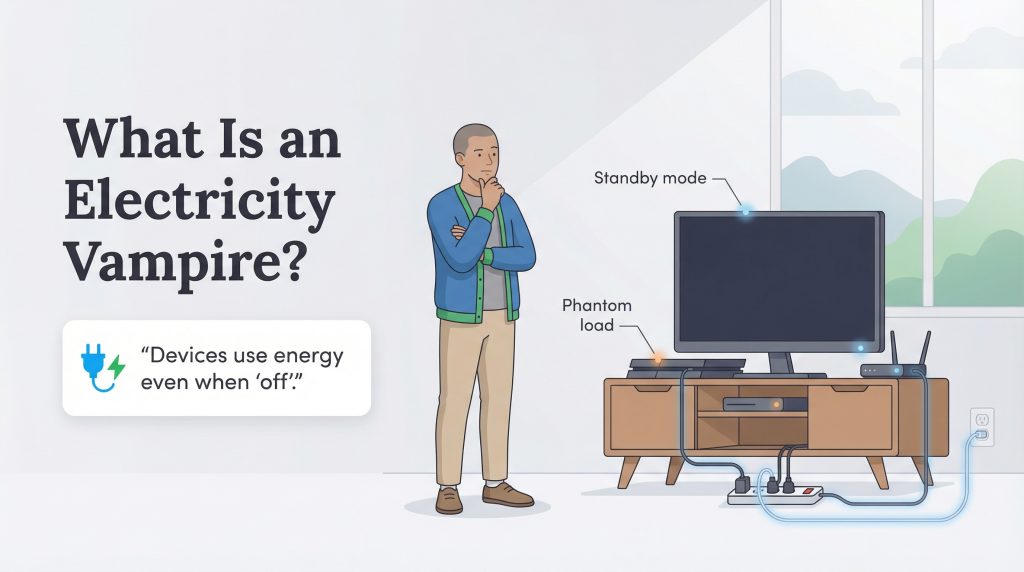
An electricity vampire is any appliance or electronic device that continues to consume energy while plugged in, even when it’s switched off or in standby mode. You might also hear this called phantom load, standby power, or vampire draw. While the device isn’t actively running, its internal components are still hard at work. This usually happens because the device is waiting for a signal from a remote control, downloading background updates, or powering a digital clock or display.
Understanding the basics of how your home uses electricity helps explain why this happens. Modern electronics are designed for convenience, meaning they need a trickle of power to remain ready for action at a moment’s notice. While a single device might only draw a few watts, a house full of them creates a constant, low-level demand on the grid that runs 24 hours a day, 365 days a year.
The Real Cost of Vampire Power
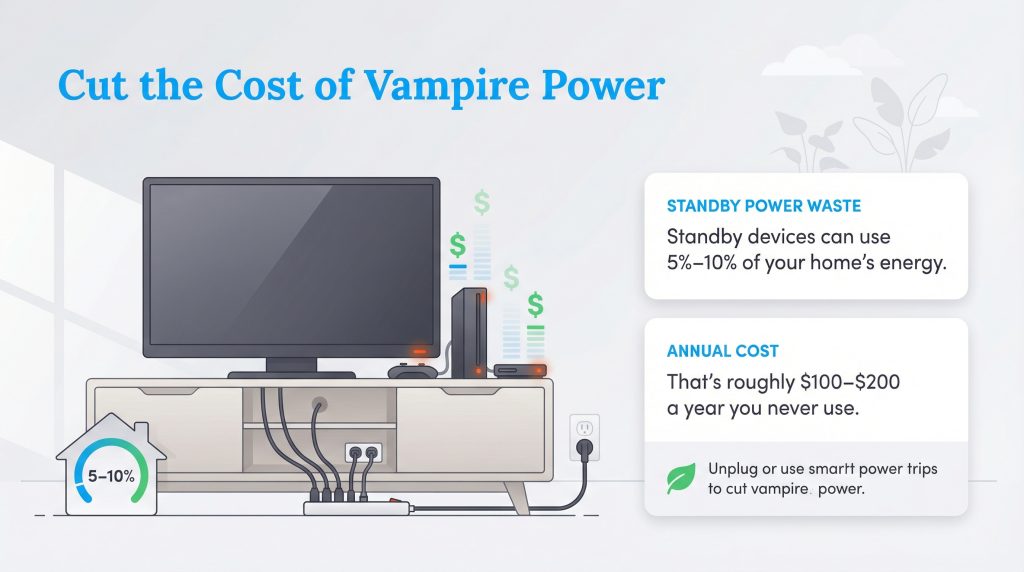
It’s easy to dismiss a glowing red light on a TV or a clock on a microwave as insignificant, but the cumulative effect is surprising. According to the U.S. Department of Energy, standby power can account for 5% to 10% of residential energy use. For the average household, this translates to roughly $100 to $200 wasted annually. That’s the equivalent of paying for a month of electricity that you never actually used.
When you move into a new place, you have a unique opportunity to set up your electronics efficiently from day one. By addressing these loads early, you aren’t just saving a few pennies; you’re permanently lowering your home’s baseload energy consumption. Reducing this waste also lowers your carbon footprint, making it a simple but effective eco-conscious choice.
Room-by-Room: Where the Vampires Hide
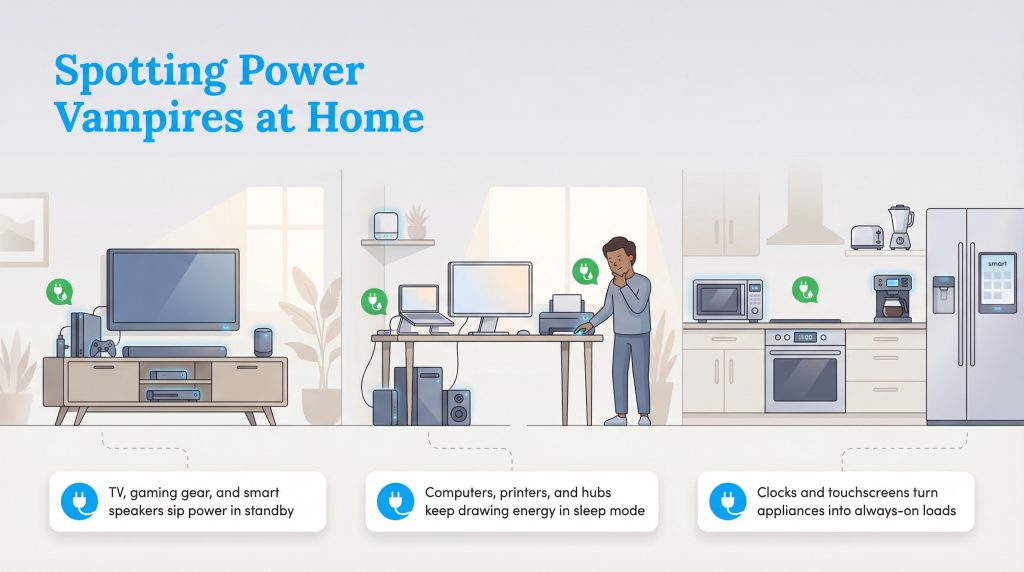
Since electricity is invisible, it can be hard to know exactly which devices are the offenders. The best way to identify phantom loads is to take a walking tour of your home. We can look at the usual suspects found in the average living room, office, and kitchen to see where your power is going.
The Living Room
The living room is often the headquarters for vampire power. Modern televisions are significant culprits because they never truly turn off; they sit in standby mode waiting for a remote signal or voice command. If you have a cable box or DVR, it’s likely spinning a hard drive and communicating with the provider even when you aren’t watching anything. Gaming consoles are also major energy users, especially if they are left in “instant on” mode to download updates in the background. Smart speakers and streaming sticks stay connected to the internet and listen for wake words, so they also sip power 24/7. Soundbars and subwoofers often stay powered to detect audio input, adding to the cluster of energy drains in your entertainment center.
The Home Office
With more people working remotely, the home office has become a hotspot for phantom loads. Desktop computers and monitors left in sleep mode still draw power. Printers are particularly wasteful because they often remain in a high-readiness state to receive wireless print jobs. Mesh Wi-Fi nodes and modems obviously need to stay on to provide internet, but peripheral devices like powered computer speakers, external hard drives, and docking stations do not need to run overnight.
The Kitchen
Kitchens are a mix of “dumb” and “smart” appliances. A standard toaster or blender is not an electricity vampire because it has a mechanical switch that physically cuts the circuit. However, anything with a digital clock or a touchpad, like a microwave, oven, or programmable coffee maker, is constantly drawing power. Smart fridges with touchscreens and Wi-Fi connectivity also add to the baseload, though they are harder to unplug for obvious reasons.
The Cost vs. Convenience Scale
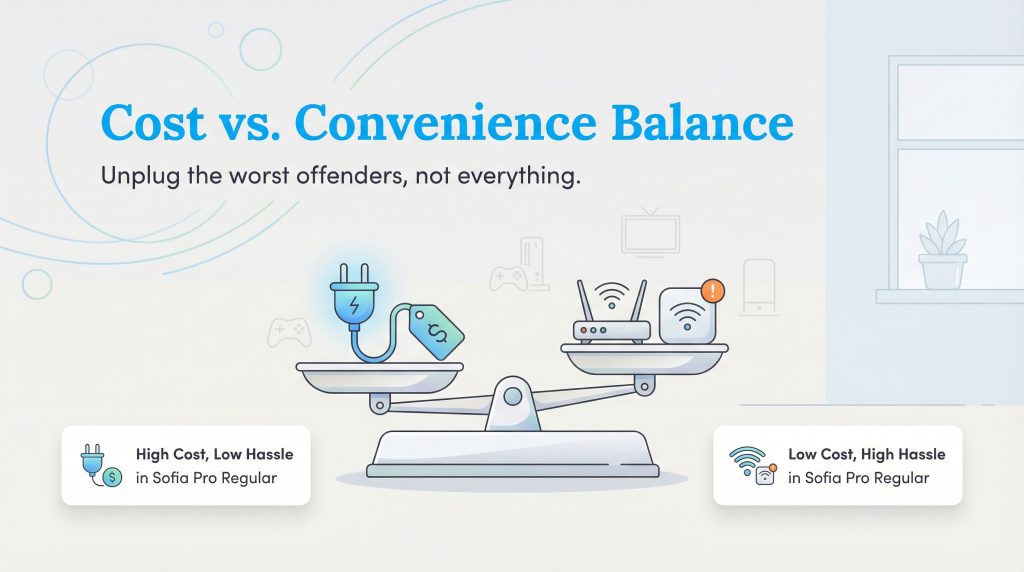
Slaying electricity vampires is about balance. You don’t need to unplug everything in your house to make a difference. Unplugging your Wi-Fi router every night would save money, but the inconvenience of rebooting it every morning (and losing smart home connectivity) likely isn’t worth the savings. We can evaluate devices based on how much they cost to run versus how annoying it is to unplug them.
| Device | Est. Annual Cost to Keep Plugged In | Convenience Verdict |
|---|---|---|
| Game Console (Instant On) | High Cost (~$25–$40/year) | Verdict: Switch to Energy Saver Mode. The wait time is minimal. |
| Coffee Maker (Clock) | Low Cost (~$2–$5/year) | Verdict: Leave it. Resetting the clock daily is too frustrating. |
| Guest Room TV | Medium Cost (~$10–$20/year) | Verdict: Unplug or Strip. It’s rarely used, so standby power is pure waste. |
| Cable Box / DVR | High Cost (~$30–$50/year) | Verdict: Leave it. Unplugging often interrupts guide updates and recording schedules. |
| Phone Charger (No Phone) | Negligible Cost (<$1/year) | Verdict: Unplug. It saves very little money, but it’s a good safety habit. |
How to Slay the Vampires
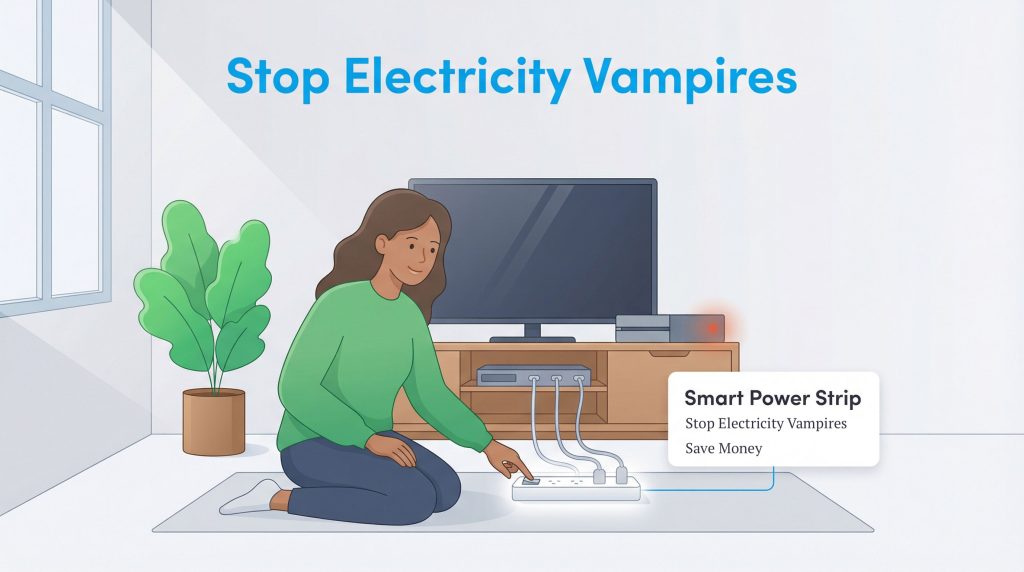
Once you have identified the worst offenders, you have a few options to stop the drain. The simplest method is the free one: just unplug devices you rarely use. This works perfectly for the toaster, the guest room TV, or that blender you only use for smoothies on weekends. For devices you use frequently, check the settings menu. Many modern electronics, especially TVs and gaming consoles, have an “Eco Mode” or “Energy Saver” setting that significantly reduces standby power consumption. These modes might dim the display slightly or add a few seconds to the startup time, but the impact on your experience is usually minimal compared to the energy savings.
Use a Smart Power Strip for your entertainment center or computer desk. These strips have a “control” outlet for your main device (like the TV) and “switched” outlets for peripherals; when you turn off the TV, the strip automatically cuts power to the game console, soundbar, and streaming stick.
Investing in Energy Star-certified smart power strips is a great way to embrace sustainable living without constantly crawling behind furniture to pull plugs. These tools do the thinking for you, ensuring that your home office or media room is truly off when you walk away. If you’re looking for more ways to cut costs, check out our guide on how to save on your electric bill.
Making Energy Efficiency a Habit
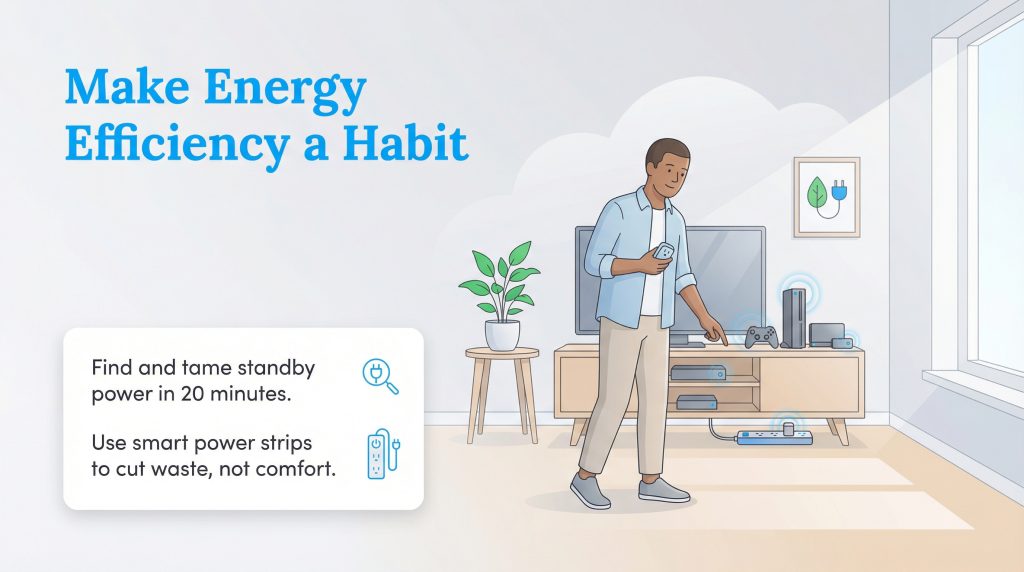
Fighting electricity vampires isn’t about sitting in the dark or making your life difficult; it’s about being smarter with how we use power. Taking twenty minutes to walk through your new home and spot the glowing lights of standby devices can lead to real savings over the lifetime of your lease or mortgage. If you’re setting up a new place, building these habits from day one means your baseline energy use will be lower for as long as you live there. By adjusting a few settings and utilizing smart power strips, you can enjoy all your modern conveniences while keeping your energy bill, and your environmental impact, as low as possible.
FAQs About Electricity Vampires
What devices are the worst electricity vampires?
Do phone chargers use electricity when not plugged into a phone?
How much money can I save by unplugging appliances?
How do I tell if a device uses vampire power?
What is a smart power strip and how does it work?
Is it bad for electronics to be unplugged frequently?
About the Author

David has been an integral part of some of the biggest utility sites on the internet, including InMyArea.com, HighSpeedInternet.com, BroadbandNow.com, and U.S. News. He brings over 15 years of experience writing about, compiling and analyzing utility data.